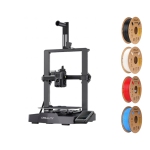


Find the Right 3D Printer for Your Projects
Industrial design was once the domain of large corporations with expensive equipment and specialized teams. That has changed. With a desktop 3D printer, anyone can create custom objects, reproduce hard-to-find parts, build prototypes, and bring original ideas to life — all from home or a small studio.
This shift is not just about convenience. It represents a fundamental change in how physical objects are designed, made, and distributed. A 3D printer is no longer a novelty. It is a practical tool for students, hobbyists, small business owners, and everyday households.
What Is a 3D Printer?
A 3D printer is a machine that builds physical objects from digital files. It works by reading a three-dimensional design and constructing the object layer by layer, from the bottom up, until the full shape is complete.
The digital file can come from a design you create yourself, a 3D scan that has been processed into a print-ready model, or a model downloaded from an online library. Platforms like MakerWorld — the model-sharing library built into Bambu Lab's ecosystem — Printables, and Thingiverse offer thousands of free and paid ready-to-print files for everything from household tools to creative projects.
How Does 3D Printing Work?
Before printing, a slicer program converts your 3D model into a set of thin horizontal layers and generates the instructions the printer needs to build each one. Bambu Studio, for example, is Bambu Lab's slicing software and includes tools for preparing, optimizing, and managing prints. The printer then executes those instructions in sequence, depositing or curing material one layer at a time until the object is fully formed.
The result is a process that can produce complex shapes, internal structures, and fine surface details that would be difficult or costly to achieve through traditional manufacturing methods.
Types of 3D Printers
Two of the most common technologies for consumer and prosumer 3D printing are FDM/FFF and resin printing.
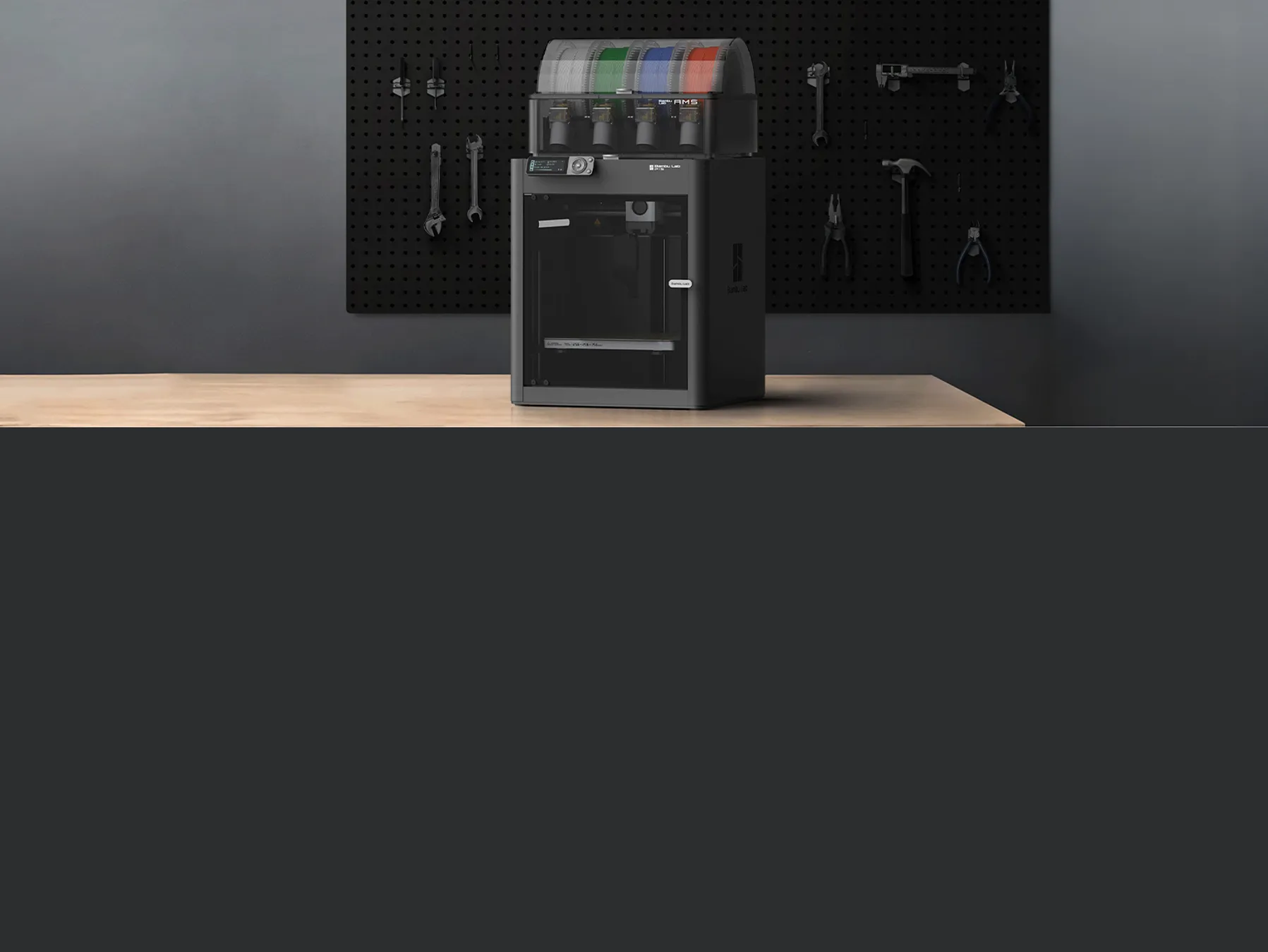
FDM (Fused Deposition Modeling), also commonly referred to as FFF (Fused Filament Fabrication), printers work by melting a spool of plastic filament and depositing it in precise patterns to build each layer. FDM is the most common technology for home use. It is approachable for beginners, supports a wide range of materials, and handles everything from functional replacement parts to decorative objects. Brands like Bambu Lab have helped make faster, more automated FDM printing increasingly accessible to home users and makers.
Resin printers, including SLA, MSLA, and DLP systems, cure liquid resin using light to produce highly detailed surfaces. They are preferred for applications where precision and fine detail matter most, such as miniatures, jewelry, and specialized professional models. Resin printing generally involves additional washing and curing steps, careful handling of uncured resin, and appropriate ventilation and personal protective equipment according to the resin manufacturer's instructions and Safety Data Sheet.
For many people starting out, an FDM printer is a practical choice because of its material selection, ease of use, and relatively straightforward workflow. Resin becomes particularly useful when surface detail and fine resolution are primary requirements.
What Can You Make with a 3D Printer?
The range of practical applications is broader than most people expect.
At home, 3D printers are commonly used to replace broken or discontinued parts — things like knobs, brackets, clips, and covers that are no longer available to buy. They are also used to create custom organizers, mounts, and accessories tailored to specific spaces or needs.
For creative and hobby use, 3D printers are popular for producing miniatures, props, models, and decorative pieces. Artists and designers use them to prototype and iterate on physical work quickly and affordably.
For small business and professional use, 3D printers can reduce the cost and lead time of product prototyping, short-run production, and custom fabrication. Projects that previously required outsourcing may be produced in-house, depending on the size, materials, equipment, and complexity involved.
What to Look for When Buying a 3D Printer
Build volume determines the maximum size of objects you can print in a single run. Compact printers suit most everyday projects. Larger build volumes are useful for producing bigger parts or running multiple smaller items at once.
Print speed affects how long each job takes. Modern motion systems and firmware have made high-speed printing increasingly reliable across mid-range and premium models. Higher print speeds can reduce production time, but actual results also depend on the material, model geometry, layer height, acceleration settings, and the printer itself.
Enclosure matters when printing with materials that benefit from a stable printing temperature. An enclosed build chamber can help reduce drafts and temperature fluctuations when working with materials such as ABS, ASA, and some nylon-based filaments. Requirements vary by material and printer, so always check the manufacturer's recommendations. Open-frame printers are well-suited for materials such as PLA and PETG, which are generally more forgiving.
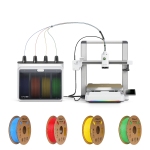
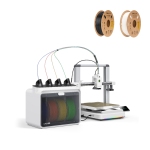
Multi-material and multi-color capability expands what you can produce. Systems like Bambu Lab's AMS (Automatic Material System) allow multiple filaments or colors to be used in a single print with automated filament switching, making multi-material and multi-color printing more accessible for everyday projects.
Auto-calibration and bed leveling reduce setup time and user error. Entry-level and mid-range printers now commonly include automatic leveling and other calibration features, which can make the process more consistent and accessible.
Connectivity and monitoring allow you to manage and observe prints remotely via app or supported software platforms. This is especially useful for longer jobs and for users running multiple machines.
Filtration and ventilation are worth considering if the printer will be used in a home, studio, or office environment. Enclosures and filtration systems that use HEPA and activated-carbon filters can help reduce airborne particles and some volatile compounds, but they should not automatically be treated as a replacement for appropriate ventilation. Always follow the printer and material manufacturer's safety recommendations.
Choosing the Right Printer for Your Needs
For beginners and casual home use, an entry-level FDM printer with auto-calibration and a straightforward setup process is a strong starting point. Many current models are designed to simplify setup and calibration for first-time users. These printers handle common materials and everyday projects without requiring extensive technical experience.
For makers and hobbyists, a mid-range enclosed printer offers more material compatibility, greater reliability on longer prints, and features like multi-color support that expand creative possibilities.
For small businesses and prosumers, a high-speed enclosed printer with multi-material capabilities, multiple toolheads, or other advanced material-handling systems can deliver the throughput and versatility needed for prototyping, short-run production, and professional-grade output. Some higher-end systems now extend beyond traditional 3D printing. Bambu Lab's H2D platform, for example, can support 3D printing alongside optional laser engraving and cutting, digital cutting, and pen drawing capabilities, depending on the configuration.
Frequently Asked Questions
Do I need experience to use a 3D printer?
No. Many current models include auto-calibration, guided setup, and software designed to simplify print preparation, making the initial experience more approachable even for first-time users. Learning basic material handling, maintenance, and slicer settings can still help you achieve more consistent results.
What materials can I print with?
FDM printers support a range of filaments including PLA, PETG, ABS, ASA, TPU, and engineering composites. The materials available to you depend on the printer's hot-end and heated-bed temperature capabilities, enclosure, nozzle, and other hardware specifications. Always verify material compatibility with the printer manufacturer.
Where do I find models to print?
Free and paid models are available through libraries like MakerWorld, Printables, and Thingiverse. You can also design your own using tools like Tinkercad for beginners or CAD software such as Autodesk Fusion for more advanced work.
How do I know what size printer I need?
Consider the largest object you are likely to print and whether you want to run multiple smaller prints simultaneously. Most everyday projects fit comfortably within a mid-size build volume.
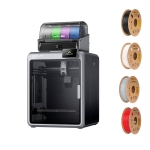
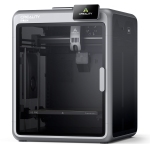
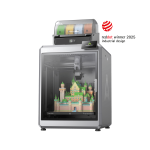
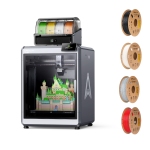
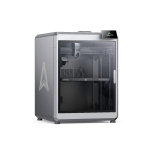
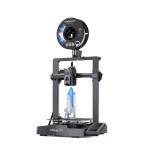
Whether you are printing your first object or expanding a professional setup, you’ll find a wide selection of 3D printers from leading brands like Bambu Lab, Creality, and Flashforge. Each brand offers different combinations of automation, speed, enclosure options, material support, and customization, making it easier to find a printer suited to your projects, experience level, space, and budget.
If you are also looking for inkjet, laser, or all-in-one options for documents, photos, and office use, explore our full selection of printers, scanners, and fax machines.
Want more info on 3D printers? Check out some of our resources:
3D printer buying guide (2026): how to choose your first 3D printer
FDM vs resin 3D printers: Which one should you choose?