About: Fortin EVO-ONE-HON2 Module & T-Harness Bundle with Flashlink Updater for Select 2012+ Honda Vehicles
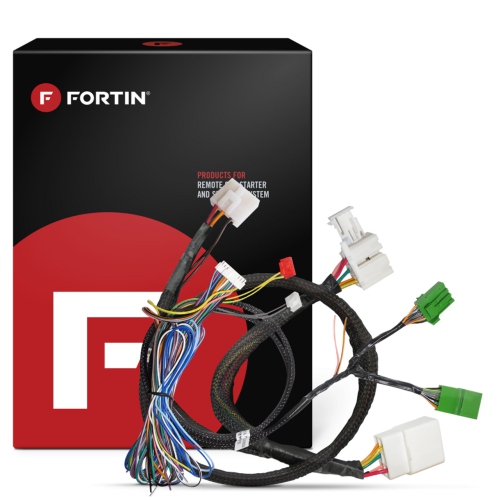
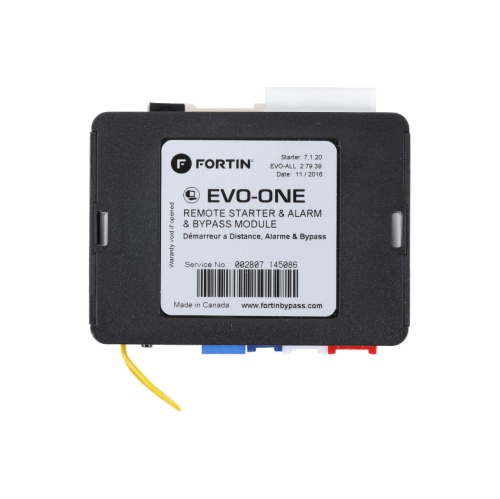
Choosing the right remote start system and installing it in your vehicle has become a lot simpler and more affordable with this all-in-one Fortin EVO-Series package. The EVO-ONE-HON2 system includes a digital interface module, which bypasses your vehicle's immobilizer circuits so you can start it without a key, and a T-harness that'll connect the module to your specific vehicle.
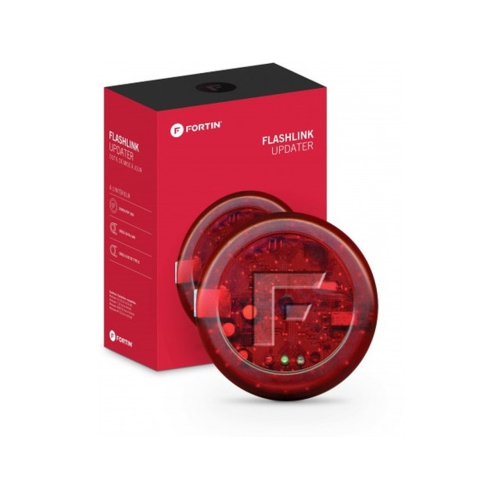
The FlashLink Updater device allows you to update the firmware on your Fortin bypass modules and remote-starters in a matter of seconds using the Fortin FlashLink Manager software for Windows [1].
The FlashLink Updater will work with modules that have bar codes stamped on the label and will allows you to upgrade/downgrade the firmware version on any of our supported modules through a USB cable, PC and Internet connection.
Features:
Remote start system
Works in select 2012-up Hondas with regular key starting
Requires FLASHLINK Updater (#938FLINK) for programming
Vehicle-specific harness included
Uses factory key to start vehicle remotely
Also controls factory security basic functions
Remote start function is for fuel injected, diesel, and hybrid vehicles with automatic transmissions only
What's in the box:
If you need assistance accessing this owner's manual, please give us a call.
EVO-ONE remote starter and alarm interface module
THAR-HON-12 harness
THAR-HON-B1 harness
Valet switch with 36" wires (2-pin plug)
Hood pin switch
EVO-ONE Quick Installation Guide
User Guide
THAR-ONE-HON2 Parts Included diagram
Wire Color activation key card
Warning/Attention sticker
Features:
On-board status LEDs
User friendly interface
DCryptor capability
Internet updatability
FlashLink Updater module supplied with USB-C cable and detailed installation instructions
Ability to update Fortin 2-Way data modules with the bar-code to any vehicle specific firmware
Includes Windows drivers (98/2000/XP)
Compatible with PC and an internet connection
Customization features and module options directly from the FLASH-LINK Manager menu
Simple point-and-click enable or disable functionality
Access installation guides directly from the FLU menu
No internet required to disable or enable features in the options menu
Specifications:
The user can disable the following features enabled by default:
Door Locks
Trunk Release
Key Bypass
Heated Seats & Rear Defrost
Foot-Brake Output
Hand-Brake Output
Door Trigger
Trunk Trigger
Hood Trigger
Auxiliary 1
Auxiliary 2
The user can enable the following features disabled by default:
Unlock/Lock (disarm factory OEM alarm)
Unlock drivers door priority only
Aftermarket alarm control via OEM remote
Engine-Start via OEM remote by pressing 3x lock
Enable RF kit functionality by brand
Enable EVO-ALL alarm features
What's in the Box:
1x FlashLink Updater module
1x USB cable (Type B)
1x Fortin Data-Link cable
1x Installation and Programming Guide