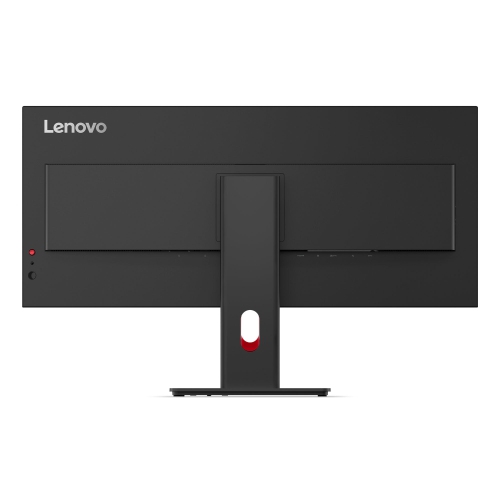
Ultra-Smooth Visuals
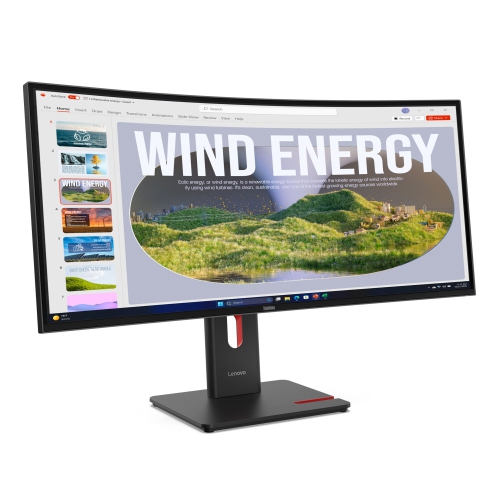
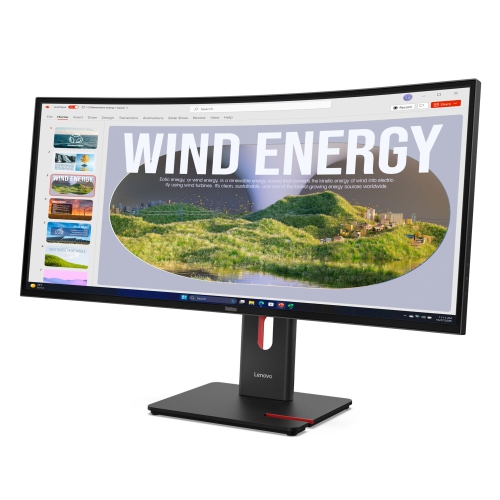
Become a multitasking maestro using the 34-inch WQHD panel. All content appears buttery-smooth on the panel with its 48-120Hz variable refresh rate*.
*VRR as specified in HDMI 2.1, DRR for Microsoft Windows.Unparalleled Image Quality
Breeze through work that looks immersive and color accurate content on the monitor with its 99% sRGB and 99% BT.709 color space coverage and its 4-sided ultra-thin bezel design.
Maximum Eye Comfort
Work in complete comfort with no eye strain, ensured by the monitor’s Eye Comfort 5-Star Certification and EyeSafe Certification 2.0 by TÜV Rheinland.
.
Convenient Docking
ThinkVision docking monitors offer a USB-C one-cable solution that delivers power (up to 100W*), data, and network connectivity simultaneously, making it convenient for your digital workspace.
Plethora of Connectivity
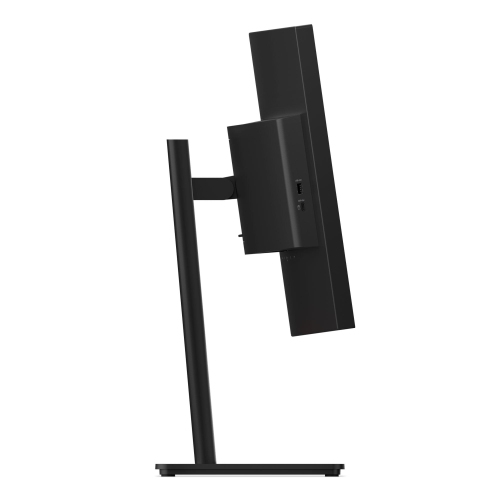
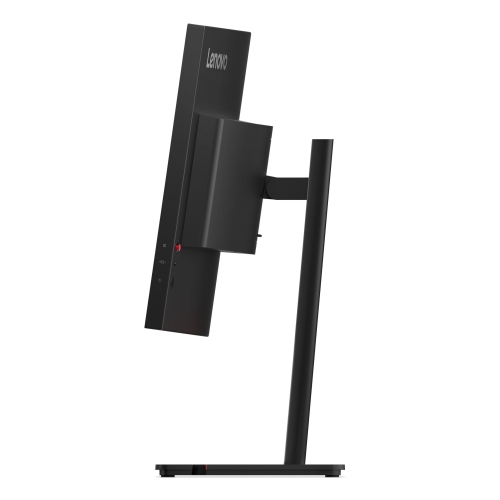
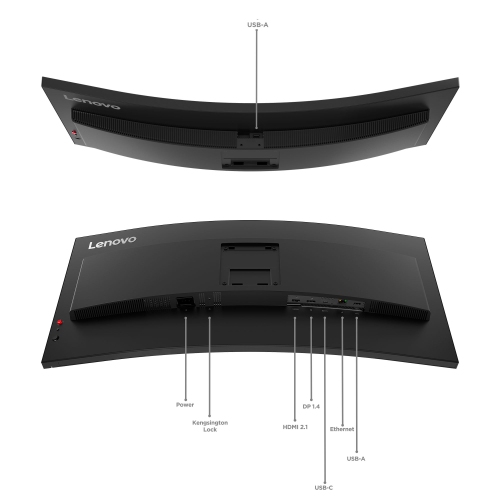
Get more connected with a wide range of devices on ThinkVision USB hubs, unlocking greater productivity for your workflows and utilizing the USB-C downstream port for up to 15W PD charging.
.
.
Unified Controls
Add convenience to your setup with the ability to turn on, shut down, or wake a docked Lenovo notebook directly from the monitor using the Mirror Power Button.
Plug-And-Play Versatility
Level up your audio and camera quality by easily connecting the ThinkVision Modular MC60 Webcam and MS30 Soundbar via the top-mounted USB-A port. Enjoy a clean desk setup with the monitor’s support for mounting the Lenovo Tiny PC.
.
*The output rating (100W, 20V/5A) is based on Lenovo's proprietary VDM technology. It is required to connect to products that support Lenovo VDM to reach maximum power output. Actual power output may vary and may be lower.
Work comfortably for long hours in a perfect working posture by adjusting the monitor stand to lift, tilt, and swivel it to your preferred position.
Lenovo Display Fleet Manager
Empower IT administrators with remote asset management and full control of your monitors with LDFM.
Lenovo Accessory and Display Manager
Allow for remote optimization of your displays for work, entertainment, or any other use case with Lenovo ThinkColour (Lenovo Accessory and Display Manager).
*Formerly Lenovo Display Control Center. Supports Windows 10 & 11, Mac OS (functions vary across systems)