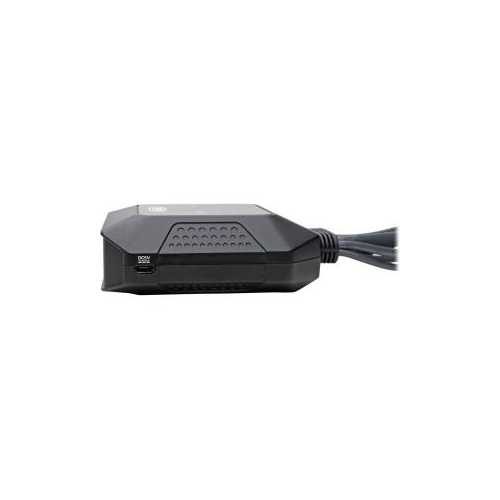
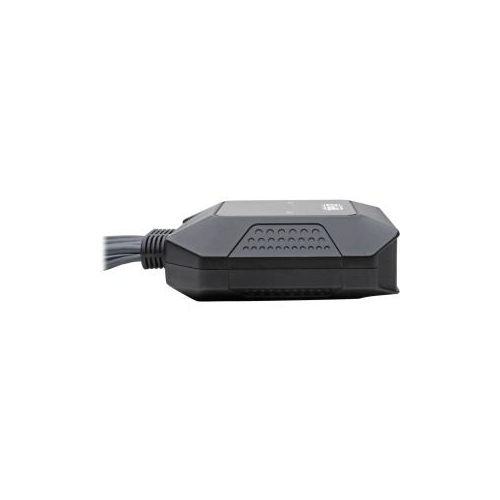
Connects 2 Computers to a Single Monitor, Keyboard and MouseThis compact two-port NetDirector® KVM switch lets you access and control two desktop, laptop or notebook computers at the same time. Both computers share one DisplayPort monitor, USB keyboard and USB mouse, which saves space on your desk or workspace. The B032-DPUA2 works with Windows, Mac and Linux. Built-In Cables for Fast and Simple SetupAll necessary cables are built right into the KVM switch. Connect your monitor, keyboard, mouse, and speakers to the switch's console ports. Then, connect the DisplayPort, USB and 3.5 mm audio cables to the appropriate ports on your computers. The plug-and-play KVM switch requires no software, drivers or external power supply, so you can connect and use it immediately. Use the built-in remote port selector for quick and easy toggling between computers. In addition, the remote port selector allows you to enable/disable your monitor's auto-detection mode preventing lost productivity while waiting for your monitor to turn back on. Green LEDs indicate which computer is currently selected. Connect a USB Hub to Share Peripherals between ComputersBy connecting a powered USB hub (not included) to the USB console mouse port, you'll be able to share multiple USB peripherals, such as printers, hard drives, scanners, webcams and flash drives, between the two computers. Transmits Crystal-Clear 4K Video and Digital AudioTo send digital audio and Ultra High Definition video to a 4K-ready DisplayPort television, projector or monitor, connect the corresponding port to the display using a DisplayPort cable (such as Tripp Lite's P580-Series DP cables, sold separately). The KVM switch supports Ultra HD video resolutions up to 4096 x 2160 (4K x 2K) at 30 Hz. Typical Applications Share the keyboard, mouse and larger display of a desktop computer with a laptop computer Test, repair or burn in a computer, saving the space required for two keyboards, monitors and mice Improve productivity at work with dual system control Connect a USB hub to share peripherals, such as a printer and external hard drive System Requirements Computer(s) with DisplayPort and USB inputs DisplayPort monitor USB keyboard USB mouse 3-year limited warrantyWidely compatible KVM switch works with Windows, Mac and Linux operating systemsUSB console mouse port also accepts powered USB hub for connecting peripheralsDual 4 ft. DisplayPort, USB and 3.5 mm audio cables are built right in for instant useBuilt-in remote port selector allows fast, easy toggling between computersSupports UHD resolutions up to 4096 x 2160 (@ 30 Hz) for crystal-clear 4K x 2K video