

 Shop
Shop

 Latest and Greatest Tech
 Brands


 Computers, Tablets, & Accessories
 Cell Phones, Plans & Accessories
 Office Supplies & Ink
 TV & Home Theatre
 Headphones, Speakers, & Audio
 Cameras, Action Cameras, & Drones
 Car Tech and GPS
 Appliances
 Smart Home
 Home Living
 Baby & Maternity
 Video Games & VR
 Wearable Technology
 Health & Fitness
 Sports, Recreation, & Transportation
 Movies & Music
 Musical Instruments & Equipment
 Toys, Games, & Education
 Beauty
 Personal Care
 Travel, Luggage, & Bags
 Watches, Jewelry, & Fashion
 Gift Cards
 3-Day Flash Sale
 Deals
Deals
 Phones & Plans
 Outlet
 Services
Apple iPad 10th Gen



![CSMART [Cs] Premium Tempered Glass Screen Protector for Apple Ipad A16 11Th Gen. / Ipad 10Th Gen., Case Friendly & Bubble Free](https://multimedia.bbycastatic.ca/multimedia/products/250x250/165/16596/16596884.jpeg)

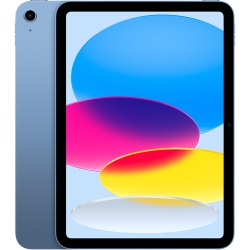


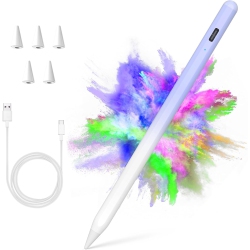
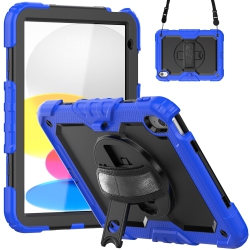
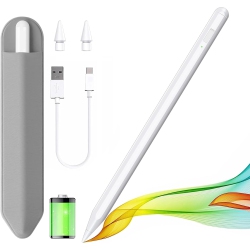

What makes the Apple iPad 10th Gen a great choice for Canada shoppers?
The iPad 10th Gen combines a larger, nearly edge-to-edge display with a sleek, durable design and a more capable processor than earlier models. With support for the Apple Pencil 2 and the optional Magic Keyboard Folio, it becomes a powerful tool for note‑taking, drawing, editing photos and videos, and tackling school or work tasks from anywhere. It also features USB‑C for fast charging and data transfer, a responsive touch system, and iPadOS 16 or later, unlocking features like multitasking, widgets, and improved files management. For everyday use, the long battery life and lightweight build make it easy to carry in a bag or backpack, which is ideal for students, professionals, and families shopping at Best Buy Canada.
What are the available configurations for the iPad 10th Gen?
You’ll typically find a range of storage options and connectivity choices, including 64GB and 256GB configurations, with either Wi‑Fi or Wi‑Fi + Cellular models. The USB‑C port supports fast charging and connects to a wide ecosystem of accessories, from USB hubs to external drives. Colors vary by generation and market, with finishes designed to complement your style. When shopping at Best Buy Canada, you can compare storage, color, and connectivity to pick the model that fits your budget and usage, whether you’re streaming, collaborating on documents, or running graphic design apps on the go.
What accessories improve the iPad 10th Gen experience?
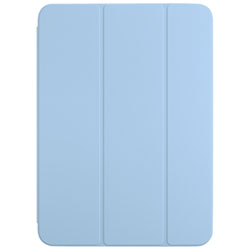
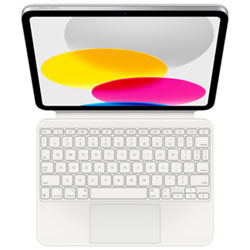
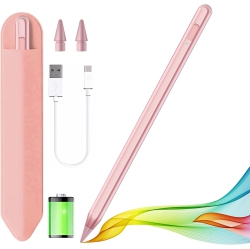
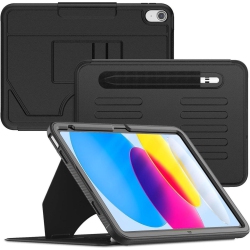
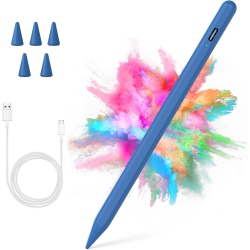
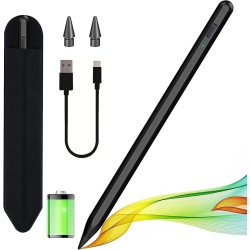
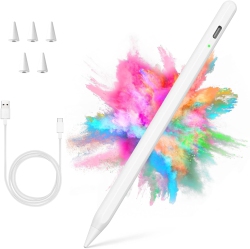
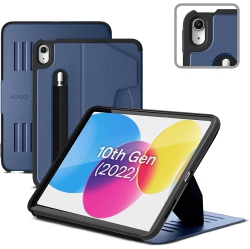
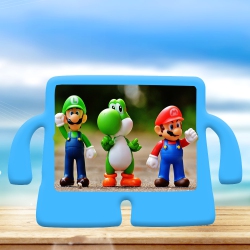
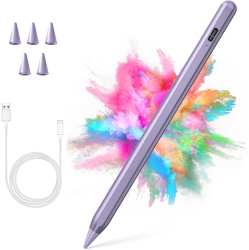
The best-value setup often includes the Apple Pencil (2nd generation) for precise drawing and annotation, along with the Magic Keyboard Folio or other compatible keyboard cases to turn the iPad into a portable workstation. Consider a protective case with MagSafe or silicone for drop protection, a USB-C hub for more ports, and a high‑quality USB‑C fast charger to keep you powered through the day. For content creators, a lightweight stand, screen protector, and external storage drive expand capabilities while keeping the device slim and portable. Best Buy Canada offers bundles and discounts on iPad 10th Gen accessories to help you build your ideal setup.
How to set up and optimize iPadOS on the iPad 10th Gen?
Unbox, charge, and power on your iPad 10th Gen. Follow the setup wizard to sign in with your Apple ID, enable iCloud, and customize your home screen. Update to the latest iPadOS version for new features like improved multitasking, stage manager, and document collaboration. Use split view and slide over to multitask efficiently, set up widgets for quick information, and organize files in the built-in Files app. Regular backups to iCloud or a local drive ensure your data stays secure, and consider enabling Find My iPad for device protection.
What are the most popular iPad 10th Gen configurations for students and professionals?
Students may favor the 64GB Wi‑Fi model with a protective case and Apple Pencil 2, plus a keyboard for note-taking and document editing. Professionals may opt for 256GB Wi‑Fi + Cellular or 256GB Wi‑Fi with a Magic Keyboard Folio for on‑the‑go productivity. The choice depends on your workload and whether you need cellular connectivity for remote work, class attendance, or travel. At Best Buy Canada, you can explore student deals, device bundles, and extended warranty options to maximize value and peace of mind.
What should you consider about warranties, support, and services?
AppleCare+ offers extended protection and accidental damage coverage, while Best Buy Canada can provide Geek Squad support, setup help, and in‑store pickup options. Check for extended warranty plans, service options, and return policies at the time of purchase. The combination of Apple’s ecosystem and Best Buy Canada’s after-sales support makes this device a reliable long-term companion for both entertainment and work tasks.
Recommendations
Some products may be subject to Environmental Handling Fees (EHF) depending on your province. Learn more about EHFs