

 Shop
Shop

 Latest and Greatest Tech
 Brands


 Computers, Tablets, & Accessories
 Cell Phones, Plans & Accessories
 Office Supplies & Ink
 TV & Home Theatre
 Headphones, Speakers, & Audio
 Cameras, Action Cameras, & Drones
 Car Tech and GPS
 Appliances
 Smart Home
 Home Living
 Baby & Maternity
 Video Games & VR
 Wearable Technology
 Health & Fitness
 Sports, Recreation, & Transportation
 Movies & Music
 Musical Instruments & Equipment
 Toys, Games, & Education
 Beauty
 Personal Care
 Travel, Luggage, & Bags
 Watches, Jewelry, & Fashion
 Gift Cards
 3-Day Flash Sale
 Deals
Deals
 Phones & Plans
 Outlet
 Services
Deco TP-Link
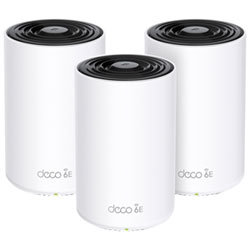
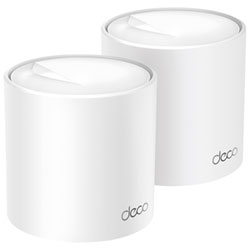
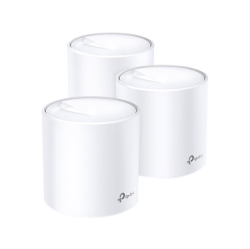
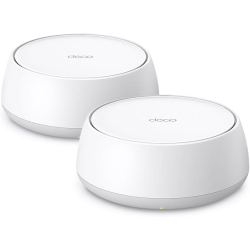
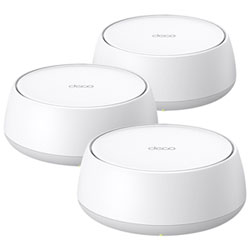
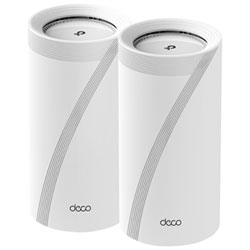

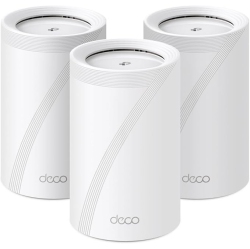

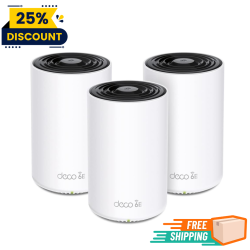
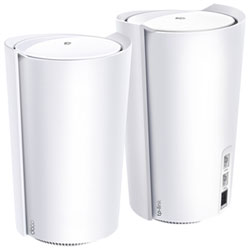
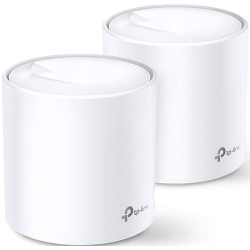
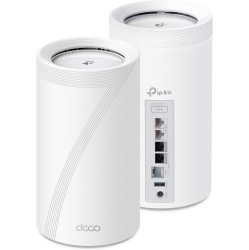
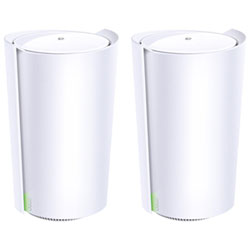
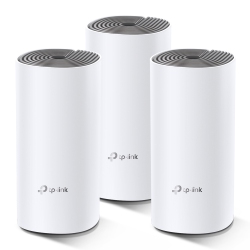
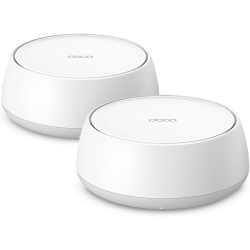
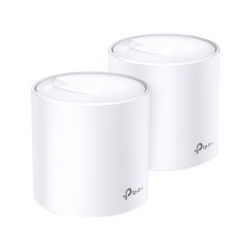
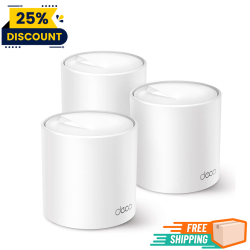
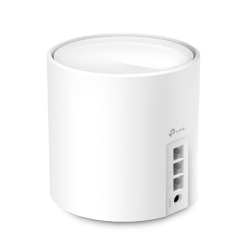
What to Consider When Choosing Deco TP-Link?
First, assess the size of your space and the number of devices that will connect. A small apartment may only need a two-pack Deco kit, while a large house with multiple floors and many smart devices might benefit from a 3- or 4-pack system to eliminate dead zones.
Next, think about internet speed and backhaul. Deco systems support wired (Ethernet) backhaul for the best performance, and some models are optimized for Wi-Fi 6 to handle more devices with lower latency. If you have a fiber connection or high-speed internet, choose Deco models that maximize throughput and stability.
Security and parental controls matter too. TP-Link HomeCare and built-in firewall features help protect your network, while parental controls let you manage access for kids’ devices and keep your network family-friendly.
Finally, consider future needs. Deco systems are scalable with add-on satellites, so you can expand coverage without reconfiguring your entire network. This flexibility makes Deco TP-Link a smart long-term investment for homes that evolve with technology and lifestyle changes.
What Are the Most Popular Deco TP-Link Models?
The Deco M4 is a popular entry-level option for apartments and small homes, offering reliable coverage and easy setup. The Deco X20 and X60 bring Wi-Fi 6 performance to mid-sized homes with more devices, faster speeds, and better efficiency. For larger properties or homes with multiple floors, higher-end models like Deco X90 or Deco XE75 provide stronger throughput and improved gaming and streaming experiences. Each model works as part of a mesh network so you can start with a starter kit and expand later.
How to Set Up Deco TP-Link?
Unbox your Deco kit and connect the main unit to your modem. Download the TP-Link Deco app on your smartphone or tablet, then follow the guided setup to create your network name and password. Place satellite nodes in central locations away from obstructions and near power sources to maximize coverage. The app will help you optimize placement and test signal strength room by room, ensuring you get fast, stable Wi‑Fi throughout your home.
If you have a larger home or want wired reliability, connect satellites with Ethernet backhaul where possible. You can also enable features like guest networks, QoS for gaming, and time limits for kids’ devices directly in the app for a customized experience.
What Are the Benefits of Deco Mesh over Traditional Routers?
Deco mesh creates a single seamless network that extends coverage across walls and floors, reducing dead zones. Instead of switching between networks as you move around the house, your device stays connected to the same SSID, and the system intelligently routes traffic to the best node. This delivers more reliable streaming, smoother online gaming, and faster downloads, even with many devices connected at once.
Additionally, mesh networks are easier to expand; you can add more Deco satellites as your needs grow without overhauling your network. TP-Link’s security features, parental controls, and user-friendly app make ongoing management simple for all users in the household.
Is Deco TP-Link Good for Gaming and 4K Streaming?
Yes. Wi-Fi 6 Deco models offer lower latency and higher throughput, which translates to a smoother gaming experience and uninterrupted 4K streaming, even on multiple devices. With Quality of Service (QoS) settings, you can prioritize gaming traffic or video calls for the best performance when you need it most. Wired backhaul options further reduce jitter and improve consistency for competitive play.
For households with many smart devices, Deco’s advanced encryption and HomeCare security help protect your network, while parental controls keep browsing content appropriate for kids and reduce distractions during study time or bed.
What Accessories Work with Deco TP-Link?
Add-on satellites extend coverage for larger homes or multi-floor layouts. Ethernet backhaul cables connect nodes for maximum stability. A compatible PoE switch can power multiple devices if you prefer wired connections. Optional USB-C or power adapters are available for convenient placement, and the Deco app provides ongoing firmware updates to improve performance and security over time.
With Best Buy Canada, you’ll find Deco TP-Link kits, satellite units, and compatible accessories to tailor a system that fits your space and budget, backed by reliable service and customer support.
Recommendations
Some products may be subject to Environmental Handling Fees (EHF) depending on your province. Learn more about EHFs