

 Shop
Shop

 Latest and Greatest Tech
 Brands


 Computers, Tablets, & Accessories
 Cell Phones, Plans & Accessories
 Office Supplies & Ink
 TV & Home Theatre
 Headphones, Speakers, & Audio
 Cameras, Action Cameras, & Drones
 Car Tech and GPS
 Appliances
 Smart Home
 Home Living
 Baby & Maternity
 Video Games & VR
 Wearable Technology
 Health & Fitness
 Sports, Recreation, & Transportation
 Movies & Music
 Musical Instruments & Equipment
 Toys, Games, & Education
 Beauty
 Personal Care
 Travel, Luggage, & Bags
 Watches, Jewelry, & Fashion
 Gift Cards
 3-Day Flash Sale
 Deals
Deals
 Phones & Plans
 Outlet
 Services
Desktop PC Windows 11
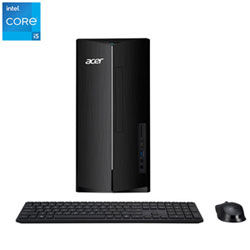
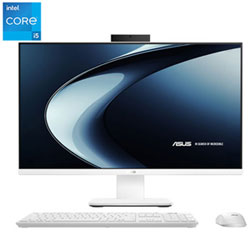
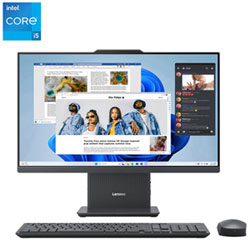
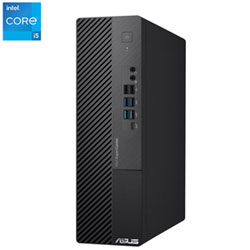
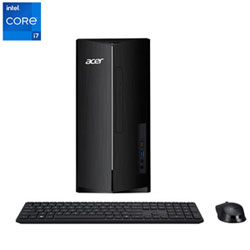
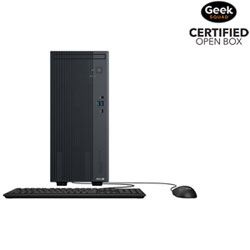
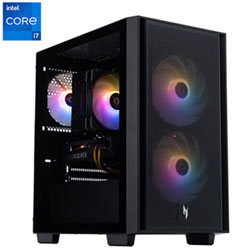
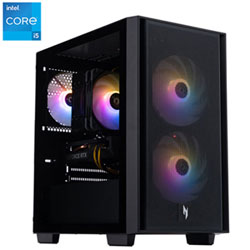
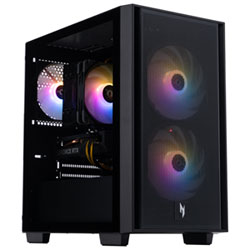
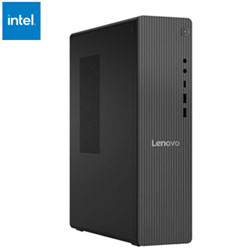
Lenovo IdeaCentre Tower 8L Desktop PC - Luna Grey (Intel Processor 300/8GB RAM/512GB SSD/Windows 11)
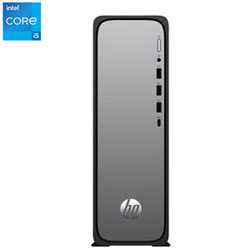
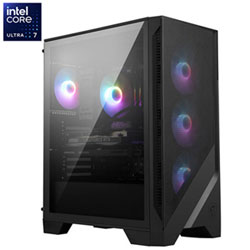
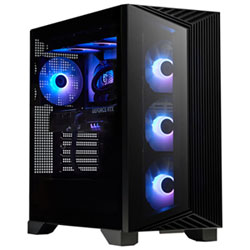
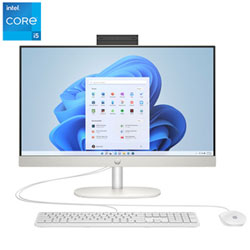
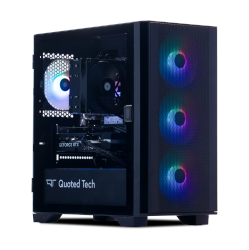
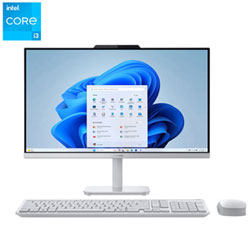
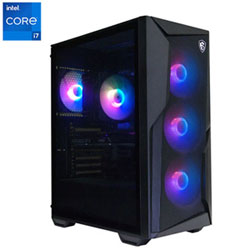
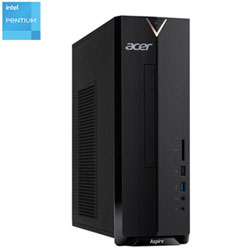
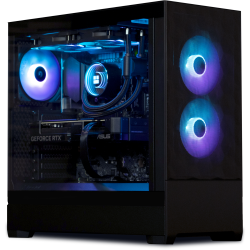
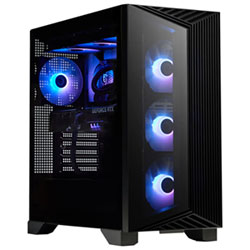

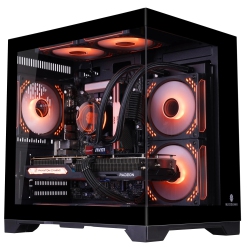

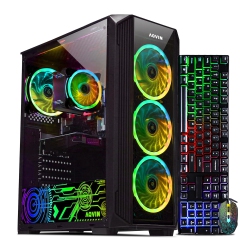
What to Consider When Choosing a Desktop PC Windows 11?
Processor: Look for modern multi‑core CPUs from Intel (i5/i7/i9) or AMD (Ryzen 5/7/9) to ensure smooth multitasking, virtualization, and responsive performance in Windows 11.
Memory and storage: A solid baseline is 16GB RAM for everyday multitasking and 32GB for heavy workloads. Pair with a fast NVMe SSD (512GB–1TB) for quick boot times and snappy app launches; add a larger HDD if you need bulk storage for media.
Graphics: Integrated graphics suffice for basic tasks, but gaming, video editing, and 3D design benefit from dedicated GPUs (NVIDIA GeForce RTX or AMD Radeon RX). Consider the GPU target resolution and frame rate you plan to use.
Windows 11 edition: Decide between Windows 11 Home or Windows 11 Pro based on features you need (business features, BitLocker, remote desktop, enterprise management). Some models offer upgrade paths to Pro.
Connectivity and expansion: Ensure USB‑C with Thunderbolt 4, HDMI/DisplayPort outputs for multiple monitors, PCIe NVMe upgrade options, and built‑in Wi‑Fi 6/6E with Bluetooth support for modern peripherals.
Form factor and upgradeability: Tower desktops provide the most room for upgrades, while compact mini PCs or all‑in‑one designs save space but may limit future upgrades. Choose based on your workspace and long‑term needs.
Warranty and service: Look for comprehensive warranty terms, easy returns, and access to local service centers to minimize downtime.
What Are the Most Popular Types of Desktop PCs Windows 11?
Traditional towers with robust upgrade paths are ideal for users who expect to swap out RAM, storage, or GPUs over time, delivering long‑term value for professionals and gamers alike.
Small form factor (SFF) desktops offer a compact footprint while still delivering strong performance, perfect for tight workspaces or home offices needing efficiency without bulk.
All‑in‑one systems integrate the display with the desktop unit, creating a sleek setup that minimizes cable clutter and is great for streaming, content creation, and office tasks.
Gaming desktops with discrete GPUs and high‑speed storage provide a powerful solution for 1080p, 1440p, or even 4K gaming on Windows 11, along with content creation workflows that leverage GPU acceleration.
Creator workstations sport fast CPUs, large memory, and professional GPUs designed for video editing, 3D rendering, and design software, all optimized for Windows 11 workflows.
How to Maintain a Windows 11 Desktop PC?
Regular maintenance starts with keeping Windows 11 up to date, including feature and security updates that protect your data and improve stability.
Keep drivers current, especially for graphics cards, network adapters, and chipset components, to ensure maximum performance and compatibility with new software and games.
Practice routine backups using local or cloud storage and enable System Restore points before major updates or software installs to minimize downtime.
Protect your desktop with reliable antivirus software and a healthy digital hygiene routine—regular scans, safe browsing, and cautious downloads help preserve system performance over time.
With a broad selection of Desktop PC Windows 11 options, Best Buy Canada makes it easy to compare models by processor, memory, storage, graphics, and features to fit your needs and budget.
What Are the Best Windows 11 Desktop Configurations for Different Uses?
For productivity and multitasking, look for a mid‑ to high‑range CPU, 16–32GB RAM, a quick NVMe SSD, and reliable integrated or dedicated graphics for smooth app performance and responsive windows management.
For creative work, prioritize CPU cores, 32GB RAM or more, fast storage, and a capable GPU to accelerate rendering, video editing, and 3D design within Windows 11 environments.
For gaming, target a mid‑ to high‑end GPU, 16–32GB RAM, and ample fast storage. Ensure your monitor setup is compatible with the GPU’s display outputs for a seamless Windows 11 gaming experience.
What is the best Windows 11 desktop for productivity and multitasking?
For productivity and multitasking, a balanced configuration with a modern multi‑core processor (Intel Core i5/i7 or AMD Ryzen 5/7), 16–32GB of RAM, and a fast NVMe SSD (512GB–1TB) is ideal. A dedicated graphics card is optional for light photo editing or video tasks but not required for typical office work. Windows 11 Pro adds enhanced security and management features that many small businesses find valuable, especially when paired with compatible hardware and a business‑oriented deployment plan.
Can I upgrade Windows 11 on an existing PC or desktop kit?
Yes. Windows 11 is designed to run on a wide range of hardware that meets minimum requirements. If your current desktop meets CPU, RAM, and storage guidelines, you can upgrade to Windows 11 via the BIOS/UEFI settings and the Windows Update process. For older desktops, you may opt for a new Windows 11‑ready PC to ensure drivers and peripherals work seamlessly. Always verify driver availability for your GPU, network adapters, and peripherals before upgrading.
Recommendations
Some products may be subject to Environmental Handling Fees (EHF) depending on your province. Learn more about EHFs