

 Shop
Shop

 Latest and Greatest Tech
 Brands


 Computers, Tablets, & Accessories
 Cell Phones, Plans & Accessories
 Office Supplies & Ink
 TV & Home Theatre
 Headphones, Speakers, & Audio
 Cameras, Action Cameras, & Drones
 Car Tech and GPS
 Appliances
 Smart Home
 Home Living
 Baby & Maternity
 Video Games & VR
 Wearable Technology
 Health & Fitness
 Sports, Recreation, & Transportation
 Movies & Music
 Musical Instruments & Equipment
 Toys, Games, & Education
 Beauty
 Personal Care
 Travel, Luggage, & Bags
 Watches, Jewelry, & Fashion
 Gift Cards
 3-Day Flash Sale
 Deals
Deals
 Phones & Plans
 Outlet
 Services
Ergonomic Chairs
What to Consider When Choosing Ergonomic Chairs?
First, assess adjustability. A true ergonomic chair should offer height adjustment, seat depth adjustment, and adjustable lumbar support to fit your spine’s natural curve and your desk height.
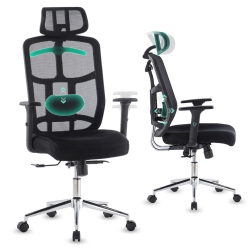
Lumbar support is essential for long workdays. Look for chairs with adjustable lumbar settings or a supportive backrest that follows the curvature of your lower back, reducing strain and tension.
Seat design matters. A comfortable seat cushion with appropriate depth and width helps distribute pressure evenly and supports proper blood flow. Materials like breathable mesh or high-density foam keep you cool during extended use.
Armrests play a critical role in reducing shoulder and neck tension. Choose height-adjustable, width-adjustable, or pivoting arms that align with your desk and keyboard tray to keep your shoulders relaxed.
Backrest and tilt mechanisms influence your posture. A chair with a 2D or 4D adjustment system lets you customize recline, tilt tension, and lock positions to maintain ergonomic alignment while you type or lean back for a break.
Material and finish affect durability and care. Mesh back chairs offer breathability, while leather or faux-leather options provide a sleek look and easy cleaning. Consider a chair with a sturdy base and smooth-rolling casters suitable for your floor type.
What Are the Most Popular Types of Ergonomic Chairs?
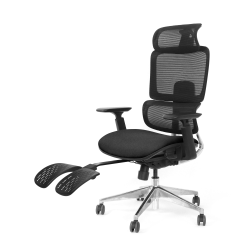
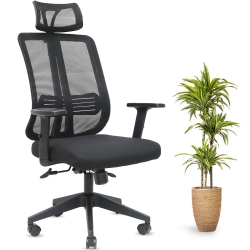
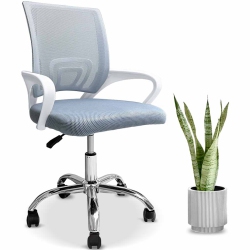
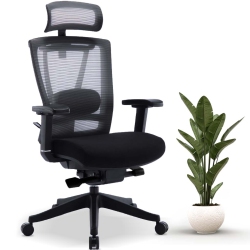
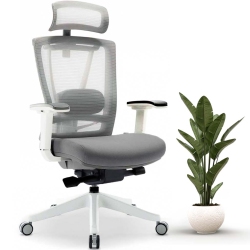
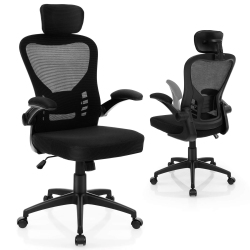
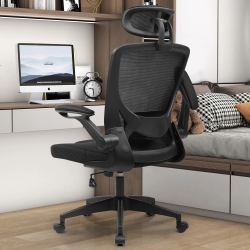
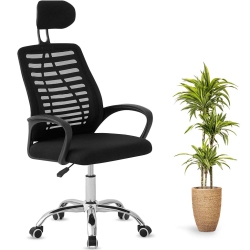
Mesh-back ergonomic chairs are a favorite for breathability and lightweight comfort, ideal for warm environments or prolonged sitting. They often feature flexible back support and adjustable lumbar components for ongoing posture control.
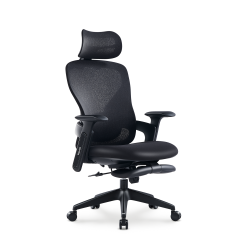
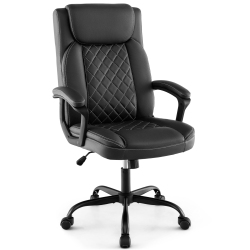
Executive ergonomic chairs combine high-back support with premium cushioning and sophisticated aesthetics, suitable for executive offices, home offices, and professional settings where appearance matters as much as comfort.
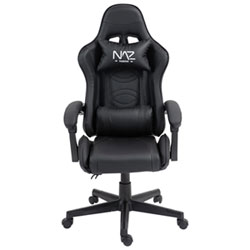
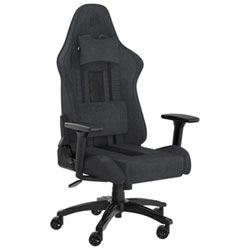
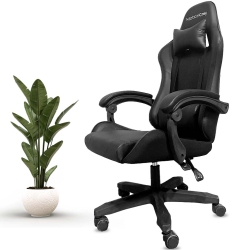
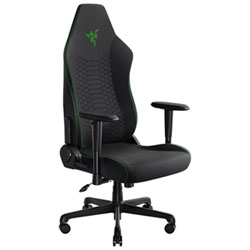
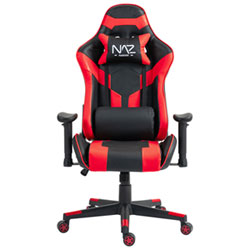
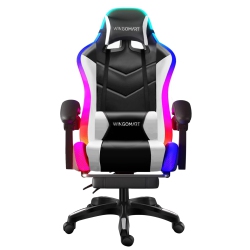
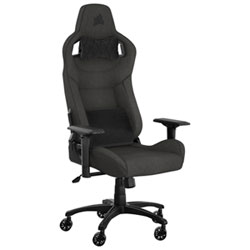
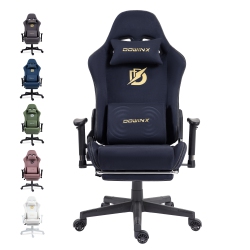
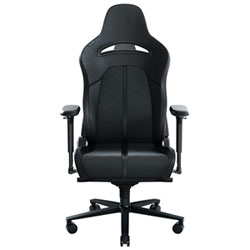
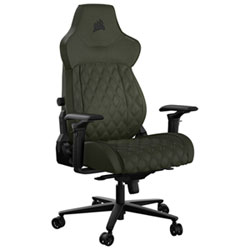
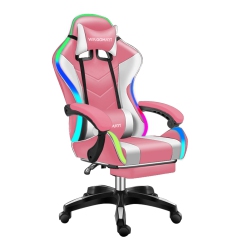
Ergonomic gaming chairs focus on supportive bolsters, recline mechanisms, and multi-adjustable armrests, delivering comfort for long gaming sessions and extended study periods while maintaining proper alignment.
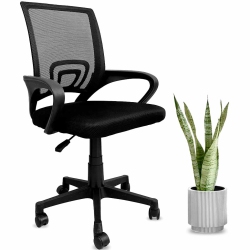
Task chairs and conference chairs provide compact ergonomic options for smaller desks or collaborative spaces, offering essential adjustability and durable materials at a great value.
How to Maintain Ergonomic Chairs?
Regular maintenance extends your chair’s life. Periodically inspect and tighten screws or bolts, especially on adjustable arms and tilt mechanisms. Wipe down leather or faux-leather surfaces with a damp cloth and a mild cleaner, and use a fabric-safe vacuum to remove dust from mesh backs.
Protect the chair from prolonged exposure to direct sunlight, which can cause fading or material deterioration. If you have carpeted floors, use appropriate chair mats to reduce wear on casters and ensure smooth movement.
Explore Best Buy Canada’s selection of ergonomic chairs to find models with washable covers, easy-to-replace cushions, and durable frames designed to withstand daily use in both home and professional environments.
What Should I Look for When Choosing an Ergonomic Chair for My Workspace?
Look for a chair that supports your lower back, offers adjustable seat depth and height, and provides wide range of armrest adjustments to match your desk height and keyboard position. A breathable backrest helps keep you cool, while a sturdy base with smooth casters protects your joints during long sessions.
Consider your body type and tasks. Taller users may benefit from higher backrests and longer seat depths, while users with sensitive knees or hips should choose chairs with generous seat padding and appropriate seat height range. For mixed-use spaces, a durable chair with easy cleaning surfaces is a smart choice.
With Best Buy Canada, you can filter by features such as adjustable lumbar support, tilt tension, headrest, and armrest adjustability to quickly find the ergonomic chair that fits your needs.
Does an Ergonomic Chair Improve Productivity?
Yes. By maintaining proper posture, reducing muscle strain, and supporting longer focus periods, ergonomic chairs help you work more efficiently. The combination of lumbar support, seat depth, and armrest alignment minimizes discomfort that can derail concentration, leading to steadier performance over the workday.
In our Best Buy Canada catalog, look for chairs that align with your daily tasks—typing-heavy days benefit from precise armrest and keyboard tray alignment, while video calls may benefit from a chair with good back support and a comfortable headrest.
What is the Best Way to Test an Ergonomic Chair Before Buying?
If possible, try out chairs in-store to assess comfort and adjustability firsthand. Check that you can sit with feet flat on the floor, knees at about a 90-degree angle, and hips positioned toward the front of the seat. Ensure you can reach the keyboard comfortably with your arms at about elbow height, and test the chair’s tilt and lumbar support by leaning back gradually.
For online purchases, read product specifications carefully, review customer questions and answers, and consider models with generous warranty and replacement parts availability. Best Buy Canada provides detailed specs and customer feedback to help you choose confidently.
Recommendations
Some products may be subject to Environmental Handling Fees (EHF) depending on your province. Learn more about EHFs