

 Shop
Shop

 Latest and Greatest Tech
 Brands


 Computers, Tablets, & Accessories
 Cell Phones, Plans & Accessories
 Office Supplies & Ink
 TV & Home Theatre
 Headphones, Speakers, & Audio
 Cameras, Action Cameras, & Drones
 Car Tech and GPS
 Appliances
 Smart Home
 Home Living
 Baby & Maternity
 Video Games & VR
 Wearable Technology
 Health & Fitness
 Sports, Recreation, & Transportation
 Movies & Music
 Musical Instruments & Equipment
 Toys, Games, & Education
 Beauty
 Personal Care
 Travel, Luggage, & Bags
 Watches, Jewelry, & Fashion
 Gift Cards
 3-Day Flash Sale
 Deals
Deals
 Phones & Plans
 Outlet
 Services
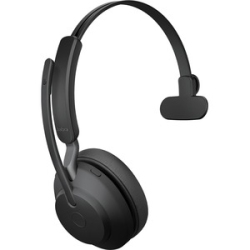
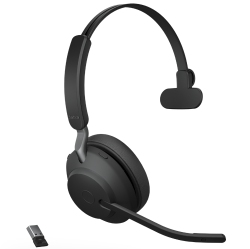
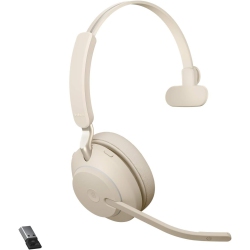
Jabra Evolve2 65 Flex
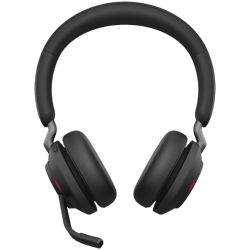
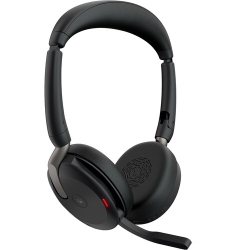
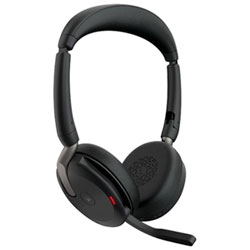
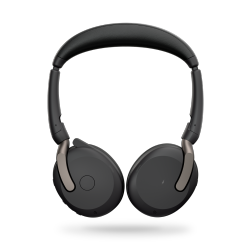
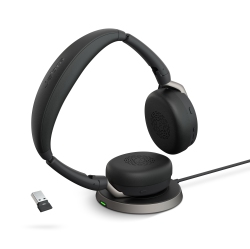

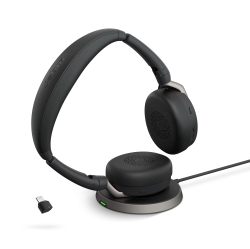
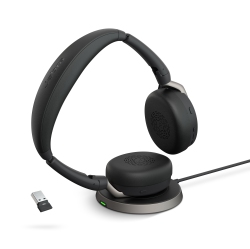
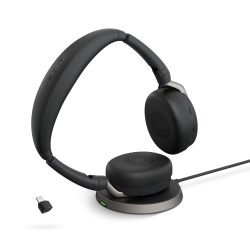
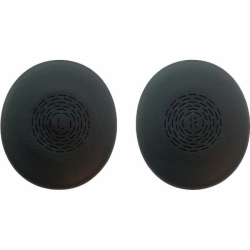
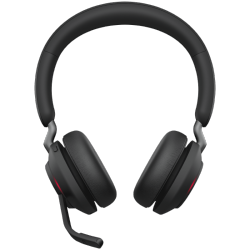
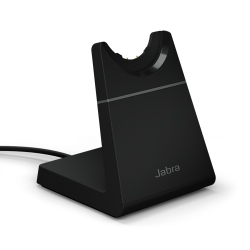
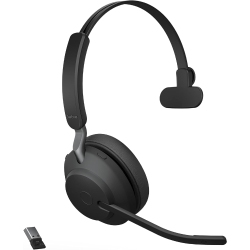
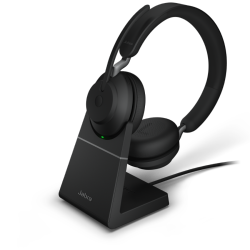
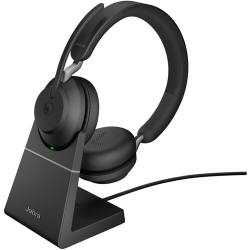
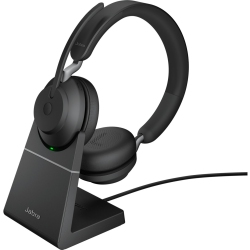
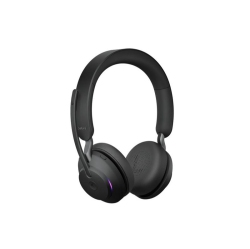
JABRA Evolve2 65 On-Ear Sound Isolating Bluetooth 5.0 Headphones With Mic (26599-989-989) - In Black
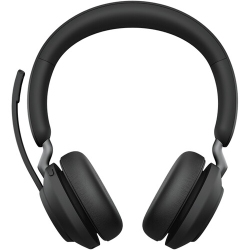
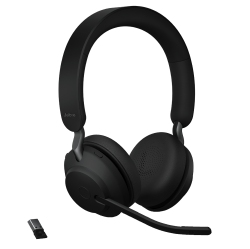
JABRA Evolve2 65 On-Ear Sound Isolating Bluetooth 5.0 Headphones With Mic (26599-989-899) - In Black

What to Consider When Choosing a Wireless Office Headset?
Key factors include comfort for extended wear, wireless range, battery life, and microphone quality for clear calls. Look for a headset with multipoint Bluetooth connection to stay connected to your laptop, phone, and tablet simultaneously, as well as a dedicated mute button and accessible volume control for quick adjustments during meetings.
Consider whether you need USB-C, USB-A, or Bluetooth-only connectivity, and ensure compatibility with your preferred collaboration software such as Microsoft Teams, Zoom, Cisco Webex, or Google Meet. If noise isolation is important, check for a microphone array with noise reduction that reduces ambient sounds in busy workspaces.
Durability, warranty, and service options are also essential. A flexible, comfortable design paired with a reliable microphone and speaker setup helps you stay productive even during long conference calls or focus sessions.
What Are the Most Popular Use Cases for Jabra Evolve2 65 Flex?
Office teams rely on the Jabra Evolve2 65 Flex for clear, professional calls during daily standups, client meetings, and project planning. Its wireless freedom suits hot-desking environments, shared desks, and hybrid work models, while the strong microphone array is ideal for conferencing and voice recording.
The headset also serves well for focused listening in music or media during breaks, enabling a seamless transition between work and personal time. For QA engineers, sales reps, or customer support, the Evolve2 65 Flex supports all-day usage, multipoint connectivity, and quick mute control for privacy and efficiency.
If you operate in regulated or quiet environments, you’ll appreciate the adjustable padding, noise isolation, and intuitive controls that minimize distractions while maximizing communication clarity.
How to Maintain and Care for Your Jabra Evolve2 65 Flex?
Regular cleaning with a soft cloth and gentle cleaning solution keeps the headphones looking new and prevents buildup in the microphone ports. Store the headset in its case when not in use to protect the cushions and headband from dust and wear. Check the firmware periodically to ensure you have the latest performance improvements and bug fixes for call quality, battery optimization, and device compatibility.
Avoid exposing the headset to extreme temperatures or moisture, and keep the charging contacts clean for reliable power. When cleaning the microphone, avoid inserting objects into the mic port and follow the manufacturer’s guidelines for best results. Proper care helps extend the life of your Jabra Evolve2 65 Flex and preserves its professional performance.
What Are the Most Helpful Accessories for Jabra Evolve2 65 Flex?
Consider a USB-C dongle for reliable wireless connections, a high-quality carrying case for protecting the headset on the go, and a desk stand or charging dock to keep your workspace organized. Additional accessories like replacement ear cushions, headband padding, and a quick-start guide can enhance comfort and usability during long workdays. For teams, look for collaboration-ready accessories that help manage calls, mute status, and audio settings across devices.
Browse Best Buy Canada for compatible accessories, including USB adapters, Bluetooth adapters, replacement cables, and cleaning kits, all designed to support the Jabra Evolve2 65 Flex experience and improve daily productivity.
Try pairing with multiple devices, recharging with a fast USB-C charger, and using the mute button strategically to minimize interruptions during important conversations. The right combination of headset and accessories can elevate your workday and collaboration across teams.
Recommendations
Some products may be subject to Environmental Handling Fees (EHF) depending on your province. Learn more about EHFs