

 Shop
Shop

 Latest and Greatest Tech
 Brands


 Computers, Tablets, & Accessories
 Cell Phones, Plans & Accessories
 Office Supplies & Ink
 TV & Home Theatre
 Headphones, Speakers, & Audio
 Cameras, Action Cameras, & Drones
 Car Tech and GPS
 Appliances
 Smart Home
 Home Living
 Baby & Maternity
 Video Games & VR
 Wearable Technology
 Health & Fitness
 Sports, Recreation, & Transportation
 Movies & Music
 Musical Instruments & Equipment
 Toys, Games, & Education
 Beauty
 Personal Care
 Travel, Luggage, & Bags
 Watches, Jewelry, & Fashion
 Gift Cards
 3-Day Flash Sale
 Deals
Deals
 Phones & Plans
 Outlet
 Services
NuPhy Keyboards

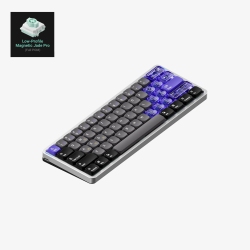
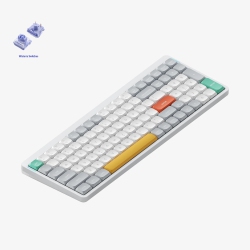
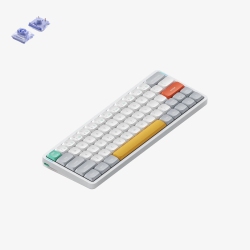
What to Consider When Choosing NuPhy Keyboards?
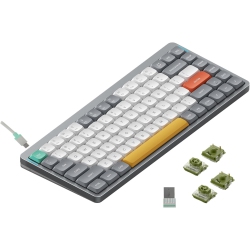
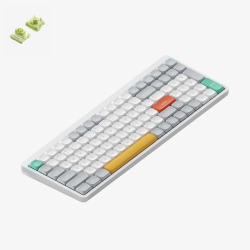
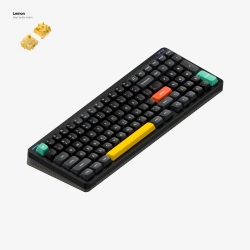
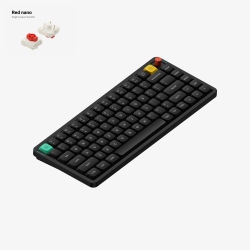
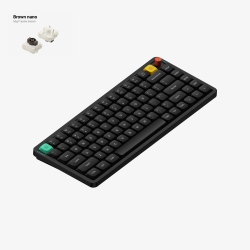
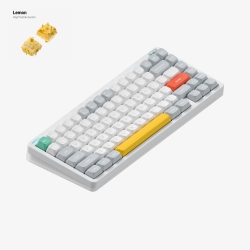
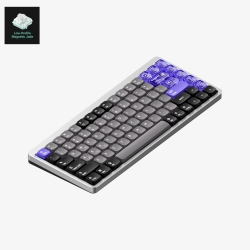
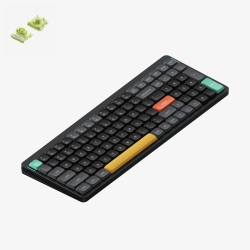
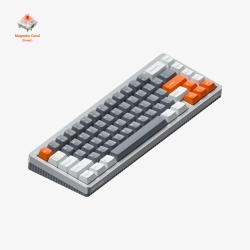
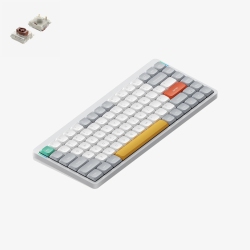
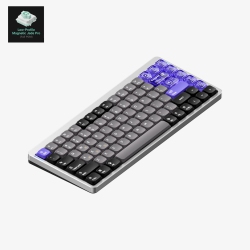
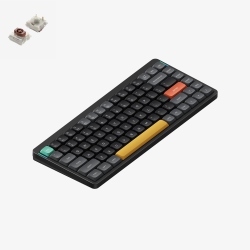
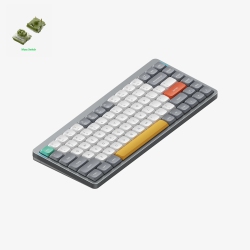
First, decide on the layout that fits your workflow. A 60% or 65% layout is ultra-compact for travel, while a 75% or TKL (tenkeyless) design offers a full set of function keys without taking up desktop space. Look for low-profile mechanical switches for a sleeker feel and quicker top-row access.
Connectivity matters. If you work across devices, choose a Bluetooth keyboard with reliable multi-device pairing and an easy switch between devices. USB-C wired mode is a bonus for laptop users who prefer a stable, low-latency connection during long sessions.
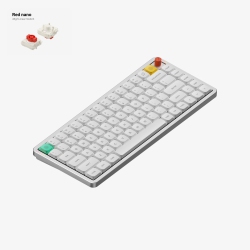
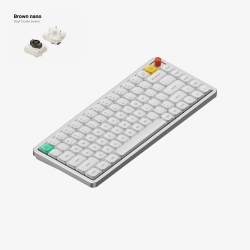
Switches and feel can define your typing experience. Hot-swappable switches let you try different tactile profiles without soldering, while a sturdy chassis and gasket mounting provide a satisfying, quieter keystroke with reduced flex.
Backlighting adds usability in dim environments and lets you customize aesthetics. Check whether the model supports RGB lighting or simpler single-color backlighting, along with programmable layers for your macros and shortcuts.
Battery life and portability are key for daily use. If you travel often, prioritize wireless keyboards with compact form factors, strong battery life, and easy USB-C charging. When working from home or in the office, a battery-powered option with efficient standby helps you stay productive longer.
Durability and warranty matter. Look for solid keycaps, reinforced wiring, and a retailer that offers clear returns and warranty coverage. Best Buy Canada provides customer support and access to service if you ever need assistance.
What Are the Most Popular NuPhy Keyboard Models?
The most sought-after NuPhy keyboards tend to be those that blend wireless flexibility with a compact footprint. You’ll find models that emphasize portability for travel, as well as options designed for extended typing with comfort-enhancing features like low-profile key switches and ergonomic keycap shapes. Whether you need a 60% or 75% layout, NuPhy’s line often emphasizes light weight, strong battery efficiency, and responsive wireless performance.
Many fans appreciate configurations that support multi-device pairing, allowing you to switch between a laptop, tablet, and phone with a simple key combo. If you work from a Mac or Windows system, you’ll want compatibility with OS-specific keys and easy platform switching. Extending your setup with a NuPhy keyboard in a balanced colorway, such as white, gray, or black, can complement your desk aesthetic.
How to Maintain NuPhy Keyboards?
Maintain your NuPhy keyboard by keeping the keycaps clean and free of dust. Use a soft brush or compressed air to remove debris from between keys, and wipe surfaces with a microfiber cloth. If you have a hot-swappable model, you can experiment with different switches, but always power down before swapping to avoid any short circuit risk.
To preserve battery health, avoid prolonged charging once the battery is full and keep the keyboard away from extreme temperatures. When not in use, store in a cool, dry place and consider using a protective sleeve if you travel often.
Regular software updates and proper driver configurations (where applicable) help maintain smooth key mapping and macro performance. With NuPhy keyboards, you’ll typically find straightforward pairing processes and clear documentation to guide setup across Windows, macOS, iPadOS, and Android.
Keep experimenting with layouts, lighting, and profiles to optimize your workflow. At Best Buy Canada, you’ll find a broad range of NuPhy keyboards and related accessories to tailor your setup—from protective covers to keycap sets and replacement switches—so you can renovate, optimize, and personalize your desk with ease.
What is the best NuPhy keyboard for work and travel?
For work and travel, many users prefer a compact yet functional design, such as a 60% or 75% layout with strong portability. A model with Bluetooth multi-device pairing and dependable USB-C charging is ideal, letting you switch quickly between a laptop and a tablet without carrying extra hardware. Choose a low-profile, comfortable switch type and a durable case so you can type confidently on the go.
Can I connect NuPhy keyboards to both Mac and Windows with one device?
Yes. Most NuPhy keyboards support multi-device pairing and allow you to switch between systems with a dedicated function key or keyboard shortcut. You may need to install or adjust some key mappings to align with macOS or Windows shortcuts, but the overall experience is designed to be seamless across platforms. When you’re at Best Buy Canada, you’ll see product pages detailing OS compatibility to help you choose the right model.
Are NuPhy keyboards hot-swappable?
Many NuPhy keyboard models offer hot-swappable sockets, allowing you to customize the tactile feel by swapping switches without soldering. If you value experimentation, look for models that advertise hot-swappable switches and compatible switch types. Always verify the specific model’s features on the product page to ensure it supports your preferred switches.
Recommendations
Some products may be subject to Environmental Handling Fees (EHF) depending on your province. Learn more about EHFs