

 Shop
Shop

 Latest and Greatest Tech
 Brands


 Computers, Tablets, & Accessories
 Cell Phones, Plans & Accessories
 Office Supplies & Ink
 TV & Home Theatre
 Headphones, Speakers, & Audio
 Cameras, Action Cameras, & Drones
 Car Tech and GPS
 Appliances
 Smart Home
 Home Living
 Baby & Maternity
 Video Games & VR
 Wearable Technology
 Health & Fitness
 Sports, Recreation, & Transportation
 Movies & Music
 Musical Instruments & Equipment
 Toys, Games, & Education
 Beauty
 Personal Care
 Travel, Luggage, & Bags
 Watches, Jewelry, & Fashion
 Gift Cards
 3-Day Flash Sale
 Deals
Deals
 Phones & Plans
 Outlet
 Services
OptiPlex 7080


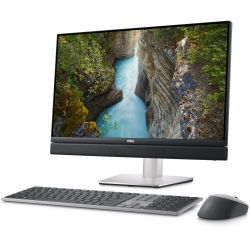
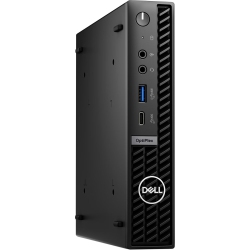
What to Consider When Choosing OptiPlex 7080 Desktops?
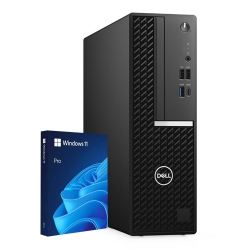
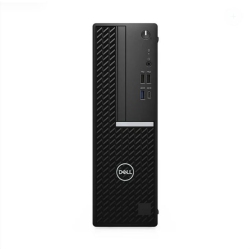
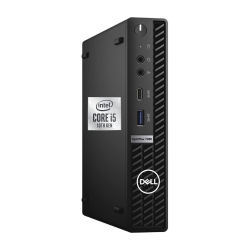
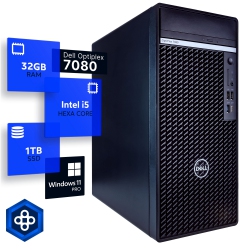
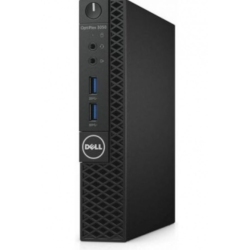
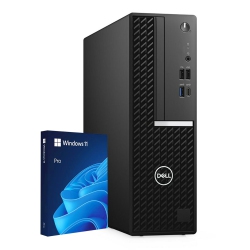
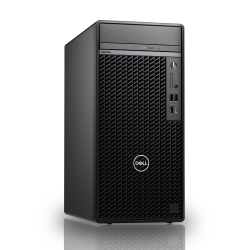
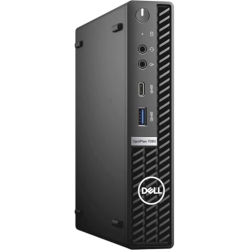
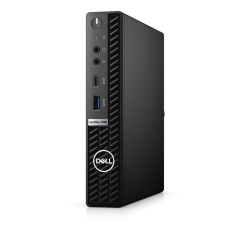
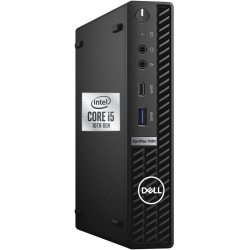
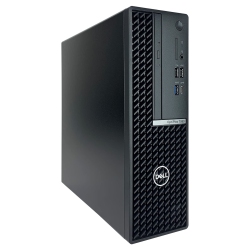
Think about the form factor that fits your space and upgrade path. The Mini Tower offers easy expansion with multiple drive bays and PCIe slots, while the Small Form Factor balances footprint and performance. The Micro form factor is ideal for compact desks and space-constrained environments.
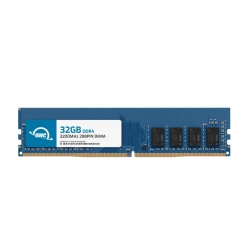
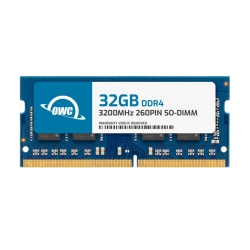
Evaluate processor and memory needs based on your applications. If your team runs data-intensive software or virtual desktops, choose higher-end CPUs and more RAM. Storage options include fast NVMe SSDs and traditional drives, with the ability to configure RAID or standalone drives depending on the model.
What Are the Most Popular OptiPlex 7080 Configurations?
Typical configurations include a balance of processor power, memory, and storage for office productivity, finance, and engineering tasks. Many customers choose 8–16GB RAM with fast solid-state storage for quick boot times and smooth multitasking. Windows 10 Pro or Windows 11 Pro provides enterprise-grade security and management capabilities, while Dell's optional management tools help IT teams deploy updates and monitor hardware health.
How to Maintain and Optimize Your OptiPlex 7080 for Longevity?
Regular software and firmware updates keep drivers and security current. Regular BIOS updates, driver updates, and enabling automatic patch management help maintain performance and protect against threats. Physically, keep the chassis clean, ensure airflow is unobstructed, and consider a good surge protector to safeguard components. Use Dell or IT management tools to monitor temperatures, fan speeds, and hardware health to prevent unexpected downtime.
What Security and Manageability Features Does the OptiPlex 7080 Offer?
The OptiPlex 7080 lineup supports enterprise-grade security features, including Trusted Platform Module (TPM) support and BIOS-level security. Windows Pro editions provide BitLocker and advanced user authentication options. For IT departments, optional remote management features enable centralized deployment, monitoring, and maintenance of multiple units across offices.
What Warranty and Support Options Are Available for OptiPlex 7080 at Best Buy Canada?
Best Buy Canada offers standard warranty coverage on Dell OptiPlex 7080 desktops, with options for extended service plans and access to Geek Squad support for setup, diagnostics, and troubleshooting. Availability and specifics vary by model and location; you can also opt for on-site or courier-based repair and accidental damage protection where offered.
Explore the full range of Dell OptiPlex 7080 desktops at Best Buy Canada today and find the configuration that fits your business needs, whether you’re outfitting a single workstation or deploying a fleet across multiple offices. Pair with Dell monitors, docks, and security accessories to create a complete, enterprise-grade setup.
Recommendations
Some products may be subject to Environmental Handling Fees (EHF) depending on your province. Learn more about EHFs