

 Shop
Shop

 Latest and Greatest Tech
 Brands


 Computers, Tablets, & Accessories
 Cell Phones, Plans & Accessories
 Office Supplies & Ink
 TV & Home Theatre
 Headphones, Speakers, & Audio
 Cameras, Action Cameras, & Drones
 Car Tech and GPS
 Appliances
 Smart Home
 Home Living
 Baby & Maternity
 Video Games & VR
 Wearable Technology
 Health & Fitness
 Sports, Recreation, & Transportation
 Movies & Music
 Musical Instruments & Equipment
 Toys, Games, & Education
 Beauty
 Personal Care
 Travel, Luggage, & Bags
 Watches, Jewelry, & Fashion
 Gift Cards
 3-Day Flash Sale
 Deals
Deals
 Phones & Plans
 Outlet
 Services
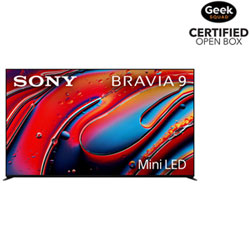
Sony Bravia 9
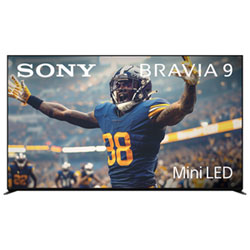
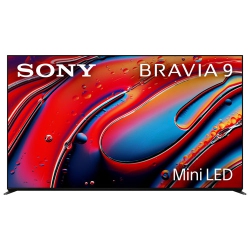
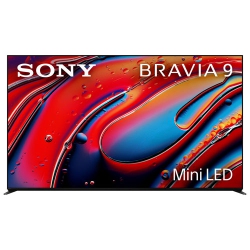
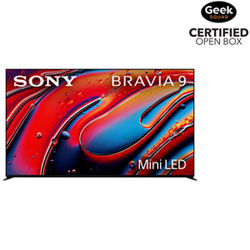
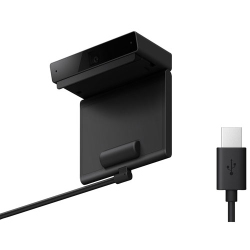
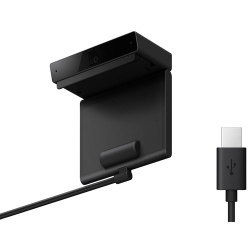
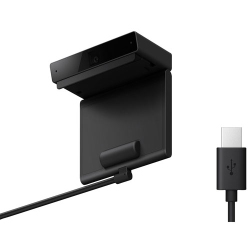
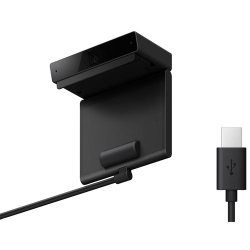
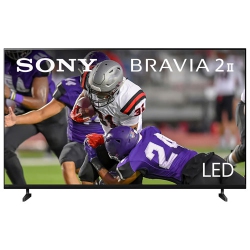
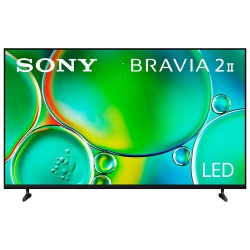
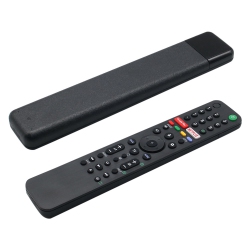
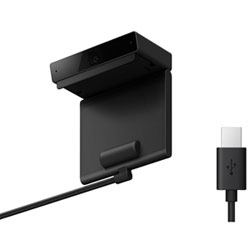
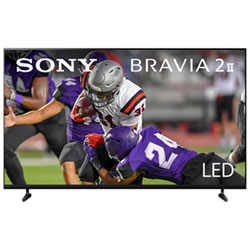
What to Consider When Choosing Sony Bravia 9?
Size and viewing distance are key. A larger Bravia 9 can deliver an immersive experience, but ensure you have space and a comfortable seating layout for optimal 4K detail and HDR impact.
Panel technology matters. While Sony Bravia 9 models commonly use LED LCD with local dimming, consider brightness, contrast, and black level performance to match your lighting conditions and room design.
Smart features finish the package. Look for Android TV or Google TV, built-in streaming apps, voice control, and easy casting from mobile devices to enjoy a seamless entertainment workflow.
What Are the Most Popular Types of Sony Bravia 9 Models?
Bravia 9 series typically spans multiple sizes with similar core benefits: crisp 4K resolution, HDR support (Dolby Vision, HDR10, HLG), and motion handling ideal for fast-paced content and gaming. Some models feature advanced upscaling and Sony’s image processing to enhance color fidelity and clarity.
Smart TV varieties come with built-in streaming platforms, Google TV compatibility, and voice assistants for hands-free control. You may also find Bravia configurations designed for bright living rooms with anti-glare coatings and high peak brightness for daytime viewing.
How to Maintain a Sony Bravia 9?
Keep your Bravia 9 looking and performing its best by updating the firmware through the TV’s settings menu to access the latest features and bug fixes. Regularly clean the screen with a microfiber cloth and avoid harsh cleaners that could damage coatings.
Use a proper mounting solution and organize cables to prevent overheating. For optimal picture, calibrate the picture settings for your room—start with a Movie or Cinema preset, then fine-tune brightness, contrast, and color to suit ambient light.
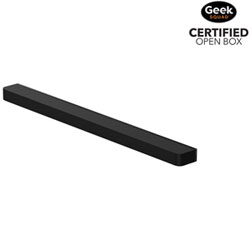
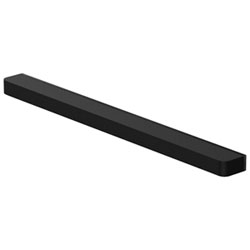
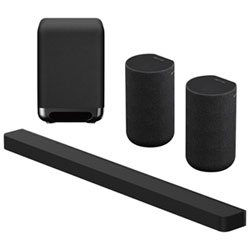
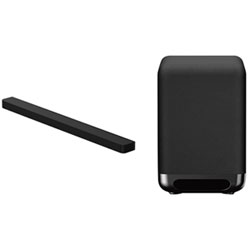
Protect your investment with approved wall mounts, HDMI cables, and compatible soundbars. The Sony Bravia 9 family pairs well with Dolby Atmos-enabled sound systems and streaming devices to create a complete home cinema experience.
What Are the Most Popular Sony Bravia 9 Accessories?
Consider a sturdy wall mount that accommodates your screen size and provides safe, clean cable management. Pair your Bravia 9 with a high-quality HDMI 2.1 cable for gaming and next-gen consoles to enjoy features like 4K at 120Hz and VRR where supported.
A compatible soundbar or home theater system enhances dialogue clarity and immersive audio. If you want streaming convenience, a compact streaming stick or media box can extend your entertainment options without clutter.
How Do I Set Up and Calibrate a Sony Bravia 9 for Best Picture?
Start with a factory reset if you’re adjusting from another brand or model to avoid conflicting settings. Then choose a Picture mode such as Cinema or Calibrated Dark, disable excessive motion processing, and adjust backlight, brightness, contrast, and color to your room’s lighting.
Enable HDR formats (Dolby Vision, HDR10) if your content supports them and ensure your streaming apps and devices are sending HDR signals. For gaming, enable Game Mode, check HDMI input settings for enhanced refresh rates, and ensure you have a low-latency setup with your console or PC.
Regularly update firmware, clean the screen with a microfiber cloth, and use a surge protector to protect the TV from power fluctuations. With these steps, your Sony Bravia 9 will deliver consistent color accuracy, sharp detail, and smooth motion for years to come.
What Is the Warranty and Support Coverage for Sony Bravia 9 in Canada?
Warranty terms for Sony Bravia 9 models typically include a manufacturer’s warranty, with additional protection plans available through Best Buy Canada. Check product pages for the exact duration, coverage details, and what is included in support and service options.
Best Buy Canada offers in-store and online support, with easy returns, extended warranties, and tech services for setup and calibration. This ensures you can enjoy your Sony Bravia 9 purchase with confidence, knowing help is available if you need it.
Recommendations
Some products may be subject to Environmental Handling Fees (EHF) depending on your province. Learn more about EHFs