

 Shop
Shop

 Latest and Greatest Tech
 Brands


 Computers, Tablets, & Accessories
 Cell Phones, Plans & Accessories
 Office Supplies & Ink
 TV & Home Theatre
 Headphones, Speakers, & Audio
 Cameras, Action Cameras, & Drones
 Car Tech and GPS
 Appliances
 Smart Home
 Home Living
 Baby & Maternity
 Video Games & VR
 Wearable Technology
 Health & Fitness
 Sports, Recreation, & Transportation
 Movies & Music
 Musical Instruments & Equipment
 Toys, Games, & Education
 Beauty
 Personal Care
 Travel, Luggage, & Bags
 Watches, Jewelry, & Fashion
 Gift Cards
 3-Day Flash Sale
 Deals
Deals
 Phones & Plans
 Outlet
 Services
Ubiquiti Unifi
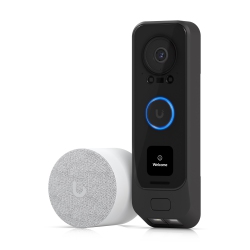
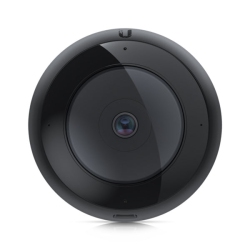

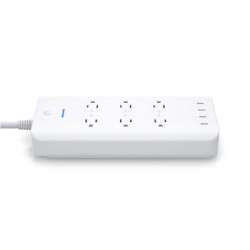
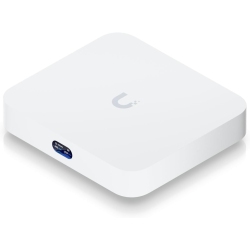
What types of UniFi products are available at Best Buy Canada?
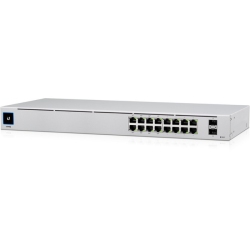
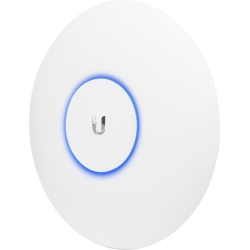
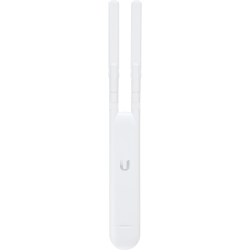
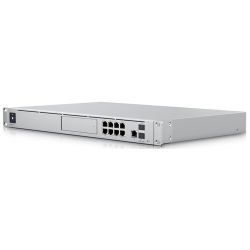
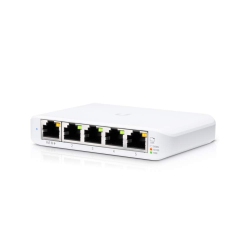
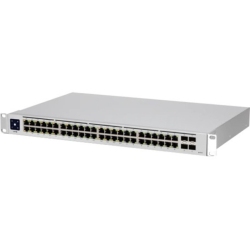
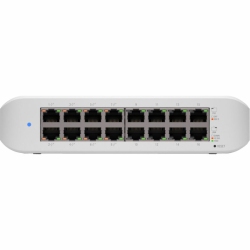
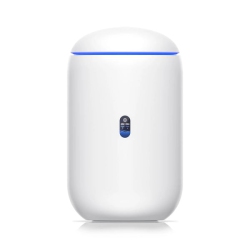
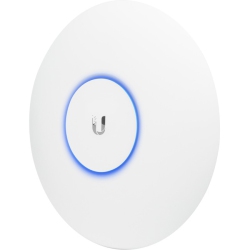
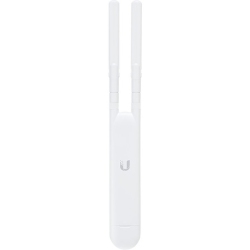
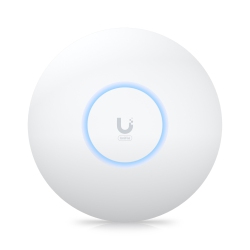
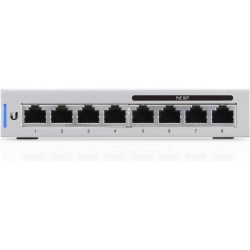
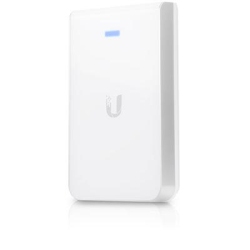
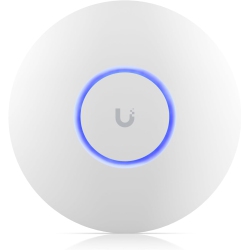
Best Buy Canada offers a full spectrum of UniFi products to build or upgrade your network. You’ll find indoor and outdoor UniFi access points (including Wi‑Fi 6 UniFi and earlier generations), ceiling‑mounted and wall‑mounted models, and high‑density options for busy environments. Complementing the APs are UniFi switches with Power over Ethernet (PoE) to simplify device powering, and PoE injectors for flexibility. For routing and firewall protection, there are UniFi Security Gateways and the all‑in‑one UniFi Dream Machine family (including the UDM and UDM Pro) for seamless setup and centralized control.
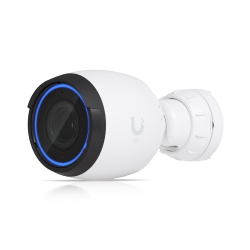
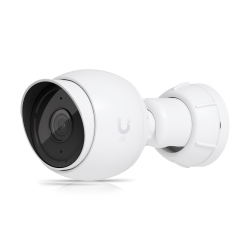
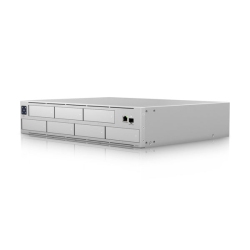
To manage networks locally, you can opt for Cloud Key Gen2 Plus or run the UniFi Network Controller on UniFi OS. For surveillance, UniFi Protect cameras and the compatible NVR provide reliable recording and playback. Whether you’re building a small business network or a robust home office setup, there are compatible accessories, controllers, and mounting options to fit your space.
How do you choose the right UniFi access point for your space?
Choosing the right UniFi access point begins with mapping your space. Consider the square footage, ceiling height, wall materials, and potential interference from neighboring networks. For open floor plans or high client density, a high‑performance Wi‑Fi 6 UniFi AP (such as a U6‑model) delivers greater speed and capacity, along with features like band steering and airtime fairness to optimize client connections. In areas with concrete walls or multiple floors, select models with higher transmit power and better ceiling distribution. Always check PoE compatibility with your switch or UniFi Dream Machine setup to ensure clean cabling and reduce clutter. By pairing a capable UniFi 6 access point with a PoE switch, you gain reliable coverage and scalable expansion for guests and smart devices.
If you’re equipping a small office or retail space, prioritize APs with robust management features and seamless roaming. The UniFi ecosystem supports centralized control, guest networks, VLANs, and analytics, helping you tune performance and secure traffic as your network grows.
What is the difference between UniFi 6 models and older UniFi APs?
The UniFi 6 family introduces Wi‑Fi 6 (802.11ax), offering higher speeds, better efficiency, and improved performance in crowded environments compared to older 802.11ac models. UniFi 6 APs typically provide faster real‑time data transfer, improved MU‑MIMO and OFDMA handling, and extended coverage per AP. Older AP‑AC models still deliver solid performance for standard multi‑device homes, but may not handle extreme client density as smoothly. In practice, a UniFi 6 access point pairs with modern client devices for faster throughput, lower latency, and improved battery life on mobile devices, while still supporting backward compatibility with older clients. If you’re starting fresh or upgrading a busy network, UniFi 6 devices offer better future‑proofing and smarter network management within the UniFi ecosystem.
When choosing between models, consider your space, the number of connected devices, and whether Wi‑Fi 6 features like OFDMA will translate into tangible improvements for your typical use cases—video conferencing, cloud collaboration, gaming, and home automation.
How do I set up a UniFi network with UniFi Dream Machine or UniFi Dream Router?
Setting up a UniFi network starts with a central controller. If you have a UniFi Dream Machine or Dream Router, you’ll experience an all‑in‑one appliance that combines routing, firewall, and UniFi Network Controller in one device. Connect the Dream Machine to your modem, power it on, and follow the on‑screen wizard to create your admin account. The wizard guides you through adding your UniFi access points, enabling a secure guest network, configuring VLANs, and setting up basic firewall rules. If you’re using a Cloud Key Gen2 Plus or planning to manage a larger fleet, you can run the UniFi Network Controller on the local device or via UniFi OS for centralized management. After adoption, name your SSIDs, set password policies, and enable features like client isolation and bandwidth limits to tailor performance to your needs.
Regular firmware updates keep security and performance current. Consider pairing UniFi Protect cameras with a suitable NVR or the Dream Machine Pro for a unified security and networking experience. Regular backups of controller settings help preserve your configuration during upgrades or hardware changes.
Can UniFi devices integrate with existing networks or other brands?
Yes. UniFi devices are designed to work in mixed environments and can be integrated into existing networks. You can adopt UniFi APs and switches into a network that already has a different router or firewall, though you may lose some centralized management capabilities if you bypass the UniFi controller. For best results, place UniFi devices behind a UniFi‑managed gateway or Dream Machine to enjoy seamless roaming, centralized settings, and consistent firmware updates. UniFi devices are also compatible with standard Ethernet networks, VLAN tagging, and common home or office infrastructure, allowing you to extend coverage without ripping out existing gear.
If you plan a full UniFi rollout, you’ll unlock the full potential of centralized monitoring, guest network control, analytics, and simplified management across all UniFi devices sold by Best Buy Canada.
What about security updates, maintenance, and monitoring for UniFi devices?
Security and reliability come first with UniFi. Regular firmware updates delivered through the UniFi Network Controller or UniFi OS ensure you have the latest features and patches. Enable automatic updates where possible and periodically review security settings, including strong admin credentials, guest network isolation, and client firewall rules. Use the UniFi Network Controller to monitor network health, view client statistics, and identify bottlenecks. Back up configuration settings frequently so you can restore quickly after a change or upgrade. For surveillance setups, keep cameras and NVR components updated to guard against vulnerabilities and ensure smooth video workflows.
With a robust lineup of UniFi products—access points, switches, gateways, cameras, and controllers—Best Buy Canada makes it easier to keep your UniFi network secure, performant, and scalable as your needs grow.
Recommendations
Some products may be subject to Environmental Handling Fees (EHF) depending on your province. Learn more about EHFs