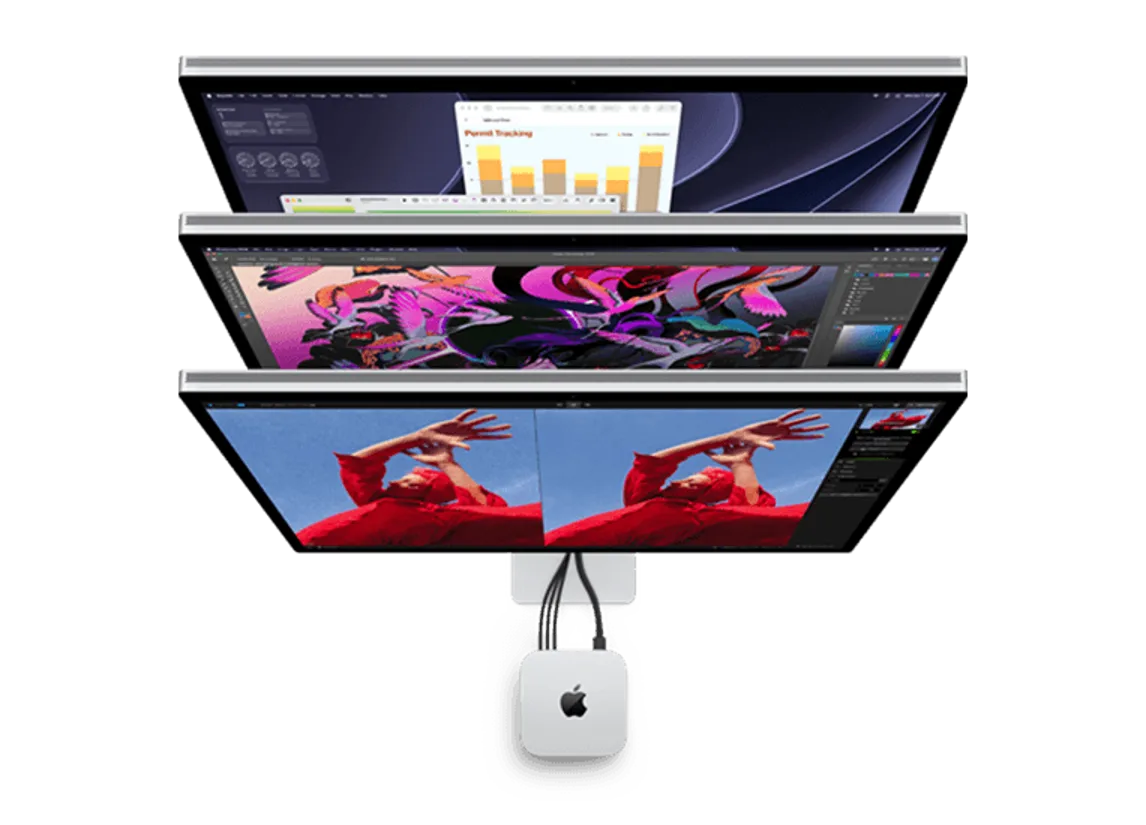




The new Apple Mac mini with M6 and M5 Pro is worth the upgrade
The Apple Mac mini offers impressive desktop performance in an ultra-compact package, and it just got more powerful with the new M6 and M5 Pro chips.
Blazing fast speeds with M6, M5 Pro, and Apple Intelligence
The new Mac mini introduces a major leap in performance with the M6 and M5 Pro chips, delivering faster processing, graphics, storage, and AI capabilities compared to the previous M4 generation. It combines powerful Apple silicon with an ultra-compact design, enhanced connectivity, and the latest Apple Intelligence features.
Mac mini with M6 features a 12-core CPU and 12-core GPU delivering up to 40% faster CPU performance and up to 2x faster graphics compared to Mac mini with M4. It also offers up to 4x faster AI performance, making it even better suited to productivity, creative projects, gaming, and on-device AI workflows. For more demanding users, Mac mini with M5 Pro offers up to an 18-core CPU, 20-core GPU, and 64GB of unified memory for professional-grade performance.
Upgrades with Mac mini M6 and M5 Pro versus the previous generation
The Mac mini with M6 offers substantial upgrades over the M4 model, including faster CPU and GPU performance, increased memory bandwidth, faster storage, and Neural Accelerators built into each GPU core. The M5 Pro takes performance even further for demanding creative, technical, and AI workloads.
Both new models also feature upgraded connectivity with Wi-Fi 7, Bluetooth 6, and 2.5Gb Ethernet as standard, with 10Gb Ethernet available as an option. Front-facing USB-C ports and a headphone jack provide easy access, while HDMI, Ethernet, and three Thunderbolt ports are located on the back. The M6 model features Thunderbolt 4, while the M5 Pro upgrades to Thunderbolt 5 for even faster data transfers and advanced professional setups.
Who should opt for these top-line models?
The new Mac mini with M6 is well suited to students, families, home office users, gamers, and content creators and editors looking for powerful performance in a small desktop. Its faster CPU, graphics, and AI capabilities make multitasking, streaming, video calls, photo editing, music production, and other everyday tasks fast and responsive.
For professionals with more demanding workflows, the Mac mini with M5 Pro provides additional processing and graphics power for video production, app and game development, 3D design, audio production, scientific simulations, and advanced AI workloads. Whether upgrading from an older Mac mini or choosing a Mac desktop for the first time, the new M6 and M5 Pro models deliver impressive performance, versatility, and connectivity in an incredibly compact design!
Frequently asked questions about Mac mini M6 and M5 Pro
What is the difference between Mac mini M6 and Mac mini M5 Pro?
The Mac mini with M6 is designed for everyday productivity, creative work, gaming, and AI-powered tasks, while the Mac mini with M5 Pro offers more CPU and GPU cores, higher memory capacity, and Thunderbolt 5 for more demanding professional workloads.
Is the Mac mini M6 faster than the M4?
Yes. The M6 delivers faster CPU, graphics, storage, and AI performance than the previous M4 generation, making it a strong upgrade for users with an older Mac mini.
Does the new Mac mini support Apple Intelligence?
Yes. Both the M6 and M5 Pro models support Apple Intelligence and are designed to handle on-device AI features and workflows.
Can the Mac mini M6 and M5 Pro support multiple monitors?
Yes. The Mac mini with M6 supports multiple external displays, while the M5 Pro model offers even greater multi-display support for professional setups.
Which Mac mini is best for me: M6 or M5 Pro?
Choose the Mac mini with M6 for everyday use, school, home offices, gaming, and content creation. The M5 Pro is better suited to professionals working with demanding video, audio, development, 3D, scientific, or AI workloads.
Does Mac mini come with a keyboard, mouse, or monitor?
No. Mac mini is sold as a compact desktop computer, so a display, keyboard, and mouse or trackpad are typically purchased separately.