
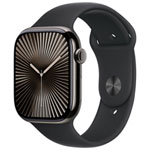
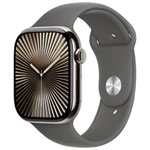
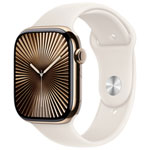
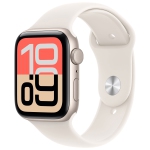
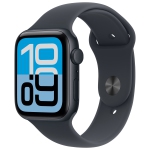
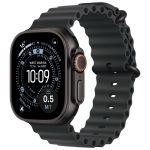
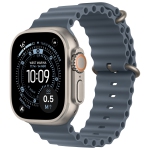
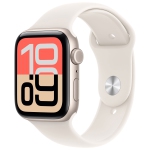
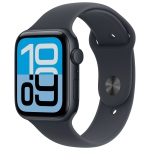
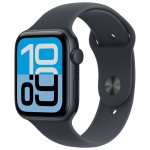
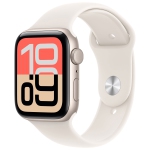
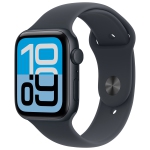
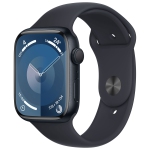
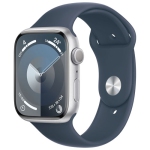
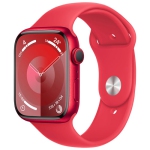
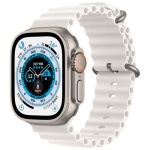
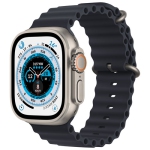


Apple Watches on Sale: Save big on Apple Watch and enjoy the perfect iPhone pairing!
The Apple Watch On Sale collection at Best Buy Canada brings together current deals across Apple's three-tier lineup — the budget-friendly Apple Watch SE, the mainstream Apple Watch Series, and the rugged Apple Watch Ultra — plus GPS and GPS + Cellular configurations in aluminum and titanium finishes. Whether you're buying your first Apple Watch, upgrading from an older Series or SE model, or picking up a second unit for a family member through Family Setup, shopping the sale collection is one of the smartest ways to save on a device Apple almost never discounts directly. Deals rotate regularly on both current-generation and previous-generation models, so it's worth checking back before you commit.
Choosing the Right Apple Watch
Apple's lineup has settled into a clean three-tier structure that makes the decision easier than the spec sheets suggest. The Apple Watch SE is the value pick — it delivers the core Apple Watch experience (notifications, activity tracking, Apple Pay, fall and crash detection, sleep tracking, and Family Setup) at the lowest price, and the latest generation now runs the same fast chip as the flagship while adding an Always-On display. The Apple Watch Series is the mainstream choice for most people — it adds the brightest always-on display, the full suite of advanced health sensors including ECG, blood oxygen, wrist temperature, and hypertension notifications, plus faster charging, more finish options (including titanium), and 5G cellular on newer models. The Apple Watch Ultra is built for athletes, divers, and outdoor adventurers who need the biggest, brightest display, multi-day battery life, a depth gauge for diving, dual-frequency GPS, and a rugged titanium case.
Health, Fitness, and Safety Features
What sets Apple Watch apart from most other wearables isn't a single killer feature — it's the depth of the health platform. Every current Apple Watch tracks heart rate, activity, workouts, sleep stages, sleep score, respiratory rate, and cycle tracking, and can trigger Emergency SOS, Fall Detection, and Crash Detection when something goes wrong. Stepping up to the Series or Ultra unlocks the ECG app for single-lead heart rhythm recordings, Blood Oxygen tracking (where regulatory approval permits), wrist temperature sensing, retrospective ovulation estimates, hypertension notifications, and sleep apnea notifications. On the fitness side, watchOS delivers deep workout metrics, custom training plans, Fitness+ integration, and the Activity Rings system that's kept millions of users moving daily.
GPS vs. GPS + Cellular
The other big decision at checkout is connectivity. GPS-only models are cheaper and rely on a paired iPhone for calls, texts, and data when you're out of Bluetooth range. GPS + Cellular models add an eSIM that shares your iPhone's number through your carrier, so you can leave your phone at home during a run, a hike, or errands and still receive calls, iMessages, streaming music, and Apple Maps directly on your wrist. Cellular is worth the upgrade if you actively want a break from your phone; if your phone is always with you, GPS-only saves you both upfront and monthly.
Compatibility Check Before You Buy
Apple Watch works exclusively with iPhone — there's no Android support at all — so confirm your phone is up to spec before you order. The current generation (Series 11, SE 3, Ultra 3) requires an iPhone 11 or later running iOS 26, while previous-generation models like the Series 10 and Ultra 2 pair with iPhone XS or later on iOS 18. If you're shopping a deal on an older model, that compatibility chart is the single most important thing to double-check.
Frequently Asked Questions About Apple Watch
Which Apple Watch should I buy?
For most people, the mainstream Apple Watch Series is the sweet spot — it delivers the always-on display, the full suite of advanced health sensors (ECG, blood oxygen, wrist temperature, hypertension notifications), and faster charging that make the platform shine. Choose the Apple Watch SE if you want the essential Apple Watch experience — notifications, fitness tracking, sleep tracking, and safety features — at the lowest price, and skip the advanced health sensors. Choose the Ultra only if you need multi-day battery life, dive depth tracking, dual-frequency GPS, or the toughest titanium case for serious outdoor use.
Do I need an iPhone to use an Apple Watch?
Yes — Apple Watch is designed exclusively for iPhone and does not pair with Android phones. The current-generation Series, SE, and Ultra models require an iPhone 11 or later running iOS 26, while older Apple Watch models will pair with older iPhones (see Apple's official compatibility chart before buying used or previous-gen). Family Setup lets you configure an Apple Watch for a child or older family member who doesn't have their own iPhone, using your iPhone as the setup device.
Is GPS + Cellular worth the extra cost?
It's worth it if you regularly want to leave your iPhone behind — during workouts, hikes, dog walks, or quick errands — and still receive calls, texts, streaming music, and Apple Maps directly on your wrist. Cellular uses an eSIM that mirrors your iPhone's number through your carrier's number-share service, and typically adds around $10 CAD/month to your bill. If your phone is always with you, GPS-only saves you money both upfront and every month with no loss of functionality when the two devices are within Bluetooth range.
What health features does Apple Watch actually track?
Every current Apple Watch tracks heart rate, high/low heart rate alerts, irregular rhythm notifications, activity, workouts, sleep stages, sleep score, respiratory rate, cycle tracking, and safety features like Fall Detection, Crash Detection, and Emergency SOS. Stepping up to the Series or Ultra adds the ECG app, Blood Oxygen tracking, wrist temperature sensing, retrospective ovulation estimates, hypertension notifications, and sleep apnea notifications. Feature availability depends on your model, region, and age — Apple's watchOS feature availability page is the definitive source.
How long does the battery actually last?
Standard Apple Watch Series and SE models are rated for about 18 to 24 hours of normal use, with a Low Power Mode that stretches that to 32–38 hours for longer stretches away from a charger. The Apple Watch Ultra pushes battery life to around 72 hours in Low Power Mode, which is why it's the pick for multi-day hikes and endurance events. All current models also support fast charging — roughly 15 minutes on the puck gives you enough for a full night of sleep tracking.