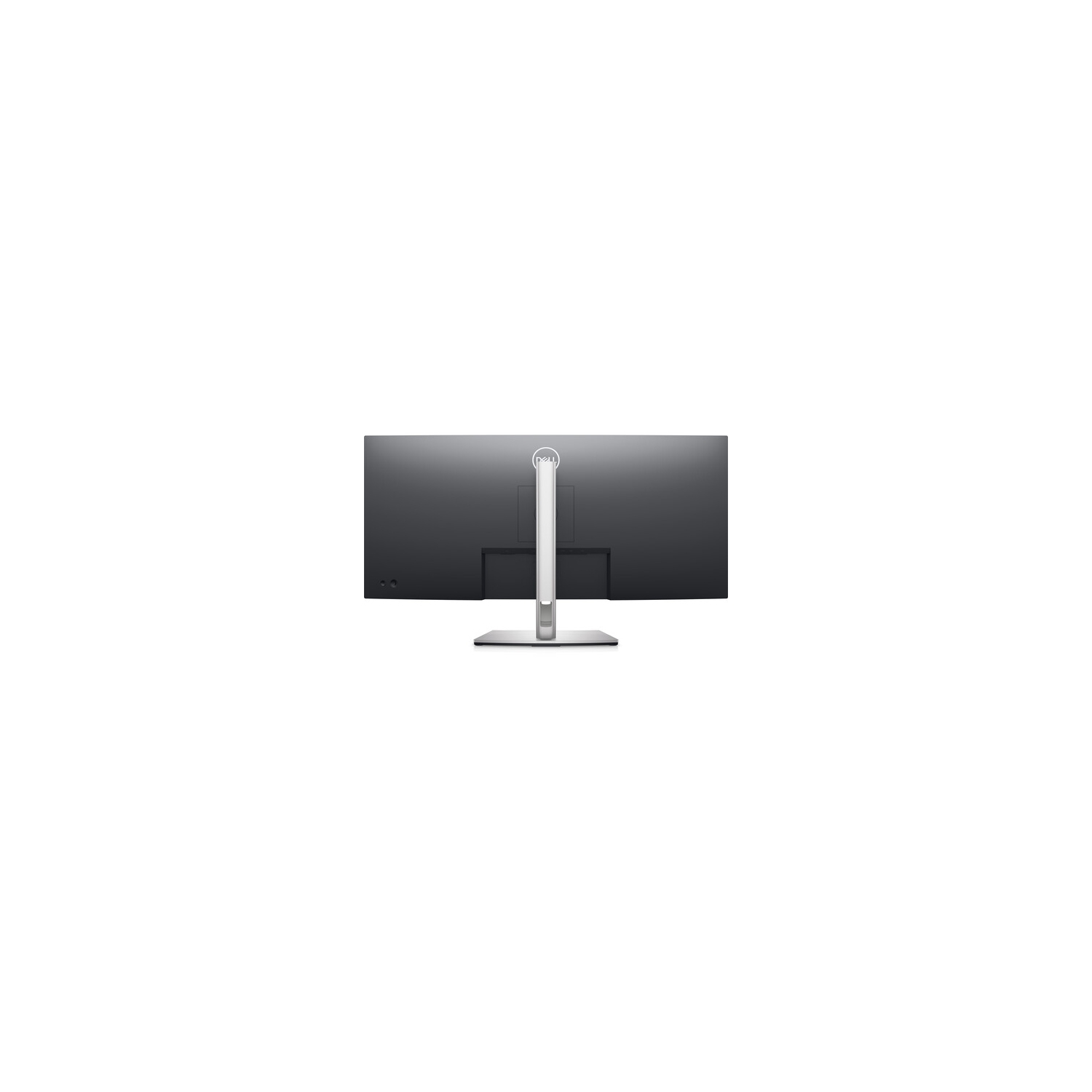
All-encompassing view: The 3800R screen curvature creates an ultrawide 21:9 field of view, minimizes reflection and offers a near-uniform visual focus for a more comfortable visual experience over extended viewing periods.
Unparalleled focus: Focus more on your work at home or in the office with a panoramic view, extended peripheral vision and incredible depth. More onscreen space gives you the freedom to multitask—without the need for a dual monitor setup.
Amazing visual clarity: See consistent, vibrant colors of up to 1.07b of 99% sRGB across seamless, wide viewing angles enabled by In-Plane Switching (IPS) technology.
Convenient connectivity
The power of USB-C: Get up to 90W of power delivery via USB-C, so you can keep your laptop charged and enjoy uninterrupted productivity. This single-cable solution reduces cable clutter and transmits power, video and data — all at once.
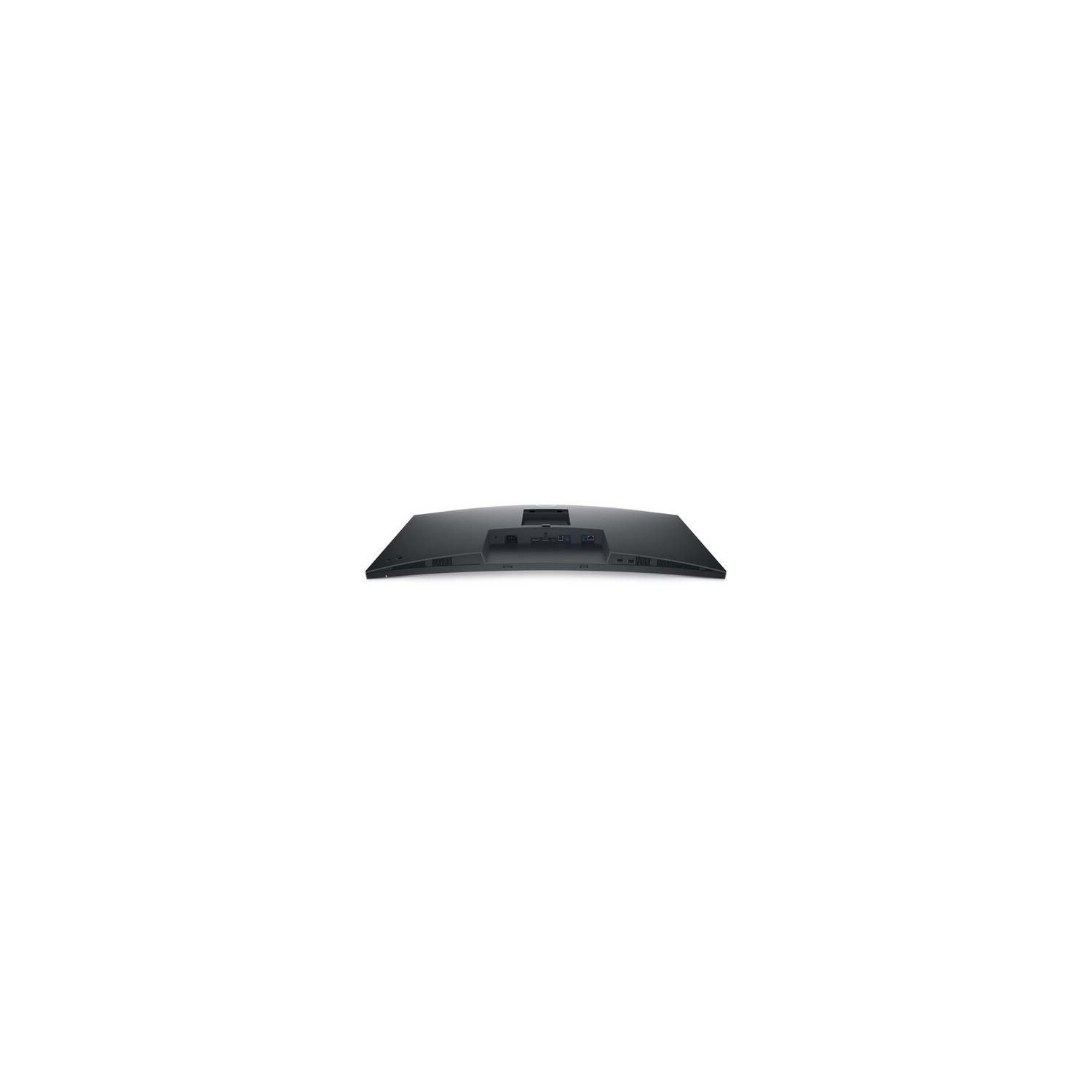
More ways to connect: RJ45 capabilities and USB-C turn your monitor into a hub for productivity, delivering stable Ethernet and power–all in a clutter-free setup. Connect to a variety of devices with connectivity options, including DP1.2, HDMI and USB ports for fast data transfers.
Multitask efficiently: Connect two PCs to the monitor and display the content at the same time with Picture-by-Picture (PbP) and Picture-in-Picture (PiP) features. Use the KVM (keyboard, video and mouse) feature to edit content from two different PCs using a single keyboard and mouse.
Quick convenience: Plug in whatever you need and keep it in reach via two SuperSpeed USB 5Gbps (USB 3.2 Gen1) quick-access ports.
Jumpstart productivity: Wake up and power on your laptop with the Power Sync feature
Designed with you in mind
Navigate the menu and adjust screen settings with the easy-to-use joystick control. We’ve also given you the option to effortlessly snap on the magnetic Dell Slim Soundbar - SB521A. It’s time to elevate your listening experience.
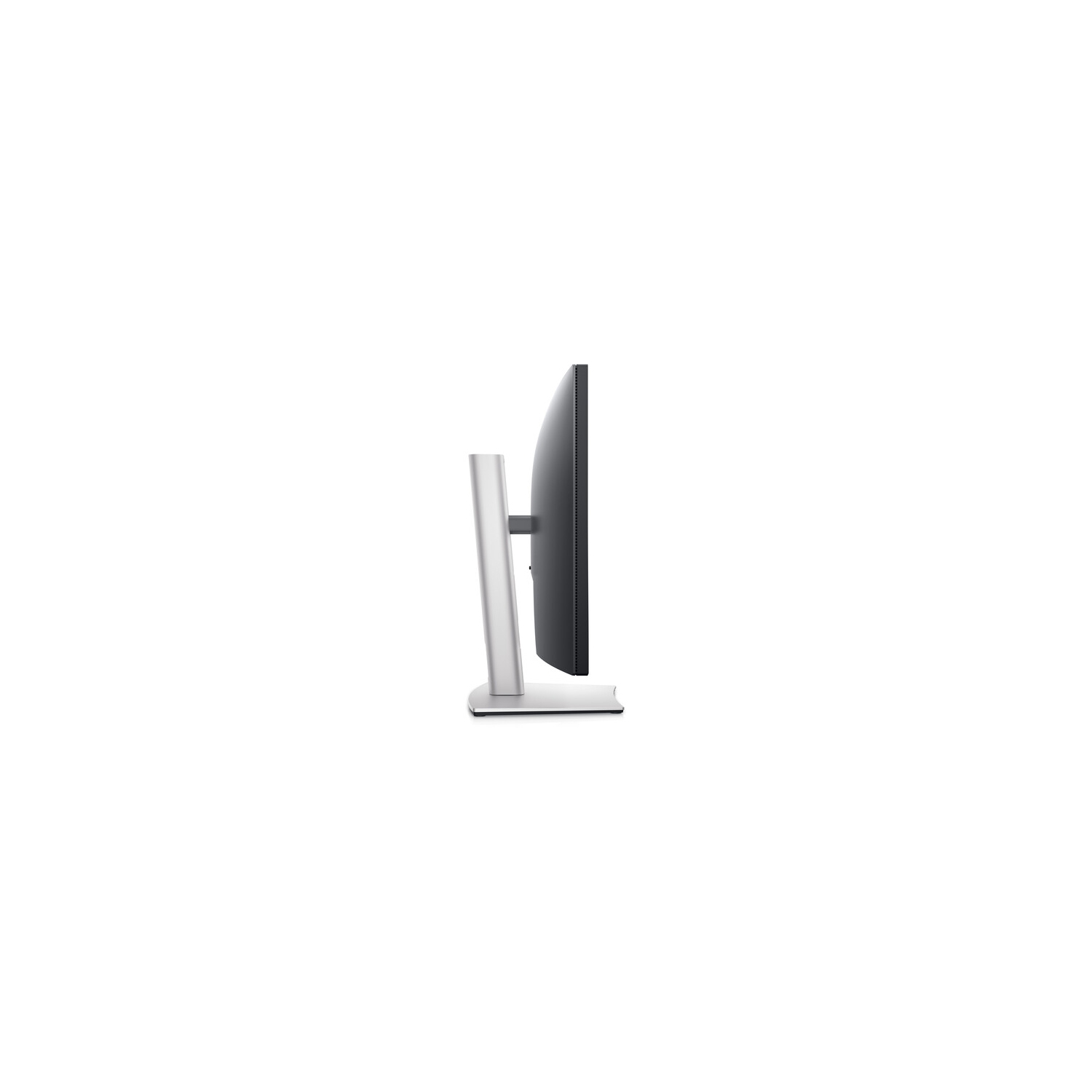
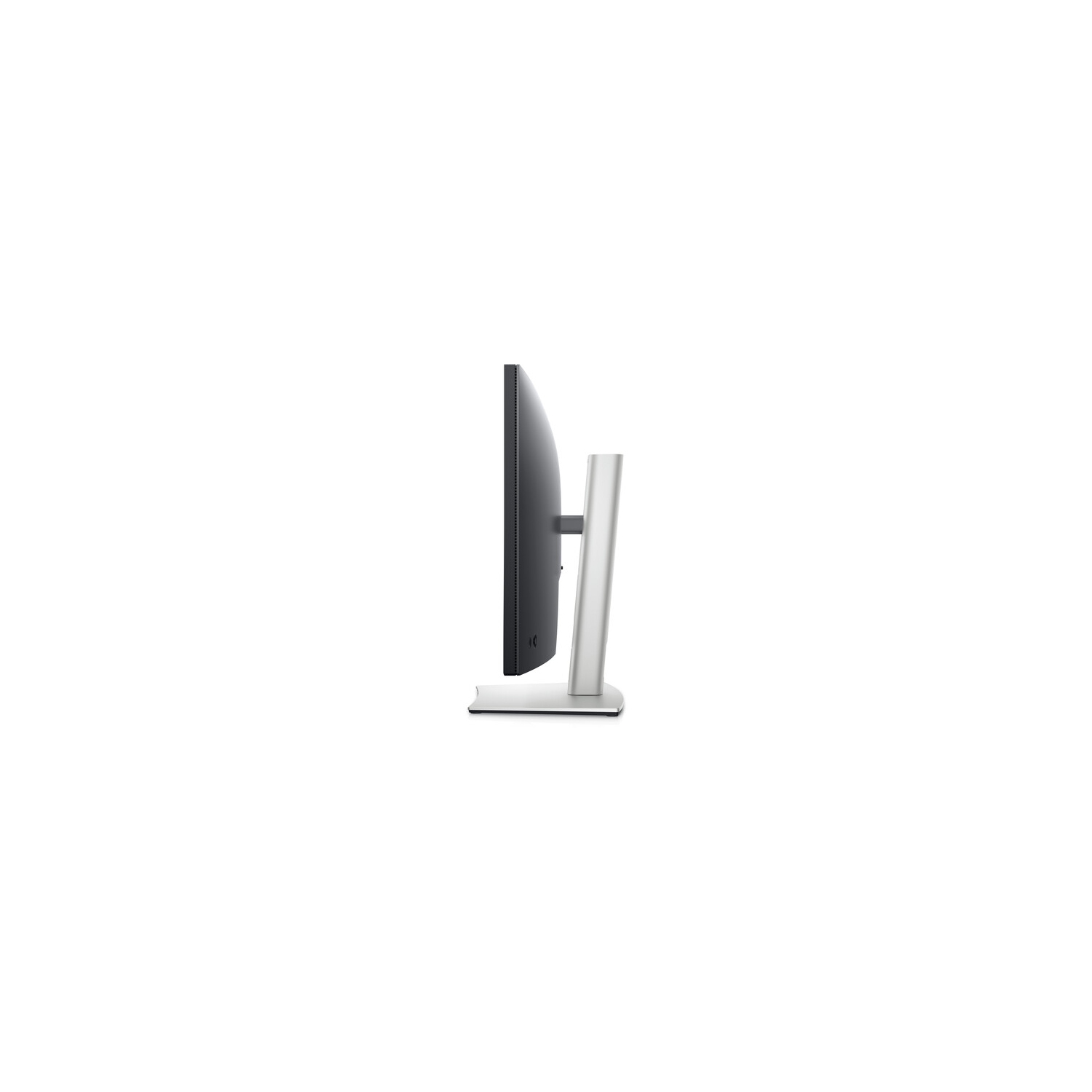
Tilt, swivel, slant and adjust the height of your monitor (up to 150mm), so you can work however you’re most relaxed.
Beauty meets function
This sleek monitor features a small base, a cable management design that hides cables in the monitor riser and extensive connectivity options for a clutter-free desk space at your office or home office.
Comfort without sacrificing color
Optimize eye comfort with a flicker-free screen and ComfortView Plus — an always-on, built-in low blue light screen that reduces potentially harmful blue light emissions without compromising colors.
Maximise productivity
Easy Arrange tiles apps across screens with pre-set partitions and customises up to five windows, enhancing multitasking. Easy Arrange Memory saves and restores app profiles manually, on schedule, or at start-up.
Customise your views
Work comfortably, day or night. Automate your brightness and contrast settings to match your schedule.
More manageable
Save time and boost IT efficiency with the Dell Device Management Console to manage your Dell peripheral fleet at scale, from a single cloud-based console. Discover expanded Command Line Interface features from Dell Display and Peripheral Manager
Green thinking: For today and tomorrow
Environmental standards:
Dell monitor uses 85% PCR (Post-consumer Recyclable) plastic in the design, 90% recycled aluminum, and meets the latest environmental standards such as EnergyStar®, TCO Certified Edge, and is EPEAT® Gold registered.
Eco-conscious packaging:
Designed with the environment in mind, Dell commercial monitors ship in select packaging components made with up to 90% recycled materials.
Energy conservation:
Save energy when your monitor is not in use with PowerNap, a feature that dims or puts your monitor to sleep when it’s not in use.
Advancing sustainability:
Dell Technologies is committed to reducing environmental impact throughout the product lifecycle. Read more about our commitment to sustainability and our 2030 Social Impact goals here, and our product’s carbon footprint