
Skip to main contentSkip to footer
Slide 1 of 8

Overview

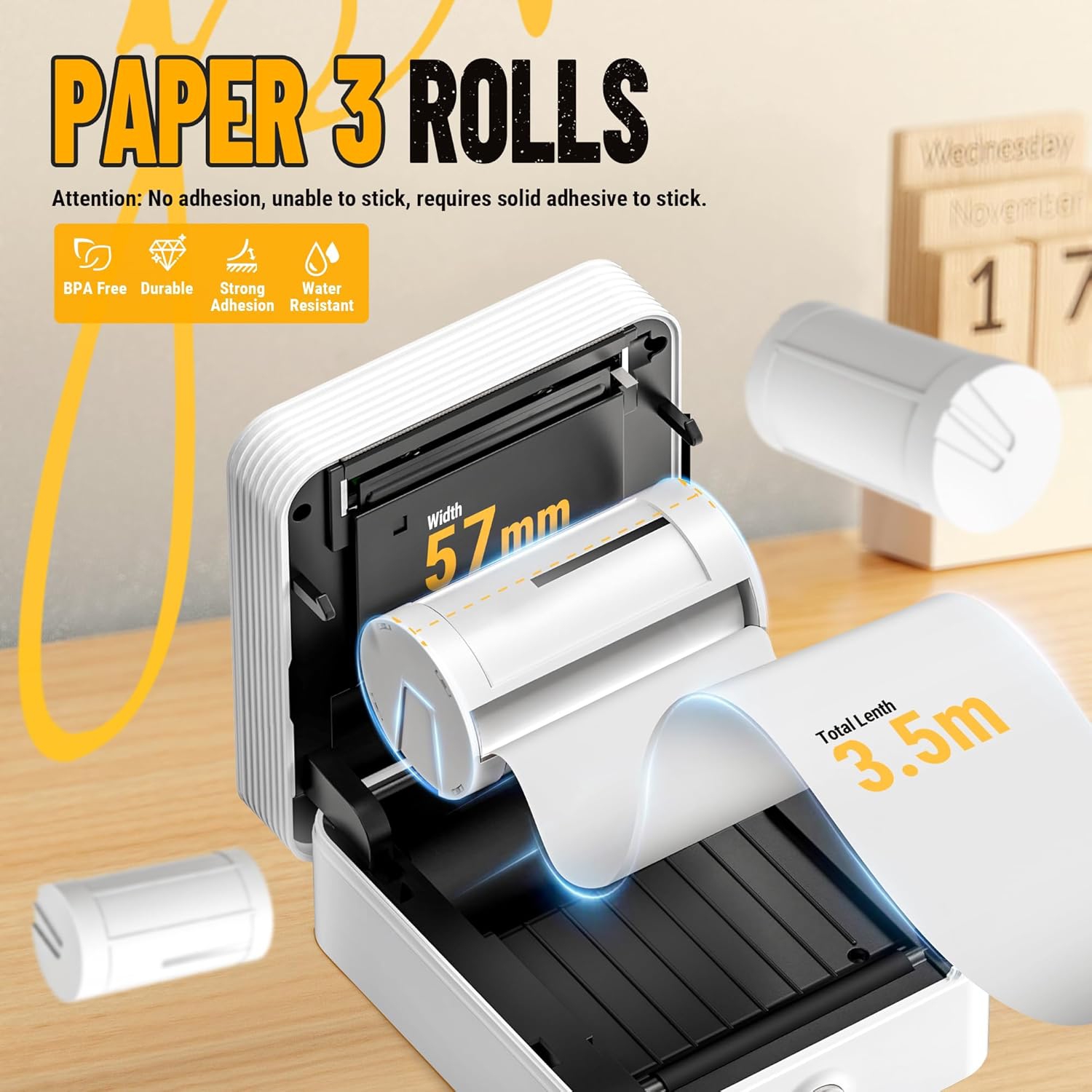
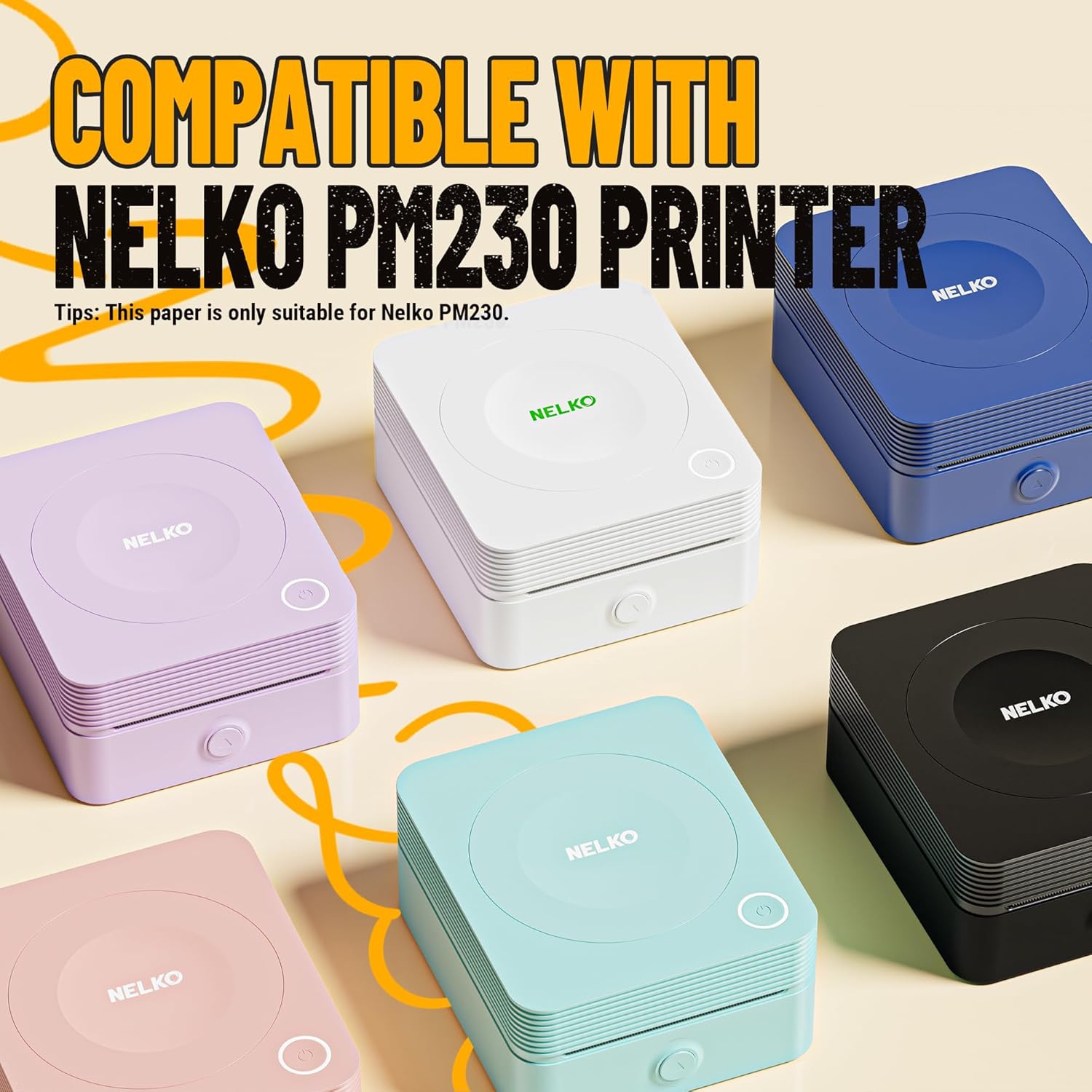
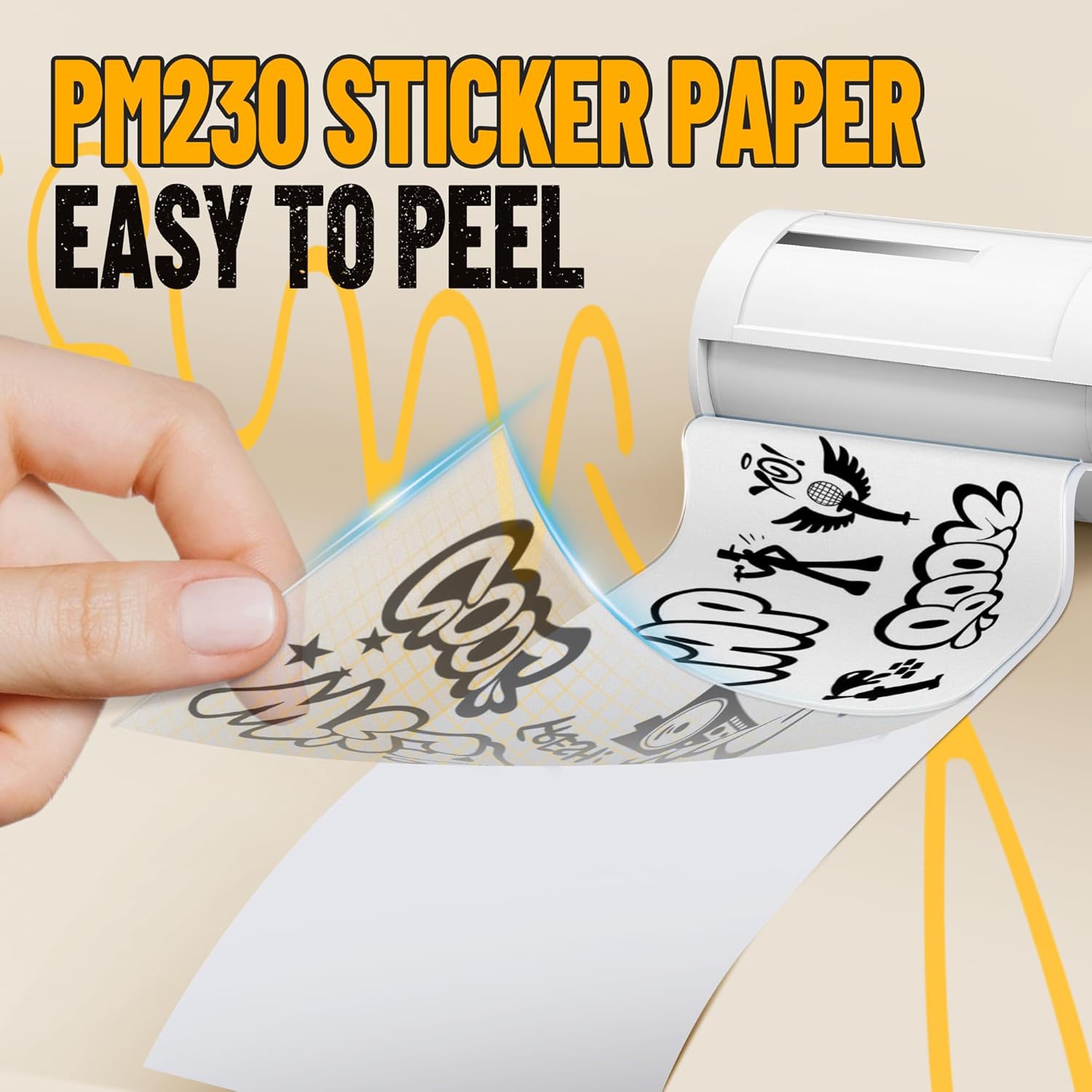
Nelko white adhesive sticker thermal paper, 3 rolls of 54mmx3.5m thermal printer paper in the package. Compatible with Nelko PM230 mini thermal printer. Keep away from sunlight , humidity and reduce friction

Genuine Self-Adhesive Thermal Printer Stickers, Compatible with PM230 Mini Sticker Printer, Black on White, 54mmx3.5m, 3 Rolls, Transparent

Model: TP54x3.5m
Web Code: 19704551
Sold and shipped by | 3.0 seller rating (1 review)

Available for deliveryAvailable online only

Delivery times vary by location. Most Marketplace items leave sellers' locations within 2 business days. Allow additional time for shipping.

Enjoy on orders from this seller.

Seller Return Policy

Read return policy

Warranty

Check with the manufacturer for details.

For Quebec residents: See the Availability Guarantee disclosure in the Specifications section below.

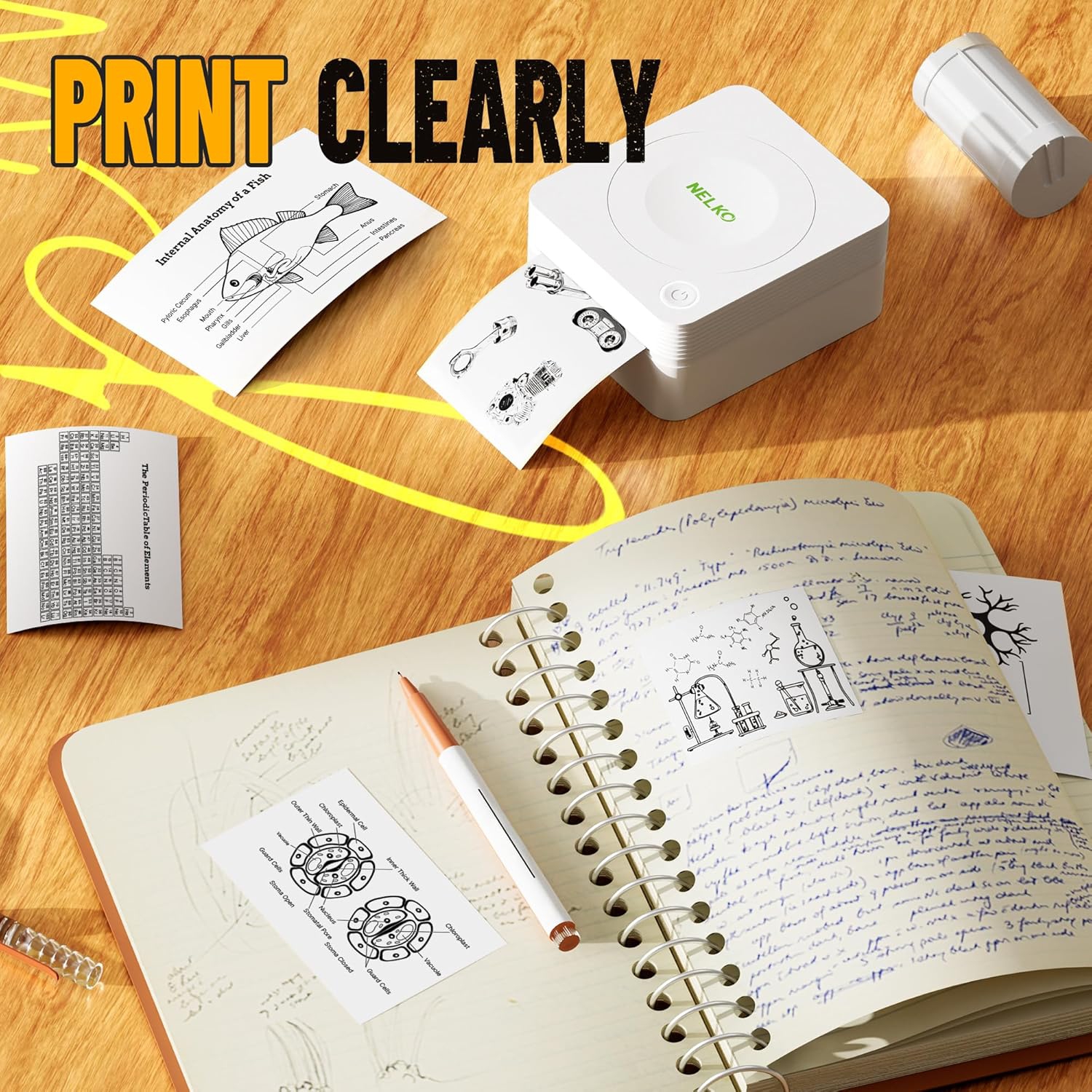
BPA-Free & Safe: Nelko thermal sticker paper is BPA-Free, Strong Adhesion and Slight Waterproofing. Print clearly and not fade for a long time. Never worry that your stickers maybe fall off, can print the photo as you like and use it to decorate the room or the DIY craft

Great Compatibility: The adhesive sticker thermal paper is suitable for Nelko PM230 portable mini mobile thermal printer. The printing side faces out during use in PM230 machine. Can only print black and white colors. Nelko PM230 pocket printer paper is suitable for DIY creation

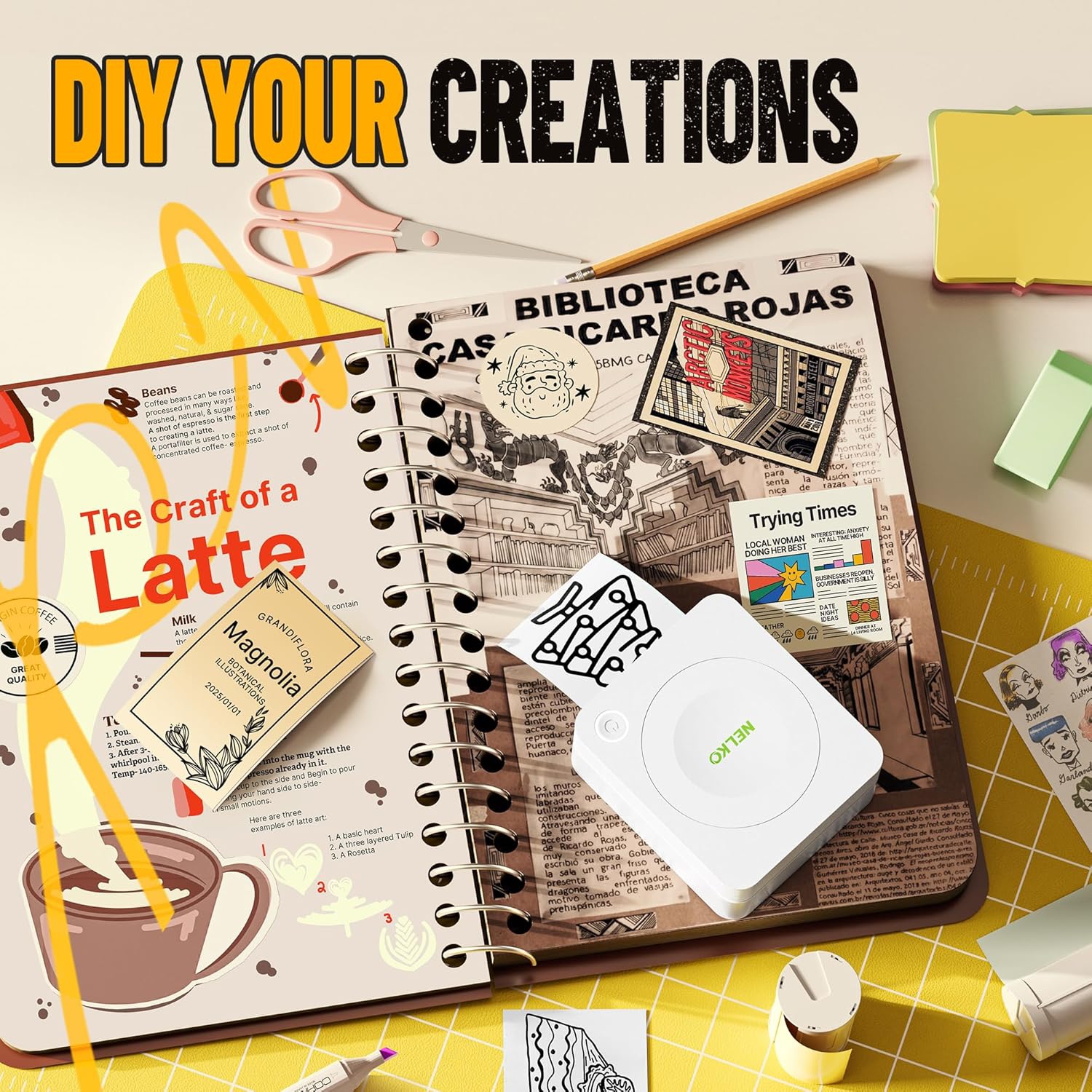
Widely Use: Use with PM230 thermal printer. You can finish your DIY creation, work plan, memo, meeting notes, study notes, shopping list through Nelko APP. Great for plan memo, “TO DO” list, gift card material, room decoration and anything else you would like to print. Bringing fun to your work and life!

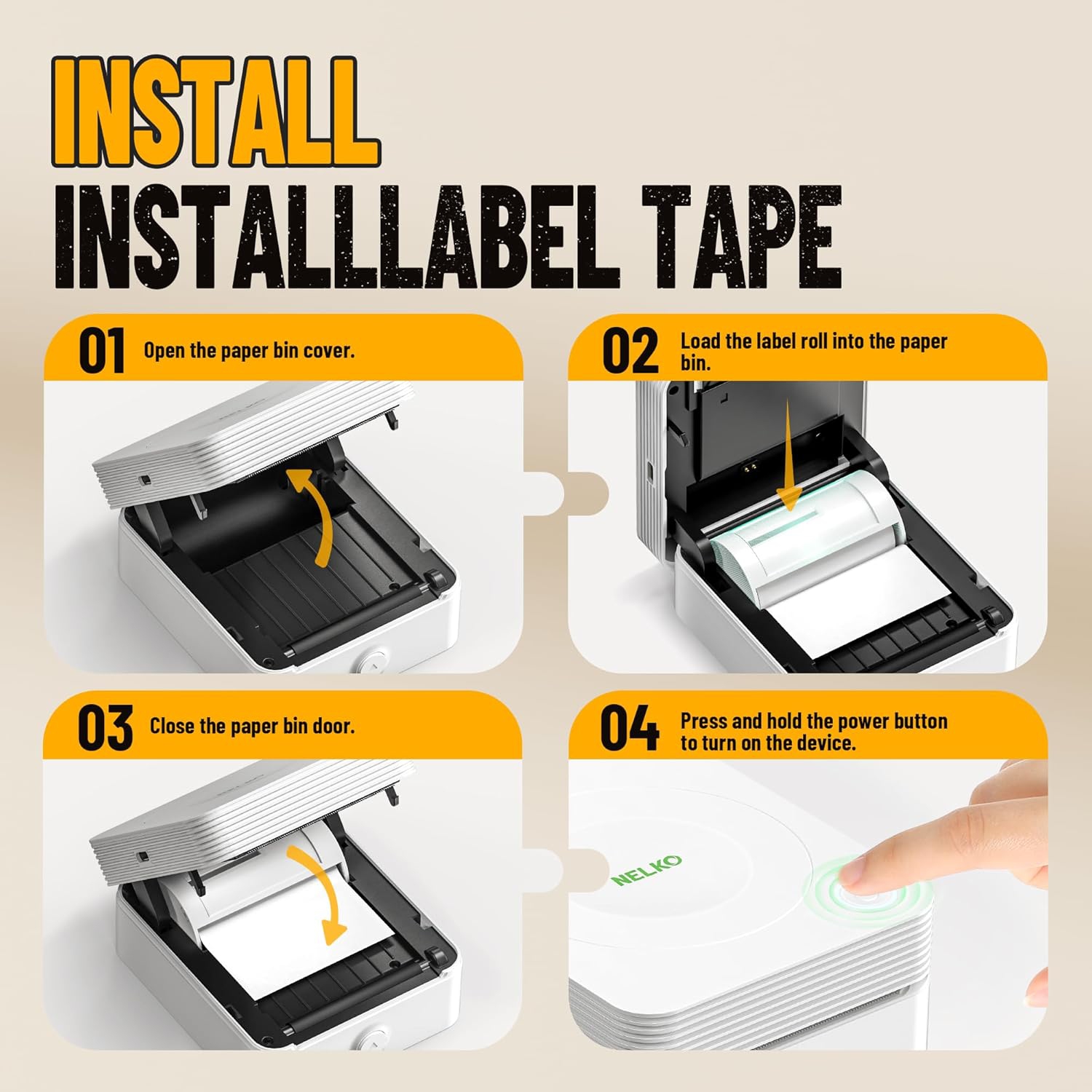
Precautions for Use: Step 1: Peel off the green sticker on the paper roll. Step 2: Turn the paper roll into a paper roll with the black line facing upwards, align both sides with the paper bin slot, and load it in. Step 3: Ensure that the printing side of the paper is facing upwards and leave 1-2mm outside the printer. Step 4: Close the paper box. The specific operation steps can be found in the operation video on the detailed information page.

For Quebec residents – Disclosure under the Consumer Protection Act

In compliance with Bill 29, Best Buy and third-party sellers on Best Buy Marketplace do not guarantee the availability of replacement parts, repair services, or maintenance information for any products. Coverage provided through any Best Buy Protection programs and applicable manufacturer warranties, if any, remain in place. Please contact the manufacturer directly for information about their availability guarantee.

Shipping Charges

Free standard shipping on all orders.

Processing Time

Most items ship within 2 business days after an order is placed*. Allow additional time for shipping to your address.
*Please note: If an item you ordered becomes unavailable, you'll be notified and a full refund will be processed within 2 business days.

Shipping Area Restrictions

Shipping is not available in the following areas*:
  • Saskatchewan
  • Manitoba
  • Quebec
  • New Brunswick
  • Nova Scotia
  • Prince Edward Island
  • Newfoundland and Labrador
  • Yukon
  • Northwest Territories
  • Nunavut
*Please note: Shipping area restrictions may vary for large items. If an item can't be shipped to your address, we'll let you know during the checkout process.
See our return policy to find specific return information for this product and steps on how to return by mail.