Skip to main contentSkip to footer
1 of 6

Overview

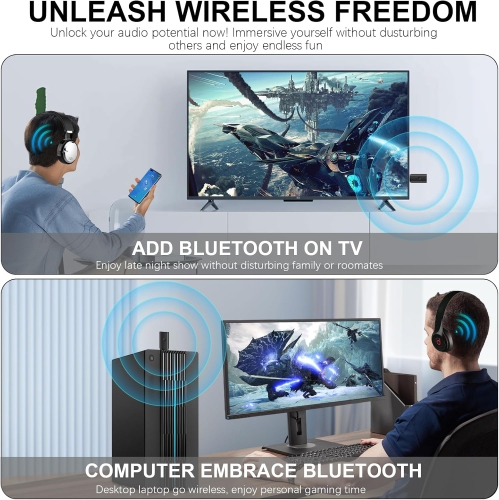
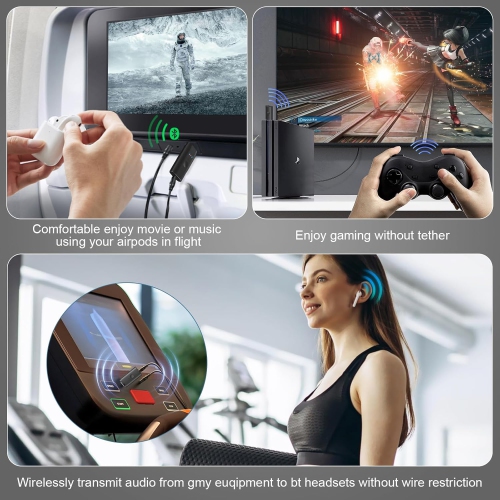
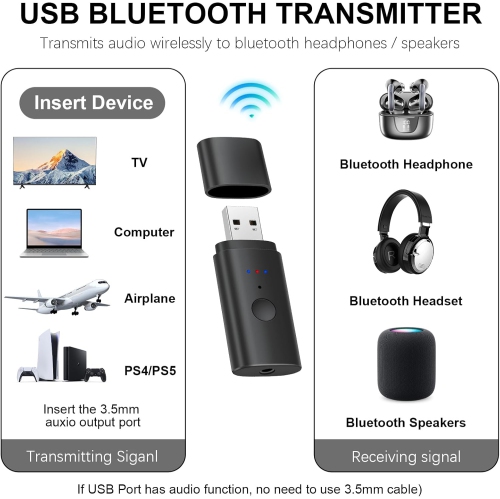
This version 5.2 Bluetooth transmitter is designed for streaming Bluetooth audio to TVs, PCs, and PS4 consoles. It supports two devices, allowing you to stream audio from your PC, TV, CD player, MP3 player, or any other device via Bluetooth to Bluetooth-enabled speakers or headphones. Its low-latency technology also supports real-time audio streaming for games, TV, and movies.

USB Bluetooth transmitter one to two 5.2 transmitter PS4/TV/computer and other audio transmission Bluetooth 3.5mm Aux transmitter

Model: A1935
Web Code: 19439043
Sold and shipped by | 3.2 seller rating (34 reviews)

Available for deliveryAvailable online only

Delivery times vary by location. Most Marketplace items leave sellers' locations within 2 business days. Allow additional time for shipping.

Enjoy on orders from this seller.

Seller Return Policy

Warranty

Check with the manufacturer for details.

For Quebec residents: See the Availability Guarantee disclosure in the Specifications section below.

Product Specifications:

Product Name: USB Wireless Audio Transmitter

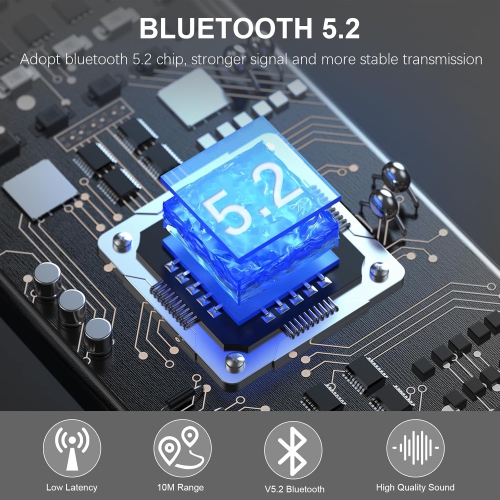
Bluetooth Version: 5.2+EDR

Input Port: USB / AUX

Transmission Distance: > 10 meters

Frequency Range: 2.402GHz-2.480GHz

Supported Protocols: SBC, A2DP, AVRCP

Power Supply: USB 5V

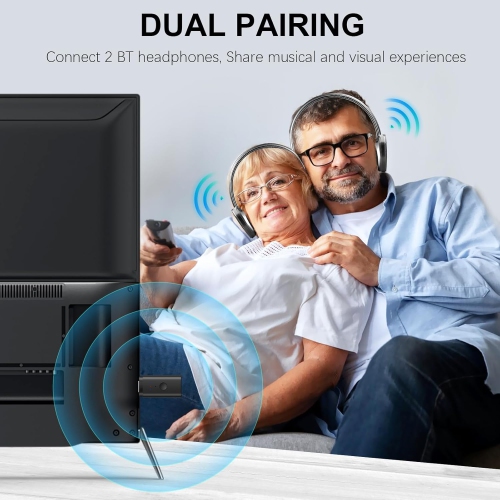
Supported Devices: Simultaneously connect two stereo headphones/Bluetooth speakers

Package Included:

1. USB Bluetooth Transmitter

2. 3.5mm Audio Cable

3. USB Extension Cable

4. Instruction Manual

Instructions:

1. Plug the USB cable into a TV/computer USB port. The blue light will flash quickly to start searching for Bluetooth. Turn on your Bluetooth headphones/Bluetooth speaker and start pairing. The product will automatically search for the connection. (Note: The TV's USB port must support USB audio output; select this in the TV's sound settings.) The blue light will remain on after a successful connection.

2. Using USB power, connect the 3.5mm audio cable to the product's AUX port and your TV/computer/MP3 player. The red light will flash, followed by a blue light that will flash quickly to start searching for Bluetooth. Turn on your Bluetooth headset/speaker and enter pairing mode. The product will automatically search for connections, and the blue light will illuminate when the connection is successful.

One-to-two pairing steps:

1. With the first headset connected, press and hold the button for 5 seconds. The second blue light will flash quickly, entering the Bluetooth search mode. Turn on your Bluetooth headset/speaker and enter pairing mode. The product will automatically search for connections, and the successful connection light will illuminate.

Note: Press and hold for 8 seconds to reset, clearing all connected devices.

Product Condition
Brand New
Colour
black

For Quebec residents – Disclosure under the Consumer Protection Act

In compliance with Bill 29, Best Buy and third-party sellers on Best Buy Marketplace do not guarantee the availability of replacement parts, repair services, or maintenance information for any products. Coverage provided through any Best Buy Protection programs and applicable manufacturer warranties, if any, remain in place. Please contact the manufacturer directly for information about their availability guarantee.

Shipping Charges

Free standard shipping on all orders.

Processing Time

Most items ship within 2 business days after an order is placed*. Allow additional time for shipping to your address.
*Please note: If an item you ordered becomes unavailable, you'll be notified and a full refund will be processed within 2 business days.

Shipping Area Restrictions

Shipping is not available in the following areas*:
  • Quebec
*Please note: Shipping area restrictions may vary for large items. If an item can't be shipped to your address, we'll let you know during the checkout process.
Product Category
Home theatre audio products
Return/Exchange Period
30 days
Condition
Opened