
Slide 1 of 4
Overview
VERY IMPORTANY! If you cannot connect after receiving the USB receiver, please contact our customer service, we will provide professional guidance Please ensure if the third led of keyboard will light when install batteries and turn on power switch If the third led of keyboard will light but no response, the keyboard lose connection with USB receiver. Pls try to pair them with USB receiver as follow: a. turn off keyboard power and unplug the USB receiver; b. press and hold ESC & '=+'; c. turn on keyboard power, you will find the power led keep flashing(it means keyboard are searching the USB)
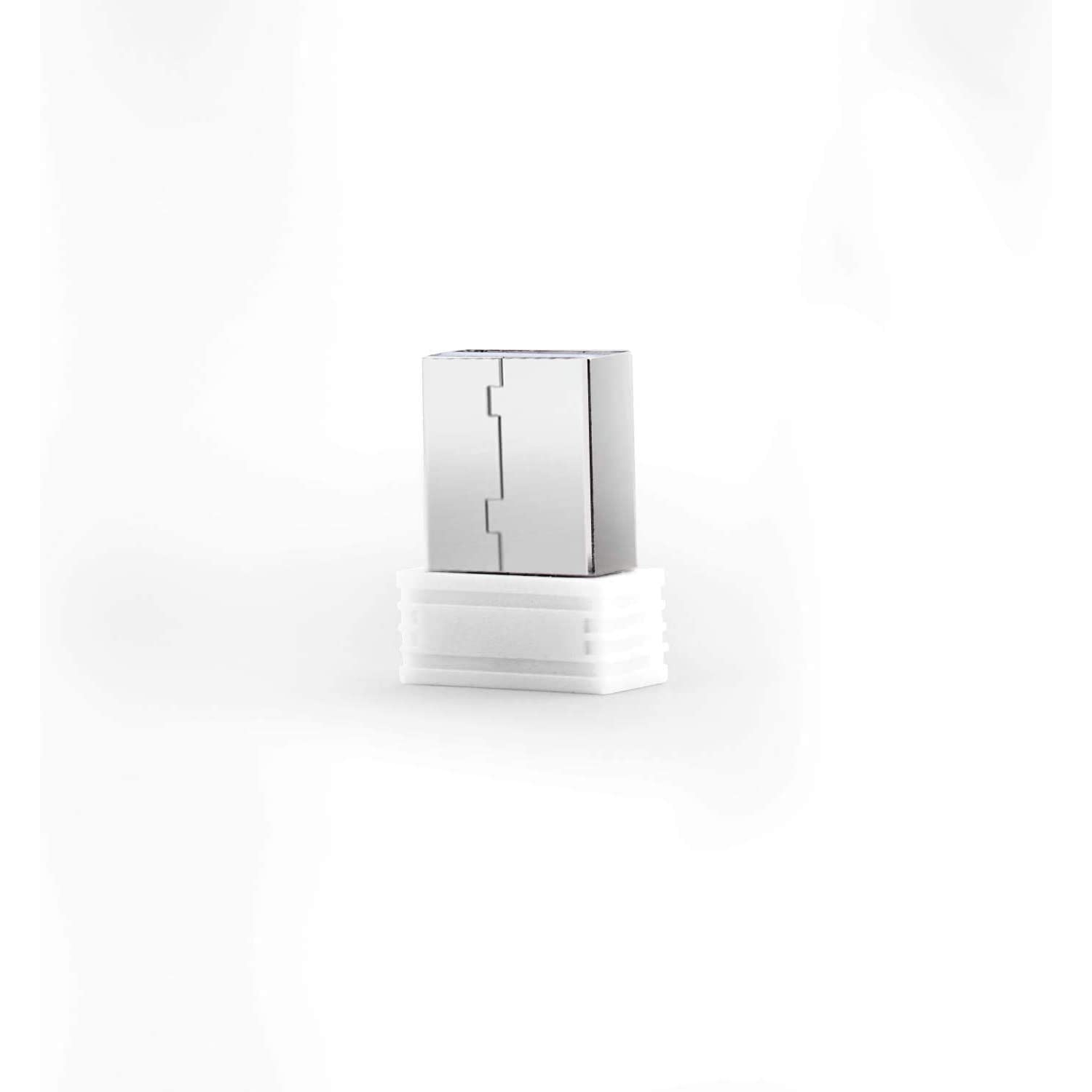
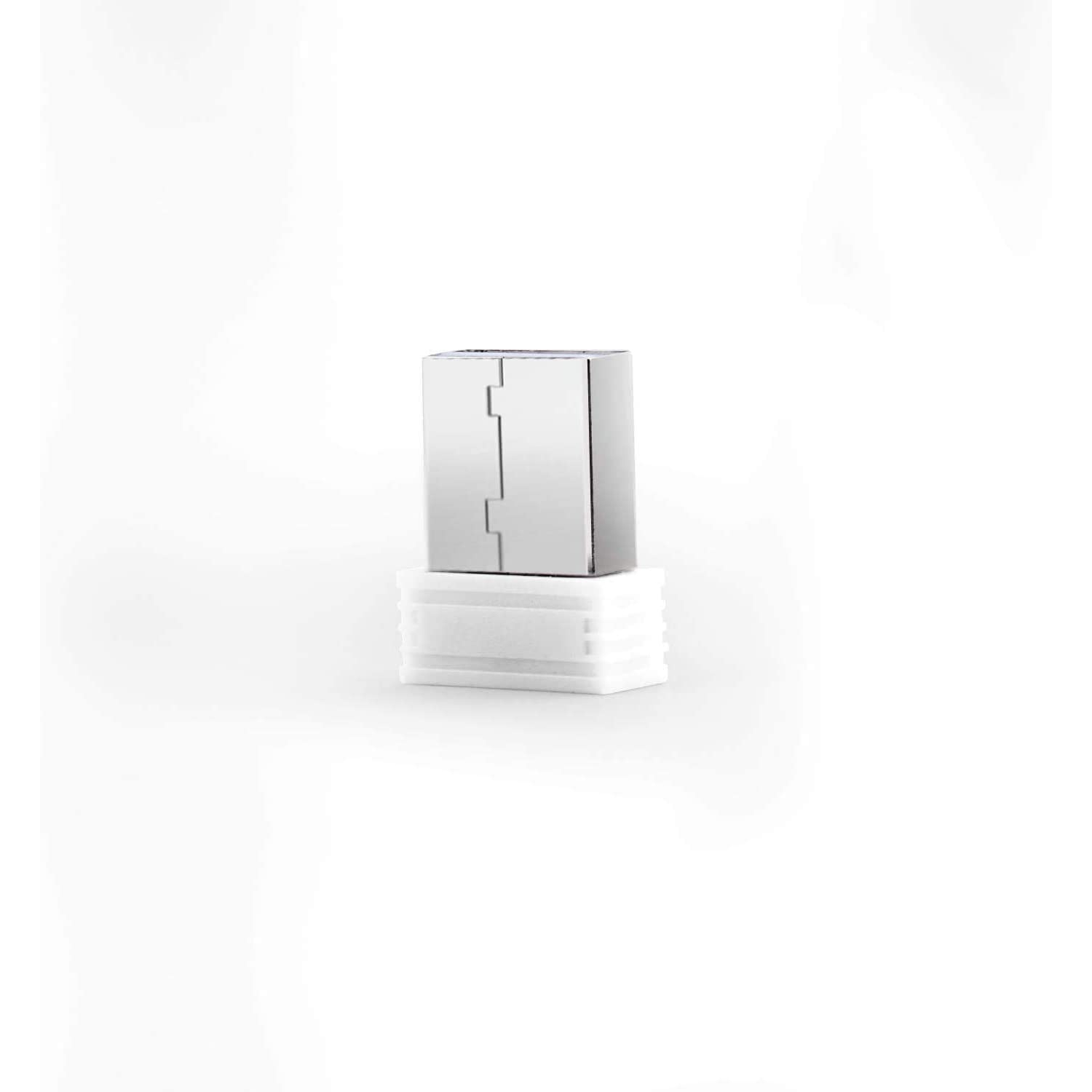
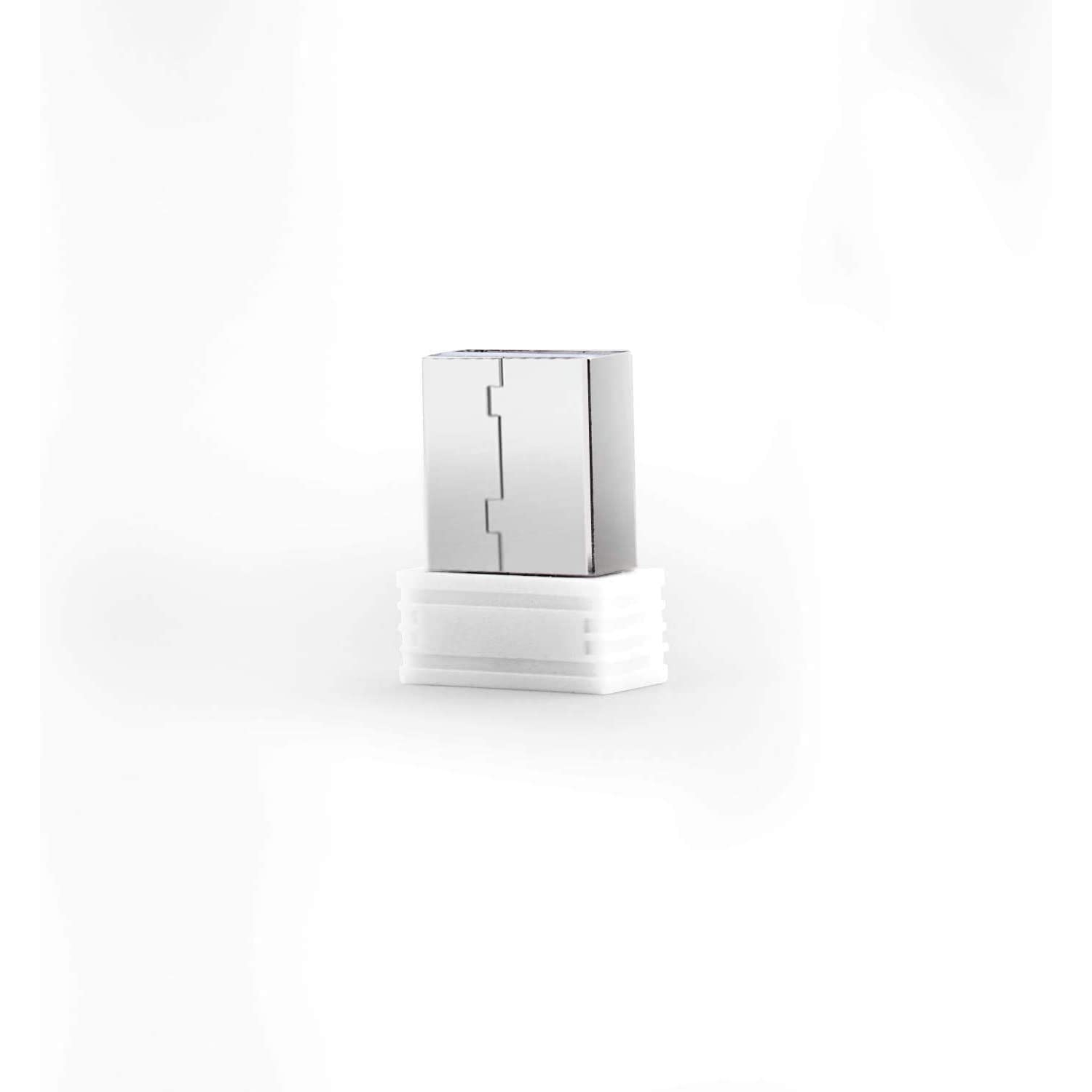
USB Receiver for Keyboard and Mouse Combo(for Model No.: JA-CB2, JA-CB2R) -New Version Since July.2018
Model: dolaeCompBDises46
Web Code: 16490546
Sale ends: *
Available online only
Delivery times vary by location. Most Marketplace items leave sellers' locations within 2 business days. Allow additional time for shipping.
What you need to know:
- Membership is $19.99 / month until you cancel.
- You can cancel at any time, but if you cancel after the first 30 days you may be subject to a service recovery fee.
What you need to know:
- Membership is $19.99 / month until you cancel.
- You can cancel at any time, but if you cancel after the first 30 days you may be subject to a service recovery fee.
Seller Return Policy
Read return policyWarranty
Check with the manufacturer for details.
For Quebec residents: See the Availability Guarantee disclosure in the Specifications section below.
What you need to know:
- Membership is $19.99 / month until you cancel.
- You can cancel at any time, but if you cancel after the first 30 days you may be subject to a service recovery fee.