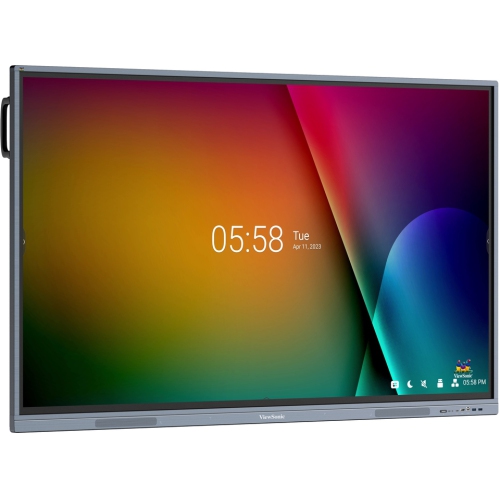
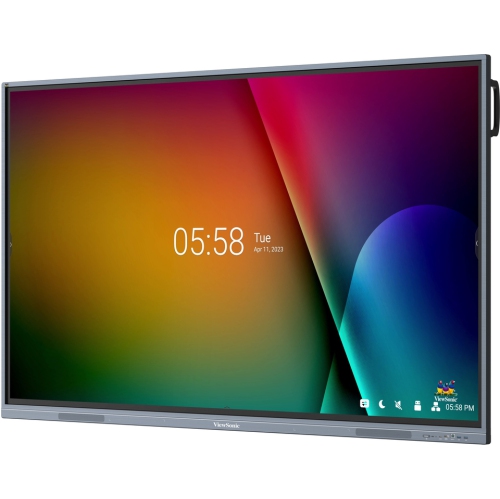
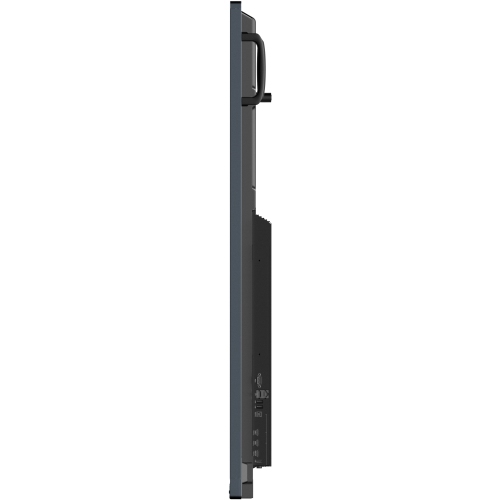
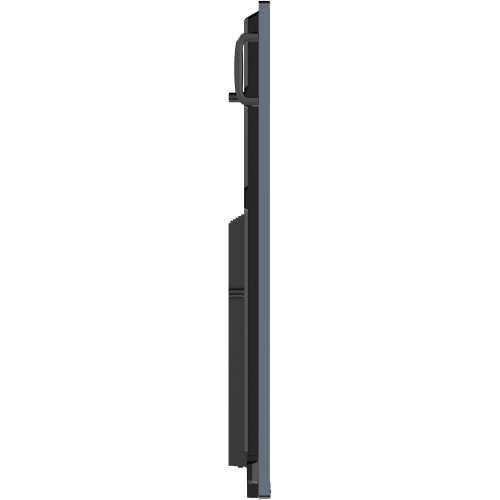
The 40-point touchscreen interface, equipped with Ultra Fine Touch Technology, empowers students and teachers to collaborate seamlessly, using either their fingers or dual-tip pens, for an intuitive pen-on-paper experience. Powerful built-in front-facing speakers and a USB-C port sort out for a complete and convenient multimedia experience. The ViewBoard IFP33 Series is preinstalled with myViewBoard to offer advanced lesson delivery options for teachers and powerful device management tools for administrators.
• Integrated with myViewBoard software
• Multi-tasking capabilities for enhanced lesson delivery
• Embrace simplicity and organization with the USB-C one-cable solution, offering 65W of Power Delivery.
• Intuitive user interface and fast app launch for smooth operation
• Powered by Android 11
Enriched Learning Experience with Multitasking Capabilities
Enhance lessons and activities with split-screen capabilities. Sketch on the ViewBoard while watching a video in Picture-in-Picture mode. Alternatively, use Picture-by-Picture mode to display up to 2 windows simultaneously, allowing for notes to be written in one window next to the test questions.
Smooth Writing for Intuitive Collaboration
Designed for sharing ideas and student collaboration, the ViewBoard IFP33 Series features 40 touchpoints with Ultra-Fine Touch technology and dual-pen capabilities. Experience an enhanced pen-on-paper writing experience as you alternate between the two pens’ dual-tips to effortlessly switch line color and thickness.
Simplify Classroom Setup with USB-C
Embrace simplicity and convenience with the USB-C one-cable solution. Plug in any compatible device to enjoy instant multimedia playback and lightning-fast data transfer. Plus, with up to 65W power delivery, you can even charge your laptop while maintaining a clutter-free workspace.
Seamless Integration for Interactive Lessons
The ViewBoard IFP33 Series seamlessly integrates with myViewBoard software, offering teachers a wide range of interactive lesson and presentation possibilities. Effortlessly prepare, save, and share class materials across various platforms in an instant.
Wirelessly Present from Your Device
Enjoy the ease of quick and seamless wireless screen sharing. myViewBoard Display provides instant browser-based casting, ideal for basic presentations and guest users, while the vCast app takes these functions further, offering educators advanced features like split, extended, and grouped screen capabilities for enhanced teaching possibilities.
Fast Wireless Connectivity for the Classroom
Upgrade the ViewBoard with an optional Wi-Fi module for seamless internet access to watch videos or review online resources within a clutter-free environment. Additionally, the ViewBoard can double as a hotspot to ensure a stable, wireless internet connection for the classroom.
Front-Facing Speakers Deliver Elevated Audio Quality
Captivate students with compelling lessons thanks to the built-in dual 16W front-facing speakers. Whether sharing instructional videos, musical content, or delivering listening exercises, the ViewBoard IFP33 Series brings profound audio depth to create memorable experiences.
Streamline Campus Communication
myViewBoard Manager offers a secure and user-friendly remote management system that enables updating, scheduling, broadcasting, and simultaneous management of multiple displays from any location. Save time and effort with a streamlined campus communication system that allows for text announcements, multimedia messages, and emergency alarms to be efficiently delivered. Disclaimer: *Task scheduling and multimedia broadcast are available with the optional Manager Advanced license
Upgrade the ViewBoard with a Windows Slot-in PC
Maximize the capabilities of the ViewBoard by attaching an optional slot-in PC, which features a standard OPS, Intel Core CPU, and pre-installed myViewBoard for Windows.
Hybrid-ready With Webcam Support
Prepare your classroom for hybrid learning by enhancing the ViewBoard IFP33 with a ViewSonic webcam. Livestream or record classes in high resolution, enabling remote students to easily follow along, even as the teacher moves around the room.