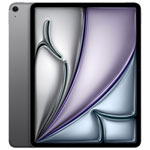
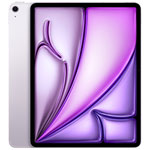
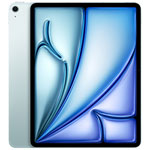
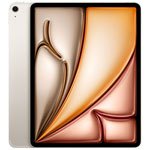
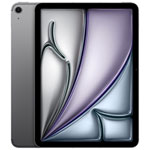
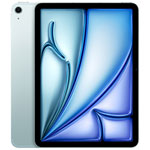
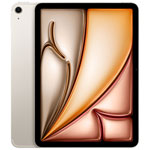
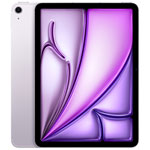
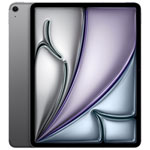
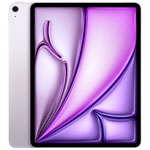
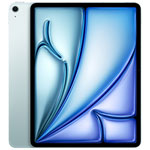
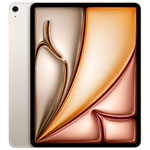
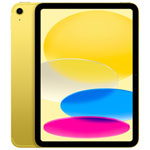
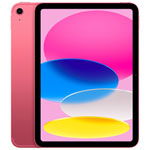
iPad Trade-In Offer



How it works
3. Head to a store.
Bring 2 pieces of photo ID, your device, and any accessories or manuals the device came with to a participating store.¹ A Blue Shirt will help you at the Customer Service desk.
4. Get your gift card and buy your new device.
We’ll give you a Best Buy gift card for the value of your device. You can use your gift card whenever you like, it never expires.
Get an estimate
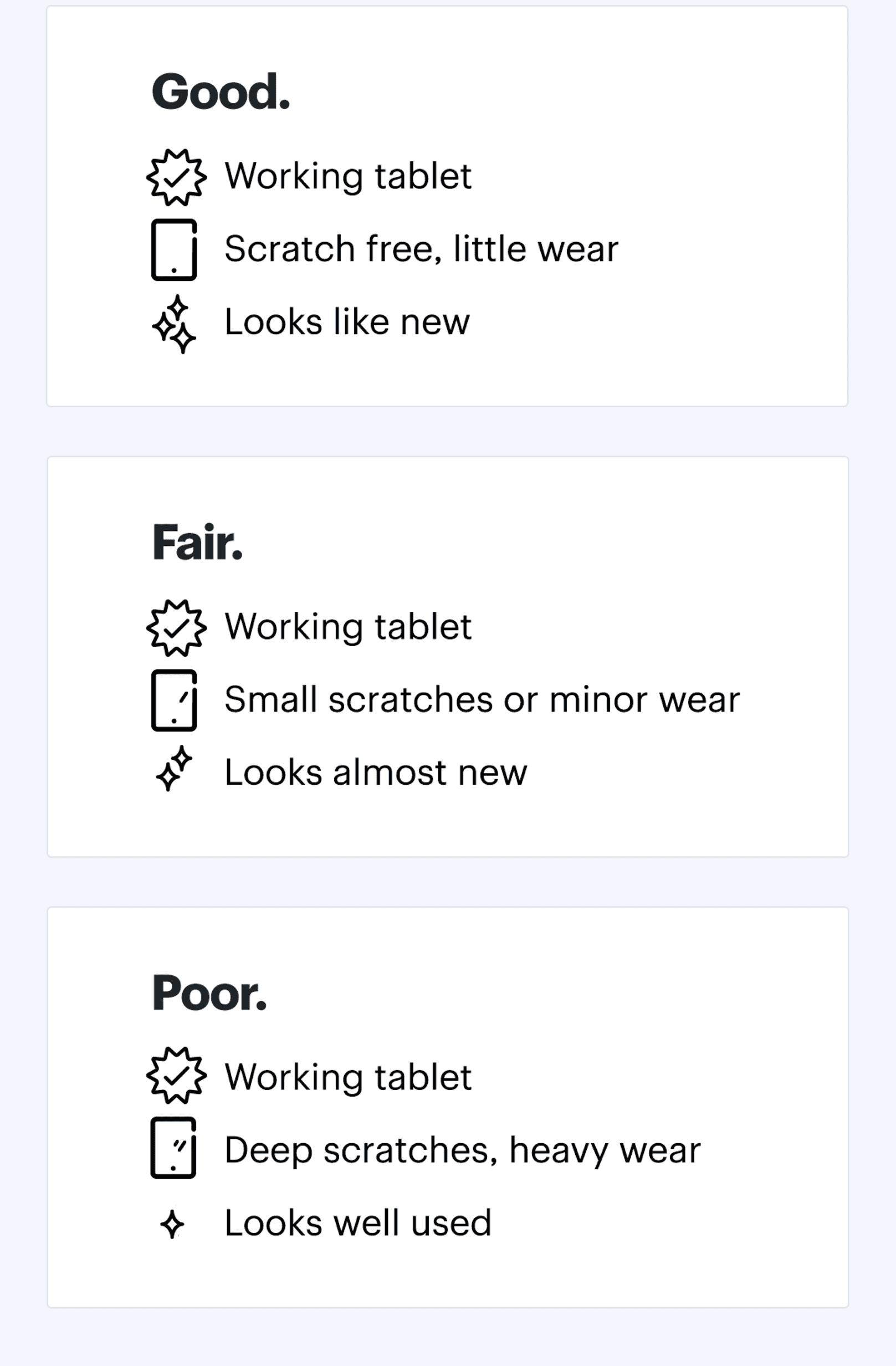
Check the condition of your tablet and get an estimate.
Keep in mind a Blue Shirt will provide the final evaluation in store. If you can't find your device listed in the online estimator tool, it may not be eligible for trade in.
If you need more help, chat with us online or at a participating store.¹
Prepare your device
1. Do not run a factory reset.
We'll need to look up specs and verify that your tablet is in working condition. After that, we'll run a factory reset with you in store.
2. Do back-up your data.
Choose a cloud service like iCloud or Google Drive, or back-up using your computer or another device.
3. Remove your accounts.
For Apple iPads, remove the device from your Apple ID.
4. Bring original accessories with you to the store.
The availability and condition of everything from the original packaging, such as manuals, adapters, and charging cables, may affect the trade-in value.
Need support?
Geek Squad Agents are available round-the-clock to help you back-up or transfer your data. You can choose to get one-time support or get unlimited support with Best Buy Membership. Fees apply. Learn more >
Terms and conditions
¹ Trade-In isn’t available in the following stores: Kelowna (BC) and Sudbury (ON) due to municipal by-laws; and isn't available in any Best Buy Express locations.
Best Buy reserves the right to refuse any Trade-In for any reason. Trade-In is currently only available at select Best Buy locations. You must be at least 19 years of age with a valid government-issued photo ID. Best Buy is required by law to collect and record additional information as necessary. The information collected by Best Buy during any Trade-In transaction may be communicated to law enforcement authorities for law enforcement purposes.
The product must be in good working condition and have an intact serial number. Not all products are eligible for Trade-In. The condition of the product and available documentation and accessories may affect the estimate. Trade-In value may depend on our evaluation of a number of factors, including condition, product age and specifications, documentation, resale value, etc. Trade-In estimates are subject to change and therefore they are only valid at time of estimate inquiry.
You are responsible for removing any data from your product before providing the product for evaluation. You will be required to sign an agreement in store. Payment is by Best Buy gift card only and is not redeemable for cash. Trade-In transactions are irreversible after issuance of the Best Buy gift card. For complete details, see a Customer Service Representative in store.
² $399.99 after trade-in price excluding taxes and EHF dependent on device age, condition, applicable accessories, and application of $400 Limited Time iPad Air trade-in gift card when you trade in an iPad Air 5 Wi-Fi 64GB model in good condition. Gift card value in the Trade-in Estimator on the iPad Air 5 Wi-Fi 64GB model reflects the increased limited time gift card value. Taxes are calculated on the regular price before trade-in amount is subtracted. Limit 1 per customer per transaction. Offer valid from March 2 to May 7, 2026, but may begin before and may continue or change after. Excludes Best Buy Marketplace iPad.