

 Shop
Shop

 Latest and Greatest Tech
 Brands


 Computers, Tablets, & Accessories
 Cell Phones, Plans & Accessories
 Office Supplies & Ink
 TV & Home Theatre
 Headphones, Speakers, & Audio
 Cameras, Action Cameras, & Drones
 Car Tech and GPS
 Appliances
 Smart Home
 Home Living
 Baby & Maternity
 Video Games & VR
 Wearable Technology
 Health & Fitness
 Sports, Recreation, & Transportation
 Movies & Music
 Musical Instruments & Equipment
 Toys, Games, & Education
 Beauty
 Personal Care
 Travel, Luggage, & Bags
 Watches, Jewelry, & Fashion
 Gift Cards
 3-Day Flash Sale
 Deals
Deals
 Phones & Plans
 Outlet
 Services
Amazfit Watch


What to Consider When Choosing an Amazfit Watch?
Battery life is a key factor. Some Amazfit models offer up to multiple days on a single charge, which is ideal for travelers or busy days away from a charger. If you’re active, look for watches with GPS and multi-sport tracking to capture runs, rides, swims, and workouts accurately.
Display quality matters too. AMOLED screens provide vibrant colors and good readability in sunlight, which makes apps, notifications, and health data easy to review at a glance. Water resistance is important for swimming and sweat-prone activities, so check the IP rating for each model.
Health sensors such as heart rate monitors, SpO2 tracking, sleep analysis, and stress assessment help you understand your body’s patterns over time. Compatibility with iOS and Android, as well as seamless syncing with apps like Zepp, Google Fit, and Strava, ensures your data stays in one place.
What Are the Most Popular Amazfit Watch Models?
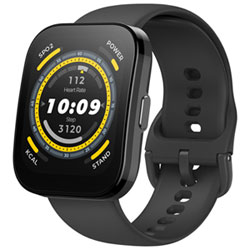
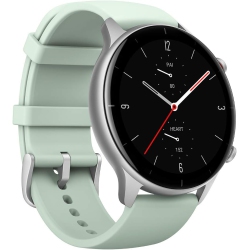
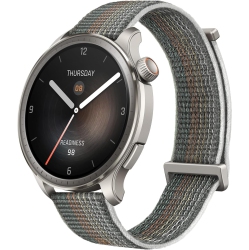
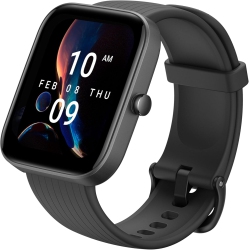
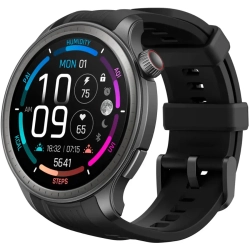
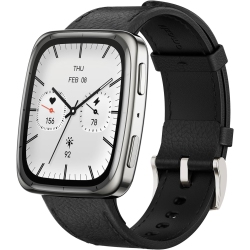
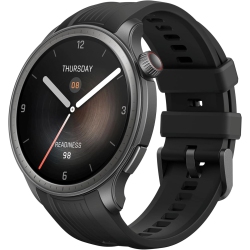
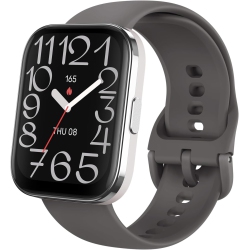
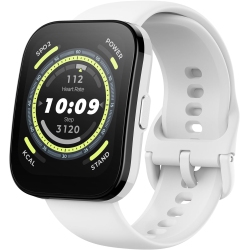
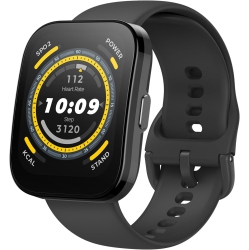
The Amazfit GTR 3 and GTS 3 are popular for their elegant design, long battery life, and robust fitness tracking. The GTR 3 Pro adds additional health sensors, more storage for music and apps, and a larger display, making it a strong choice for power users. The Amazfit Bip U Pro offers a lighter, budget-friendly option with built-in GPS and an always-on display. For more features in a rugged or sport-focused package, the Stratos line delivers advanced multisport tracking and durable construction.
If you want a slim, stylish daily wearable or a full-featured sports smartwatch, there’s an Amazfit watch designed to fit your needs and budget. Expect competitive pricing, frequent promotions, and dependable after-sales support at Best Buy Canada.
How to Maintain and Care for Your Amazfit Watch?
Keep the screen clean with a soft microfiber cloth and avoid harsh cleaners that could damage the display. Regular software updates improve accuracy and add new features, so enable automatic updates where available. When not in use, store the watch away from extreme heat and direct sunlight to preserve the battery and strap materials.
Swap worn straps to avoid skin irritation and to keep the look fresh with your outfits or workouts. Charge using the official magnetic charger or cradle, and avoid charging in humid environments. With proper maintenance, your Amazfit watch can remain reliable for years while continuing to track your health and fitness data accurately.
What Are the Best Features for Everyday Use?
Notifications at a glance, weather updates, calendar reminders, and music controls on your wrist make daily routines smoother. The built-in GPS and activity tracking help quantify runs, walks, cycling, and workouts without needing to carry your phone. Sleep tracking, heart rate monitoring, and SpO2 measurements provide insights into overall wellness and recovery.
With automatic workouts and goal setting, you can stay motivated across activities like hiking, swimming, treadmill sessions, or yoga. The ability to sync with popular fitness apps enhances your data ecosystem, whether you’re training for a race or simply staying active.
How to Pair and Set Up Your Amazfit Watch?
Start by charging the watch and downloading the Zepp app on your iPhone or Android device. Turn on Bluetooth, open the app, and follow the on-screen pairing prompts. Grant the necessary permissions for notifications, location, and health data to ensure full functionality. After pairing, customize watch faces, install updates, and sync with your favorite health and fitness apps for a personalized experience.
What Accessories Enhance Your Amazfit Watch Experience?
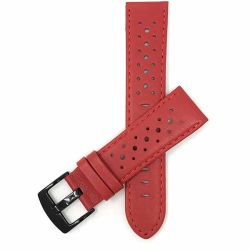
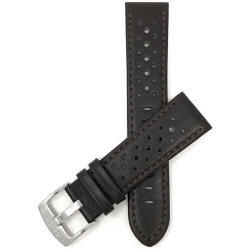
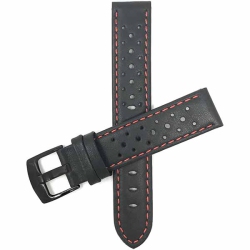
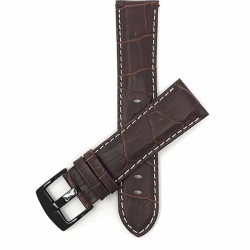
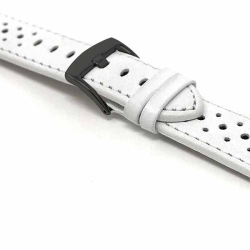
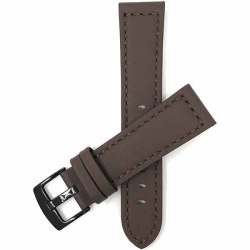
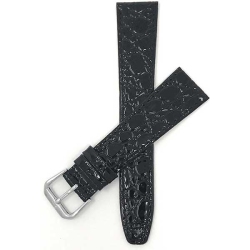
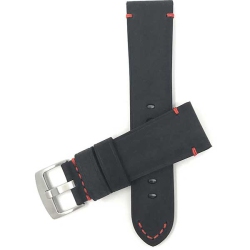
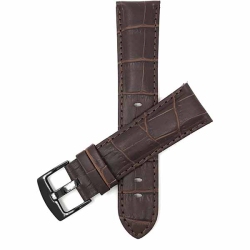
Consider extra quick-charging magnetic chargers, interchangeable bands in silicone or leather, screen protectors, and travel cases. Accessories can extend battery life, improve comfort during workouts, and protect your investment while you travel. With the right accessories, your Amazfit watch becomes a more versatile partner for work, gym, and everyday errands.
Recommendations
Some products may be subject to Environmental Handling Fees (EHF) depending on your province. Learn more about EHFs