

 Shop
Shop

 Latest and Greatest Tech
 Brands


 Computers, Tablets, & Accessories
 Cell Phones, Plans & Accessories
 Office Supplies & Ink
 TV & Home Theatre
 Headphones, Speakers, & Audio
 Cameras, Action Cameras, & Drones
 Car Tech and GPS
 Appliances
 Smart Home
 Home Living
 Baby & Maternity
 Video Games & VR
 Wearable Technology
 Health & Fitness
 Sports, Recreation, & Transportation
 Movies & Music
 Musical Instruments & Equipment
 Toys, Games, & Education
 Beauty
 Personal Care
 Travel, Luggage, & Bags
 Watches, Jewelry, & Fashion
 Gift Cards
 3-Day Flash Sale
 Deals
Deals
 Phones & Plans
 Outlet
 Services
Cricut Machine
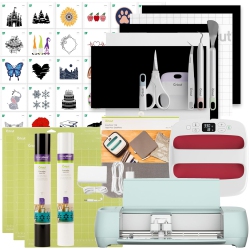
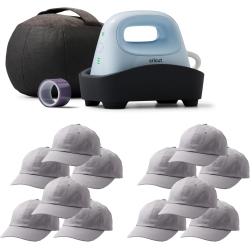
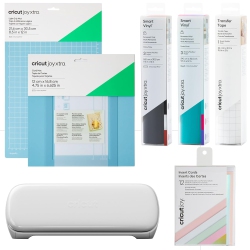

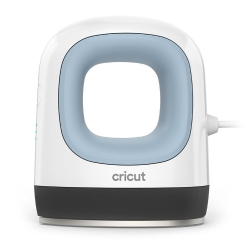
What to Consider When Choosing a Cricut Machine?
First, think about the kinds of projects you want to tackle. If you mostly work with vinyl decals, iron-on designs, and simple cards, a compact Cricut Joy or Explore Air 2 might be sufficient. For heavier materials like faux leather, thick card stock, or chipboard, the Cricut Maker series offers stronger cutting force and more tools.
Material versatility matters. Cricut machines work with vinyl, iron-on (heat transfer vinyl), paper, cardstock, fabric, faux leather, and more when paired with appropriate blades and mats. Consider a kit that includes or is compatible with standard grip mats, thin materials blades, and the scoring stylus for crisp folds.
Connectivity and software are also key. Design Space lets you design, customize, and cut projects wirelessly via Bluetooth, USB, or offline modes in some models. If you want offline access or advanced design features, check for model compatibility and available design space options.
What Are the Most Popular Types of Cricut Machines?
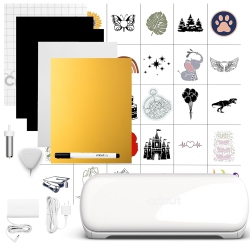
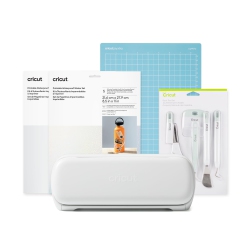
Cricut Maker: The most versatile cutting machine in the lineup, capable of handling more materials with a range of adaptable tools, blades, and cut settings. It’s ideal for complex projects, fabric cuts, and premium craft work. Cricut Maker is perfect for serious crafters and small business gifts, sign making, and home décor.
Cricut Maker 3: The latest generation with enhanced cut speeds and expanded material compatibility, including thicker materials. It’s designed for ambitious crafters who want more power and precision in a single device.
Cricut Explore Air 2: A reliable, mid‑range option that balances performance and price. It handles a wide variety of materials with a user-friendly experience, suitable for beginners who want room to grow.
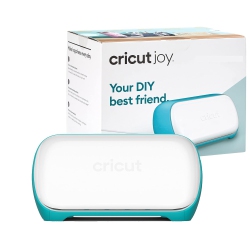
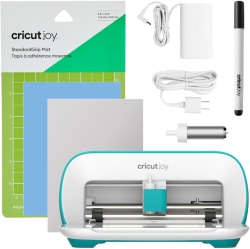
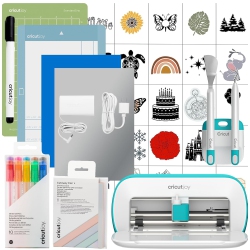
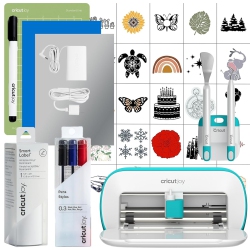
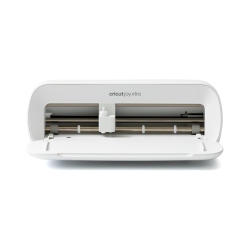
Cricut Joy: A compact, portable cutting machine designed for quick, everyday projects like labels, cards, and small decals. Joy is perfect for on‑the‑go crafting and quick gifts.
How to Maintain Your Cricut Machine?
Regular maintenance ensures consistent cuts and longer machine life. Keep blades sharp by replacing them when they dull, and clean any residue from mats and blades after use. Store blades and tools in a dedicated case to prevent damage and ensure safety.
Mats can lose adhesion over time; refresh with new mats or replace critical grip areas as needed. Use proper storage for mats and keep the machine away from dust and moisture. When changing blades or tools, follow the manufacturer’s instructions for safe handling and calibration to maintain accuracy.
Keep your Cricut Machine and Design Space software up to date, ensuring you have access to the latest tools, fonts, and material presets. Regular maintenance helps you achieve cleaner cuts, more consistent results, and a longer lifespan for your investment.
What Accessories Should I Buy for a Cricut Machine?
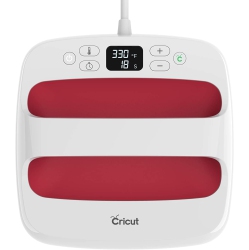
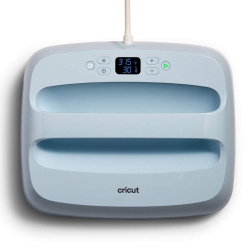
A well-rounded starter set includes standard grip mats in multiple sizes, a fine point blade, a scoring stylus, and a vinyl roll or sample pack to begin experimenting with different materials. Consider adding an iron-on toolkit for HTV projects, weeding tools for vinyl, transfer tape for vinyl decals, and a strong grip mat for thicker materials.
If you’re planning multi-material projects, a rotary blade for fabrics, a perforation blade, and a scoring wheel can broaden your capabilities. Don’t forget cutting mats, extra blades, and tool organizers to keep your workspace efficient. Design Space subscriptions can unlock fonts, images, and ready-to-cut projects that accelerate your workflow.
What Are the Best Project Ideas for a Cricut Machine?
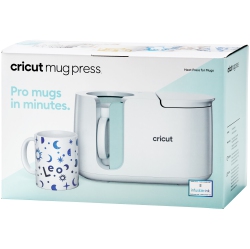
Personalized home décor, custom wall art, wedding invitations, labels for jars and storage, and seasonal decor are popular uses. Create personalized gifts like monogrammed tote bags, customized T‑shirts with heat transfer designs, and unique party banners. With vinyl decals, you can transform mugs, tumblers, glassware, and laptops, while paper crafts can yield intricate cards, scrapbooks, and gift tags.
For crafters who sell handmade items, a Cricut Machine enables consistent production of customized products such as vinyl stickers, wall quotes, and fabric accessories. Explore a wide library of cut files, or design your own with the software and print-then-cut features that integrate with your printer for complex designs.
How Do I Choose Projects That Will Sell Well?
Start with trending materials and practical items—vinyl decals for home organization, seasonal designs for décor, and personalized gifts that carry a personal touch. Test small batches to gauge demand, and consider pricing that reflects time and materials. Build a catalog of best-sellers such as custom name signs, monogrammed totes, and simple wedding decor that showcases your Cricut Machine’s versatility.
Remember to optimize your listings with keyword-rich descriptions that emphasize material compatibility, ease of use, and design versatility. Provide clear care instructions for HTV and vinyl projects to help customers achieve professional results at home.
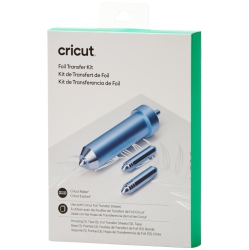
Keep exploring new materials and techniques—foil transfers, faux leather embossing, and printable vinyl designs can expand your product range and keep customers returning for fresh ideas and exclusive bundles from Best Buy Canada.
Recommendations
Some products may be subject to Environmental Handling Fees (EHF) depending on your province. Learn more about EHFs