

 Shop
Shop

 Latest and Greatest Tech
 Brands


 Computers, Tablets, & Accessories
 Cell Phones, Plans & Accessories
 Office Supplies & Ink
 TV & Home Theatre
 Headphones, Speakers, & Audio
 Cameras, Action Cameras, & Drones
 Car Tech and GPS
 Appliances
 Smart Home
 Home Living
 Baby & Maternity
 Video Games & VR
 Wearable Technology
 Health & Fitness
 Sports, Recreation, & Transportation
 Movies & Music
 Musical Instruments & Equipment
 Toys, Games, & Education
 Beauty
 Personal Care
 Travel, Luggage, & Bags
 Watches, Jewelry, & Fashion
 Gift Cards
 3-Day Flash Sale
 Deals
Deals
 Phones & Plans
 Outlet
 Services
HP All-in-One Desktop
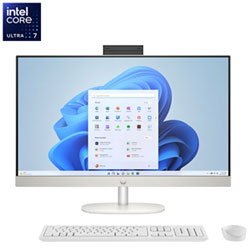
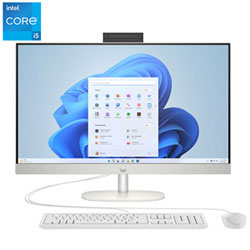
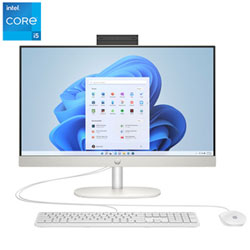
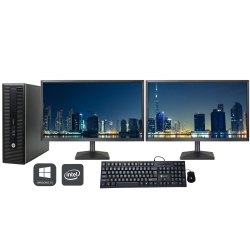
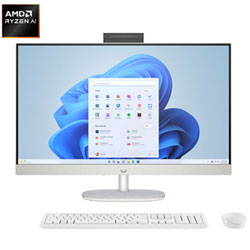
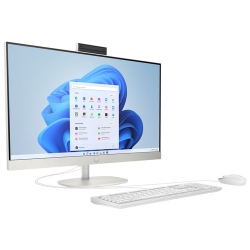
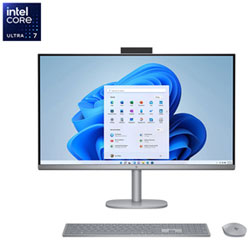
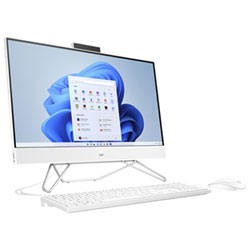

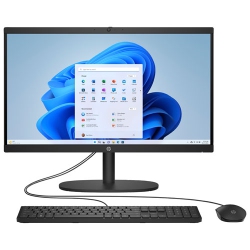
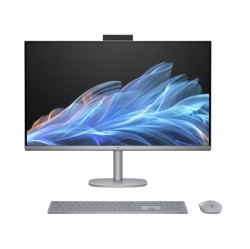
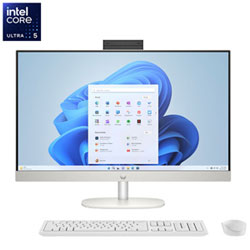
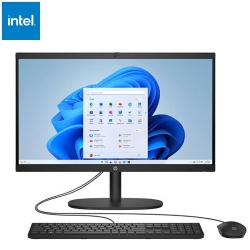
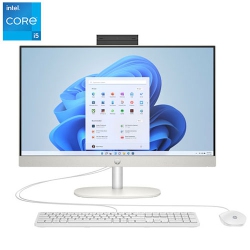
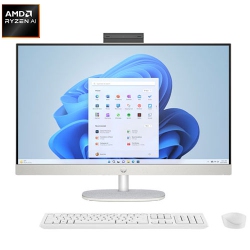
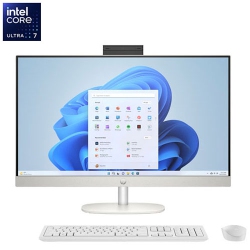
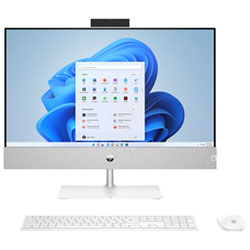
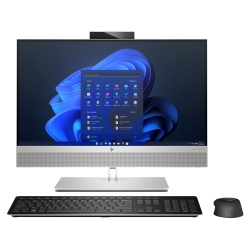
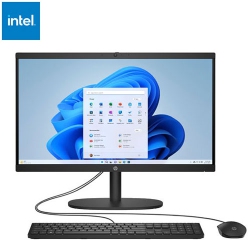
What to Consider When Choosing an HP All-in-One Desktop?
First, assess the screen size that suits your space and viewing preferences. A larger display can enhance productivity for spreadsheet work and design tasks, while a compact 23-inch option saves desk space. Touchscreen versus non-touch displays are another key consideration; touch can be intuitive for quick navigation and creative applications, while non-touch panels may offer better glare resistance and cost efficiency.
Next, consider processing power and memory. Look for contemporary Intel or AMD processors and ample RAM to support multi-tasking and software you rely on daily. A fast solid-state drive (SSD) improves boot times and app launch speeds, while additional storage options like a secondary HDD can help with media libraries and large files.
Connectivity matters as well. Check for a balanced mix of USB-C, USB-A, HDMI, and network options to connect peripherals, printers, external drives, and displays. Built-in webcam quality and speakers should be suitable for video calls and media consumption, reducing the need for extra accessories.
Finally, think about overall value, including warranty terms, after-sales support, and bundle options. An HP All-in-One Desktop paired with a known warranty and compatible accessories can offer a compelling long-term solution for families, students, or remote workers.
What Are the Most Popular Types of HP All-in-One Desktops?
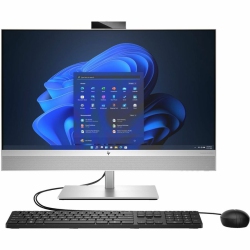
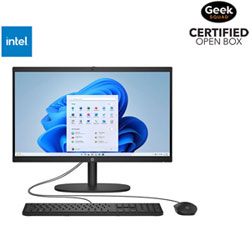
The most popular HP all-in-one configurations typically feature a sleek 23 to 27-inch display, integrated speakers, and a compact stand that minimizes desk clutter. Many buyers opt for models with touch-enabled screens for intuitive navigation and creative tasks, while others prefer a non-touch panel with excellent color accuracy for photo editing and design work. In terms of performance, common selections include mid-range to high-end processors with sufficient memory and fast SSD storage to handle multitasking, casual gaming, and streaming without slowing down.
For home offices and shared family spaces, all-in-one desks with reliable webcams, privacy shutters, and versatile connectivity hold broad appeal. With wireless peripherals and modern ports, HP all-in-one computers can function as a central hub for schoolwork, video conferencing, and entertainment in a single elegant package.
How to Maintain an HP All-in-One Desktop?
Regular software updates are essential to keep your HP All-in-One Desktop secure and performing at peak levels. Enable automatic updates for the operating system and essential applications, and be mindful of firmware updates from HP. Keeping drivers current helps maintain compatibility with peripherals and external displays.
Physical maintenance matters too. Dust the vents and screen gently, and use a microfiber cloth to avoid streaks on the display. If your model includes a touchscreen, clean the screen with a detector-approved cleaner and avoid excessive pressure. When not in use, consider a clean, cable-managed workspace to prevent accidental damage to ports and cables.
Organizing files with a thoughtful data strategy—redundant backups, cloud storage options, and regular disk cleanups—helps sustain performance over time. Combine routine maintenance with a balanced mix of RAM and storage to ensure your HP All-in-One Desktop stays responsive for years to come.
Keep your HP all-in-one computer running smoothly by pairing it with recommended Best Buy Canada accessories and warranties. A well-maintained system is the foundation of a productive home office and a enjoyable multimedia experience.
What Are the Best Accessories for an HP All-in-One Desktop?
Enhance your setup with a reliable wireless keyboard and mouse combo, a webcam for video calls, and a solid external storage solution when additional space is needed. A quality USB-C hub can expand connectivity, letting you attach multiple displays, external drives, and high-speed peripherals without clutter. Consider a comfortable monitor stand or adjustable arm if your HP All-in-One Desktop is placed on a shared desk to improve posture and ergonomics.
For improved audio, pair your system with compact speakers or a dedicated soundbar that complements the built-in speakers. If you require better video conferencing quality, a 1080p or 4K webcam with autofocus can dramatically improve clarity in meetings and classes. All of these accessories integrate smoothly with HP all-in-one computers and are readily available from Best Buy Canada.
How Do HP All-in-One Desktops Compare to Traditional Desktops?
HP All-in-One Desktops offer a space-saving alternative to traditional desktops, combining the computer and display in a single unit to reduce cables and clutter. This integrated design makes setup faster and helps keep workspaces tidy. While upgradability can be more limited than a traditional tower, many HP all-in-one models offer simple RAM or storage expansion options, and some configurations allow easy access for maintenance.
In terms of appearance, HP All-in-One Desktops provide a modern, streamlined look that fits well in living rooms and home offices alike. For multimedia use and everyday productivity, these systems deliver reliable performance with a clean aesthetic, making them a popular choice among families and professionals who value both form and function.
Are HP All-in-One Desktops a Good Choice for Families?
Absolutely. HP All-in-One Desktops are well suited for households with multiple users who need a single shared computer for schoolwork, streaming, and light creative projects. The built-in webcam, reliable Wi-Fi, and straightforward setup simplify remote learning and family entertainment. With robust warranties and accessible customer support from Best Buy Canada, families can rely on an all-in-one solution that minimizes clutter while delivering solid performance for everyday tasks.
If you want to tailor a family-friendly setup, pair an HP All-in-One Desktop with a flexible keyboard/mouse bundle, an external hard drive for backups, and a webcam for video calls. This approach helps create a practical, ergonomic, and secure home computing environment that’s easy to maintain and upgrade over time.
Explore HP All-in-One Desktop options at Best Buy Canada today to find configurations that fit your space, budget, and daily tasks. Our team can help you compare models, understand warranties, and assemble a complete setup with compatible accessories for a cohesive, efficient home workspace.
Recommendations
Some products may be subject to Environmental Handling Fees (EHF) depending on your province. Learn more about EHFs