

 Shop
Shop

 Latest and Greatest Tech
 Brands


 Computers, Tablets, & Accessories
 Cell Phones, Plans & Accessories
 Office Supplies & Ink
 TV & Home Theatre
 Headphones, Speakers, & Audio
 Cameras, Action Cameras, & Drones
 Car Tech and GPS
 Appliances
 Smart Home
 Home Living
 Baby & Maternity
 Video Games & VR
 Wearable Technology
 Health & Fitness
 Sports, Recreation, & Transportation
 Movies & Music
 Musical Instruments & Equipment
 Toys, Games, & Education
 Beauty
 Personal Care
 Travel, Luggage, & Bags
 Watches, Jewelry, & Fashion
 Gift Cards
 3-Day Flash Sale
 Deals
Deals
 Phones & Plans
 Outlet
 Services
Keychron
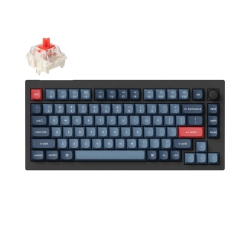
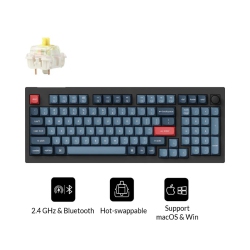
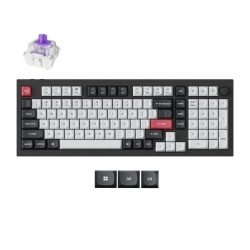
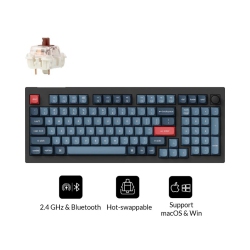
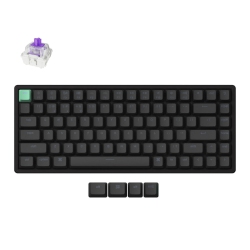
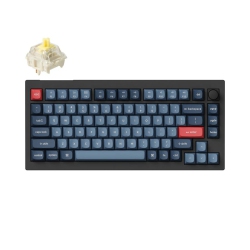
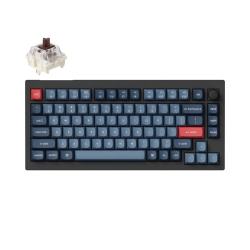
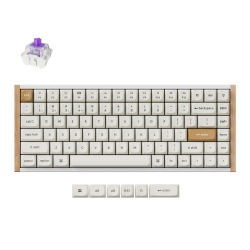
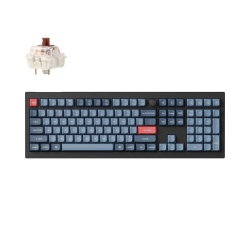
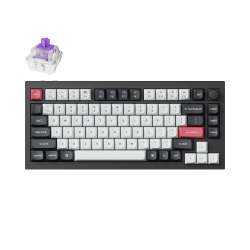
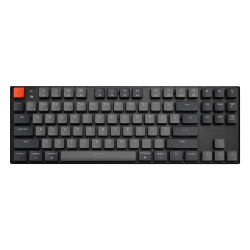
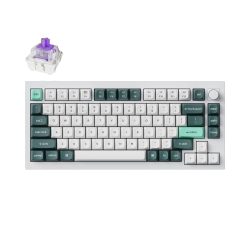
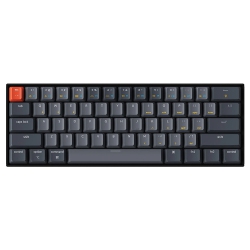
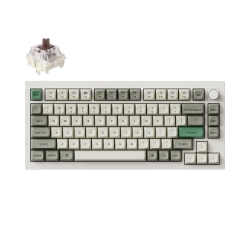
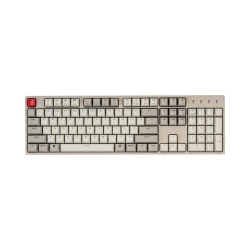

What to Consider When Choosing a Keychron Keyboard?
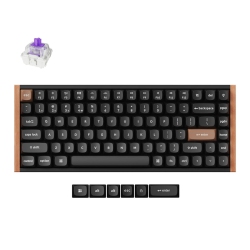
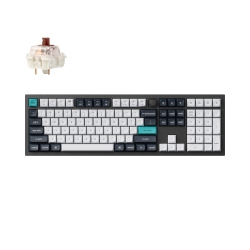
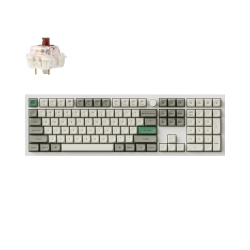
First, decide on the layout that fits your desk and workflow. Keychron offers 60%, 65%, 75%, 80%, and full-size keyboards, so think about whether you need aFn row, arrow cluster, or dedicated number pad for spreadsheets and data entry.
Second, consider wireless versus wired use. Bluetooth-enabled Keychron keyboards provide flexible multi-device pairing, while USB-C wired models can deliver ultra-low latency for competitive gaming. Some models support both, giving you the best of both worlds.
Third, assess compatibility. Keychron keyboards are crafted to work well with Mac and Windows systems, often with Mac-specific keycaps and layout toggles. If you work across platforms or switch between devices, a keyboard with easy OS switching and good driver support is essential.
Fourth, evaluate switches and hot-swappability. Keychron offers boards with Gateron mechanical switches and sometimes optical options. Look for hot-swappable sockets so you can customize feel and sound by swapping switches without soldering.
Fifth, lighting and aesthetics matter. Backlighting or RGB effects can aid in low-light typing or simply set the mood. Material choices range from sturdy aluminum frames to durable plastic, impacting weight, rigidity, and keyboard heft.
What Are the Most Popular Keychron Keyboard Models?
The Keychron K-series remains a fan favorite for everyday productivity. The K2 offers a compact layout with wireless Bluetooth and USB-C connectivity, making it ideal for small desks or travel. The K6 and K8 extend similar features with slightly different layouts and sizes—perfect for users who want more keys or a specific ergonomic balance. For those who crave a premium build and hot-swappable capability, the K8 often features an aluminum frame and gasket-like mounting that provides a refined typing experience.
If you’re after a more compact and portable option with strong battery life and multi-device pairing, consider the smaller K2 or K6. For enthusiasts seeking a larger, more robust board with a premium finish and upgraded stabilizers, K-series models in aluminum frames deliver both aesthetics and performance. Keychron also offers Q-series models that emphasize sturdier builds and sometimes gasket-like designs, along with programmable layouts for advanced users.
How to Maintain Your Keychron Keyboard?
Regular cleaning is key to preserving the feel and longevity of your Keychron keyboard. Use compressed air to remove dust from between keys, a soft microfiber cloth for the chassis, and a gentle cleaner suitable for plastic or aluminum surfaces. For keycaps, consider removing them for periodic washing in mild soap and water, then letting them fully dry before reassembly.
If you have a hot-swappable model, swap out switches with care and follow the manufacturer’s guidance to avoid damage to sockets. When updating firmware or drivers, use official Keychron resources to ensure compatibility across Mac and Windows environments. Store boards in a clean, dry place away from direct sunlight to prevent discoloration and material degradation.
Routine checks on stabilizers and keycap alignment help maintain a smooth typing experience. With proper care, your Keychron keyboard will stay responsive and comfortable for long typing sessions, coding marathons, or marathon gaming sessions.
What Are the Best Ways to Personalize a Keychron Keyboard?
Personalization starts with keycap sets. Upgrade to PBT or ABS caps in colors and profiles that suit your aesthetic, then consider sculpted or uniform keycaps for better finger travel and legibility. Switch customization is another avenue; if you have a hot-swappable model, you can mix different switches (linear, tactile, clicky) to tailor feedback and sound to your preference.
Beyond switches, you can swap keycaps for a themed setup—think monochrome for work or vibrant sets for gaming. Stabilizers can be lubricated to reduce rattle, and firmware updates from Keychron can unlock advanced macros, layers, and per-key RGB effects. Ensure you back up your layouts so you can restore them after updates or transport to a different device.
For travelers, a compact Keychron keyboard with strong battery life and reliable Bluetooth is ideal. For creators and developers, investing in a model with a sturdy build and programmable layers can boost productivity. Whatever your use case, the Keychron catalog on Best Buy Canada provides options to customize feel, sound, and function to match your workflow.
Frequently Asked Questions About Keychron Keyboards
Q: Are Keychron keyboards compatible with both Mac and Windows?
A: Yes. Most Keychron keyboards support macOS and Windows with a simple OS switch, and come with dual-key mappings or Mac-specific keycaps to ensure an intuitive typing experience on both platforms. Users can switch between layouts without reconnecting cables, making multi-device setups seamless.
Q: Do Keychron keyboards have hot-swappable switches?
A: Many Keychron models offer hot-swappable hot-swap sockets, allowing you to change switches without soldering. This makes it easy to experiment with tactile vs linear switches, test new brands, or upgrade to a preferred feel as your typing style evolves.
Q: What is the difference between Keychron K-series and Q-series?
A: K-series keyboards are known for wireless versatility, slim profiles, and a broad range of layouts (from compact to full-size). Q-series typically emphasizes premium build with sturdier frames and often includes gasket-style mounting for a refined typing feel. Both series support Mac/Windows compatibility and offer options like hot-swappable switches and RGB lighting, but the design priorities differ in feel, weight, and construction.
Q: Can I use a Keychron keyboard with multiple devices at once?
A: Yes. Many Keychron keyboards support multi-device Bluetooth pairing (commonly up to 3 devices) and quick switch functions. You can toggle between devices with a dedicated key or function combination, making it easy to move between a laptop, tablet, and desktop without reconnecting cables.
Q: How long does the battery last on wireless Keychron keyboards?
A: Battery life varies by model, usage, and lighting. Typical estimates range from 60 to 200 hours of typing on a single charge with backlight off, and shorter runtimes with full RGB lighting. Many models provide USB-C charging and indicator LEDs to help manage power efficiently during long work or travel sessions.
Q: What should I consider when choosing switches for a Keychron board?
A: Switch choice affects feel, noise, and travel. Linear switches are smooth and quiet, tactile switches provide feedback without loud clicks, and clicky switches offer audible feedback. If your Keychron model is hot-swappable, you can experiment with different switch types to find the perfect balance for typing comfort and gaming performance.
Q: Are Keychron keyboards suitable for gaming?
A: Many Keychron keyboards are well-suited for gaming due to low latency Bluetooth, responsive USB-C wired modes, and customizable key layouts. While some players prefer dedicated gaming keyboards with larger macro layouts, Keychron models with compact layouts can offer nimble, ergonomic setups for fast-paced games and programming tasks alike.
Recommendations
Some products may be subject to Environmental Handling Fees (EHF) depending on your province. Learn more about EHFs