

 Shop
Shop

 Latest and Greatest Tech
 Brands


 Computers, Tablets, & Accessories
 Cell Phones, Plans & Accessories
 Office Supplies & Ink
 TV & Home Theatre
 Headphones, Speakers, & Audio
 Cameras, Action Cameras, & Drones
 Car Tech and GPS
 Appliances
 Smart Home
 Home Living
 Baby & Maternity
 Video Games & VR
 Wearable Technology
 Health & Fitness
 Sports, Recreation, & Transportation
 Movies & Music
 Musical Instruments & Equipment
 Toys, Games, & Education
 Beauty
 Personal Care
 Travel, Luggage, & Bags
 Watches, Jewelry, & Fashion
 Gift Cards
 3-Day Flash Sale
 Deals
Deals
 Phones & Plans
 Outlet
 Services
RTX 5090 PC
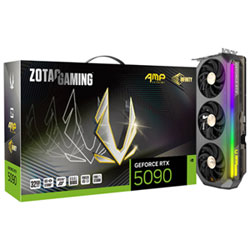
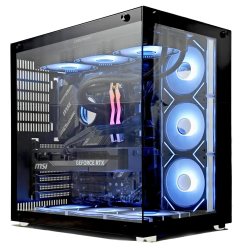
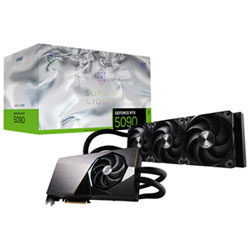
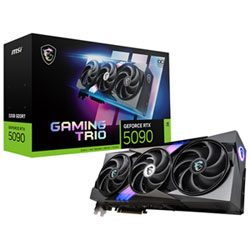
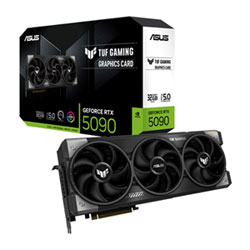
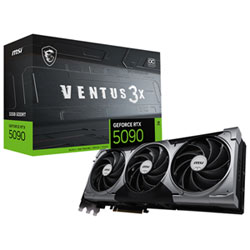
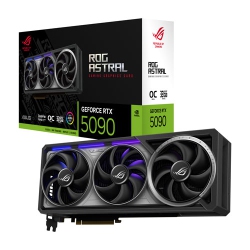
What to Consider When Choosing an RTX 5090 PC?
Start with the intended use: 4K gaming at ultra settings, VR experiences, or heavy streaming and editing. For high‑end gaming, pair the RTX 5090 with a fast multi‑core processor (for example, a flagship Intel Core i9 or AMD Ryzen 9) to avoid bottlenecks and maintain high frame rates in demanding titles.
Cooling is crucial. Look for cases with ample airflow, a robust radiator setup if you opt for liquid cooling, and quiet fans to keep temperatures and noise in check during long gaming sessions. A quality power supply—often 850W to 1200W or more—ensures stability during peak GPU loads.
Storage and memory matter too. DDR5 RAM with 16GB–32GB is common for modern gaming rigs, while PCIe 5.0 NVMe SSDs deliver snappy boot and load times. If you’re into content creation, consider larger NVMe drives and extra SSDs for scratch space and fast media access.
Upgrade paths are another key consideration. A chassis with modular bays, PCIe expansion slots, and tools‑free access helps you swap GPUs or add more cooling as games evolve. And, of course, confirm warranty terms and Canadian support from Best Buy Canada.
What Are the Most Popular Types of RTX 5090 PC Configurations?
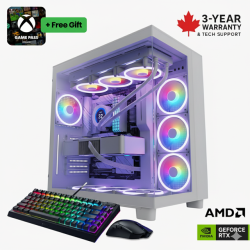
Prebuilt RTX 5090 gaming desktops are ideal for immediate playability right out of the box, with optimized BIOS settings, bundled peripherals, and validated stability. For a more personalized approach, custom build rigs let you choose the exact CPU, GPU, RAM, storage mix, and cooling solution to optimize thermals and acoustics for your space.
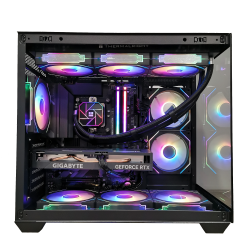
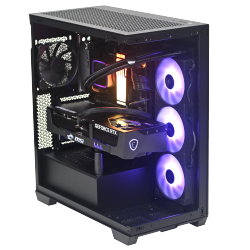
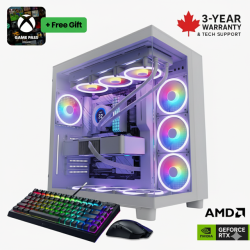
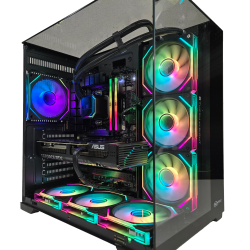
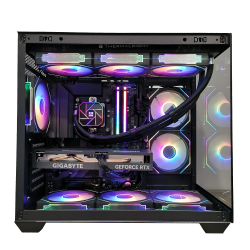
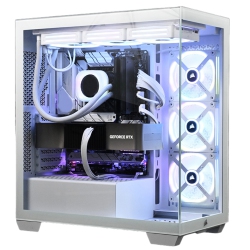
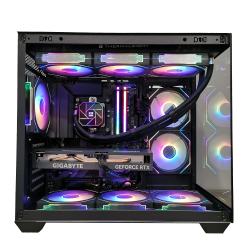
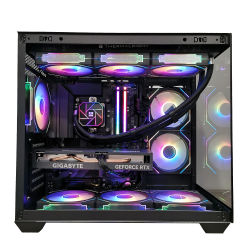
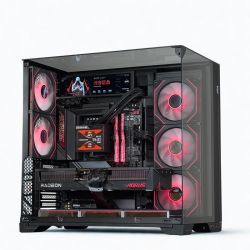
Compact mini‑ITX builds with an RTX 5090 can deliver serious gaming power in a small footprint, though they require careful component selection for airflow. Mid‑tower or full‑tower designs with glass panels andARGB lighting provide a show‑piece aesthetic while accommodating larger radiators and multiple drives.
Streaming‑lab setups often pair an RTX 5090 PC with a reliable capture card, high‑quality microphone, and a color‑accurate monitor. For creators, workstations built around RTX 5090 accelerate ray tracing in real‑time rendering and AI‑assisted tasks, while maintaining responsive gameplay for the gamer in you.
How to Choose Between a Prebuilt RTX 5090 PC and a Custom Build?
A prebuilt RTX 5090 PC is the fastest route to great performance, with tested compatibility, warranty coverage, and easy setup. If you want a specific aesthetic, custom cooling, or a non‑standard chassis, a DIY or semi‑custom build from Best Buy Canada allows precise choices on motherboard features, memory speed, and storage layout, with professional assembly services available.
Consider your budget and time: prebuilts come with bundled peripherals and software, while custom builds give you room to upgrade over time. Either way, ensure the system includes a robust warranty, driver support, and compatible peripherals such as gaming monitors, keyboards, and mice available at Best Buy Canada.
What Are the Benefits of an RTX 5090 PC for Gaming and Creative Work?
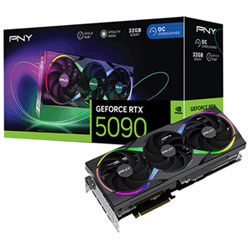
The RTX 5090 delivers advanced ray tracing, AI‑assisted rendering, and DLSS acceleration for smoother frame rates and sharper visuals in the latest titles. Content creators will notice faster rendering of 3D scenes, faster video encoding, and improved viewport responsiveness in creative apps that support NVIDIA acceleration.
A well‑balanced RTX 5090 PC with ample RAM and fast storage also supports VR experiences, high refresh rate gaming monitors, and multi‑monitor setups. It’s a versatile platform for gaming, live streaming, 4K video editing, 3D design, and immersive simulations, all available through Best Buy Canada’s online store and in‑store pickup options.
How to Maintain an RTX 5090 PC for Longevity?
Regular dusting of fans, walls of air intakes, and dust filters helps maintain airflow. Keep drivers up to date and monitor temperatures during heavy gaming sessions to prevent thermal throttling. Periodically reapply thermal paste to the CPU cooler if you are comfortable with DIY maintenance, or rely on Best Buy Canada’s professional service plans for routine upkeep.
Keep your RTX 5090 PC clean and organized with cable management, ensure adequate space for airflow, and use a surge protector or uninterruptible power supply (UPS) to protect components. When upgrading, verify compatibility of PCIe slots, RAM speed, and storage interfaces to maximize performance without stability issues.
With our extensive range of RTX 5090 PC systems, Best Buy Canada makes it easy to renovate, optimize, and future‑proof your gaming and creative workstation with confidence and service you can rely on.
Recommendations
Some products may be subject to Environmental Handling Fees (EHF) depending on your province. Learn more about EHFs