

 Shop
Shop

 Latest and Greatest Tech
 Brands


 Computers, Tablets, & Accessories
 Cell Phones, Plans & Accessories
 Office Supplies & Ink
 TV & Home Theatre
 Headphones, Speakers, & Audio
 Cameras, Action Cameras, & Drones
 Car Tech and GPS
 Appliances
 Smart Home
 Home Living
 Baby & Maternity
 Video Games & VR
 Wearable Technology
 Health & Fitness
 Sports, Recreation, & Transportation
 Movies & Music
 Musical Instruments & Equipment
 Toys, Games, & Education
 Beauty
 Personal Care
 Travel, Luggage, & Bags
 Watches, Jewelry, & Fashion
 Gift Cards
 3-Day Flash Sale
 Deals
Deals
 Phones & Plans
 Outlet
 Services
Wireless CarPlay Android Auto


What should you consider when choosing wireless CarPlay Android Auto solutions?
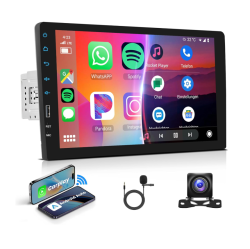
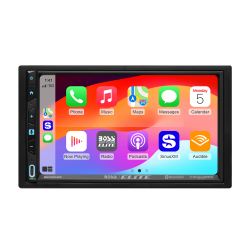
Begin with compatibility. Check your vehicle’s make, model, and year to see whether it supports wireless CarPlay, Android Auto, or if you need an aftermarket head unit or a wireless CarPlay Android Auto adapter. If you want a clean, factory‑look install, look for in‑dash receivers that fit your dashboard size (double‑DIN vs single‑DIN) and offer wireless connectivity for both CarPlay and Android Auto.
Next, consider the interface. A larger, responsive touchscreen with integrated voice assistants can simplify navigation, messaging, and media playback. Look for units with stable Wi‑Fi or Bluetooth pairing, quick boot times, and responsive steering wheel controls. If you routinely use map apps, playlists, and podcasts, seek systems with strong app compatibility and regular firmware updates for maps and software.
Power and sound quality matter too. Ensure the unit can handle high‑quality audio streaming, supports equalizer options, and provides enough power for your speakers or an upgraded amp. If you value a clean installation, check for wiring harnesses, dash kits, and mounting hardware compatible with Canadian vehicles and safety standards.
What are the most popular types of wireless CarPlay Android Auto setups?
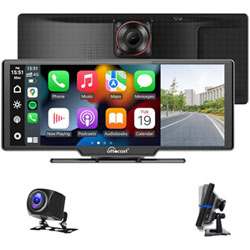
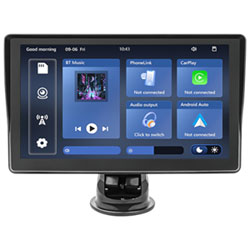
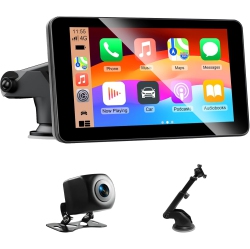
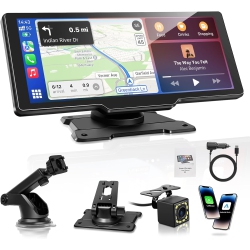
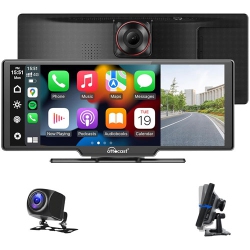
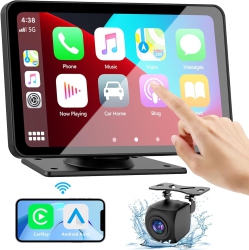
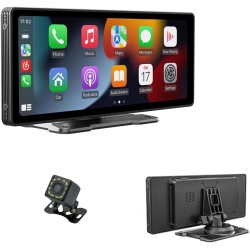
Built‑in wireless CarPlay and Android Auto head units are the easiest path to a seamless experience. These aftermarket receivers come with wireless CarPlay, wireless Android Auto, and a responsive touch display, so you can switch between iPhone and Android devices without swapping cables.
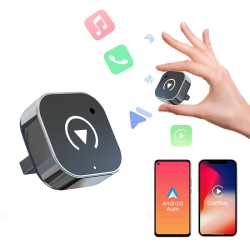
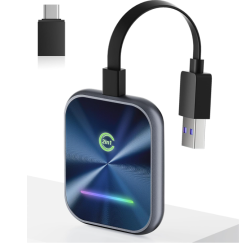
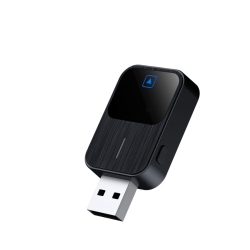
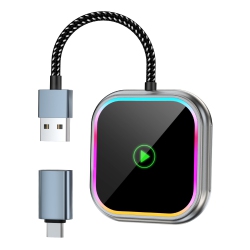
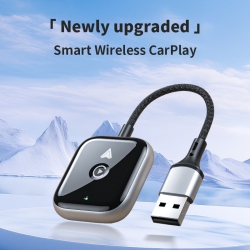
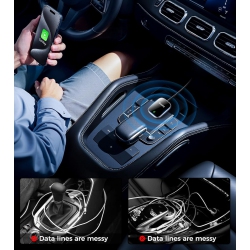
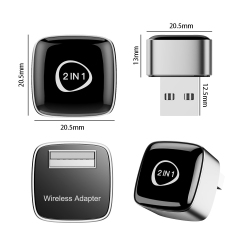
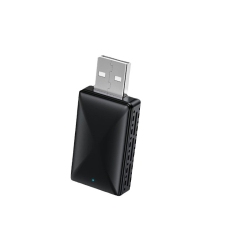
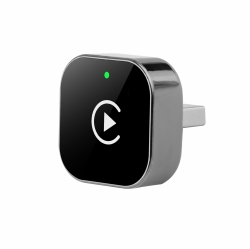
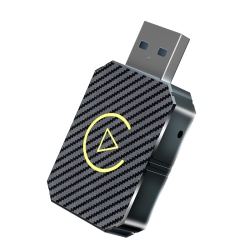
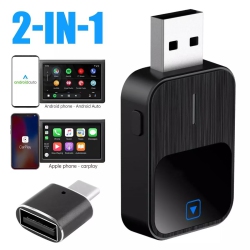
Wireless CarPlay adapters are ideal if you already have a compatible head unit but want to enable wireless connectivity. A small dongle or module connects to your existing system, enabling wireless CarPlay or Android Auto without a full head unit replacement. These options are popular for preserving the original interior while adding modern connectivity features.
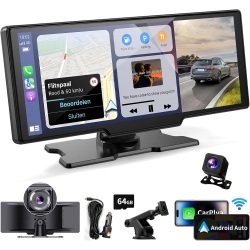
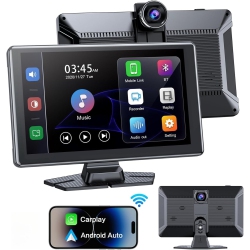
Dual‑system setups can support both CarPlay and Android Auto on the same screen, allowing family members with different devices to enjoy the same convenience. Some premium systems also offer enhanced audio processing, HD video output for rear‑seat entertainment, and advanced navigation overlays for traffic and incident data.
How do I install a wireless CarPlay Android Auto system?
For aftermarket head units, installation often involves removing the factory stereo, connecting a vehicle‑specific wiring harness, and mounting the new head unit in the dash. If you’re comfortable with basic car electronics, you can follow the included wiring diagrams to connect power, speakers, antenna, and steering wheel controls. If you prefer a professional installation, Best Buy Canada offers installation services to ensure precise fit, proper calibration, and safe integration with existing vehicle systems.
Set up typically involves pairing your iPhone or Android device over Bluetooth and then completing the initial wireless CarPlay or Android Auto setup on the head unit. Ensure you’ve updated your phone OS, enable CarPlay or Android Auto permissions, and grant map and app access for navigation, music, and messaging. Some vehicles may require a quick car restart after installation to finalize the connection.
If you’re using a wireless CarPlay Android Auto adapter, simply plug the dongle into the USB port designated for CarPlay and follow the on‑screen pairing prompts. Quick pairing, stable wireless transmission, and minimal dropouts depend on a solid Wi‑Fi or Bluetooth link and a clear line of sight between your phone and the head unit.
What about compatibility and updates for wireless CarPlay Android Auto?
Apple CarPlay wireless requires a compatible iPhone (iPhone 5 and later with iOS updates) and a head unit or adapter that supports wireless CarPlay. Android Auto wireless requires an Android phone with compatible OS (generally Android 9 or newer with the latest app updates) and a compatible head unit or adapter. In both cases, regular firmware updates from the head unit manufacturer improve performance, map accuracy, and compatibility with new features.
Before purchasing, verify the specific model lists support for wireless CarPlay and Android Auto in Canada, as some features may vary by region or carrier. Keep your device software updated to ensure the latest security patches, voice commands, and app integrations are available for safe, hands‑free use on Canadian roads.
At Best Buy Canada, you can trust a curated selection of units and adapters with clear compatibility notes, Canadian warranty coverage, and access to knowledgeable staff who can help you choose the right wireless CarPlay Android Auto solution for your vehicle.
How to troubleshoot common issues with wireless CarPlay Android Auto?
If CarPlay or Android Auto disconnects, start with the basics: restart your phone, unplug and replug the USB connection (for adapters), and re‑pair over Bluetooth/Wi‑Fi. Check for app updates and head unit firmware updates, as these can fix connectivity bugs and improve responsiveness.
If audio or navigation is lagging, ensure your phone isn’t running background apps consuming bandwidth, and that the head unit’s display settings are optimized for the best resolution. For signal dropouts, move your phone closer to the head unit or remove obstacles that may interfere with the wireless link. If issues persist, consult Best Buy Canada support or a professional installer to verify wiring, antenna connections, and compatibility.
Regular maintenance—firmware updates, app refreshes, and periodically re‑pairing devices—helps keep your wireless CarPlay and Android Auto experience smooth, safe, and up to date for the latest navigation, messaging, and entertainment features.
Keep exploring the wide range of wireless CarPlay Android Auto options at Best Buy Canada to upgrade your vehicle’s infotainment, enjoy easier hands‑free control, and stay connected on every Canadian drive. From head units to adapters and installation services, we’ve got you covered for a modern, wire‑free driving experience.
Recommendations
Some products may be subject to Environmental Handling Fees (EHF) depending on your province. Learn more about EHFs