

 Shop
Shop

 Latest and Greatest Tech
 Brands


 Computers, Tablets, & Accessories
 Cell Phones, Plans & Accessories
 Office Supplies & Ink
 TV & Home Theatre
 Headphones, Speakers, & Audio
 Cameras, Action Cameras, & Drones
 Car Tech and GPS
 Appliances
 Smart Home
 Home Living
 Baby & Maternity
 Video Games & VR
 Wearable Technology
 Health & Fitness
 Sports, Recreation, & Transportation
 Movies & Music
 Musical Instruments & Equipment
 Toys, Games, & Education
 Beauty
 Personal Care
 Travel, Luggage, & Bags
 Watches, Jewelry, & Fashion
 Gift Cards
 3-Day Flash Sale
 Deals
Deals
 Phones & Plans
 Outlet
 Services
Eufy Security

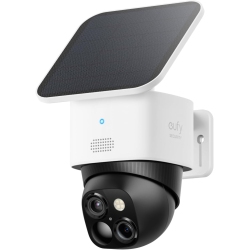
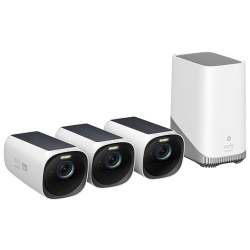
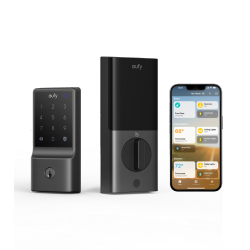
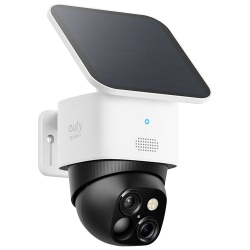

What to Consider When Choosing Eufy Security Systems?
Start by identifying indoor versus outdoor needs. Outdoor cameras should be weatherproof with an IP rating and strong night vision, while indoor cameras may prioritize compact form factors and easy placement.
Battery life and power options matter. Battery-powered Eufy cameras offer flexible placement and easy installation, while wired options provide continuous operation. Consider whether you want rechargeable cells or solar charging for extended life.
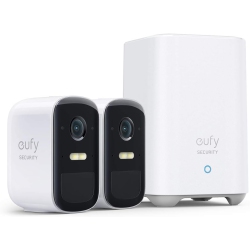
Storage preferences influence your setup. Eufy focuses on local storage with HomeBase or MicroSD support for many cameras, reducing cloud dependency. Cloud storage is available as an option for those who want off-site backups and easier access from anywhere.
Detection accuracy and privacy controls are essential. Look for intelligent alerts such as person, package, and vehicle detection, plus privacy mode, geofencing, and secure encryption to protect your footage.
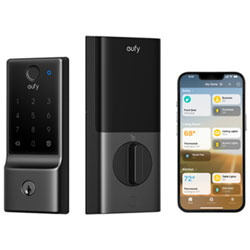
Compatibility with your smart home ecosystem is a plus. Some Eufy devices work with HomeKit, Google Assistant, and Amazon Alexa, enabling voice control and integrated routines with other devices in your smart home.
Ease of setup and maintenance also matters. Look for quick installation, app-based configuration, and simple firmware updates to keep your system secure and up-to-date.
What Are the Most Popular Eufy Security Products?
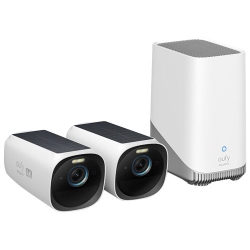
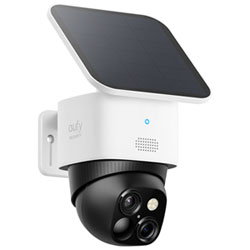
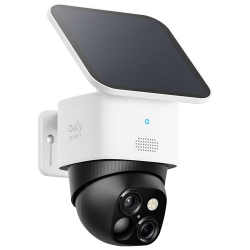
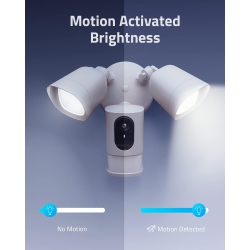
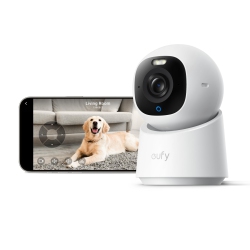
Popular options include battery-powered Eufy security cameras designed for outdoor use, with wide fields of view and clear night vision. Indoor cameras provide discreet monitoring, two-way audio, and motion-triggered recording.
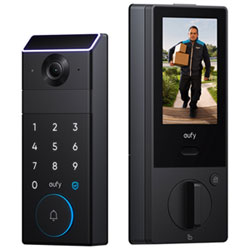
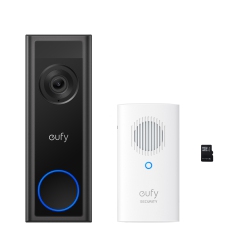
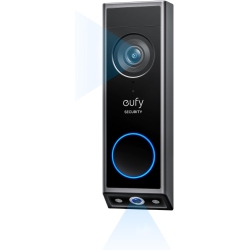
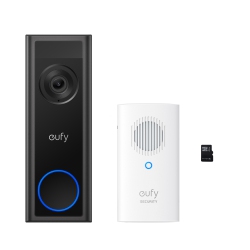
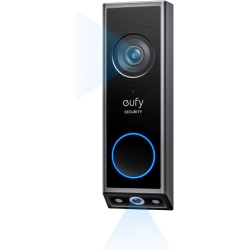
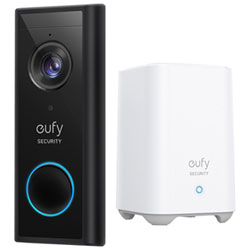
Video doorbells from Eufy combine door chime functionality with secure video and two-way talk, letting you see visitors from anywhere. The HomeBase hub helps manage multiple cameras and stores footage locally for fast access.
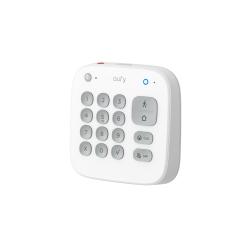
Complete kits that pair cameras with doorbells and alarms offer a turnkey security solution, while modular add-ons allow you to expand coverage room by room as needed. Look for options with high-resolution video, robust night vision, and reliable motion detection.
Eufy accessories such as mounting brackets, solar panels for battery cameras, and extra storage options help you tailor a system to your layout and climate. This variety makes the Eufy Security lineup versatile for both condos and single-family homes.
How to Maintain and Upgrade Your Eufy Security System?
Regularly check battery levels and replace or recharge as needed, especially for outdoor cameras in extreme weather. Keep firmware up to date to benefit from performance improvements and new features.
Review recorded footage periodically to verify camera placement and coverage. Adjust motion zones to minimize false alerts from pets or moving leaves, ensuring you receive meaningful notifications.
If you choose cloud storage, manage subscription levels and retention periods to fit your security needs and budget. Combine Eufy Security with your router's settings to optimize connection stability across devices.
At Best Buy Canada, you’ll find guidance on choosing the right Eufy Security package, clear installation instructions, and support for setup so your system is ready quickly and reliably. Eufy Security helps you protect what matters most with smart, local-focused protection and optional cloud backup.
What is Eufy Security and What Types of Products Are Available?
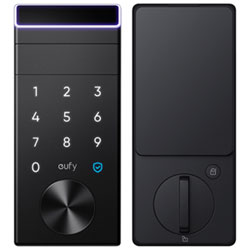
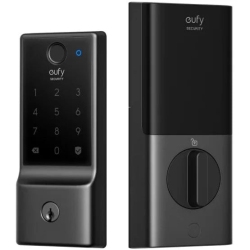
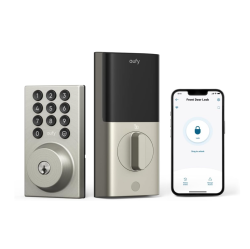
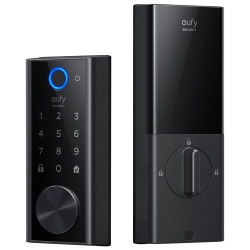
Eufy Security is a line of home security devices including wireless cameras, video doorbells, door sensors, and alarm kits designed for simple installation and strong privacy. The product range typically includes indoor cameras, outdoor cameras, battery-powered options, wired models, and smart home integrations. With Eufy Security, you can build a scalable system that suits apartments, townhomes, or larger residences, all supported by intuitive apps and reliable local storage options.
Customers often choose Eufy Security for its balance of performance and value, the flexibility of local storage, and the option to add cloud storage when desired. Best Buy Canada makes it easy to compare models, read reviews, and select bundles that fit your security goals and budget.
How Secure Are Eufy Security Devices?
Eufy Security devices are designed with privacy in mind. Video data can be stored locally on a HomeBase or microSD card, reducing reliance on cloud storage. When cloud options are used, data is protected with encryption and secure access controls. Regular firmware updates address new security features and vulnerabilities, helping keep your system resilient against threats.
Always use strong, unique account passwords for the Eufy Security app and enable two-factor authentication where available. If you share access with family members, set up separate accounts with appropriate permissions to maintain control over who can view footage and modify settings.
Is Eufy Security Compatible with HomeKit, Google Assistant, or Alexa?
Yes, select Eufy Security cameras and doorbells offer compatibility with major smart home ecosystems. HomeKit integration enables secure access through Apple’s ecosystem and allows use with HomeKit Secure Video where supported. Google Assistant and Amazon Alexa provide voice control and hands-free operation, helping you check live views or arm and disarm your system using simple commands. When pairing with third-party assistants, ensure firmware is up to date and the specific model supports the integration you want.
If you’re building a mixed-brand smart home, verify the exact model’s compatibility before purchase and consider starting with a basic kit to test how the devices interact with your preferred assistant and routines.
How Do I Install a Eufy Security System from Best Buy Canada?
Begin with the package that fits your property, then follow the included installation guide. For outdoor cameras, mount at an appropriate height to maximize field of view and reduce tampering. Indoor cameras should be placed where you want coverage for entryways, living spaces, and hallways. Use the Eufy Security app to connect cameras to your home network, pair with the HomeBase if required, and configure motion zones, detection settings, and privacy options. If you encounter setup challenges, Best Buy Canada offers in-store expertise and online support to help you complete the installation smoothly.
After setup, test real-time notifications, playback, and live view on all devices. Regular maintenance and firmware updates will keep your Eufy Security system performing at its best, providing reliable protection for your home and peace of mind for you and your family.
Recommendations
Some products may be subject to Environmental Handling Fees (EHF) depending on your province. Learn more about EHFs