Adjustable Monitors
Looking for a versatile solution to enhance your productivity and comfort while working or gaming? Look no further than our collection of adjustable monitors. These innovative displays offer a customizable viewing experience, allowing you to find the perfect height, angle, and position that suits your needs. Whether you're a professional seeking ergonomic excellence or a gamer looking for an immersive gameplay experience, our range of adjustable monitors will elevate your digital world to new heights. With sleek designs and cutting-edge technology, these monitors are sure to make a statement in any workspace or entertainment setup. Explore our selection today and revolutionize the way you work and play.
Sort
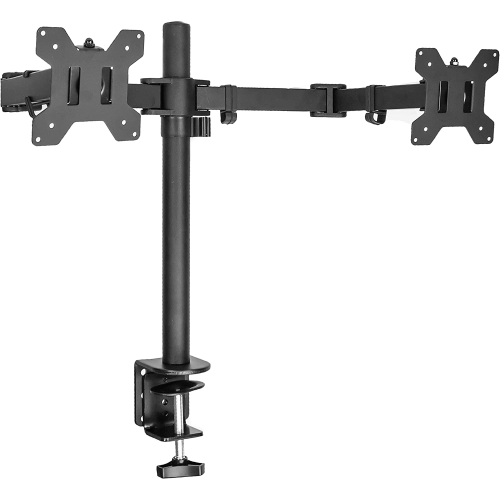
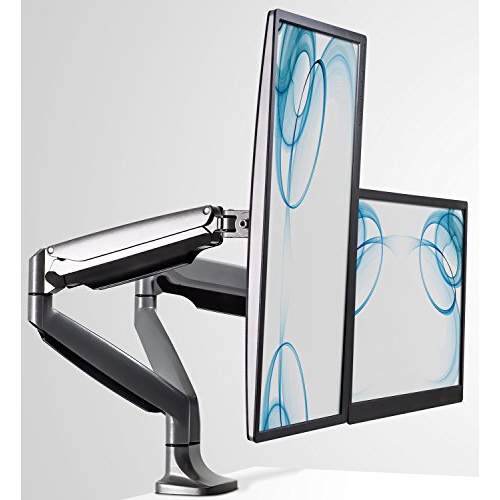
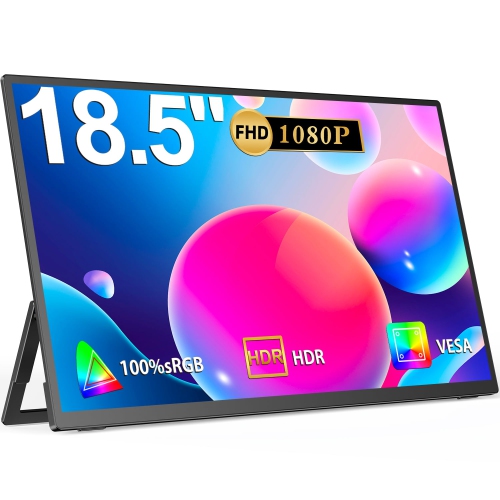
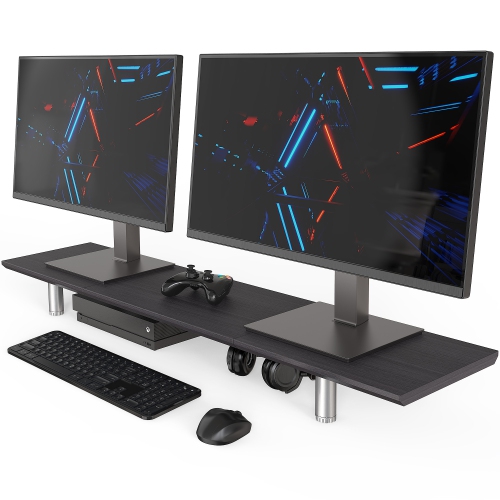
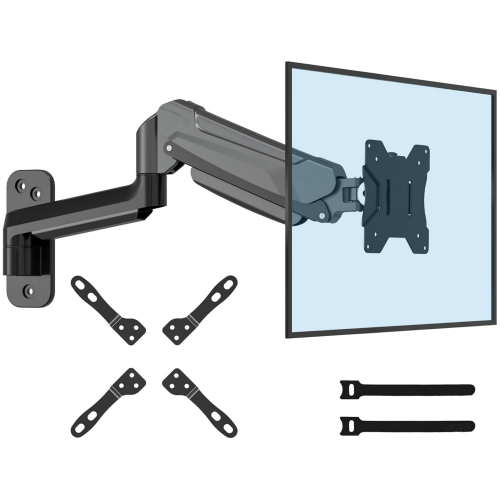
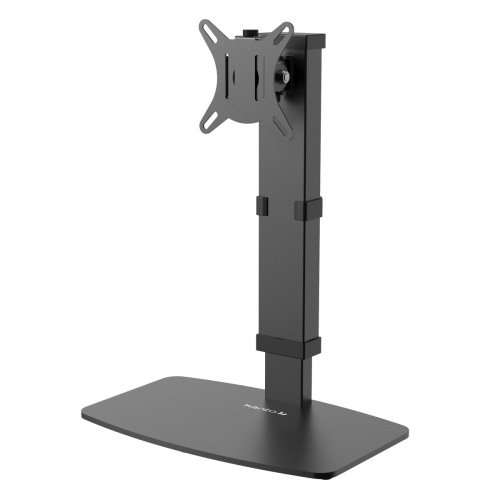
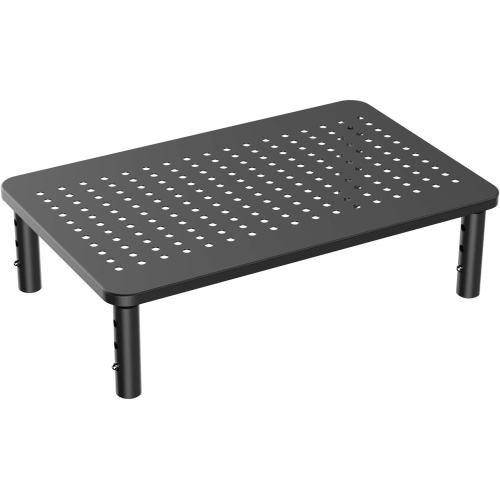
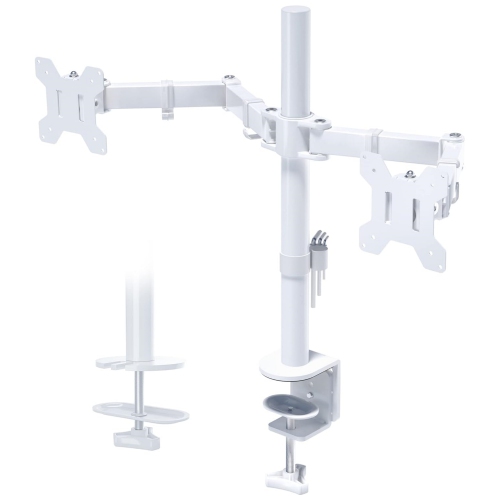

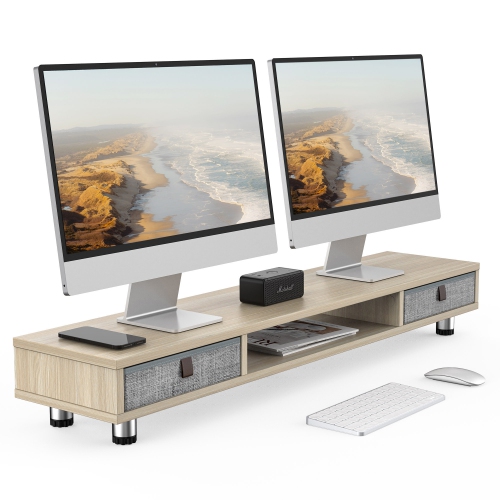
Flexible screen positioning for work, study, gaming, and more
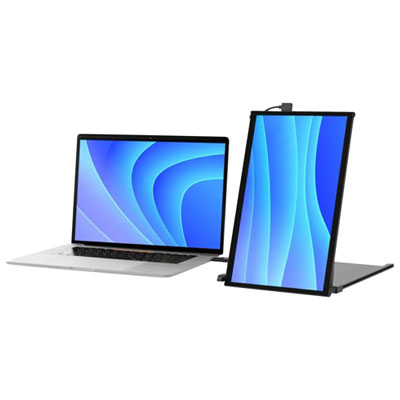
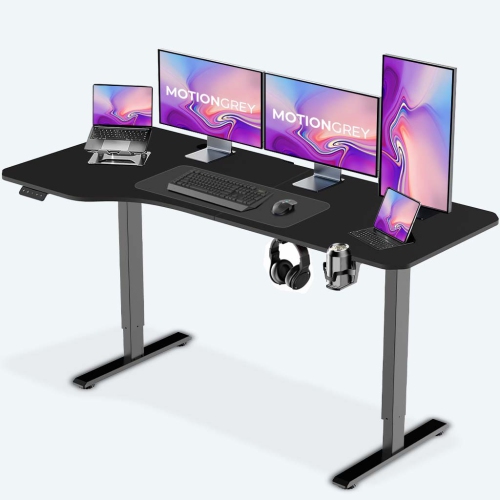
Adjustable monitors are designed to make a screen fit the person and the workspace, rather than requiring the user to adapt to a fixed position. Their stands commonly allow height adjustment, tilt, swivel, and, on some models, pivot rotation. Raising or lowering the display can help place the top edge at or just below eye level, which encourages a more comfortable viewing posture during long periods of work, study, gaming, or creative activity. Tilting the screen forward or backward can help reduce reflections from overhead lights and windows, while swivelling makes it easier to share the display with someone seated nearby. A pivot function rotates the monitor from landscape to portrait orientation, creating a tall, narrow view that can be useful for coding, reading lengthy documents, reviewing webpages, monitoring chat feeds, or editing vertical photographs and video. These adjustments are especially useful in shared homes and flexible offices, where the same desk may be used by people of different heights or for several types of activity. They also make it easier to change position throughout the day instead of keeping the screen at one angle from morning until evening. For users who already have a comfortable desk and chair but need more control over screen placement, a monitor with an adjustable stand can be a straightforward way to refine the entire setup. Those seeking additional flexibility for multi-screen arrangements can also explore Height Adjusting Monitor Mounts for other ways to position displays at a suitable height.
Choosing an adjustable monitor starts with considering how much screen space is appropriate for the task. Compact displays around 24-inch can suit smaller desks, homework stations, reception areas, and everyday office work, while 27-inch screens provide more room for side-by-side windows, spreadsheets, design tools, and entertainment without taking up the space of a much larger television. Larger displays can be helpful for detailed creative work, data-heavy projects, and immersive gaming, provided the desk is deep enough to maintain a comfortable viewing distance. Resolution also affects how sharp text, photographs, and fine interface details appear; Full HD can be practical for general computing, while higher resolutions may provide a clearer workspace on larger screens. An IPS panel is often valued for consistent colours and wide viewing angles, which can be useful when more than one person is looking at the screen or when the display is swivelled away from a straight-on position. Refresh rate is another consideration. A standard refresh rate can handle documents, email, browsing, and video, whereas a higher refresh rate can make motion feel smoother in fast-paced games and scrolling. Response time, adaptive synchronization support, brightness, contrast, and built-in connectivity can also influence the experience. Check which ports are available before buying, including HDMI, DisplayPort, USB, or USB-C, and consider whether the monitor needs to connect to a desktop computer, laptop, game console, or docking station. A USB-C connection may simplify a laptop workstation when it supports both video and power delivery, while multiple inputs can make it easier to switch between devices. Built-in speakers, headphone connections, blue-light settings, and cable-management features are practical additions, although their importance depends on the rest of the setup.
Adjustable monitors can serve students, hybrid workers, home office users, programmers, designers, photographers, streamers, and gamers, making them a useful choice for a shared workspace or a thoughtful gift for someone building a more comfortable desk. A student may keep the display in landscape mode for research and note-taking, then pivot it vertically while reviewing a long article. A remote worker might raise the screen during video meetings, swivel it to show a colleague a presentation, and lower it when using a laptop beside the monitor. A creative user may benefit from dependable colour presentation and broad viewing angles, while a gamer may prioritize a fast refresh rate, low response time, and a stand that allows the screen to be positioned squarely in front of the chair. Before placing the monitor, make sure the desk can support its base and that there is enough clearance for the stand to rise, tilt, or rotate without striking a shelf or wall. The screen should sit at a comfortable distance, with the viewing angle adjusted to limit glare from lamps and windows. When using portrait orientation, confirm that the computer operating system and applications can rotate the image correctly. It is also worth measuring the available desk width and checking the stand footprint, particularly when adding a second display. During the warmer seasons and the cooler months that follow, an adjustable monitor can remain useful in a home office, study corner, or entertainment space as routines shift between work, school, hobbies, and indoor downtime. The right combination of size, resolution, panel type, refresh performance, connections, and ergonomic movement can help create a display setup that feels natural to use every day.
Choosing an adjustable monitor starts with considering how much screen space is appropriate for the task. Compact displays around 24-inch can suit smaller desks, homework stations, reception areas, and everyday office work, while 27-inch screens provide more room for side-by-side windows, spreadsheets, design tools, and entertainment without taking up the space of a much larger television. Larger displays can be helpful for detailed creative work, data-heavy projects, and immersive gaming, provided the desk is deep enough to maintain a comfortable viewing distance. Resolution also affects how sharp text, photographs, and fine interface details appear; Full HD can be practical for general computing, while higher resolutions may provide a clearer workspace on larger screens. An IPS panel is often valued for consistent colours and wide viewing angles, which can be useful when more than one person is looking at the screen or when the display is swivelled away from a straight-on position. Refresh rate is another consideration. A standard refresh rate can handle documents, email, browsing, and video, whereas a higher refresh rate can make motion feel smoother in fast-paced games and scrolling. Response time, adaptive synchronization support, brightness, contrast, and built-in connectivity can also influence the experience. Check which ports are available before buying, including HDMI, DisplayPort, USB, or USB-C, and consider whether the monitor needs to connect to a desktop computer, laptop, game console, or docking station. A USB-C connection may simplify a laptop workstation when it supports both video and power delivery, while multiple inputs can make it easier to switch between devices. Built-in speakers, headphone connections, blue-light settings, and cable-management features are practical additions, although their importance depends on the rest of the setup.
Adjustable monitors can serve students, hybrid workers, home office users, programmers, designers, photographers, streamers, and gamers, making them a useful choice for a shared workspace or a thoughtful gift for someone building a more comfortable desk. A student may keep the display in landscape mode for research and note-taking, then pivot it vertically while reviewing a long article. A remote worker might raise the screen during video meetings, swivel it to show a colleague a presentation, and lower it when using a laptop beside the monitor. A creative user may benefit from dependable colour presentation and broad viewing angles, while a gamer may prioritize a fast refresh rate, low response time, and a stand that allows the screen to be positioned squarely in front of the chair. Before placing the monitor, make sure the desk can support its base and that there is enough clearance for the stand to rise, tilt, or rotate without striking a shelf or wall. The screen should sit at a comfortable distance, with the viewing angle adjusted to limit glare from lamps and windows. When using portrait orientation, confirm that the computer operating system and applications can rotate the image correctly. It is also worth measuring the available desk width and checking the stand footprint, particularly when adding a second display. During the warmer seasons and the cooler months that follow, an adjustable monitor can remain useful in a home office, study corner, or entertainment space as routines shift between work, school, hobbies, and indoor downtime. The right combination of size, resolution, panel type, refresh performance, connections, and ergonomic movement can help create a display setup that feels natural to use every day.
Top selling and popular products
-
 Your price for this item is $34.95
 -
 Your price for this item is $129.99
 -
 Your price for this item is $69.99
 -
 Your price for this item is $69.99
 -
 Your price for this item is $124
 -
 Your price for this item is $25.99
 -
 Your price for this item is $38.99
 -
 Your price for this item is $238.99
Discover more categories related to Adjustable Monitors

Top Collections:
Pokemon Centers, Kindle Devices, Best Cell Phones Under $500, Alarm Clock, Canon G7X Cameras, iPhone 15 Apple, Apple iPhones 16, Laptops for Students, iPhone 14 256GB, Budget Smartphones
Some products may be subject to Environmental Handling Fees
(EHF) depending on your province.
Learn more about EHFs.