DVD Burning Software
Our DVD burning software selection has everything you need to easily convert and burn your favorite movies, videos, and files onto DVDs. Whether you're a movie enthusiast or a creative professional, our wide range of DVD burning software options will provide you with the tools to effortlessly create high-quality DVDs that can be enjoyed on any DVD player. With user-friendly interfaces and advanced features, you'll be able to personalize your DVDs with custom menus, chapters, and more. Explore our selection today and start preserving your memories in the most convenient and accessible way possible.
Sort
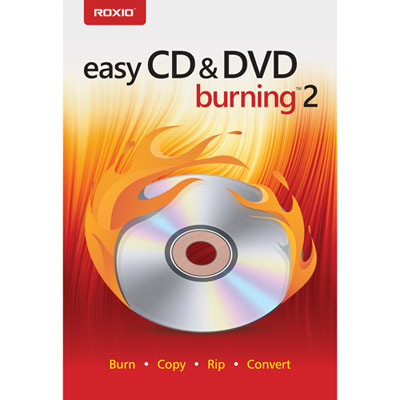
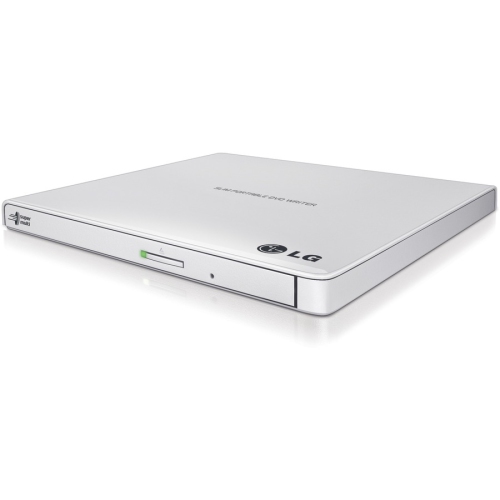
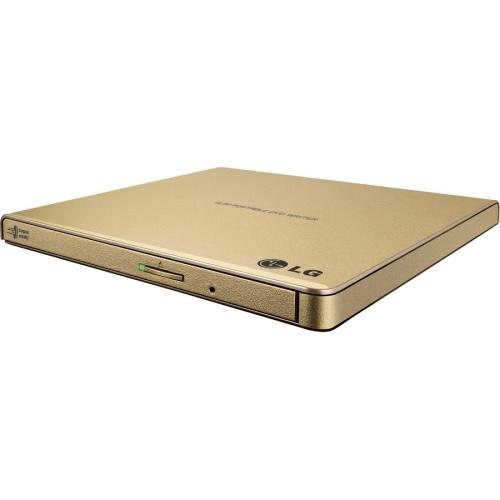
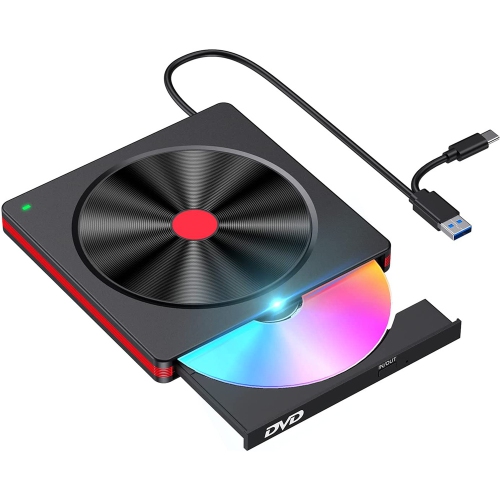
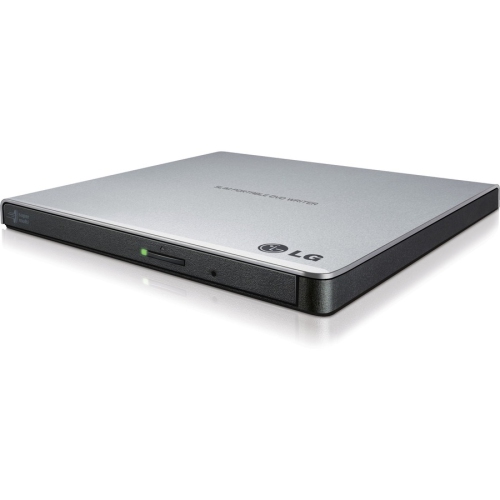
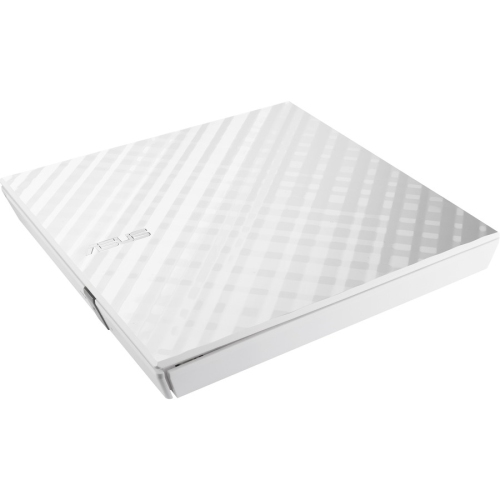
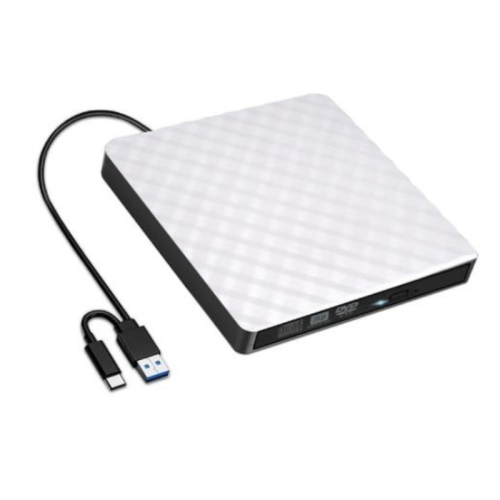
Preserving memories, projects, and presentations on physical media
Whether you’re preserving cherished family memories, creating professional video presentations, or simply backing up important data, DVD burning software offers a versatile solution for a wide range of needs. As summer winds down and memories from vacations, backyard gatherings, and milestone celebrations fill up your digital devices, there’s no better time to organize and archive those moments onto DVDs. Many Canadians find that using dvd making software is a practical way to share highlights from weddings, graduations, or reunions with friends and relatives who prefer physical media. For students returning to school in the fall, burning course materials, projects, or portfolios onto DVDs can provide a reliable backup and a tangible way to keep their work organized. Likewise, creative professionals often rely on the best dvd burners to deliver polished video portfolios or distribute presentations to clients in a format that’s universally accessible.
When shopping for dvd burning software best suited to your needs, consider the features that matter most for your projects. Some users may prioritize ease of use, seeking intuitive interfaces that make burning home movies or organizing photo slideshows a breeze, even for those with limited technical experience. Others may require advanced options, such as menu customization, support for multiple file formats, or the ability to create dual-layer DVDs for extended content. If you’re looking for a cheap dvd burner, there are budget-friendly options that don’t compromise on essential functionality, making them ideal for occasional users or as a thoughtful gift for students, grandparents, or anyone looking to safeguard digital memories. Whether you’re compiling a summer vacation highlight reel for your family or creating a custom music compilation as a unique birthday present, the right dvd making software can turn digital files into keepsakes that last for years.
For those who work with a variety of media formats, integrating your DVD burning solution with other tools can streamline your workflow. Many users find it helpful to pair their dvd burning software with Video Conversion Software, allowing them to convert files into compatible formats before burning. This is especially useful for anyone handling video footage from different devices, such as smartphones, digital cameras, or camcorders, ensuring seamless playback across DVD players. Whether you’re a hobbyist archiving your latest creative project, a parent organizing family milestones, or a small business owner distributing training materials, investing in the best dvd burners and supporting software helps you manage, protect, and share your content with confidence. As the days grow shorter and you look for ways to relive and share the highlights of the season, DVD burning tools offer a reliable and personal way to keep your memories close.
When shopping for dvd burning software best suited to your needs, consider the features that matter most for your projects. Some users may prioritize ease of use, seeking intuitive interfaces that make burning home movies or organizing photo slideshows a breeze, even for those with limited technical experience. Others may require advanced options, such as menu customization, support for multiple file formats, or the ability to create dual-layer DVDs for extended content. If you’re looking for a cheap dvd burner, there are budget-friendly options that don’t compromise on essential functionality, making them ideal for occasional users or as a thoughtful gift for students, grandparents, or anyone looking to safeguard digital memories. Whether you’re compiling a summer vacation highlight reel for your family or creating a custom music compilation as a unique birthday present, the right dvd making software can turn digital files into keepsakes that last for years.
For those who work with a variety of media formats, integrating your DVD burning solution with other tools can streamline your workflow. Many users find it helpful to pair their dvd burning software with Video Conversion Software, allowing them to convert files into compatible formats before burning. This is especially useful for anyone handling video footage from different devices, such as smartphones, digital cameras, or camcorders, ensuring seamless playback across DVD players. Whether you’re a hobbyist archiving your latest creative project, a parent organizing family milestones, or a small business owner distributing training materials, investing in the best dvd burners and supporting software helps you manage, protect, and share your content with confidence. As the days grow shorter and you look for ways to relive and share the highlights of the season, DVD burning tools offer a reliable and personal way to keep your memories close.
Top selling and popular products
-
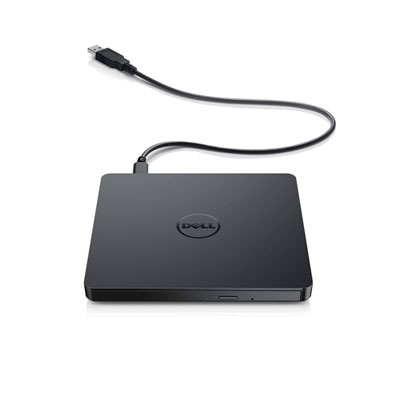 Your price for this item is $49.99
 -
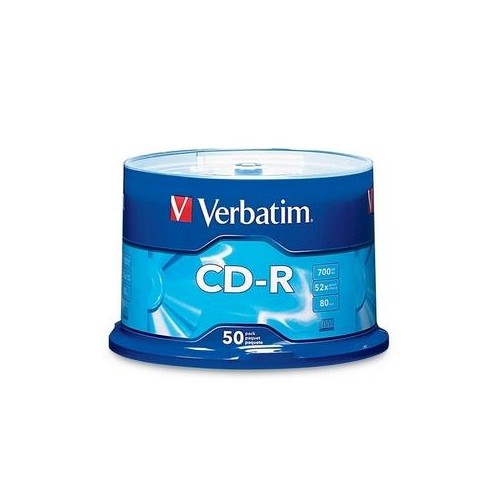 Your price for this item is $37.68
 -
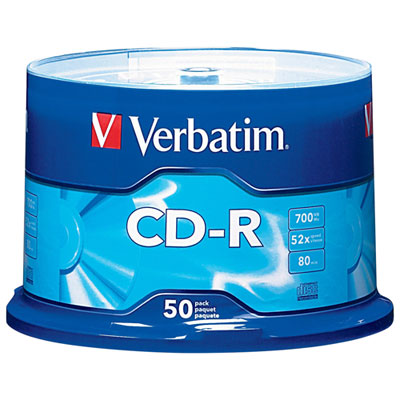 Your price for this item is $29.99
 -
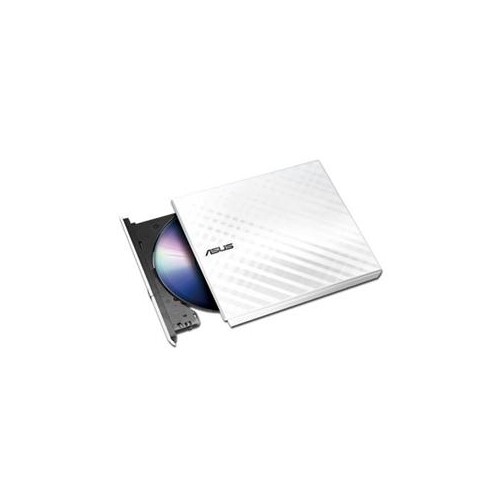 Your price for this item is $52.68
 -
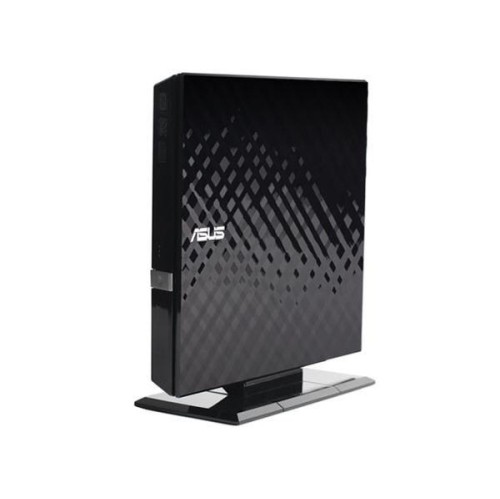 Your price for this item is $65
 -
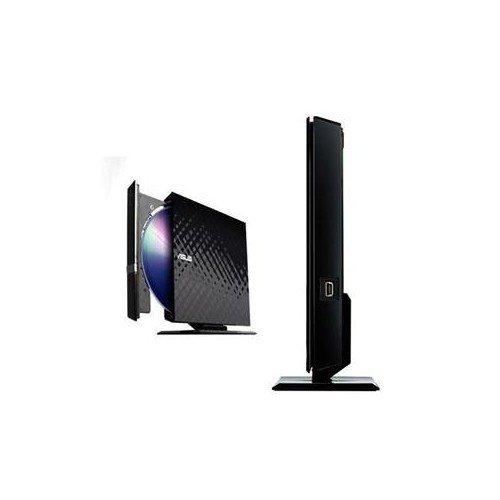 Your price for this item is $53
 -
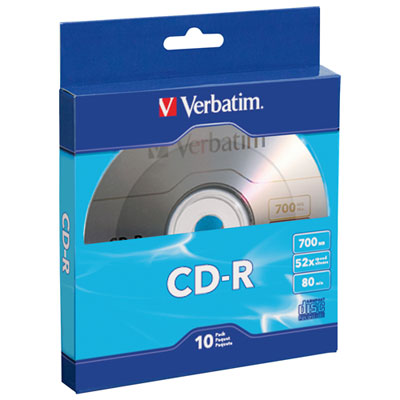 Your price for this item is $11.99
 -
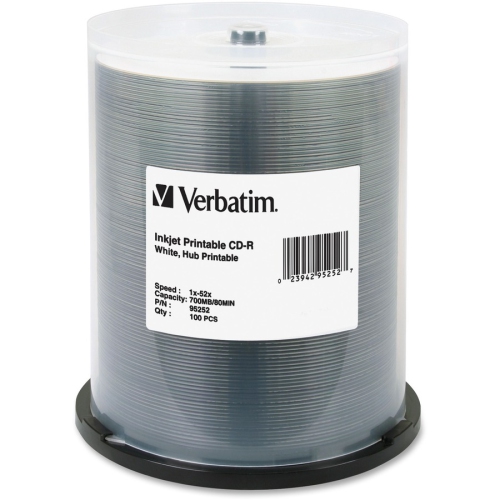 Your price for this item is $80.99
Discover more categories related to DVD Burning Software
Top Collections:
Pokemon Centers, Kindle Devices, Best Cell Phones Under $500, Alarm Clock, Canon G7X Cameras, iPhone 15 Apple, Apple iPhones 16, Laptops for Students, iPhone 14 256GB, Budget Smartphones
Some products may be subject to Environmental Handling Fees
(EHF) depending on your province.
Learn more about EHFs.