Office Mice
Looking for the perfect mouse to enhance your productivity in the office? Look no further! Our wide selection of office mice is designed to meet the needs of professionals like you. Whether you need a wireless mouse for seamless mobility or a gaming mouse for precision and speed, we have got you covered. With ergonomic designs, customizable features, and advanced technology, our office mice offer comfort and control to help you breeze through tasks with ease. Upgrade your workspace today with our range of high-quality office mice that are sure to take your productivity to new heights.
Sort
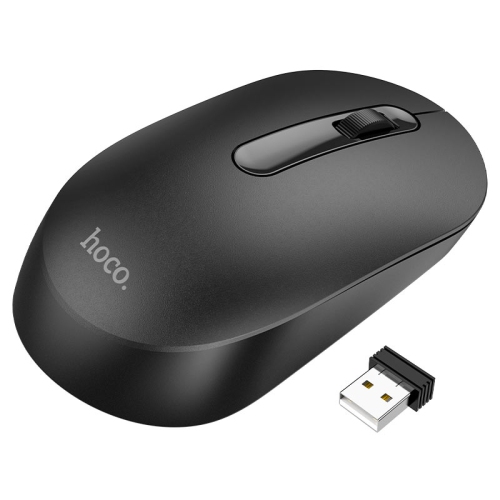
Comfortable control for focused work across every workspace
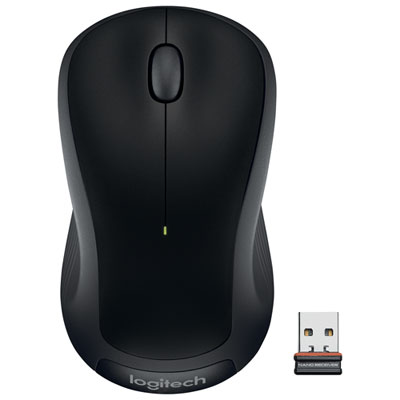
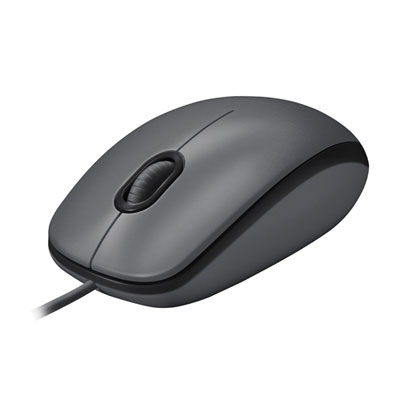
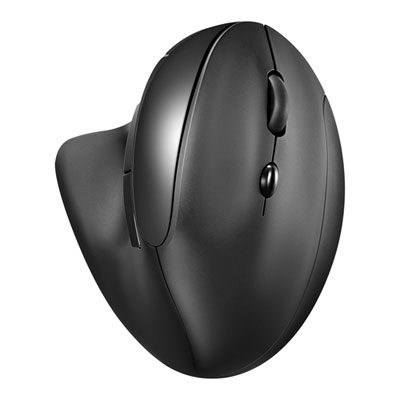
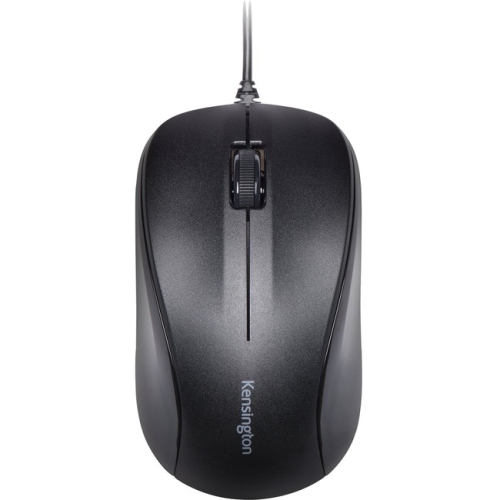
Office mice are designed to make everyday computer work feel smoother, more comfortable, and easier to manage, whether you are answering messages, preparing spreadsheets, reviewing documents, editing images, or moving between several applications at once. Unlike a mouse selected primarily for gaming, an office mouse typically focuses on dependable tracking, a comfortable shape, quiet operation, and features that support a steady work rhythm. A standard contoured mouse can be a practical choice for general desk work, while an ergonomic vertical design positions the hand in a more natural handshake-like orientation. Trackball mice can help users navigate without moving the entire device across the desk, making them useful in compact workspaces or for people who prefer a different style of control. Wireless models help keep a desk clear of cable clutter and are convenient for laptops, hot desks, meeting rooms, and flexible work areas, while wired mice offer a straightforward plug-in connection without batteries or pairing. When comparing office mice, consider the shape and size that feel comfortable in your hand, the location of the buttons, the smoothness of the scroll wheel, and whether the finish is easy to grip during long sessions. People with smaller or larger hands may find that a mouse designed with more specific proportions offers better support than a one-size-fits-all shape. A good fit should allow the hand to rest naturally, with the wrist and forearm staying relaxed rather than tense. For additional options suited to refreshing a dedicated workspace, explore Mice for Home Office Upgrade.
Connectivity is another important part of choosing an office mouse. Bluetooth models can connect directly to compatible computers and tablets, which is helpful when USB ports are limited or when you move between devices. Some wireless mice use a USB receiver and may offer a particularly simple setup for desktop computers. Multi-device models are useful for people who divide their time between a work computer, personal laptop, tablet, or secondary monitor, allowing them to switch between paired devices with a button press instead of reconnecting each time. Check the operating system and connection requirements before purchasing, and consider whether your computer has the appropriate USB port for a receiver. Battery life, rechargeable operation, and the convenience of an on/off switch can also make a noticeable difference in a busy workday. Productivity-focused features may include programmable buttons for shortcuts, forward and back controls, horizontal scrolling, adjustable pointer sensitivity, and a second scroll wheel or gesture control for navigating large documents and wide spreadsheets. Quiet-click designs can be especially well suited to shared offices, libraries, classrooms, video calls, or a home workspace beside a sleeping child. A precise sensor helps the pointer move consistently across common desk surfaces, while adjustable sensitivity lets users choose between slow, controlled movement and faster navigation across a large display. These details may seem small at first, but they become part of every email, document, and web page you handle, much like a comfortable pen that makes a long note easier to write.
Office mice can suit a wide range of users, including students, remote workers, office teams, designers, reception staff, entrepreneurs, and anyone who spends significant time at a computer. They can also make thoughtful gifts for someone setting up a first home office, replacing an older basic mouse, or preparing a more comfortable study area during the cooler months. A portable wireless mouse can be useful for a student carrying a laptop between classes or a professional working from different locations, while a full-size ergonomic model may be better for a permanent desk where comfort is the main priority. If more than one person shares a workstation, a quiet and easily adjustable mouse can help make the space feel more adaptable. For a family member who works with spreadsheets, project plans, or large collections of files, programmable buttons and a responsive scroll wheel may save time throughout the day. For someone who travels with a laptop, a compact shape, secure receiver storage, and long battery life can be more important than a large number of controls. Before settling on a style, think about the tasks the mouse will perform most often, the available desk space, the number of devices it needs to connect to, and whether the user prefers a familiar standard shape or a more specialized vertical or trackball design. As routines shift between home, office, school, and shared spaces, the right office mouse can bring a small but meaningful improvement to daily computer use by making navigation feel natural, controls easy to reach, and the workspace better suited to the way each person works.
Connectivity is another important part of choosing an office mouse. Bluetooth models can connect directly to compatible computers and tablets, which is helpful when USB ports are limited or when you move between devices. Some wireless mice use a USB receiver and may offer a particularly simple setup for desktop computers. Multi-device models are useful for people who divide their time between a work computer, personal laptop, tablet, or secondary monitor, allowing them to switch between paired devices with a button press instead of reconnecting each time. Check the operating system and connection requirements before purchasing, and consider whether your computer has the appropriate USB port for a receiver. Battery life, rechargeable operation, and the convenience of an on/off switch can also make a noticeable difference in a busy workday. Productivity-focused features may include programmable buttons for shortcuts, forward and back controls, horizontal scrolling, adjustable pointer sensitivity, and a second scroll wheel or gesture control for navigating large documents and wide spreadsheets. Quiet-click designs can be especially well suited to shared offices, libraries, classrooms, video calls, or a home workspace beside a sleeping child. A precise sensor helps the pointer move consistently across common desk surfaces, while adjustable sensitivity lets users choose between slow, controlled movement and faster navigation across a large display. These details may seem small at first, but they become part of every email, document, and web page you handle, much like a comfortable pen that makes a long note easier to write.
Office mice can suit a wide range of users, including students, remote workers, office teams, designers, reception staff, entrepreneurs, and anyone who spends significant time at a computer. They can also make thoughtful gifts for someone setting up a first home office, replacing an older basic mouse, or preparing a more comfortable study area during the cooler months. A portable wireless mouse can be useful for a student carrying a laptop between classes or a professional working from different locations, while a full-size ergonomic model may be better for a permanent desk where comfort is the main priority. If more than one person shares a workstation, a quiet and easily adjustable mouse can help make the space feel more adaptable. For a family member who works with spreadsheets, project plans, or large collections of files, programmable buttons and a responsive scroll wheel may save time throughout the day. For someone who travels with a laptop, a compact shape, secure receiver storage, and long battery life can be more important than a large number of controls. Before settling on a style, think about the tasks the mouse will perform most often, the available desk space, the number of devices it needs to connect to, and whether the user prefers a familiar standard shape or a more specialized vertical or trackball design. As routines shift between home, office, school, and shared spaces, the right office mouse can bring a small but meaningful improvement to daily computer use by making navigation feel natural, controls easy to reach, and the workspace better suited to the way each person works.
Top selling and popular products
-
 Your price for this item is $24.99
 -
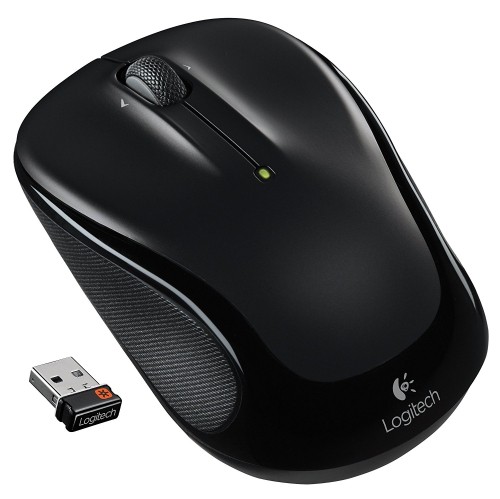 Your price for this item is $39.99
 -
 Your price for this item is $50.44
 -
 Your price for this item is $34.95
 -
 Your price for this item is $39.99
 -
 Your price for this item is $44.68
 -
 Your price for this item is $44.68
 -
 Your price for this item is $31
Discover more categories related to Office Mice

Top Collections:
Pokemon Centers, Kindle Devices, Best Cell Phones Under $500, Alarm Clock, Canon G7X Cameras, iPhone 15 Apple, Apple iPhones 16, Laptops for Students, iPhone 14 256GB, Budget Smartphones
Some products may be subject to Environmental Handling Fees
(EHF) depending on your province.
Learn more about EHFs.