Kids’ GPS Watches: A Parent’s Guide to Calling, SOS and School Modes
A little more independence for them. An easier way to check in for you. Explore kids’ GPS watches at Best Buy Canada and compare calling, SOS alerts and school modes for busy family routines. Before choosing, check Canadian service coverage, subscription requirements and the features available on each model.
Top selling and popular products
Kids’ GPS Watches with Calling
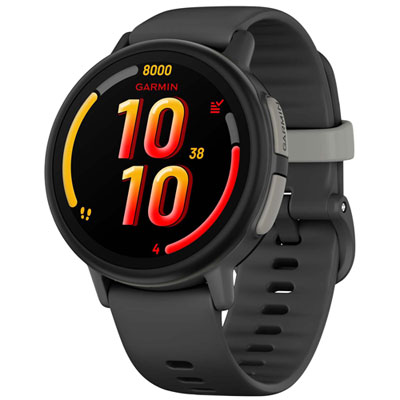
Garmin Bounce 2 43mm Kids GPS Watch with Up to 2 Days Battery, Activity & Sleep Tracking - GPS Tracker
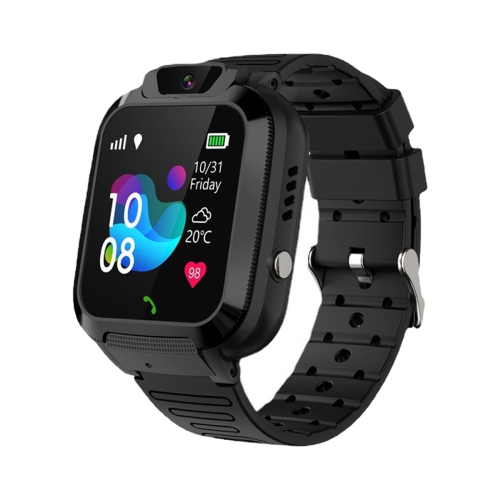
CESTLAVE Kids Smartwatch With Video & Voice Calling In Multicolor
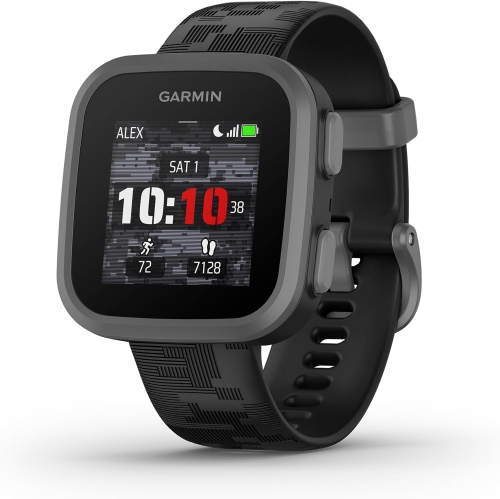
GENERIC Kids Smartwatch With Location Tracking, Two-Way Messaging In Multicolor
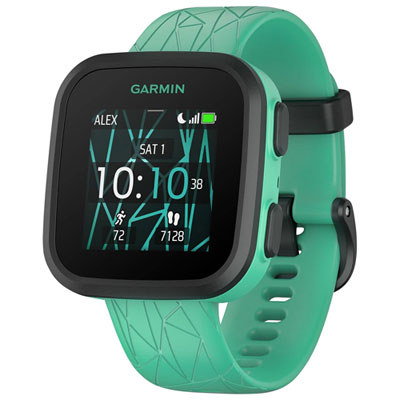
Garmin Bounce Kids 33.1mm GPS Watch with Activity & Sleep Tracking - GPS Tracker
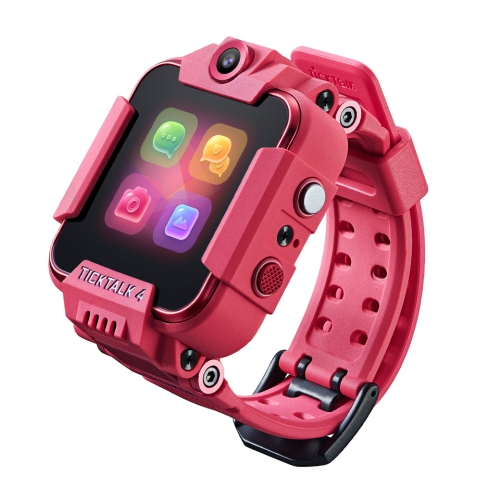
TICKTALK 4 Kids Smartwatch Phone With Gps Tracker, Video & Voice Calling - 4G Lte
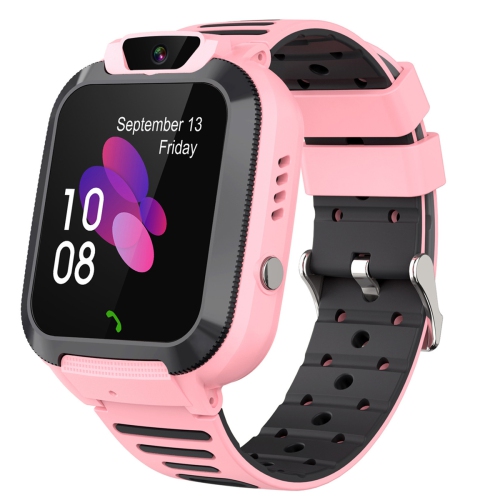
CESTLAVE Kids Smartwatch With Video & Voice Calling In Multicolor
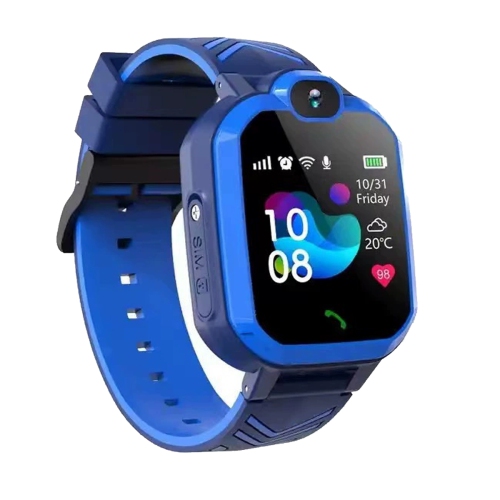
CESTLAVE Kids Smartwatch With Video & Voice Calling, Dual Camera - Gps Tracker In Multicolor

MYACUC Kids Smartwatch Phone With Gps Tracker, Video & Voice Calling, Sos Button - 4G Lte
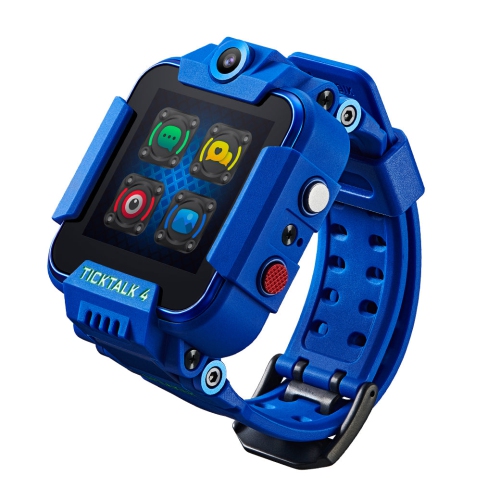
TICKTALK 4 Kids Smartwatch Phone With Gps Tracker, Video & Voice Calling - 4G Lte
Kids’ GPS Watches with School Mode
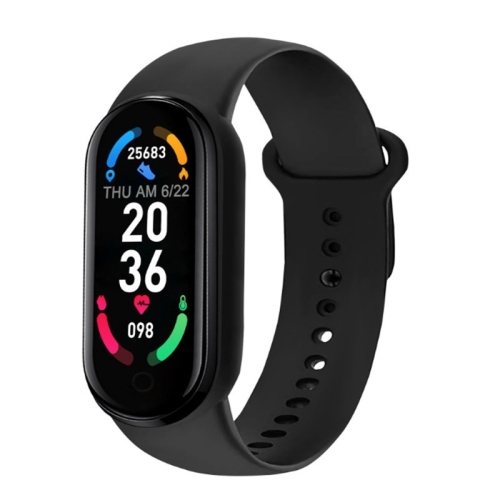
APEXGEAR Sports Smart Bracelet Pro Gps Waterproof Kid-Friendly Wristwatch Tft 5G Touch Heart Sleep Calendar Tracker New Ios Phone In Multicolor
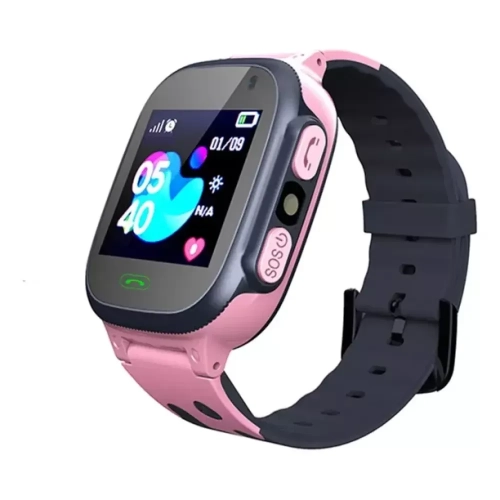
CESTLAVE 1.44 Inch Touchscreen Smartwatch With Gps
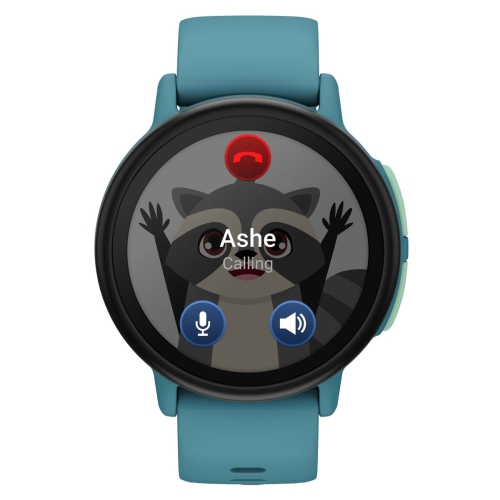
GARMIN Bounce 2, Lte, Includes USB-C And USB-A Charging Cables In Turquoise
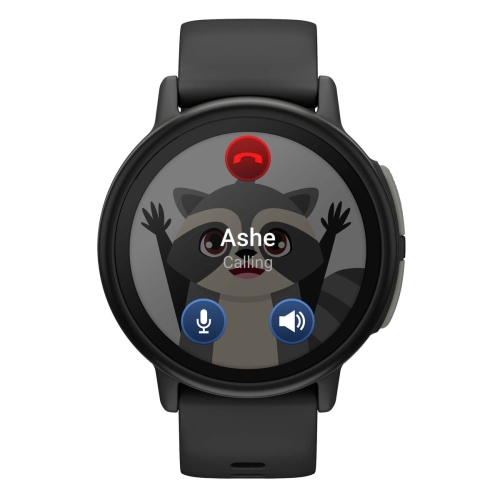
GARMIN Bounce 2, Lte, Includes USB-C And USB-A Charging Cables In Black
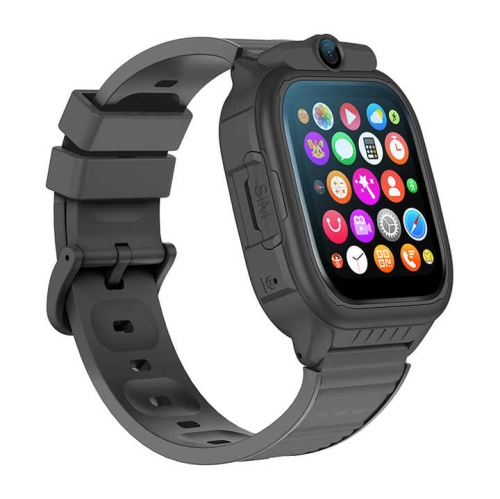
ZYSCOPE 4G-Children's Smart Watch HD Camera Sos Video Call 800 Mah 1.52 Inch Screen Gps Wireless Lbs Gps Children's Smart Watch-Blue In Multicolor
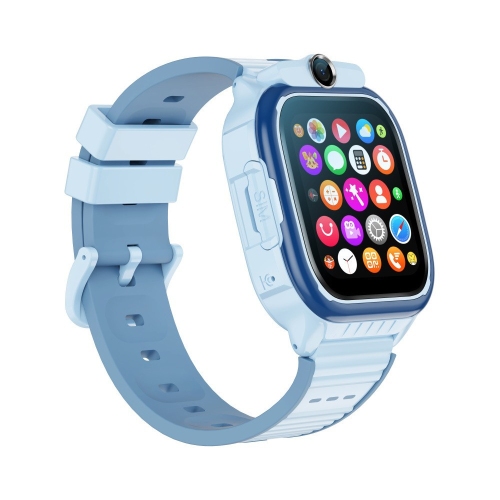
ZYSCOPE 4G-Children's Smart Watch HD Camera Sos Video Call 800 Mah 1.52 Inch Screen Gps Wireless Lbs Gps Children's Smart Watch-Black In Multicolor
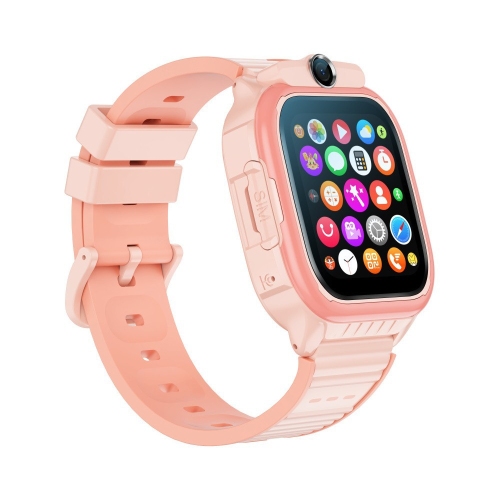
ZYSCOPE 4G-Children's Smart Watch HD Camera Sos Video Call 800 Mah 1.52 Inch Screen Gps Wireless Lbs Gps Children's Smart Watch-Pink In Multicolor
Discover more categories related to Kids’ GPS Watches: A Parent’s Guide to Calling, SOS and School Modes
FAQ
Start with how your family will use it: location check-ins, live calls or messages. Then compare approved-contact controls, SOS behaviour, school mode, fit and battery life. Confirm that the exact model supports service in Canada and that its companion app works with your phone. GPS activity tracking alone does not mean a watch can share your child’s location remotely.
Most connected models need a paid service plan for calls, messages and location updates when away from Wi-Fi. Some use a physical SIM, while others use an eSIM or a manufacturer-managed subscription. Before buying, check activation requirements, ongoing fees and coverage where your child will use the watch. A 4G LTE label alone does not confirm compatibility with every Canadian network.
A compatible cellular kids’ watch can support calls without a phone nearby when its service is active and coverage is available. A parent generally needs a compatible smartphone for setup and account management. Check the communication features carefully: live voice calls, video calls and recorded voice messages are different, and some models require contacts to use the companion app.
Depending on the model, SOS may call preset contacts, send an app alert or share location information. Do not assume it contacts 911 or a monitored response service. Read the model’s instructions, add the appropriate contacts and practise the process with your child as directed by the manufacturer. Delivery can depend on battery power, connectivity and app settings; a watch is not a substitute for supervision or an emergency plan.
School mode typically limits selected features during scheduled hours to help reduce distractions. Depending on the watch, it may silence notifications or restrict calls, games and other functions. Location sharing and SOS access may behave differently while it is active, so check the manual and settings. School mode does not override a school or school board’s rules about wearable devices.
Location accuracy and update frequency vary by watch, signal strength and surroundings. Buildings and indoor spaces can make positioning less precise, and some watches also use Wi-Fi or cellular positioning. Check the timestamp on the map rather than assuming it shows the current location. Boundary alerts, where supported, may also be delayed.
Many kids’ GPS watches offer parent-managed contact lists through a companion app, but controls vary. Check whether approval applies to incoming calls, outgoing calls, messages and video chats. Review who can view location data, use a strong account password and keep the app and watch software up to date.
Charge it, check the connection and confirm that approved contacts and school-mode schedules are set correctly. Frequent location updates and calls can shorten battery life, so allow for your child’s actual use rather than relying only on the maximum stated runtime. Try the fit and practise everyday check-ins at home before sending the watch to school.
Some products may be subject to Environmental Handling Fees (EHF) depending on your province. Learn more about EHFs.