Golf Launch Monitors
Elevate your golf game with the latest in golf launch monitor technology, perfect for both budding enthusiasts and seasoned pros. These innovative devices provide invaluable insights into every swing, helping you refine your technique and boost performance on the course. Whether you're practicing at home or analyzing your shots on the driving range, golf launch monitors offer precise data on ball speed, spin rates, and more. Discover how this cutting-edge equipment can transform your practice sessions into a powerful tool for improvement, all while enjoying the convenience of tracking your progress over time. Get ready to take your skills to new heights with the perfect golf launch monitor tailored to your needs.
Sort
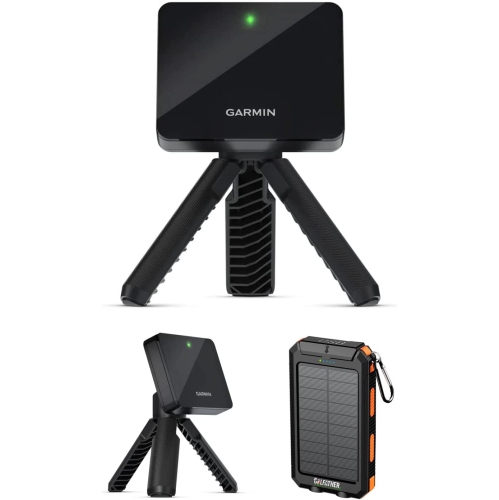
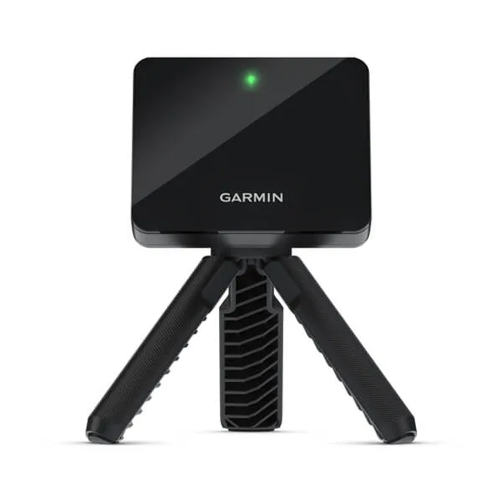
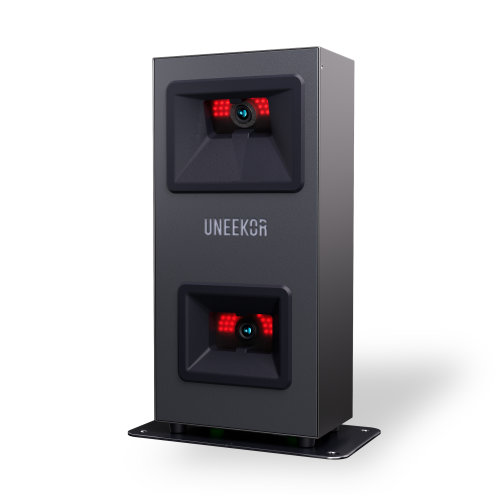
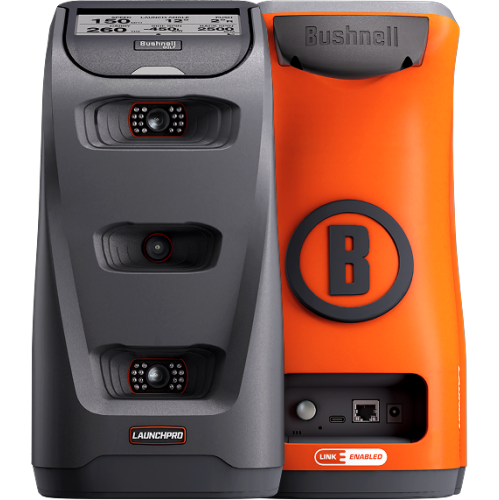
What shot data reveals about your golf practice
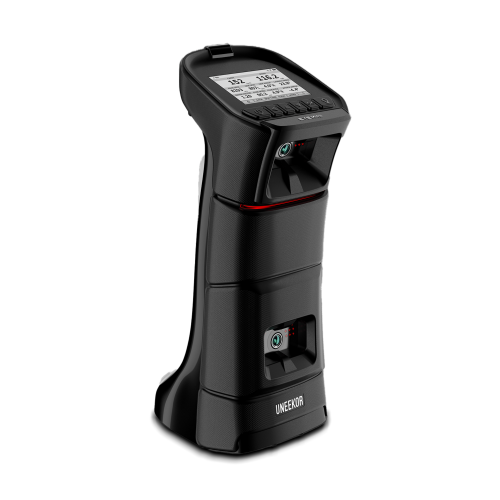
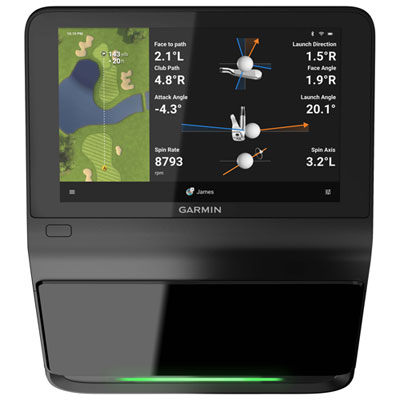
Golf launch monitors measure what happens at impact and during the opening moments of a golf ball’s flight, turning a practice session into useful feedback about speed, distance, and shot shape. Depending on the device, that feedback can include ball speed, clubhead speed, launch angle, spin rate, carry distance, and lateral dispersion. Ball speed describes how quickly the ball leaves the clubface, while launch angle describes its initial upward trajectory. Carry distance is the distance a shot travels before landing, making it especially helpful when choosing a club to clear a bunker or reach a particular section of the green. Total distance also includes estimated roll, which depends on assumptions about the landing surface and other settings. Smash factor, calculated by dividing ball speed by clubhead speed, offers another perspective on energy transfer at impact, though it is best compared within the same club type. Not every monitor provides every measurement, and some displayed figures are calculated rather than directly measured. Golfers comparing launch monitors will find that the most useful information depends on how they practise: a beginner may focus on consistent contact and carry distance, while an experienced player may want more detailed spin, launch, and club-delivery data. A familiar example is the golfer whose seven-iron occasionally travels much farther than expected. Looking at a group of shots rather than the longest result can reveal a more dependable playing distance and show how widely those shots finish apart. That makes a launch monitor useful for mapping distances through the bag, practising partial wedge swings, or assessing whether a swing adjustment produces a repeatable result. The numbers do not replace the feel of a well-struck shot or advice from a qualified instructor, but they add context that is difficult to judge by watching ball flight alone. For golfers who enjoy purposeful practice, that connection between feel and measurable results is a central part of the appeal.
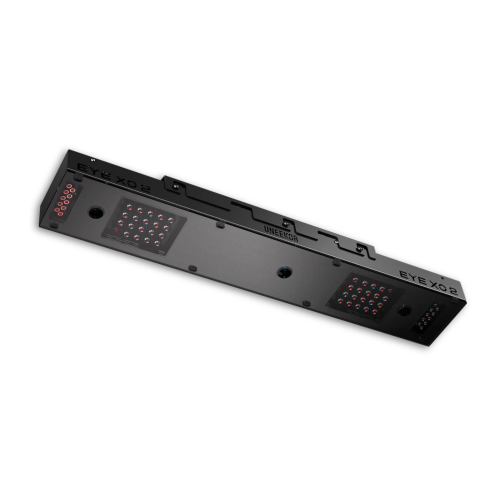
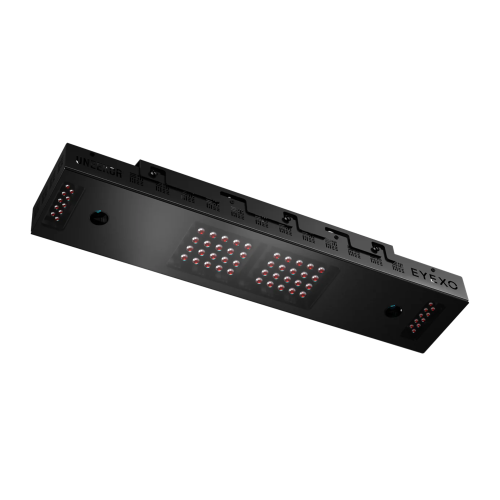
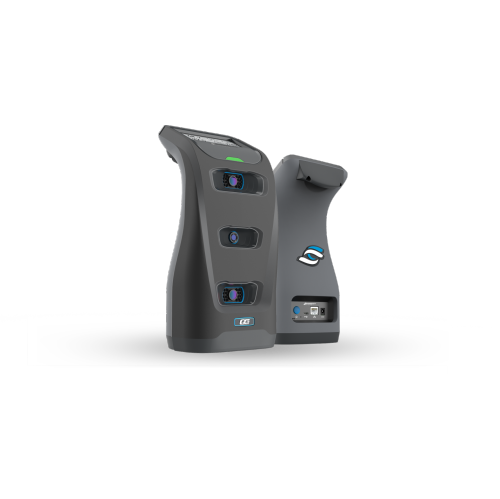
The technology inside a golf launch monitor affects its placement, space requirements, and intended use. Radar-based devices track movement using radio waves and are commonly positioned behind the golfer, facing the target line. Many benefit from seeing more of the ball’s flight, so the required distance behind the ball and between the ball and a net or screen matters when planning an indoor setup. Camera-based devices use high-speed images to analyse the ball around impact and are often positioned beside the hitting area. They may suit spaces with limited ball-flight distance, but still require the specified hitting zone, lighting, and unobstructed view. Some systems combine sensing methods, and individual setup instructions matter more than broad assumptions about either technology. Certain monitors also require compatible marked balls or clubface markers to capture particular data accurately. Physical fit is therefore about the whole practice space, not simply whether the device fits beside a mat. A golfer needs enough ceiling height and clearance to swing the longest intended club freely, along with a suitable impact screen or golf net, secure side protection where needed, and room to keep other people outside the swing and ball path. A monitor alone does not contain a golf shot. For shared spaces, left- and right-handed use deserves attention because some side-positioned devices must be moved and realigned when players switch. At the driving range, a compact body, stable stand, readable display, and battery life that covers a full session can make regular use more convenient. Indoors, dependable power and straightforward alignment may take priority over portability. Consistent placement is important in either setting: a device aimed slightly away from the intended target line can make directional results misleading. Range balls can also produce different speed, spin, and distance results from the balls used on the course. Comparing sessions with similar balls and the same settings makes changes easier to interpret, particularly when the goal is to establish reliable club distances rather than chase a single impressive number.
Display options, software compatibility, and construction shape how comfortably a golf launch monitor fits into everyday practice. A built-in screen can keep basic feedback close at hand without requiring a separate display, while app-connected designs may provide larger charts, shot histories, and session comparisons on a compatible phone or tablet. Some systems support swing-video pairing, helping a golfer connect a visible movement with the resulting ball flight. Others connect to golf simulator software for virtual rounds, target practice, or skills challenges, although simulator support should not be assumed simply because a device measures shots. Supported operating systems, computer requirements, connection methods such as Bluetooth or Wi-Fi, and access requirements for particular software features all affect the complete setup. For a household sharing a practice area, separate player profiles and clear session controls can help keep each golfer’s results organized. A coach may value straightforward data export, while a golfer working independently may prefer an uncluttered display showing just a few relevant measurements. Durability is equally practical. Moulded housings, protected ports, secure stands, and padded carrying cases can help with routine handling, but a sturdy exterior does not mean a device can withstand a direct golf-ball strike. Placement outside the likely impact path and a compatible protective accessory, where recommended, help protect sensitive components without blocking sensors. Camera windows and sensor surfaces need to stay clean; a soft cloth and the manufacturer’s approved cleaning method are preferable to abrasive materials or household sprays. Charging, storage, and software updates should follow the device’s instructions, and a portable monitor is best secured in its case rather than left loose among clubs and range accessories. These details matter for gifts as well as personal purchases. A launch monitor can be a thoughtful choice for a regular range visitor, a golfer building a home practice area, or someone who enjoys tracking progress, provided it suits their available space and existing devices. The strongest match is not necessarily the one displaying the most statistics, but the one that makes useful feedback easy to see, understand, and return to throughout regular practice.
The technology inside a golf launch monitor affects its placement, space requirements, and intended use. Radar-based devices track movement using radio waves and are commonly positioned behind the golfer, facing the target line. Many benefit from seeing more of the ball’s flight, so the required distance behind the ball and between the ball and a net or screen matters when planning an indoor setup. Camera-based devices use high-speed images to analyse the ball around impact and are often positioned beside the hitting area. They may suit spaces with limited ball-flight distance, but still require the specified hitting zone, lighting, and unobstructed view. Some systems combine sensing methods, and individual setup instructions matter more than broad assumptions about either technology. Certain monitors also require compatible marked balls or clubface markers to capture particular data accurately. Physical fit is therefore about the whole practice space, not simply whether the device fits beside a mat. A golfer needs enough ceiling height and clearance to swing the longest intended club freely, along with a suitable impact screen or golf net, secure side protection where needed, and room to keep other people outside the swing and ball path. A monitor alone does not contain a golf shot. For shared spaces, left- and right-handed use deserves attention because some side-positioned devices must be moved and realigned when players switch. At the driving range, a compact body, stable stand, readable display, and battery life that covers a full session can make regular use more convenient. Indoors, dependable power and straightforward alignment may take priority over portability. Consistent placement is important in either setting: a device aimed slightly away from the intended target line can make directional results misleading. Range balls can also produce different speed, spin, and distance results from the balls used on the course. Comparing sessions with similar balls and the same settings makes changes easier to interpret, particularly when the goal is to establish reliable club distances rather than chase a single impressive number.
Display options, software compatibility, and construction shape how comfortably a golf launch monitor fits into everyday practice. A built-in screen can keep basic feedback close at hand without requiring a separate display, while app-connected designs may provide larger charts, shot histories, and session comparisons on a compatible phone or tablet. Some systems support swing-video pairing, helping a golfer connect a visible movement with the resulting ball flight. Others connect to golf simulator software for virtual rounds, target practice, or skills challenges, although simulator support should not be assumed simply because a device measures shots. Supported operating systems, computer requirements, connection methods such as Bluetooth or Wi-Fi, and access requirements for particular software features all affect the complete setup. For a household sharing a practice area, separate player profiles and clear session controls can help keep each golfer’s results organized. A coach may value straightforward data export, while a golfer working independently may prefer an uncluttered display showing just a few relevant measurements. Durability is equally practical. Moulded housings, protected ports, secure stands, and padded carrying cases can help with routine handling, but a sturdy exterior does not mean a device can withstand a direct golf-ball strike. Placement outside the likely impact path and a compatible protective accessory, where recommended, help protect sensitive components without blocking sensors. Camera windows and sensor surfaces need to stay clean; a soft cloth and the manufacturer’s approved cleaning method are preferable to abrasive materials or household sprays. Charging, storage, and software updates should follow the device’s instructions, and a portable monitor is best secured in its case rather than left loose among clubs and range accessories. These details matter for gifts as well as personal purchases. A launch monitor can be a thoughtful choice for a regular range visitor, a golfer building a home practice area, or someone who enjoys tracking progress, provided it suits their available space and existing devices. The strongest match is not necessarily the one displaying the most statistics, but the one that makes useful feedback easy to see, understand, and return to throughout regular practice.
Top selling and popular products
-
 Your price for this item is $699.99
 -
 Your price for this item is $7249.99
 -
 Your price for this item is $2249.95
 -
 Your price for this item is $250
 -
 Your price for this item is $1020.99
 -
 Your price for this item is $449.99
 -
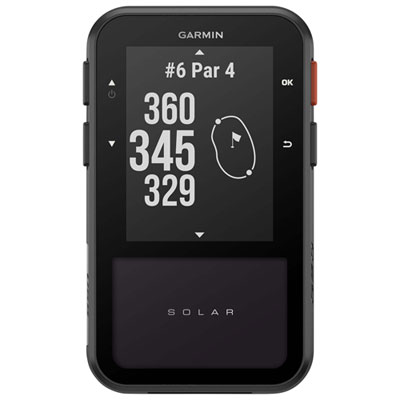 Your price for this item is $439.95
 -
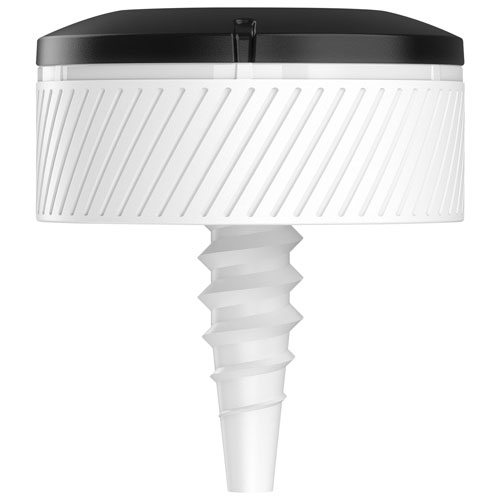 Your price for this item is $119.99
Discover more categories related to Golf Launch Monitors
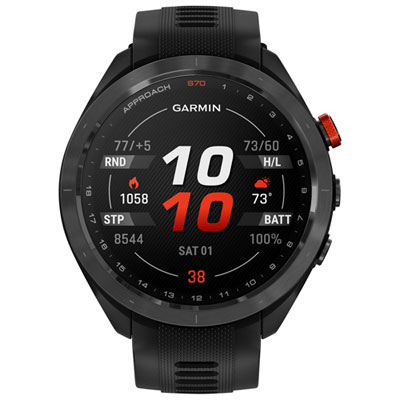
Top Collections:
Pokemon Centers, Kindle Devices, Best Budget Office Chairs, Apple iPhones 16, Samsung Galaxy Phones, Canon G7X Cameras, iPhone 15 Apple, Flip Phones, Best Laptops for Writers, Alarm Clock
Some products may be subject to Environmental Handling Fees
(EHF) depending on your province.
Learn more about EHFs.