Tech for Teachers
From lesson planning to presentations and virtual office hours, these teacher-friendly tech picks help you prep faster, share clearer, and stay organized—at school and at home.
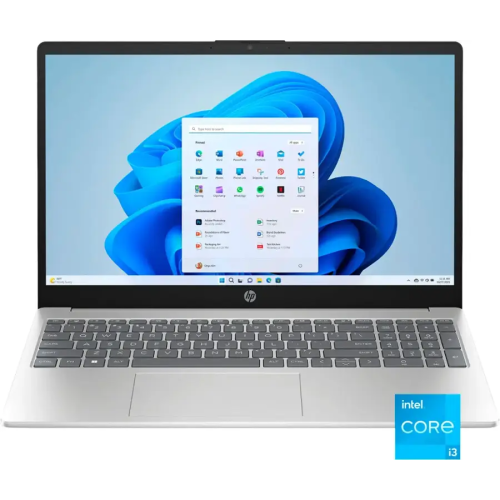
Laptops for Lesson Planning and Grading
Everyday-ready laptops for building slides, managing class files, running video calls, and staying on top of email.
Tablets for Markups and Mobility
Write, sketch, and annotate with touchscreen devices that move easily from desk to classroom.
Projectors for Classroom Presentations
Projectors and presentation remotes that help you share lessons clearly—whether it’s slides, videos, or live demos.
Webcams For Hybrid Teaching
Webcams, microphones, and headsets that make you look and sound sharp for virtual lessons and parent meetings.
Wireless Printers for Classroom Paperwork
Wireless all-in-ones and laser printers to handle handouts, forms, and scanning with less hassle.
Label Makers
Docks, monitors, and portable SSDs that streamline your workspace and keep lesson files easy to access.
Tips
- For everyday teaching tasks, prioritize an SSD for fast startup and at least 16GB of RAM if you juggle lots of browser tabs, PDFs, and video calls.
- A 2-in-1 or tablet with stylus support makes it easy to mark up worksheets, annotate slides, and sign forms without printing.
- If you bounce between classroom and home, a USB-C dock can turn “plug in and go” into a one-cable routine for power, monitor, keyboard, and mouse.
- For bright rooms, look for higher projector brightness (lumens) and quick keystone correction so your image stays squared-up even when setup isn’t perfect.
- A dedicated webcam plus a headset with a noise-cancelling microphone can dramatically improve how clearly students hear you on calls.
- Choose printers with auto-duplex (two-sided) and an automatic document feeder (ADF) to speed up handouts, scanning, and multi-page copying.
- Keep a portable SSD handy for moving lesson files between devices and creating an offline backup of key resources.
- If your school network is busy, devices that support newer Wi-Fi standards can help with smoother video calls and faster file sync (where your network allows it).
Frequently Asked Questions
For lesson planning, grading, and video calls, look for a modern processor, an SSD (for quick boot and app load times), and enough memory to multitask comfortably—16GB RAM is a great target if you run lots of tabs and apps at once.
Chromebooks can be a great fit if most of your work lives in a browser (Google Workspace, web-based gradebooks, LMS tools, and streaming). If you rely on Windows-only apps or heavier creative software, a Windows laptop or 2-in-1 may be a better match.
An iPad is excellent for handwriting, annotation, and quick classroom mobility. A Surface-style 2-in-1 can be ideal if you want a tablet feel but still need a full desktop experience for files, peripherals, and multi-window workflows.
Brightness is key for rooms with lights on, along with a resolution that keeps text readable. Wireless sharing can help, and a short-throw or ultra short-throw model is worth considering when space is tight or you want to reduce shadows on the screen.
Start with a headset that has a quality microphone or add a USB microphone for a fuller voice sound. Also check your room setup—reducing background noise and speaking close to the mic usually delivers the biggest improvement.
Inkjet all-in-ones are versatile for colour handouts and occasional photos, while monochrome laser printers are great for fast, crisp black-and-white pages. If you scan stacks of pages, prioritize an all-in-one with an ADF and reliable wireless printing.
Some products may be subject to EHFs depending on your province. Learn more about EHFs.