14 Inch Business Laptops
14 Inch Business Laptops are designed to offer the perfect balance of portability and performance for professionals on the move. With their compact size, these laptops fit easily into most bags and workspaces, making them ideal for business travel, office use, or remote work. Explore a wide selection of 14 Inch Business Laptops that cater to a variety of needs, whether you're managing projects, attending virtual meetings, or handling everyday tasks with ease. Find the right device to keep you productive and connected wherever your work takes you.
Sort
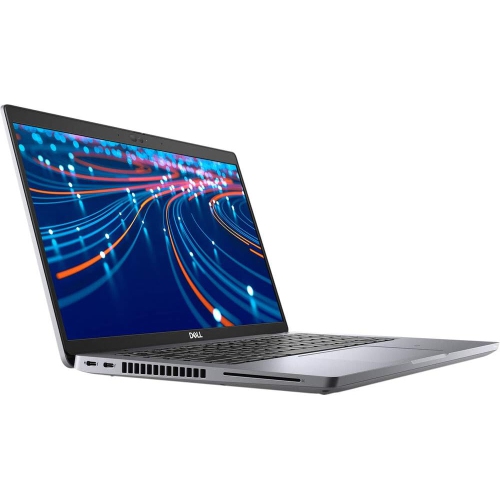
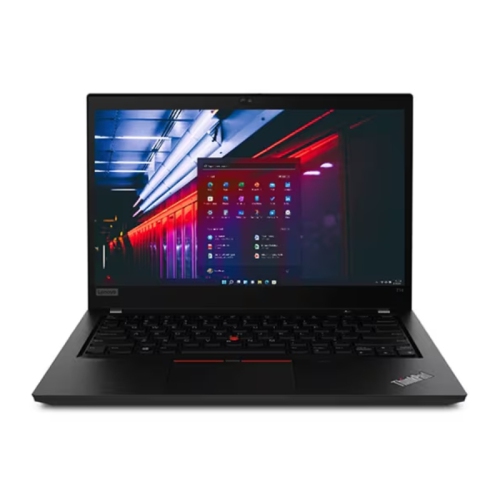
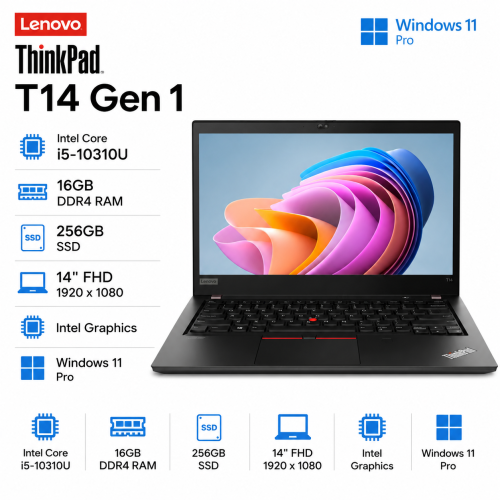

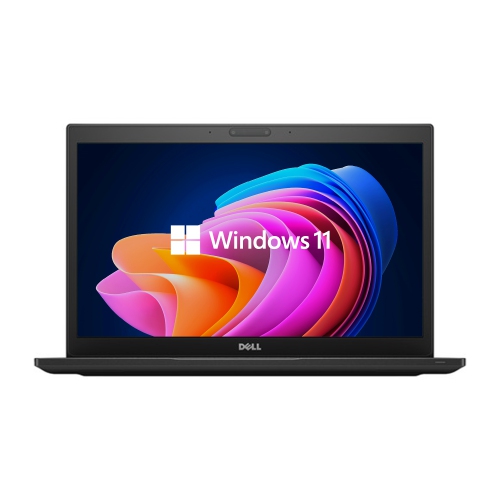
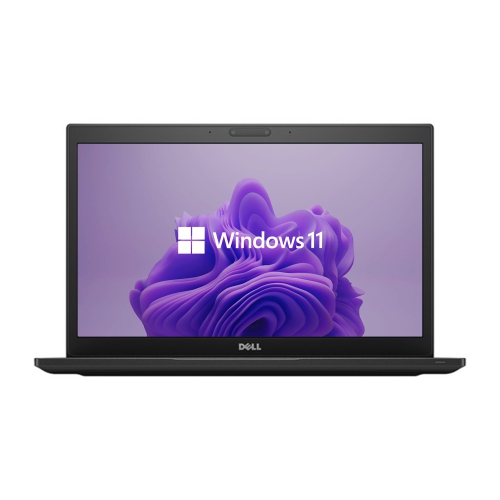
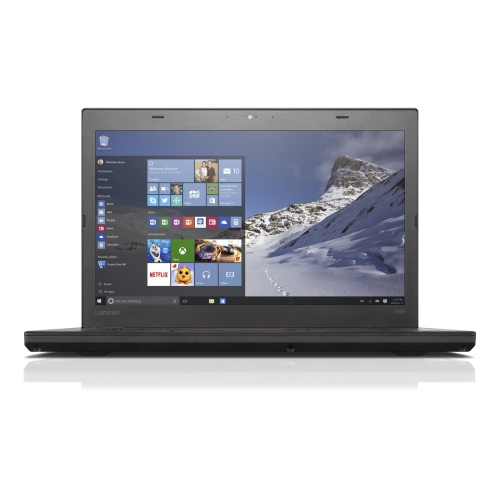
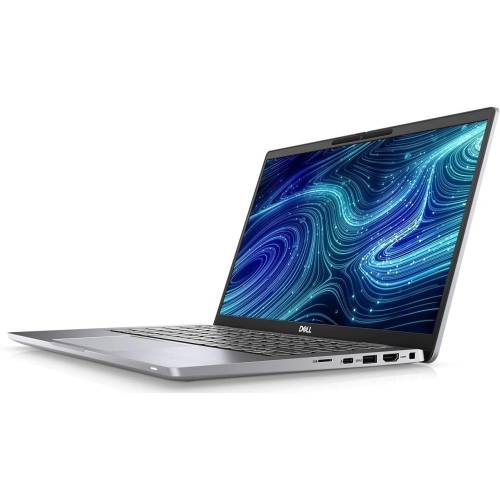
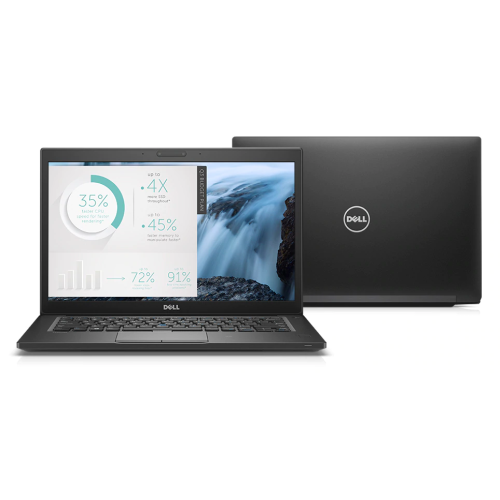
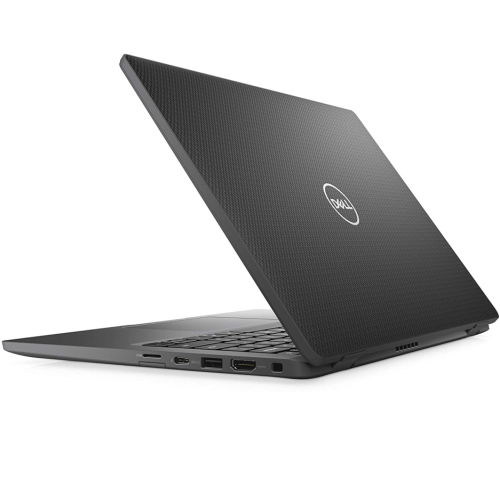
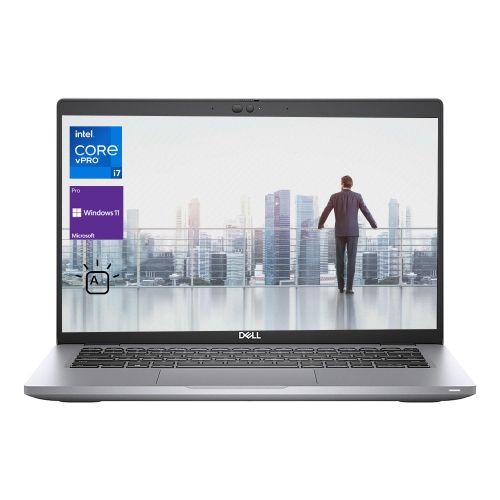
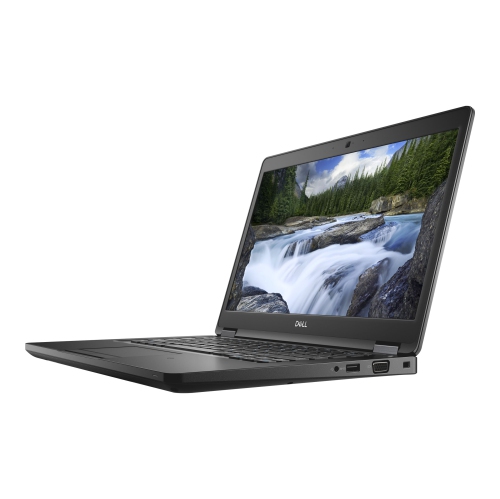

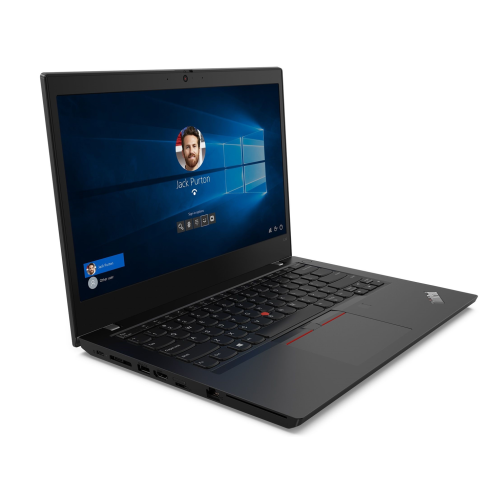
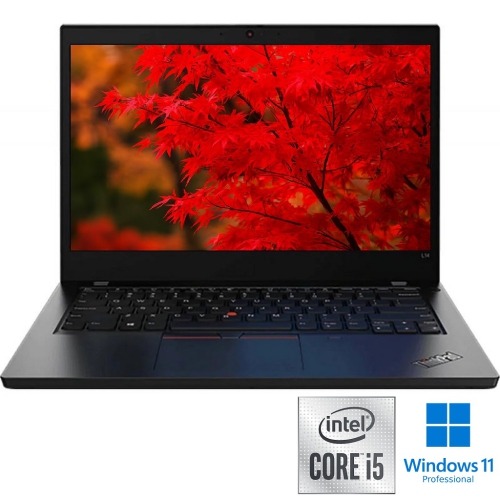
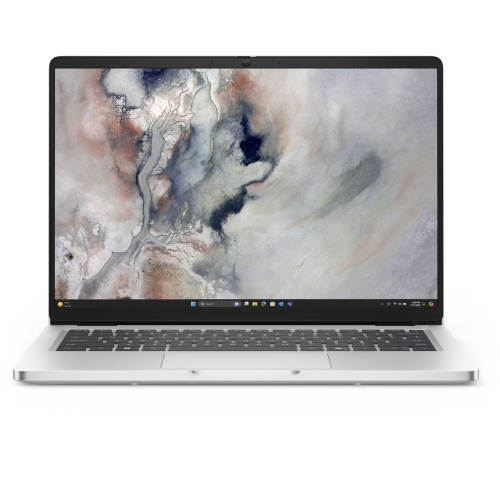
A practical balance of screen space and portability
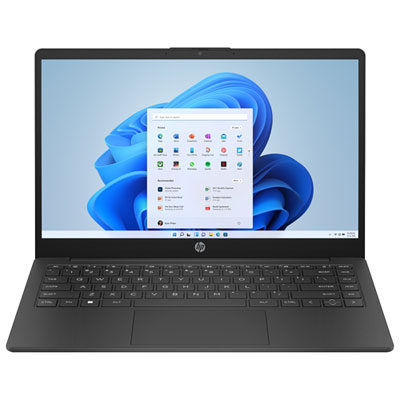
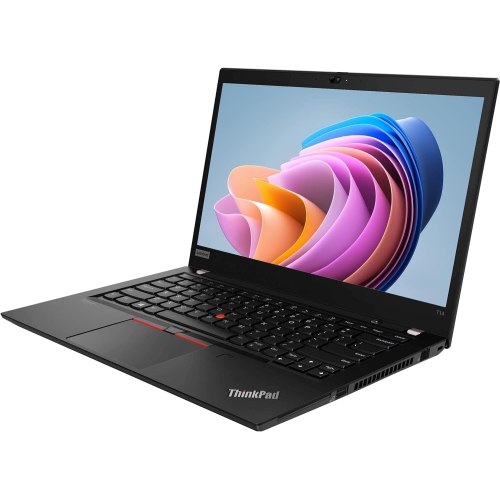
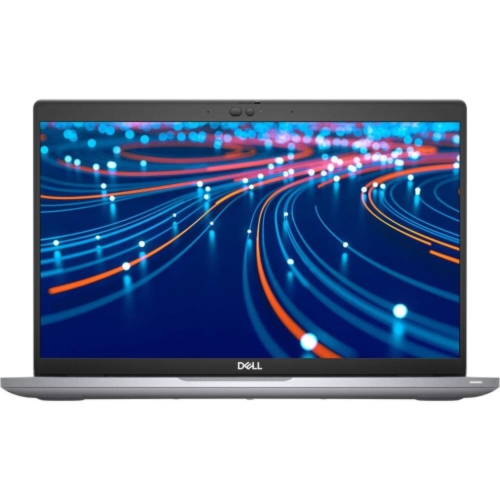
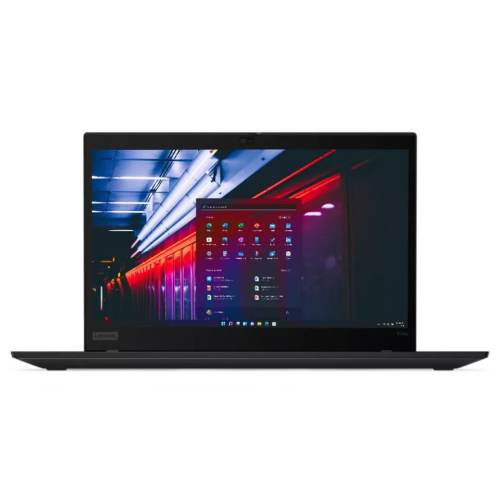
14-inch business laptops bring everyday work capability into a size that travels comfortably between a desk, a meeting room, and a client’s office. The 14-inch measurement refers to the screen’s diagonal, not the overall width of the computer, so body dimensions and screen borders affect how much space a laptop occupies in a bag. This format offers a useful middle ground: enough display area for documents, presentations, and browser-based applications without the footprint of a larger notebook. It suits consultants, accountants, small-business owners, administrators, and other professionals who need one computer for both focused desk work and regular travel. Within the broader range of 14 inch laptops, business-focused designs often place particular emphasis on keyboard comfort, connection options, security, and support for workplace technology requirements. Those distinctions matter during ordinary tasks, whether that means typing meeting notes for an hour or connecting to a boardroom display moments before a presentation. A comfortable keyboard has clearly defined keys, a predictable response, and a layout that keeps frequently used shortcuts within easy reach. Backlighting can make key labels easier to see in dim meeting rooms, while a responsive touchpad helps when there is no room for a separate mouse. Most laptops in this size class do not include a dedicated numeric keypad, which is worth considering for roles involving frequent numerical entry. Screen proportions also influence daily comfort. A taller display can show more rows in a spreadsheet or more of a document at once, reducing scrolling during detailed review. Matte finishes help limit reflections, while brightness and text clarity affect readability under office lighting. Touchscreens can be useful for signing documents or interacting with applications, though they are not essential for email, reporting, or most administrative work. For professionals who regularly compare several windows, a 14-inch laptop can serve as the portable centre of a larger desk setup, with an external monitor providing additional workspace when needed.
Performance in a business laptop depends on how well the processor, memory, storage, and cooling system support the actual workload. Email, document editing, video calls, and online business applications generally place different demands on a computer than large data models, engineering software, or high-resolution media work. For many multitasking office workflows, 16 GB of memory is a practical starting point, particularly when a meeting application, several documents, and numerous browser tabs need to stay open together. More demanding analysis, development tools, or virtual machines can benefit from 32 GB or more, depending on the software involved. Memory may be fixed to the system board rather than replaceable, so the original configuration can determine how comfortably the laptop handles future needs. Solid-state storage contributes to responsive startup and quick file access, while capacity determines how much room remains for applications, downloaded presentations, and locally stored project folders. A 512 GB drive can accommodate many document-focused workflows, but large photo libraries, video files, or technical datasets require more space. Processor names alone do not tell the whole story: cooling design and power settings also influence sustained performance, fan noise, and battery use during a lengthy work session. Integrated graphics are suitable for many office tasks, whereas specialized visual applications may have additional graphics requirements that should be checked against the software’s specifications. Battery endurance is similarly dependent on use. Screen brightness, video meetings, wireless activity, and demanding applications can make actual runtime substantially different from a manufacturer’s test result. For someone moving between appointments, laptop weight and charger size matter alongside battery capacity. USB-C charging can simplify a travel setup when the laptop and charger support compatible power standards and sufficient wattage. Ports deserve equal attention: a full-size HDMI connection can be convenient for presentations, USB-A can accommodate existing peripherals, and a compatible docking connection can bring monitors, a keyboard, and wired networking together at a desk. Not every USB-C port supports the same display, charging, or data functions, making the stated capabilities more useful than the connector’s shape alone.
Business use also brings practical expectations around privacy, collaboration, construction, and long-term care. Depending on the model and configuration, a fingerprint reader or compatible facial sign-in can make access more convenient, while a webcam shutter provides a physical way to cover the camera when it is not in use. Hardware-backed security features, drive encryption support, and remote management capabilities can be important for organizations that handle sensitive files or manage several computers. These features work alongside properly configured accounts, software updates, and workplace security practices rather than replacing them. A clear webcam and well-positioned microphones help colleagues follow a conversation, especially when several people are sharing documents during a call. Headset compatibility and dependable Wi-Fi are equally relevant for professionals who spend much of the day in virtual meetings. Construction affects how the laptop feels in daily use as well as how it tolerates regular handling. Aluminium and magnesium-alloy bodies can provide rigidity, while reinforced plastic designs offer a different balance of weight and structure. Material alone does not establish durability; hinge stability, keyboard support, and overall assembly also matter. Any stated durability testing should be understood in terms of the specific tests performed, rather than treated as a promise against damage. A padded sleeve with dimensions matched to the laptop helps protect it from scratches inside a briefcase or backpack, and a separate compartment keeps chargers and other hard objects from pressing against the lid. Routine care is straightforward: carry the computer with its lid closed, keep vents unobstructed on a firm surface, and follow the manufacturer’s cleaning directions for the screen and keyboard. A soft microfibre cloth is useful for removing fingerprints without rough scrubbing, and liquids should never be sprayed directly onto the computer. Repair options, warranty terms, and access to technical support also contribute to its usefulness over time. For an employee, independent professional, or recent graduate entering an office-based role, a well-matched 14-inch business laptop can support both a tidy permanent workspace and the freedom to take essential work along.
Performance in a business laptop depends on how well the processor, memory, storage, and cooling system support the actual workload. Email, document editing, video calls, and online business applications generally place different demands on a computer than large data models, engineering software, or high-resolution media work. For many multitasking office workflows, 16 GB of memory is a practical starting point, particularly when a meeting application, several documents, and numerous browser tabs need to stay open together. More demanding analysis, development tools, or virtual machines can benefit from 32 GB or more, depending on the software involved. Memory may be fixed to the system board rather than replaceable, so the original configuration can determine how comfortably the laptop handles future needs. Solid-state storage contributes to responsive startup and quick file access, while capacity determines how much room remains for applications, downloaded presentations, and locally stored project folders. A 512 GB drive can accommodate many document-focused workflows, but large photo libraries, video files, or technical datasets require more space. Processor names alone do not tell the whole story: cooling design and power settings also influence sustained performance, fan noise, and battery use during a lengthy work session. Integrated graphics are suitable for many office tasks, whereas specialized visual applications may have additional graphics requirements that should be checked against the software’s specifications. Battery endurance is similarly dependent on use. Screen brightness, video meetings, wireless activity, and demanding applications can make actual runtime substantially different from a manufacturer’s test result. For someone moving between appointments, laptop weight and charger size matter alongside battery capacity. USB-C charging can simplify a travel setup when the laptop and charger support compatible power standards and sufficient wattage. Ports deserve equal attention: a full-size HDMI connection can be convenient for presentations, USB-A can accommodate existing peripherals, and a compatible docking connection can bring monitors, a keyboard, and wired networking together at a desk. Not every USB-C port supports the same display, charging, or data functions, making the stated capabilities more useful than the connector’s shape alone.
Business use also brings practical expectations around privacy, collaboration, construction, and long-term care. Depending on the model and configuration, a fingerprint reader or compatible facial sign-in can make access more convenient, while a webcam shutter provides a physical way to cover the camera when it is not in use. Hardware-backed security features, drive encryption support, and remote management capabilities can be important for organizations that handle sensitive files or manage several computers. These features work alongside properly configured accounts, software updates, and workplace security practices rather than replacing them. A clear webcam and well-positioned microphones help colleagues follow a conversation, especially when several people are sharing documents during a call. Headset compatibility and dependable Wi-Fi are equally relevant for professionals who spend much of the day in virtual meetings. Construction affects how the laptop feels in daily use as well as how it tolerates regular handling. Aluminium and magnesium-alloy bodies can provide rigidity, while reinforced plastic designs offer a different balance of weight and structure. Material alone does not establish durability; hinge stability, keyboard support, and overall assembly also matter. Any stated durability testing should be understood in terms of the specific tests performed, rather than treated as a promise against damage. A padded sleeve with dimensions matched to the laptop helps protect it from scratches inside a briefcase or backpack, and a separate compartment keeps chargers and other hard objects from pressing against the lid. Routine care is straightforward: carry the computer with its lid closed, keep vents unobstructed on a firm surface, and follow the manufacturer’s cleaning directions for the screen and keyboard. A soft microfibre cloth is useful for removing fingerprints without rough scrubbing, and liquids should never be sprayed directly onto the computer. Repair options, warranty terms, and access to technical support also contribute to its usefulness over time. For an employee, independent professional, or recent graduate entering an office-based role, a well-matched 14-inch business laptop can support both a tidy permanent workspace and the freedom to take essential work along.
Top selling and popular products
-
 Your price for this item is $449
 -
 Your price for this item is $3099
 -
 Your price for this item is $299.95
 -
 Your price for this item is $664.05
 -
 Your price for this item is $599.68
 -
 Your price for this item is $869.99
 -
 Your price for this item is $259
 -
 Your price for this item is $418.98
Discover more categories related to 14 Inch Business Laptops
Top Collections:
Pokemon Centers, Kindle Devices, Best Budget Office Chairs, Apple iPhones 16, Best Laptops for Writers, iPhone 15 Apple, Canon G7X Cameras, Refurbished Apple Laptops, Alarm Clock, Motorola Razr Phones
Some products may be subject to Environmental Handling Fees
(EHF) depending on your province.
Learn more about EHFs.