Refurbished Apple Laptops
Refurbished Apple laptops offer a smart and budget-friendly way to enjoy premium technology without paying full price. Each device undergoes a thorough inspection and restoration process, ensuring reliable performance and quality. Whether you’re upgrading your home office, heading back to school, or simply looking for a dependable laptop for everyday use, refurbished Apple laptops provide an excellent balance of value and peace of mind. Explore a wide selection to find the perfect fit for your needs at Best Buy Canada.
Sort
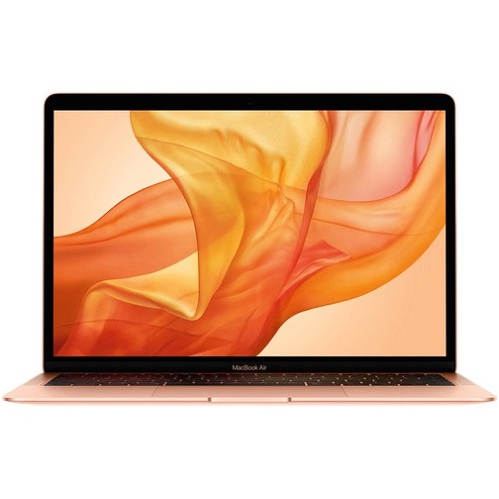
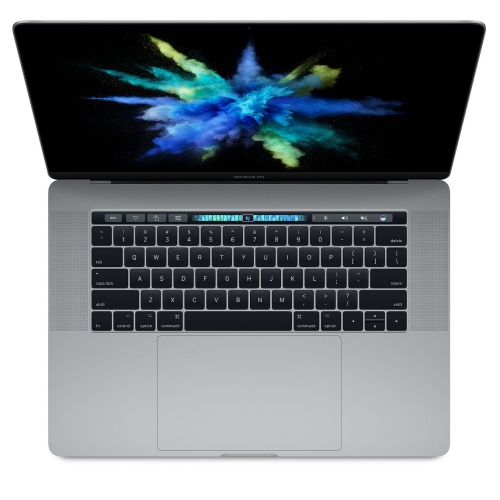

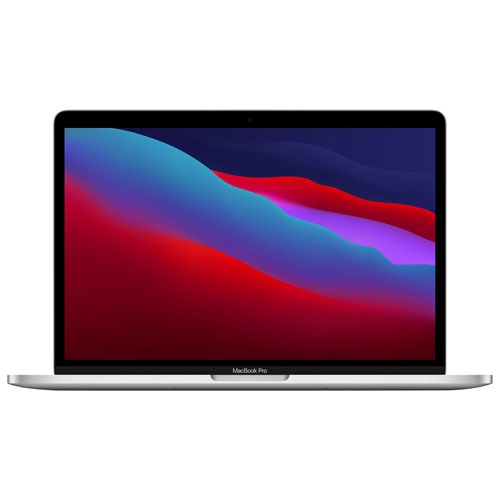

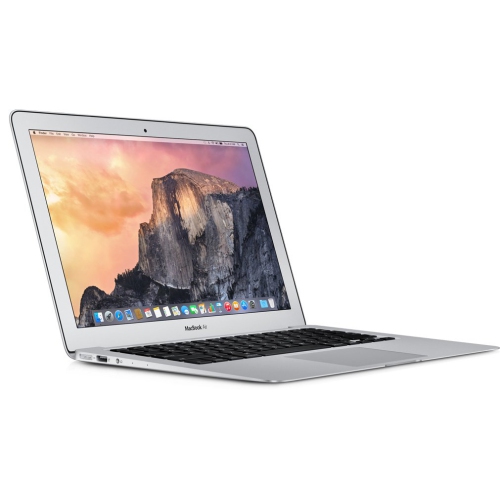
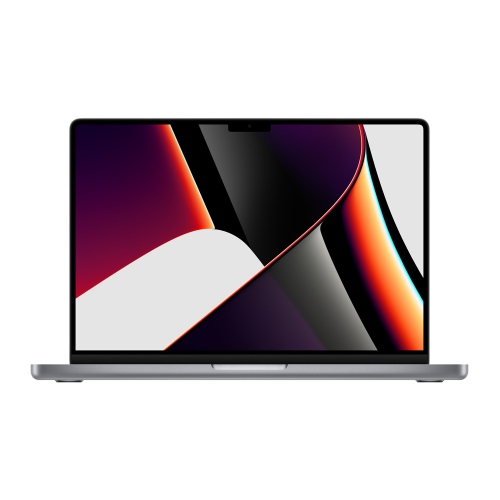
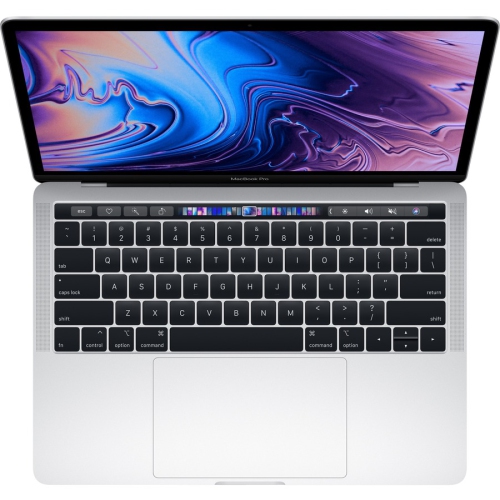
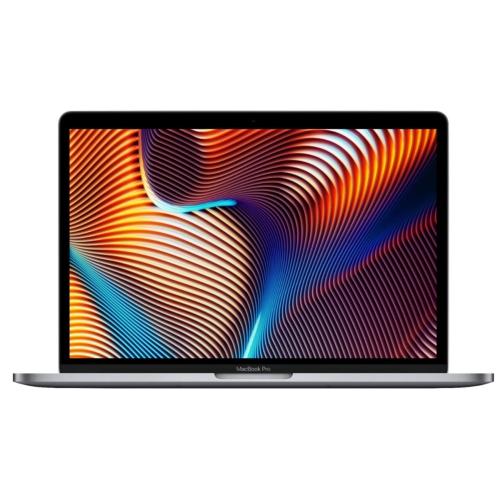
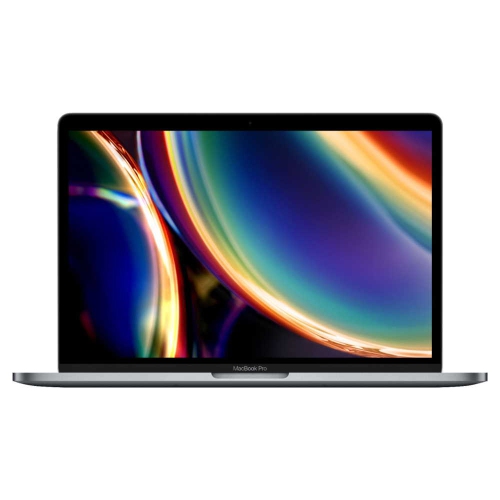

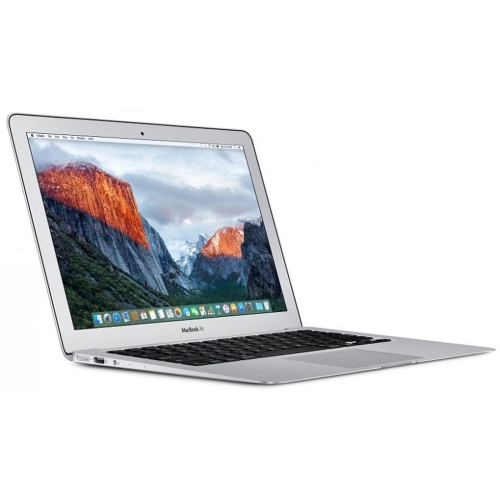
What refurbished condition really means for everyday use
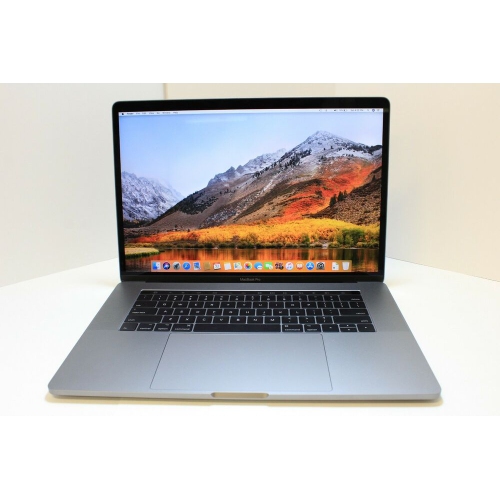
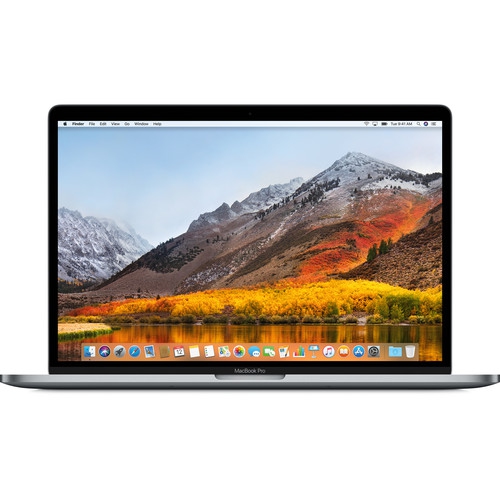
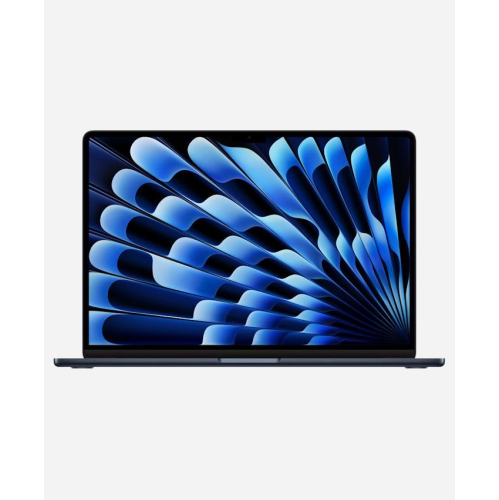
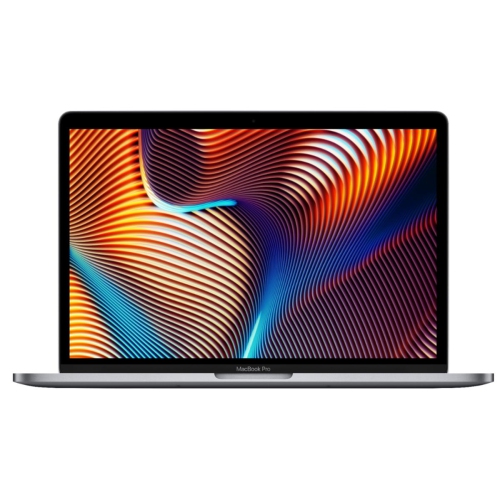
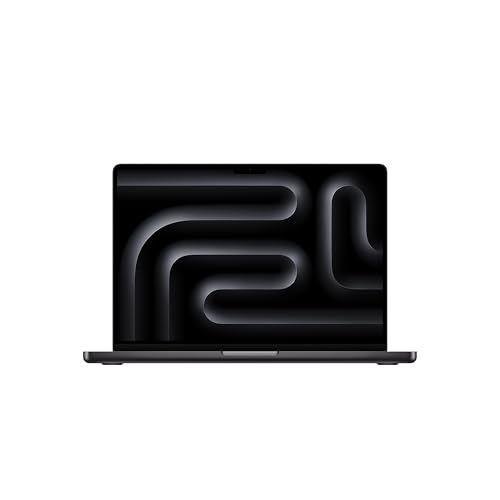
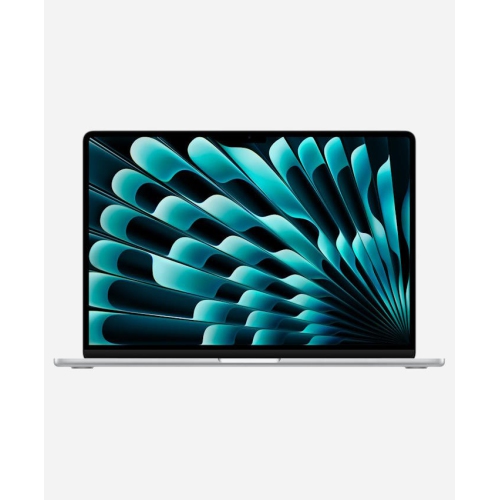
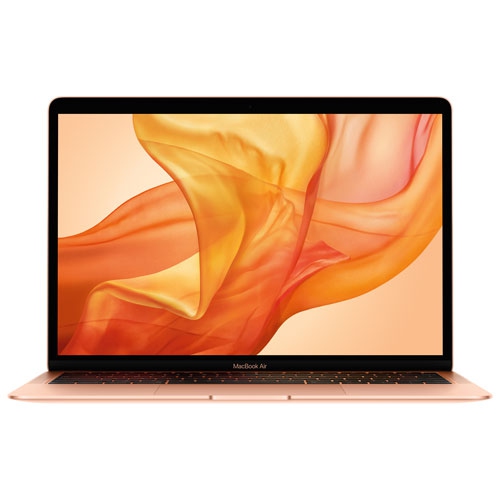
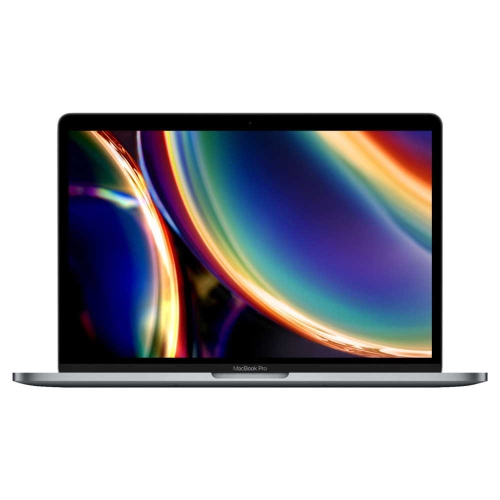
Refurbished laptops offer the familiar feel of a well-built notebook in a device that has had a previous owner or an earlier period of use. Unlike a computer simply described as used, a refurbished laptop has typically undergone inspection, testing and any repairs considered necessary by the refurbisher before being offered for sale again. The extent of that work varies, so the condition description, testing details and warranty terms matter more than the word “refurbished” alone. Refurbishment does not automatically mean a new battery, a replacement outer shell or a finish free of visible wear. Cosmetic grades generally describe appearance, such as light scratches on the lid, marks around the ports or wear on the palm rest; they do not, by themselves, establish battery health or processing capability. Aluminium construction can give these notebooks a solid, refined feel, but even a sturdy metal enclosure benefits from careful handling. A clean display, responsive trackpad, consistent keyboard action and secure hinge all contribute to everyday comfort, whether the laptop is open on a kitchen table for household paperwork or tucked into a backpack between lectures. For students, remote workers and anyone replacing an ageing home computer, the appeal is often a combination of portability, a comfortable working layout and dependable performance for familiar tasks. A refurbished notebook can also make a thoughtful gift for someone returning to school or starting a personal project, provided its software compatibility, condition and physical size suit the recipient. Screen size is only part of that fit: overall weight, keyboard layout and the space needed for a charger affect how easily the computer moves through a day. A compact notebook may be comfortable on a small lecture-hall desk, while a larger display gives spreadsheets, reference documents and photo timelines more breathing room. The right match depends less on appearance alone than on how the computer feels and functions during the activities it will handle most often.
Processor generation, memory and storage help distinguish refurbished laptops that look similar from the outside. A newer processor architecture can offer better responsiveness and power efficiency, but software compatibility deserves equal attention, particularly for specialist applications, older accessories or workplace tools. The latest operating system supported by a laptop depends on its hardware generation, and refurbishment does not extend the original software support period. Security updates, application requirements and access to necessary features are therefore useful considerations for a computer expected to remain in regular use. For everyday browsing, document editing, video calls and streaming, 8GB of memory and a 256GB solid-state drive may be sufficient when files are modest and much of the work happens online. Memory of 16GB or more and storage of 512GB or more provide greater flexibility for larger photo libraries, development tools and heavier multitasking, although demanding workloads may need more. These figures are starting points rather than promises of performance: processor capability, cooling and the applications being used also make a difference. On many thin notebooks, memory and internal storage cannot be upgraded after purchase, making the original configuration an important part of long-term suitability. Someone writing assignments with a few browser tabs open has different needs from someone running a presentation, a video meeting and several large worksheets at once. Creative work adds other demands, including display quality, colour accuracy and enough free storage for project files. A solid-state drive supports responsive everyday use, but its capacity should leave room for applications, updates and working files rather than only the documents already on hand. External storage can help with archives and backups, though it adds another accessory to carry. Ports deserve the same practical attention: an external monitor, wired headset, memory card or classroom projector may require an adapter. Wi-Fi capabilities, camera quality and microphone performance also influence daily usability, especially when the notebook regularly moves between study sessions, shared workspaces and calls from home.
Battery condition is one of the clearest differences between a refurbished notebook and a newly manufactured one. Rechargeable batteries lose capacity with age and use, so battery health, any stated minimum capacity and the terms of battery coverage are more informative than an original runtime claim. Actual time between charges varies with screen brightness, wireless activity, applications and connected accessories. A laptop used mainly beside a power outlet has different battery demands from one carried through several classes or a day of meetings. The included charger should be identified in the listing, with a suitable power rating and a compatible connection; accessory contents should never be assumed from photographs alone. Warranty length, the organization providing service, return terms and exclusions also shape the ownership experience. Some coverage may treat the battery separately or exclude cosmetic wear, and a clear description helps distinguish those details before the computer becomes part of a daily routine. Proper refurbishment should also address the previous owner’s data and access controls. A laptop needs to be free of previous-account activation restrictions and organizational management requirements that would prevent a new owner from completing setup or using it normally. Once in use, straightforward care helps preserve both appearance and function. A padded sleeve protects the enclosure from keys and other hard objects inside a bag, while a dry, soft, lint-free cloth handles routine surface cleaning; any deeper cleaning should follow the manufacturer’s directions. Liquids should stay away from openings, and ventilation areas should remain unobstructed rather than resting against bedding or a cushion. During the cooler months, a notebook brought indoors from a cold vehicle may need time to reach room temperature before use, especially if condensation has formed. Regular backups protect coursework, family photos and business files independently of the computer’s condition or warranty. For households considering other devices alongside a laptop, Refurbished Apple Products provides a related collection to explore. Clear condition details, suitable hardware and realistic expectations about battery life help make a refurbished notebook a comfortable fit for work, study and everyday tasks.
Processor generation, memory and storage help distinguish refurbished laptops that look similar from the outside. A newer processor architecture can offer better responsiveness and power efficiency, but software compatibility deserves equal attention, particularly for specialist applications, older accessories or workplace tools. The latest operating system supported by a laptop depends on its hardware generation, and refurbishment does not extend the original software support period. Security updates, application requirements and access to necessary features are therefore useful considerations for a computer expected to remain in regular use. For everyday browsing, document editing, video calls and streaming, 8GB of memory and a 256GB solid-state drive may be sufficient when files are modest and much of the work happens online. Memory of 16GB or more and storage of 512GB or more provide greater flexibility for larger photo libraries, development tools and heavier multitasking, although demanding workloads may need more. These figures are starting points rather than promises of performance: processor capability, cooling and the applications being used also make a difference. On many thin notebooks, memory and internal storage cannot be upgraded after purchase, making the original configuration an important part of long-term suitability. Someone writing assignments with a few browser tabs open has different needs from someone running a presentation, a video meeting and several large worksheets at once. Creative work adds other demands, including display quality, colour accuracy and enough free storage for project files. A solid-state drive supports responsive everyday use, but its capacity should leave room for applications, updates and working files rather than only the documents already on hand. External storage can help with archives and backups, though it adds another accessory to carry. Ports deserve the same practical attention: an external monitor, wired headset, memory card or classroom projector may require an adapter. Wi-Fi capabilities, camera quality and microphone performance also influence daily usability, especially when the notebook regularly moves between study sessions, shared workspaces and calls from home.
Battery condition is one of the clearest differences between a refurbished notebook and a newly manufactured one. Rechargeable batteries lose capacity with age and use, so battery health, any stated minimum capacity and the terms of battery coverage are more informative than an original runtime claim. Actual time between charges varies with screen brightness, wireless activity, applications and connected accessories. A laptop used mainly beside a power outlet has different battery demands from one carried through several classes or a day of meetings. The included charger should be identified in the listing, with a suitable power rating and a compatible connection; accessory contents should never be assumed from photographs alone. Warranty length, the organization providing service, return terms and exclusions also shape the ownership experience. Some coverage may treat the battery separately or exclude cosmetic wear, and a clear description helps distinguish those details before the computer becomes part of a daily routine. Proper refurbishment should also address the previous owner’s data and access controls. A laptop needs to be free of previous-account activation restrictions and organizational management requirements that would prevent a new owner from completing setup or using it normally. Once in use, straightforward care helps preserve both appearance and function. A padded sleeve protects the enclosure from keys and other hard objects inside a bag, while a dry, soft, lint-free cloth handles routine surface cleaning; any deeper cleaning should follow the manufacturer’s directions. Liquids should stay away from openings, and ventilation areas should remain unobstructed rather than resting against bedding or a cushion. During the cooler months, a notebook brought indoors from a cold vehicle may need time to reach room temperature before use, especially if condensation has formed. Regular backups protect coursework, family photos and business files independently of the computer’s condition or warranty. For households considering other devices alongside a laptop, Refurbished Apple Products provides a related collection to explore. Clear condition details, suitable hardware and realistic expectations about battery life help make a refurbished notebook a comfortable fit for work, study and everyday tasks.
Top selling and popular products
-
 Your price for this item is $1500
 -
 Your price for this item is $749.77
 -
 Your price for this item is $649.77
 -
 Your price for this item is $549.77
 -
 Your price for this item is $699.77
 -
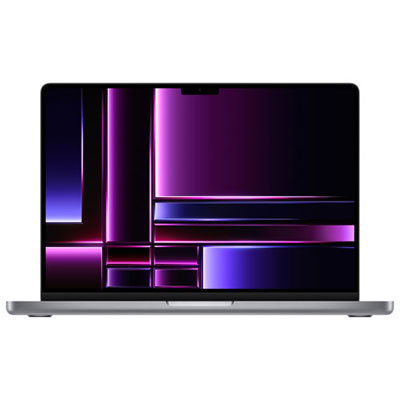 Your price for this item is $2299.97
 -
 Your price for this item is $679.77
 -
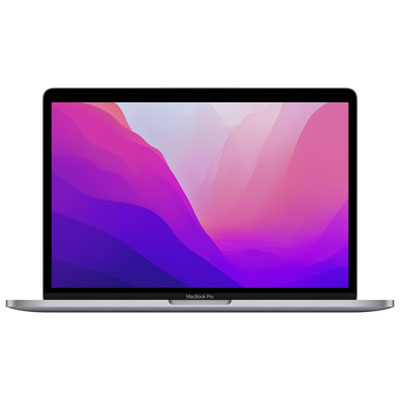 Your price for this item is $1599.97
Discover more categories related to Refurbished Apple Laptops
Top Collections:
Pokemon Centers, Kindle Devices, Apple iPhones 16, Canon G7X Cameras, iPhone 15 Apple, Alarm Clock, Flip Phones, Refurbished Apple Laptops, iPhone 14 256GB, Lightweight On-Ear USB-C Headphones
Some products may be subject to Environmental Handling Fees
(EHF) depending on your province.
Learn more about EHFs.