AirPod Pro Earbuds
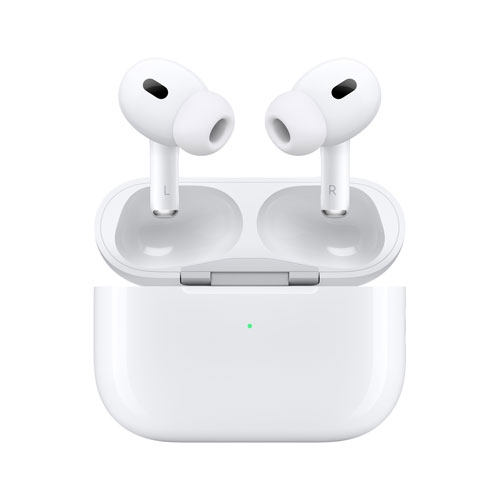
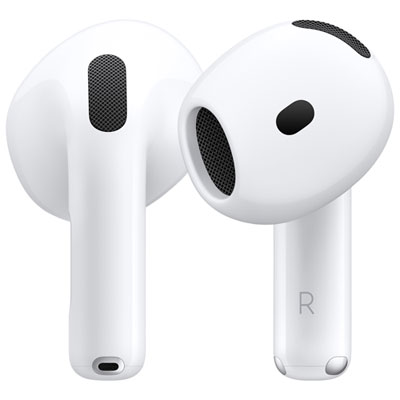
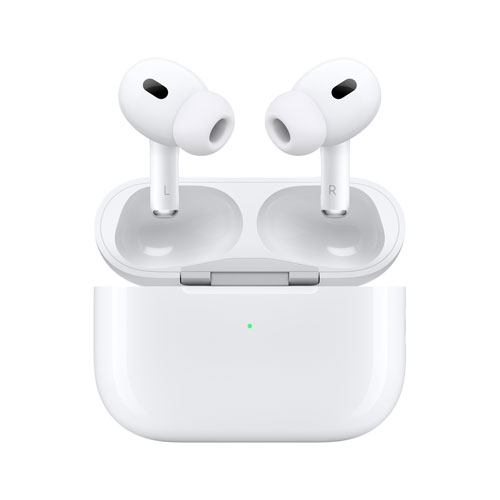
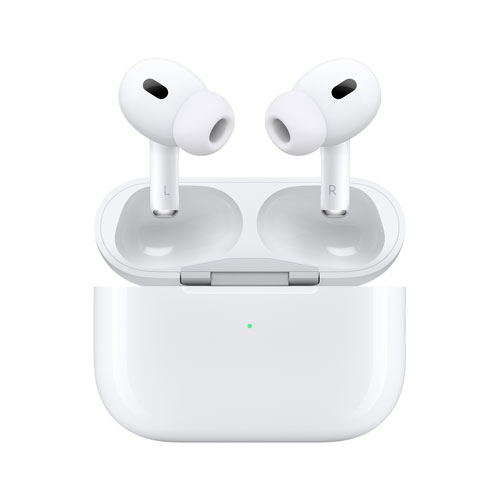
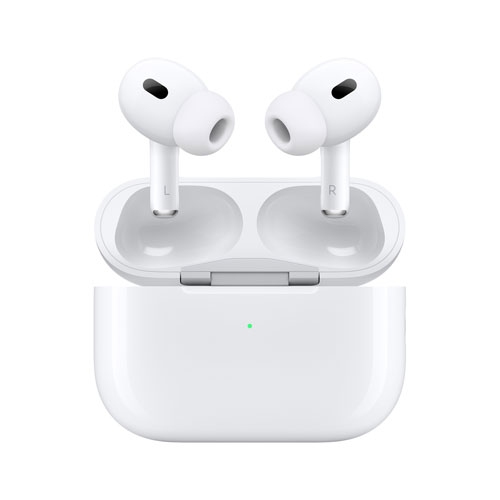
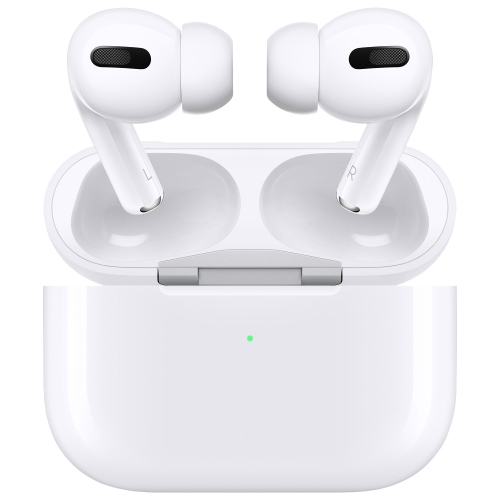
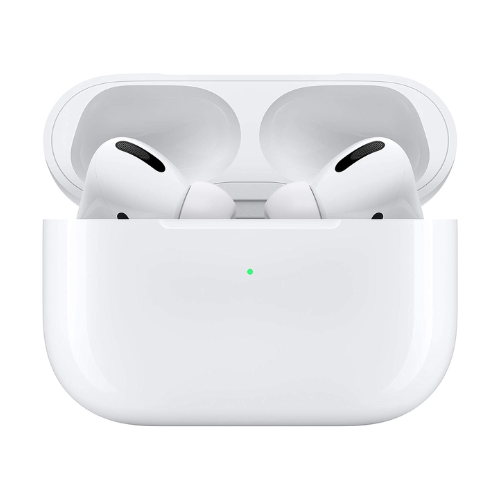
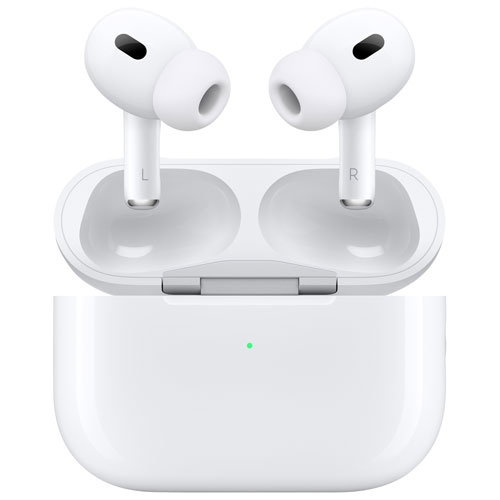
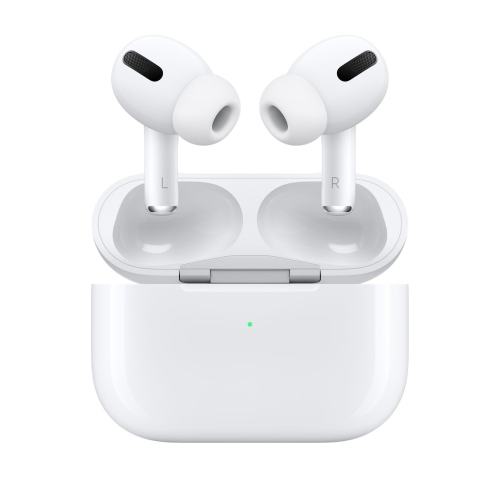
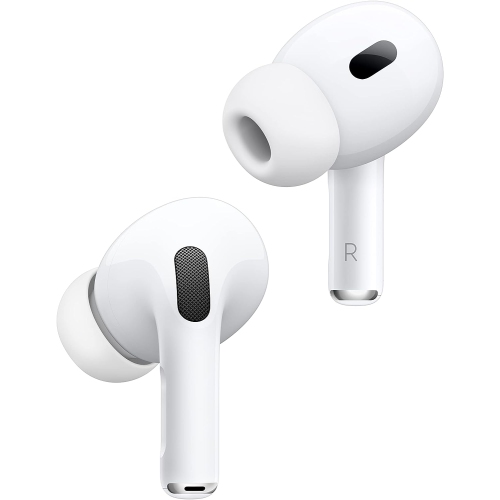
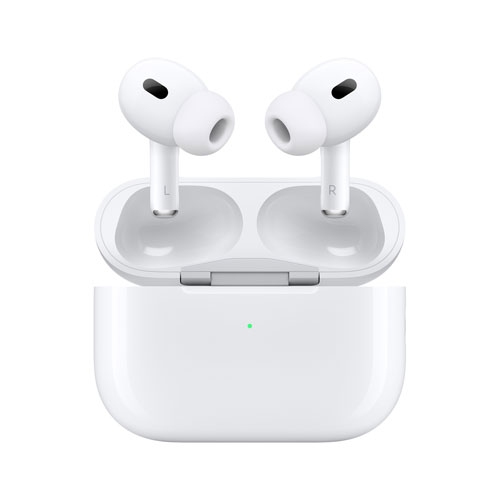
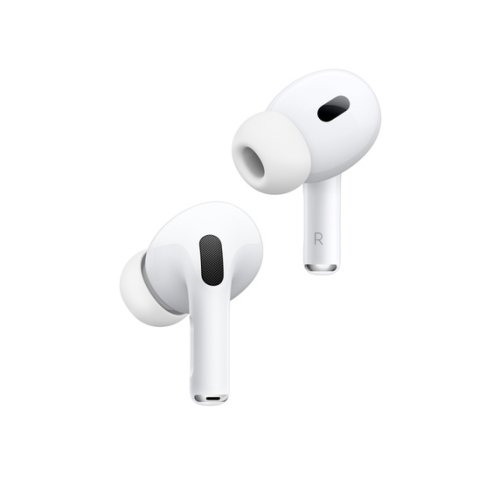
Shop AirPods Pro earbuds and compare available models, prices and product details to find the right pair for your iPhone or other compatible device. Check each listing for condition, included accessories and compatibility before choosing your wireless earbuds.

FAQ
AirPods Pro earbuds can connect to many Android phones, Windows computers and other devices that support Bluetooth audio. Listening and calling features are available on compatible devices, while certain features, such as Siri and automatic switching, require supported Apple devices.
Turn on Bluetooth on your iPhone, then open the charging case with the earbuds inside and hold it near your unlocked phone. Follow the onscreen setup instructions. If the setup prompt does not appear, put the case into pairing mode using the method for your model, then select the earbuds in Bluetooth settings.
Place the earbuds in their charging case to charge them. Charge the case using a cable that matches its connector, such as USB-C or Lightning, depending on the model. Wireless charging options also vary by case, so check whether yours supports Qi, MagSafe or an Apple Watch charger.
Stem controls let you manage audio playback, handle calls and switch listening modes. The available gestures depend on the generation; some models also support swipe gestures for volume. You can customize certain controls through the AirPods settings on a compatible Apple device.
AirPods Pro support automatic switching between compatible Apple devices signed in to the same Apple Account, subject to software and account requirements. You can also select the earbuds manually from a device’s audio output or Bluetooth menu. When moving between Apple and non-Apple devices, you may need to disconnect from one device before connecting to another.
Top selling and popular products
Discover more categories related to AirPod Pro Earbuds
Some products may be subject to Environmental Handling Fees (EHF) depending on your province. Learn more about EHFs.