Apple iPad Air 10.9 Screen Protectors
Find Apple iPad Air 10.9-inch screen protectors to help guard your tablet’s display against everyday scratches. Check the listed screen size and iPad Air generation to confirm a proper fit, and review case compatibility if you use a cover.
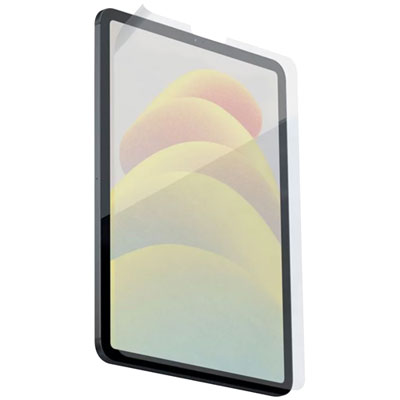
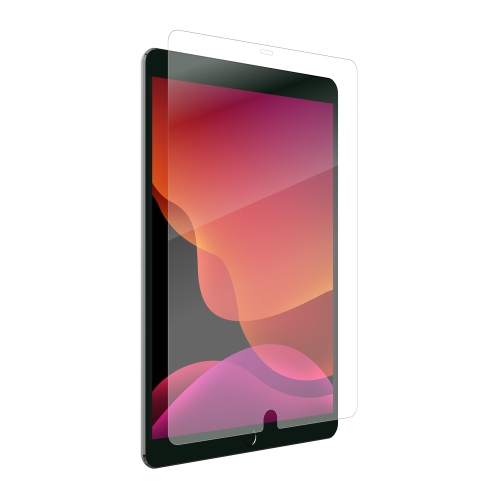
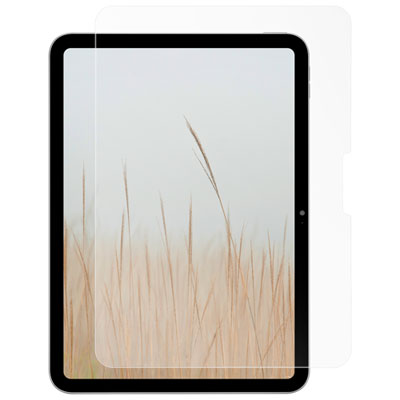
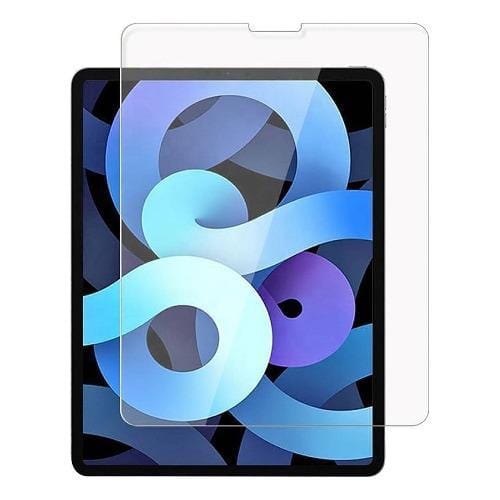
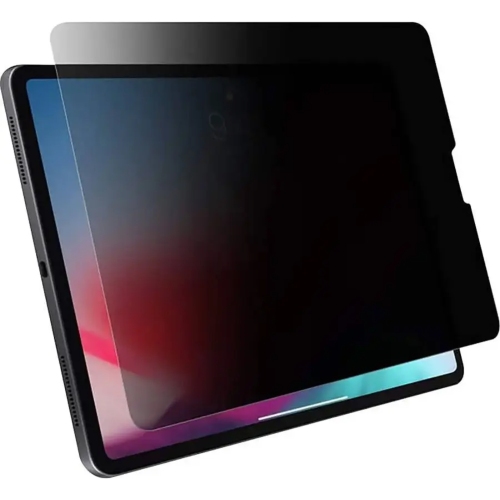
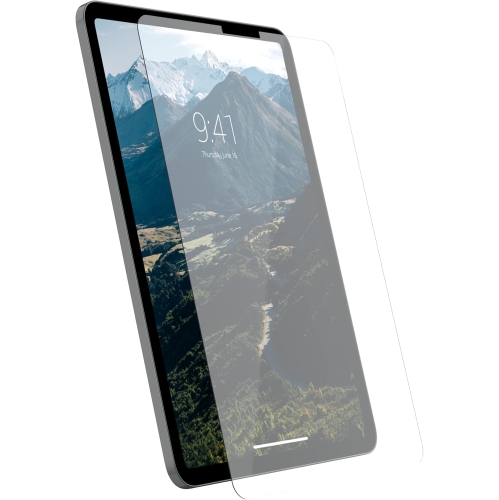
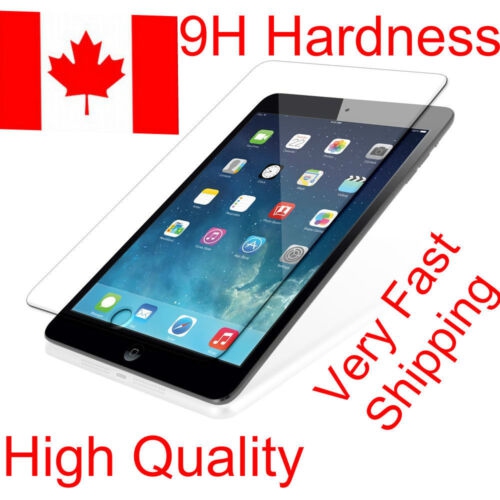
![SUPERSHIELD [] Apple Ipad Air 4 10.9" 2020 Air 4Th Generation Tempered Glass Lcd Screen Protector Anti Scratch Film, Bubble Free Film Guard](https://multimedia.bbycastatic.ca/multimedia/products/500x500/165/16552/16552287.jpeg)
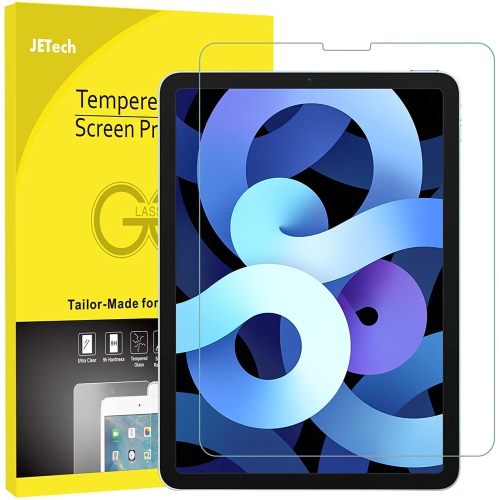
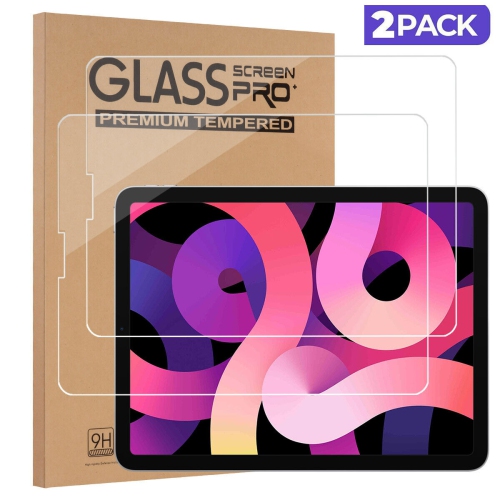
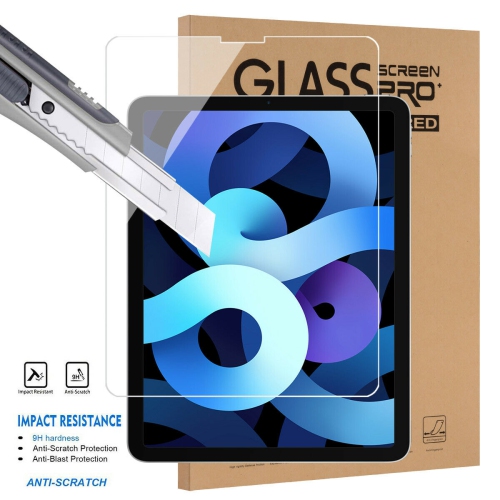
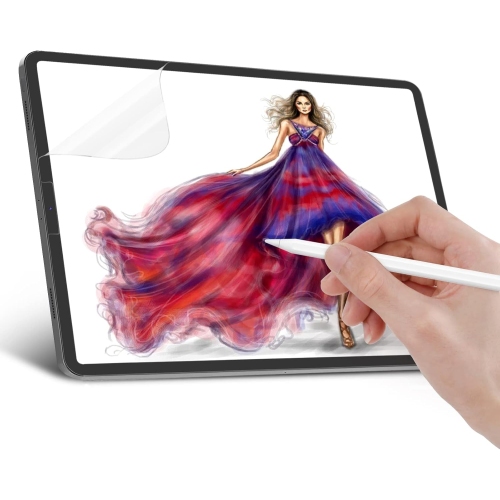
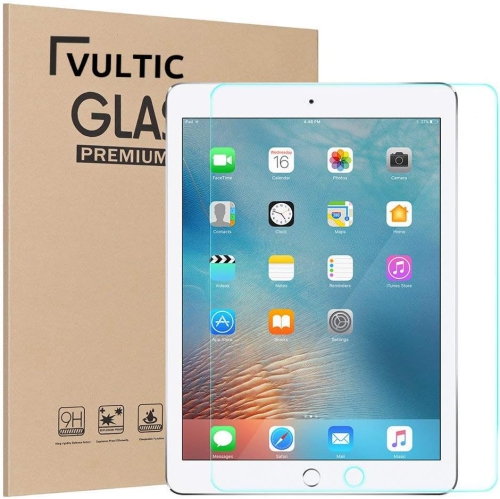
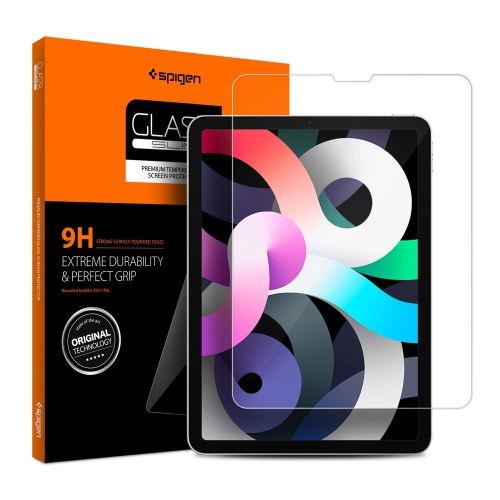
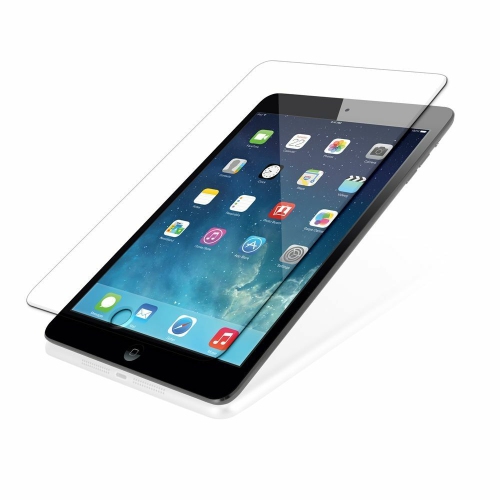
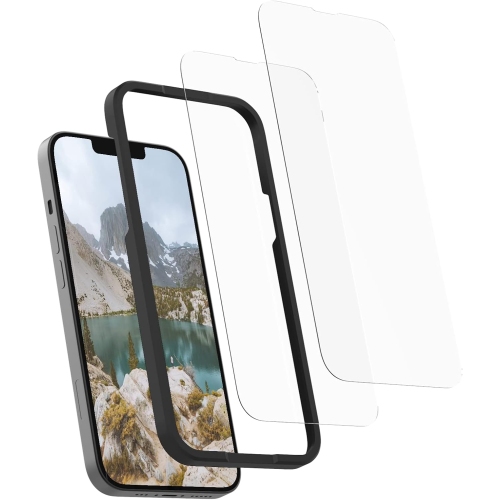
![SUPERSHIELD [2 Pack] Screen Protector for Ipad Pro 11 M2 2022/ipad Air 5Th/ipad Air 4Th Gen 10.9 Inch, Ipad Air4/ipad Air5/ipad Pro 11 Tempered Glass](https://multimedia.bbycastatic.ca/multimedia/products/500x500/166/16620/16620823.jpeg)
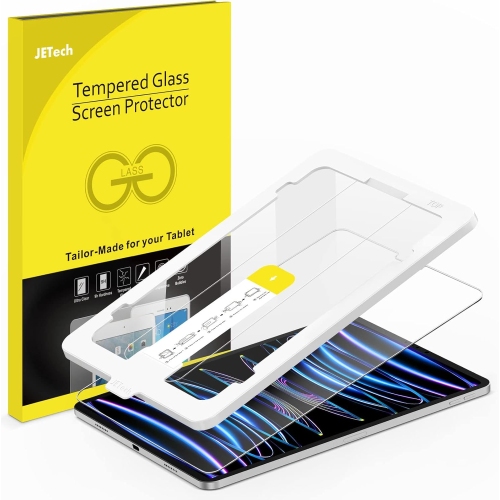
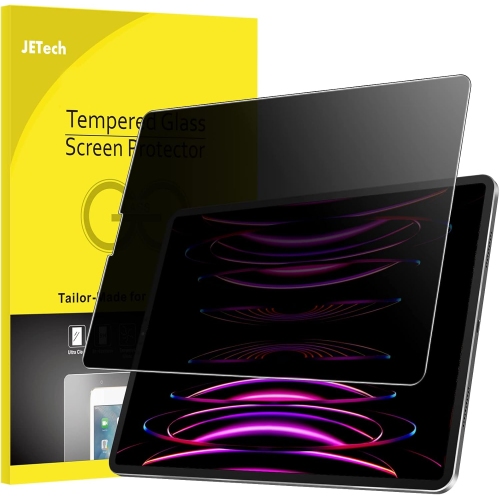
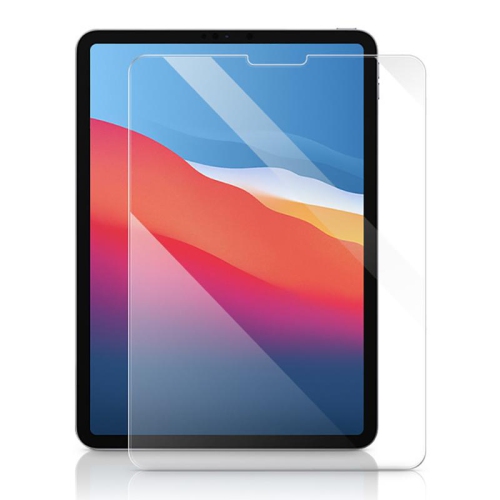
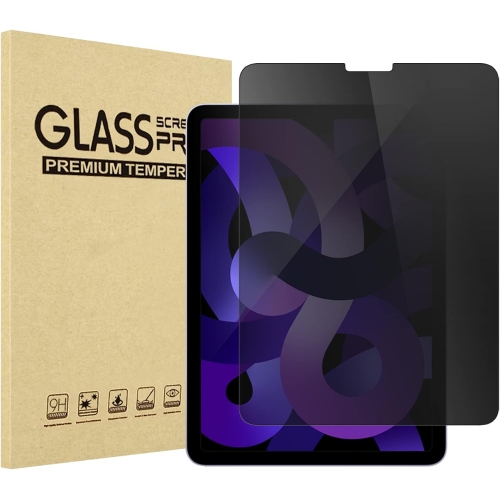
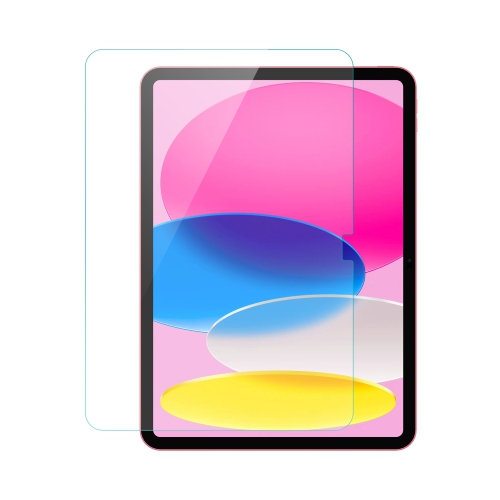
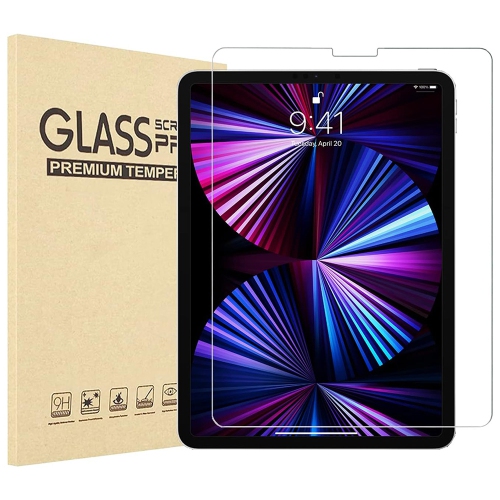
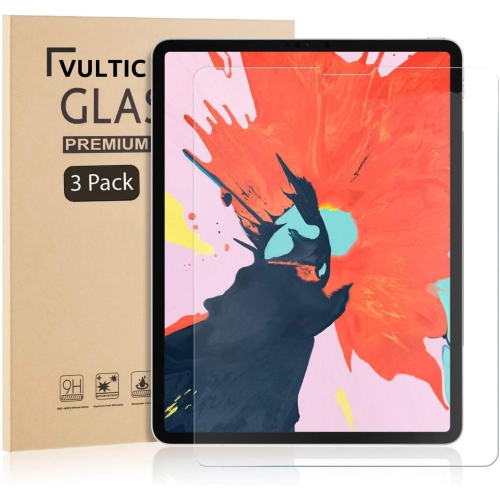
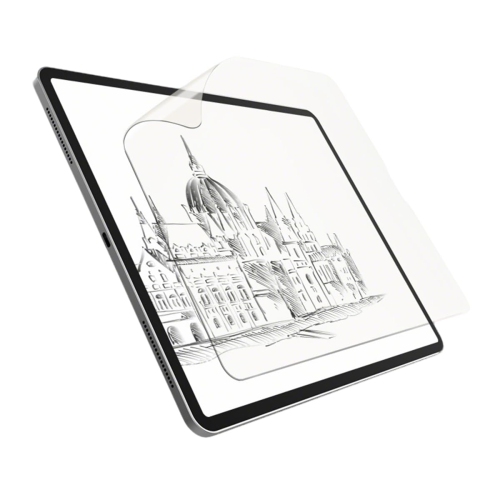
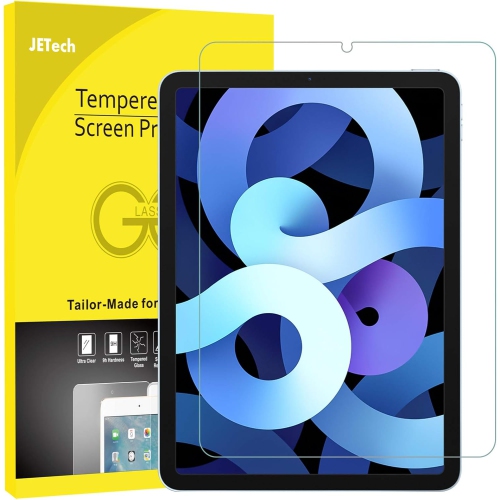

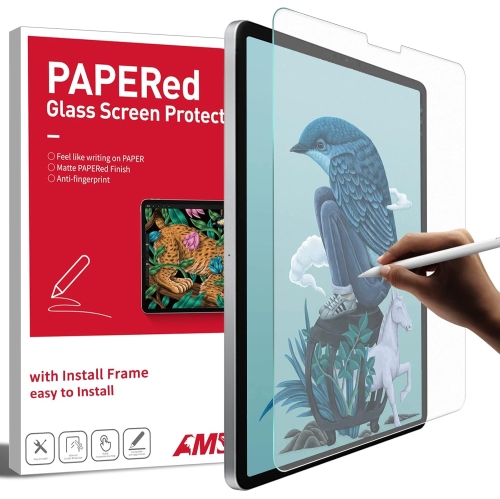
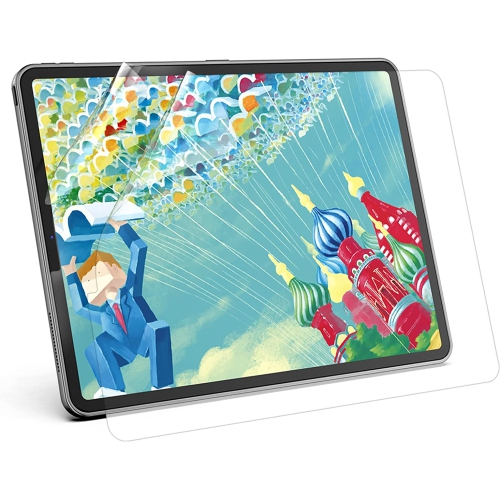
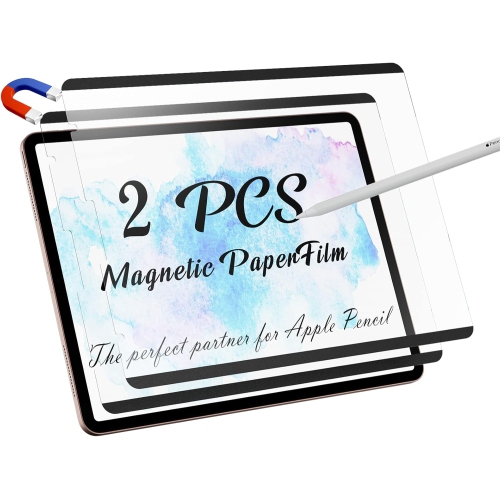
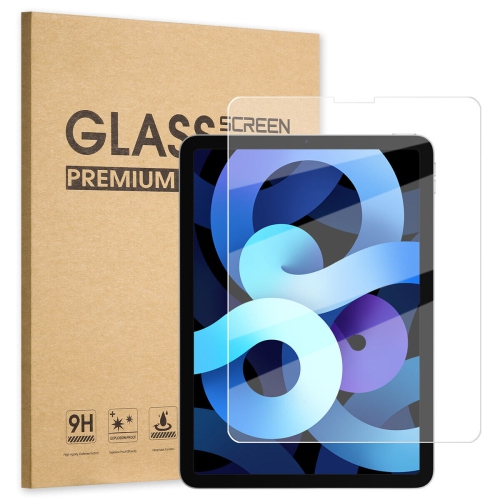
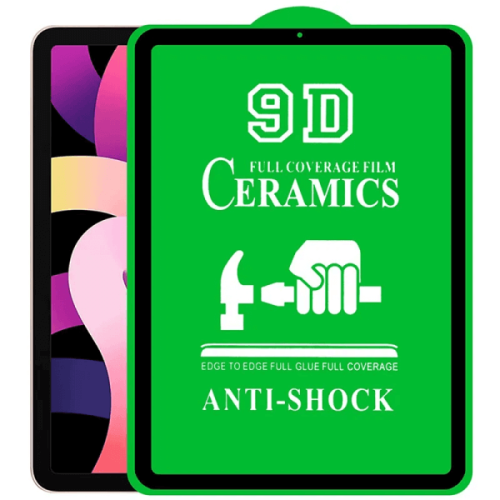
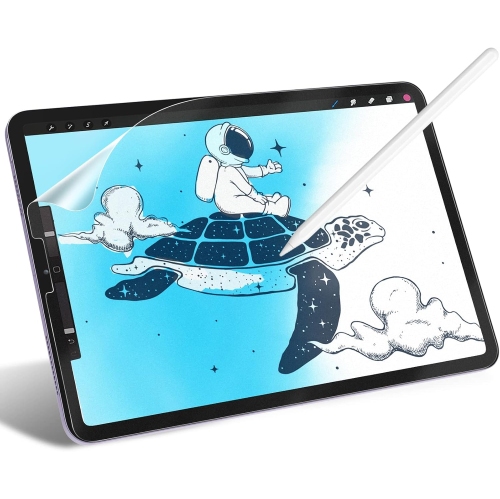
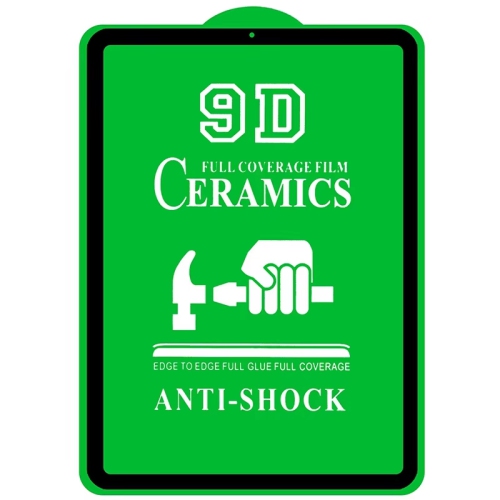
![GENERIC [2 Pack] Paper Screen Protector for Ipad Pro 11/ipad Air 5/ipad Air 4 (2022/2020, 10.9 Inch), Matte Screen](https://multimedia.bbycastatic.ca/multimedia/products/500x500/198/19879/19879557.jpeg)

FAQ
Glossy finishes have a smooth, reflective appearance, while matte finishes have a more muted look and a textured feel. Your choice can reflect your preferred screen appearance and surface texture.
A paper-like finish describes a textured surface intended to resemble the feel of paper. It offers a different tactile experience from a smooth finish, particularly when writing or sketching with a stylus.
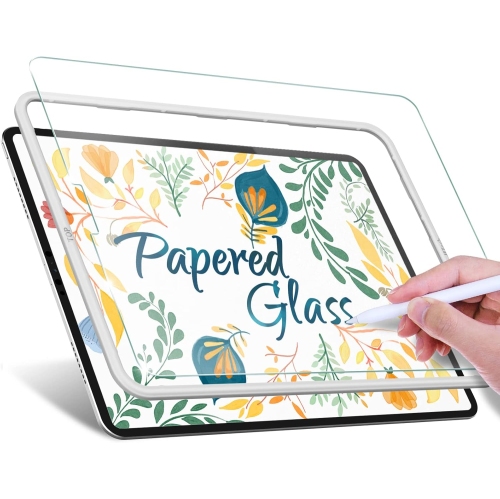
Follow the application instructions supplied with the screen protector. The process generally involves cleaning the display, removing dust, aligning the protector and applying it in the specified sequence. If an application tool is included, use it as directed.
Follow the screen protector’s care instructions and gently wipe the surface with a soft, lint-free cloth. Use only cleaning products permitted by those instructions, as care requirements can differ between finishes.
Installation accessories may include a cleaning cloth, dust-removal stickers, an alignment guide or an applicator. These items are not included with every screen protector, so check the product description for the listed package contents.
Top selling and popular products
Discover more categories related to Apple iPad Air 10.9 Screen Protectors
Some products may be subject to Environmental Handling Fees (EHF) depending on your province. Learn more about EHFs.