AirPods Max Accessories
Enhance your AirPods Max experience with this curated selection of accessories designed to elevate your audio journey. Discover a range of innovative add-ons that seamlessly integrate with your over-ear headphones, enhancing comfort, style, and functionality. From protective cases and stylish stands to wireless chargers and audio cables, these accessories offer everything you need to personalize and optimize your AirPods Max.
Sort




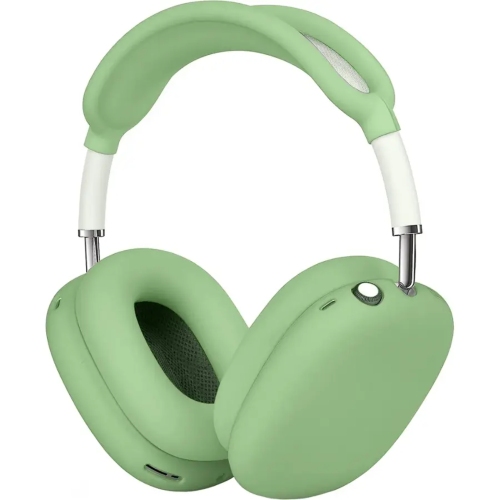
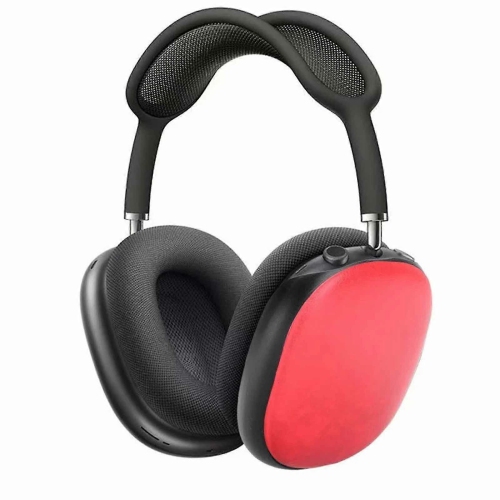
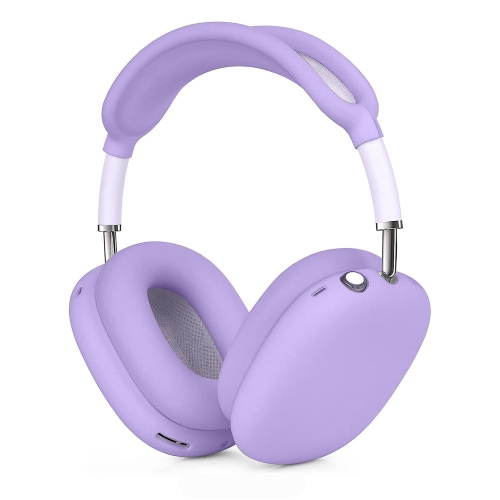
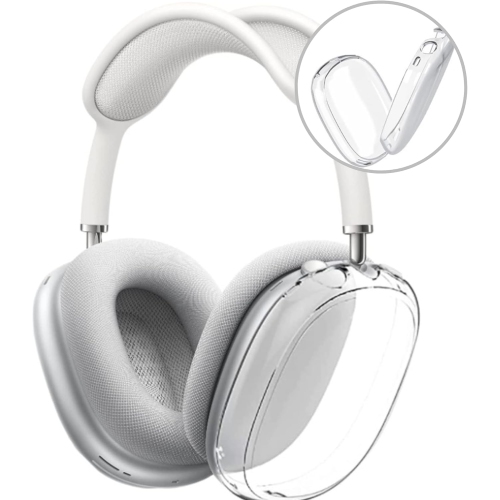
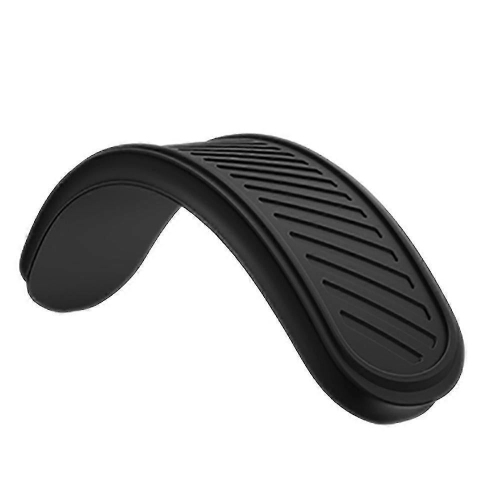
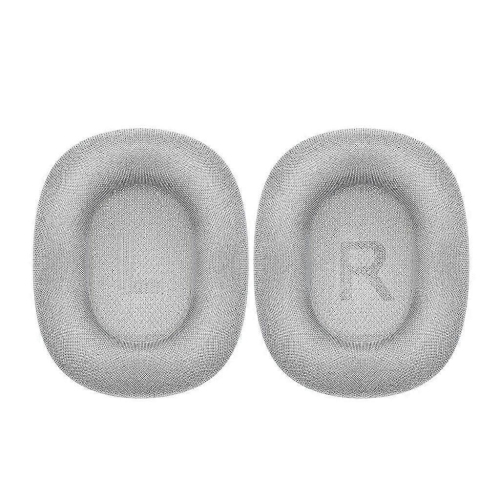
![GENERIC Silicone Case Cover for Airpods Max Headphones [4 In 1] Anti-Scratch Ear Pad Cover/ear Cups Cover/headband](https://multimedia.bbycastatic.ca/multimedia/products/500x500/197/19786/19786870.jpeg)
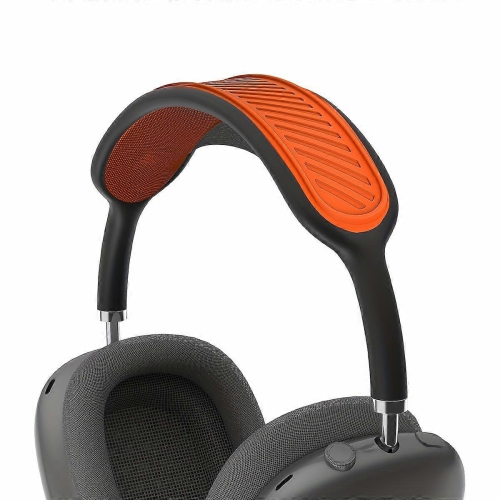
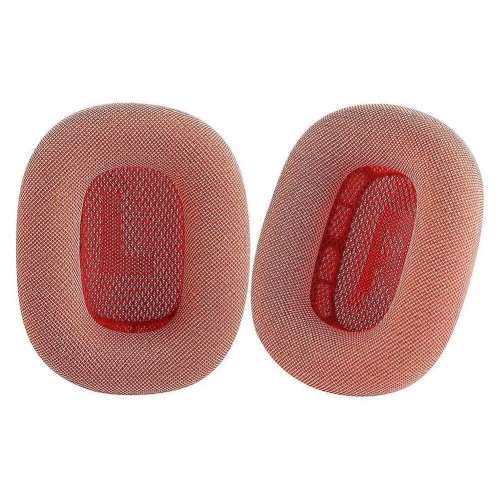
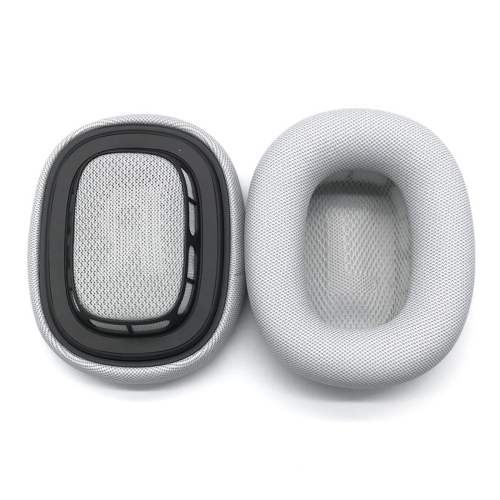
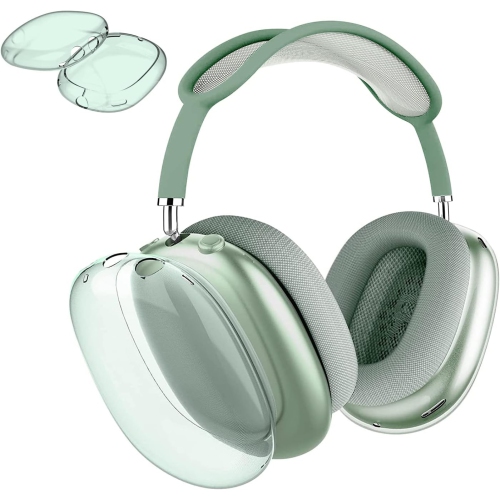
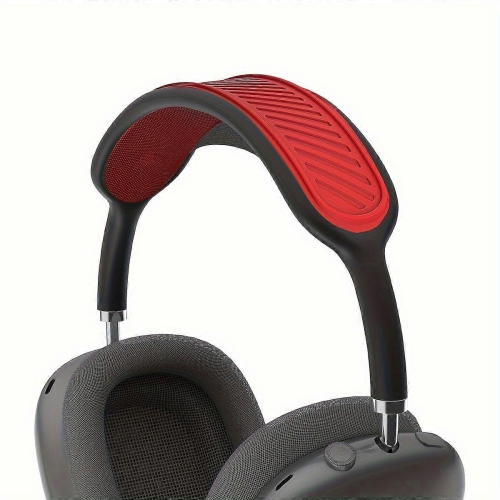
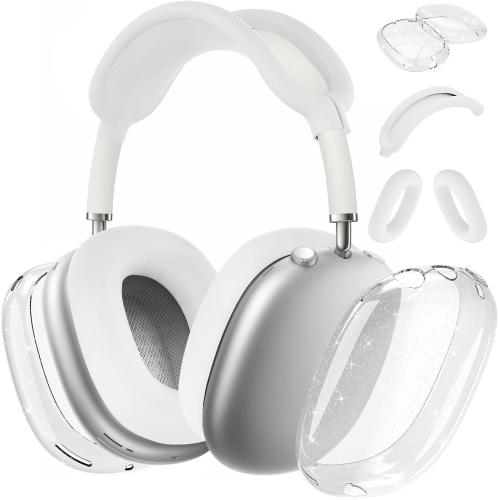
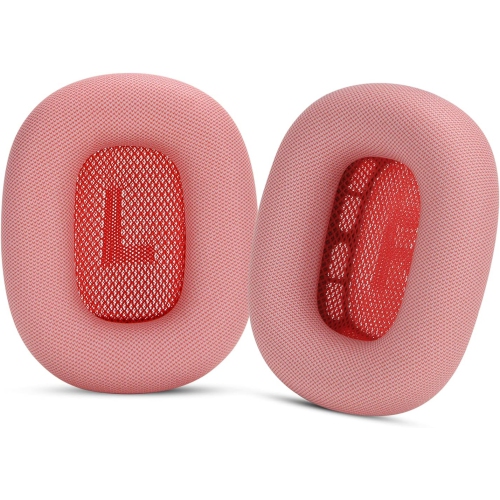
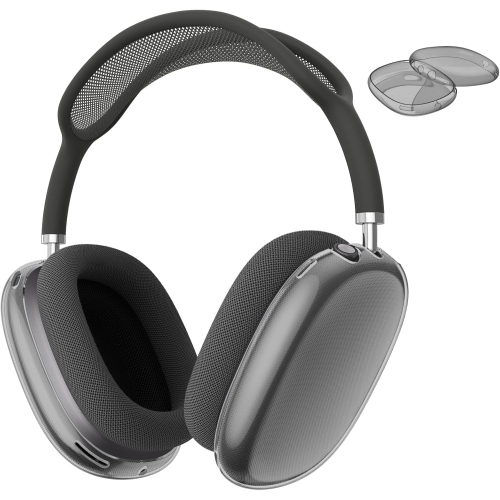
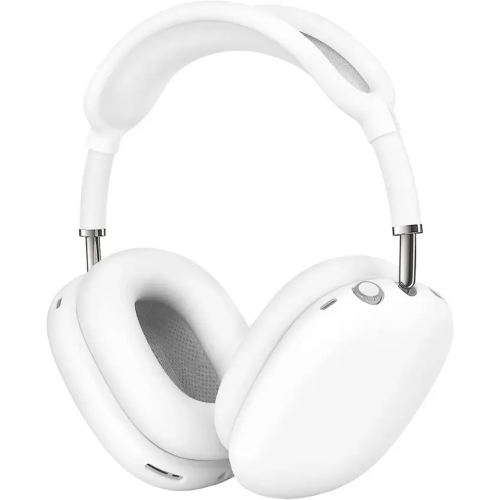
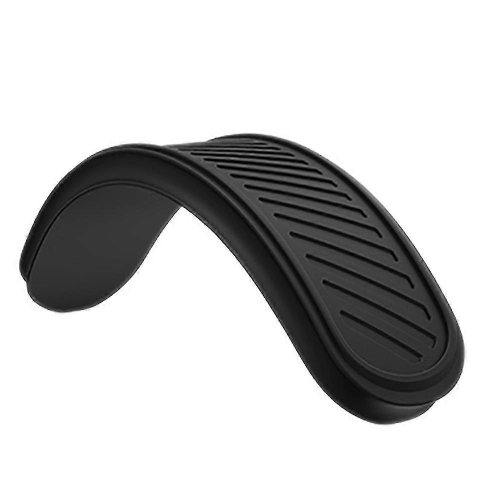
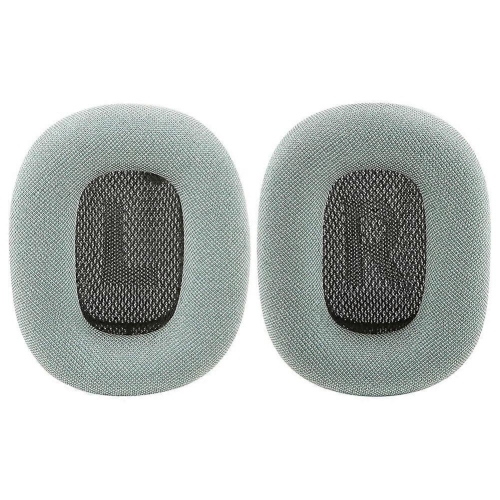
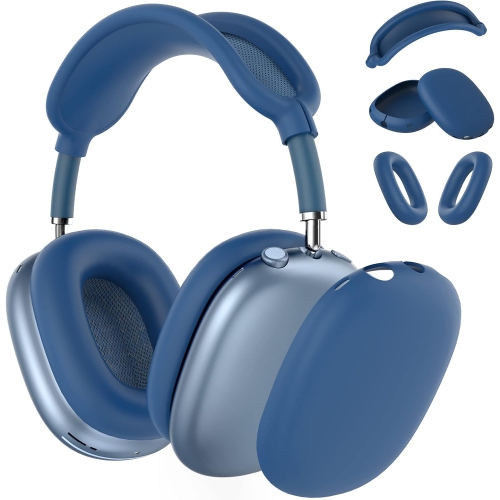
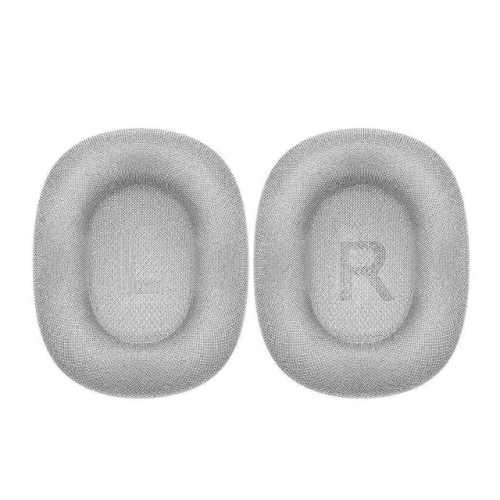
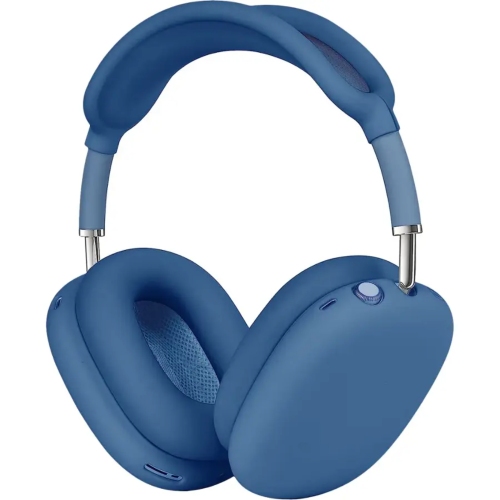
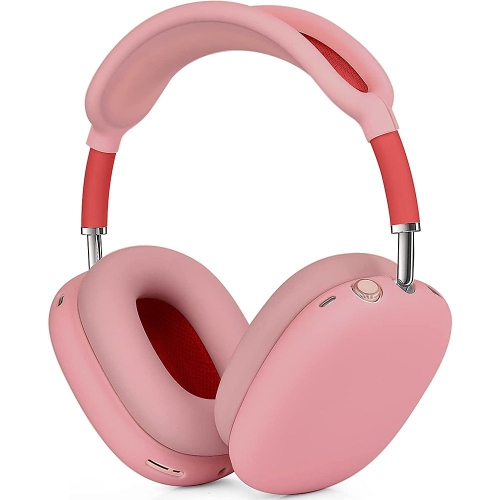
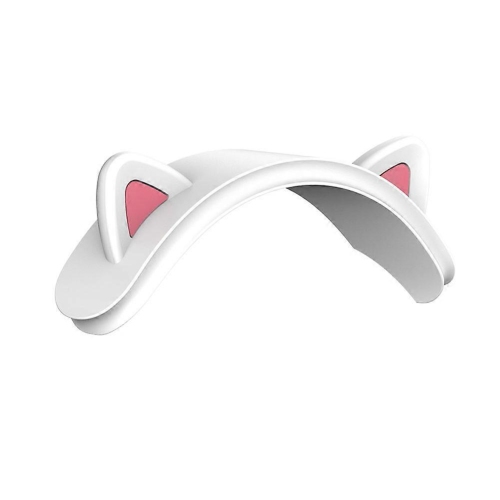
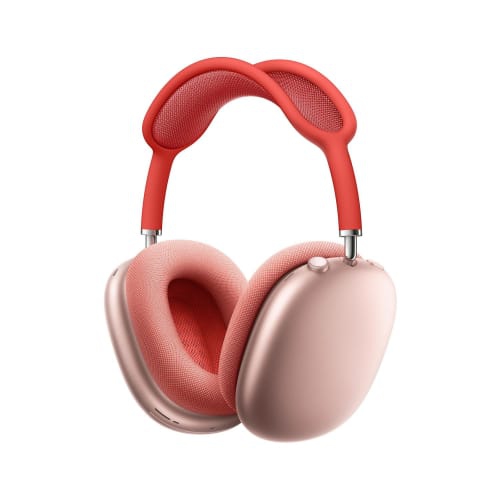
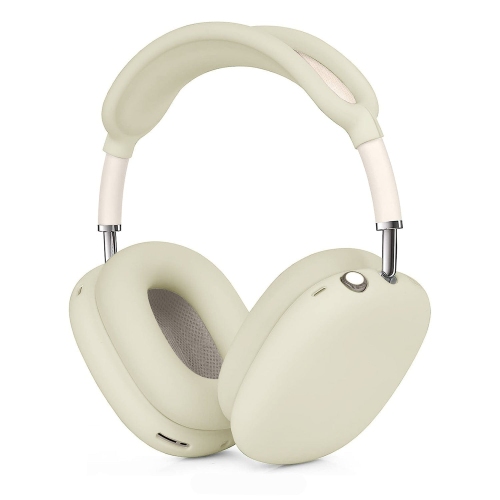
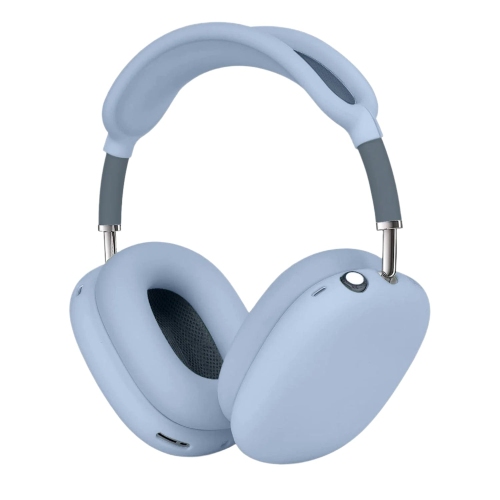
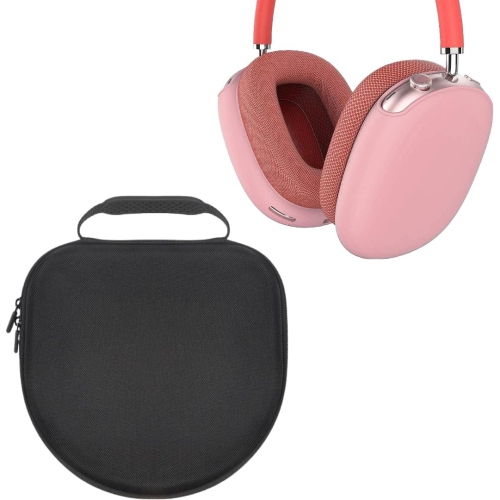
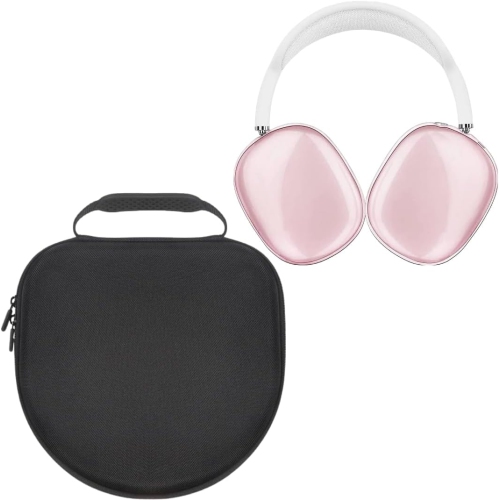
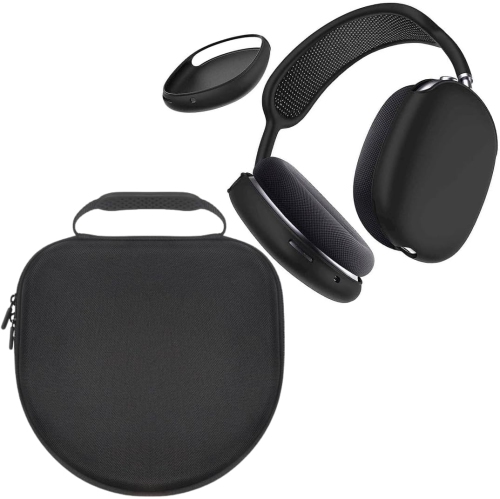
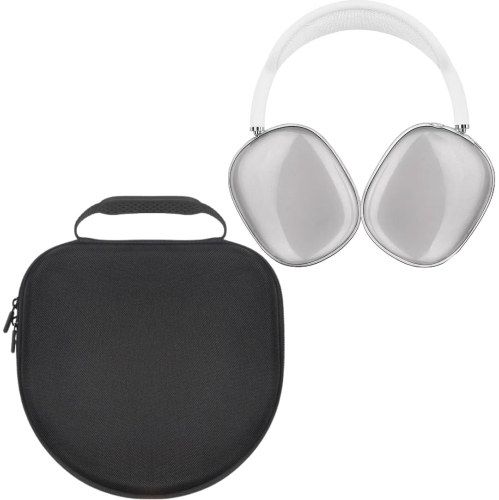
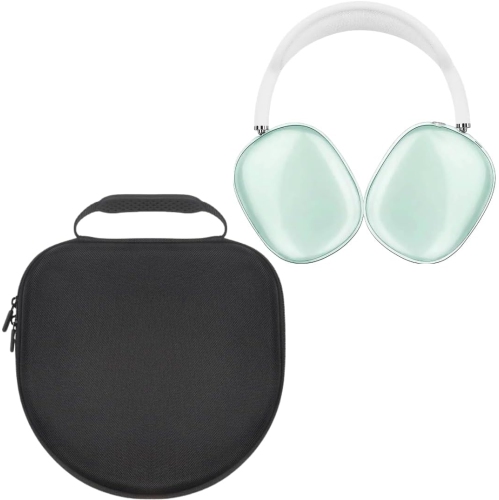
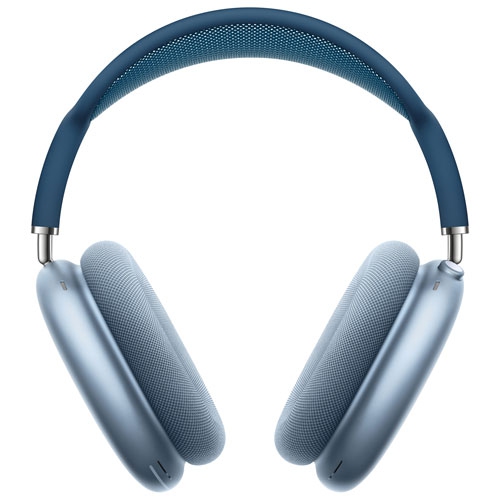
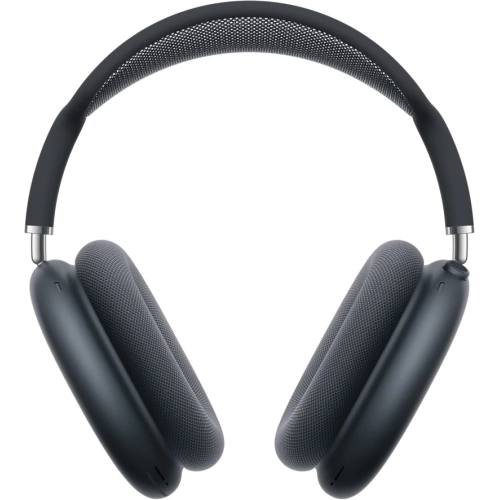
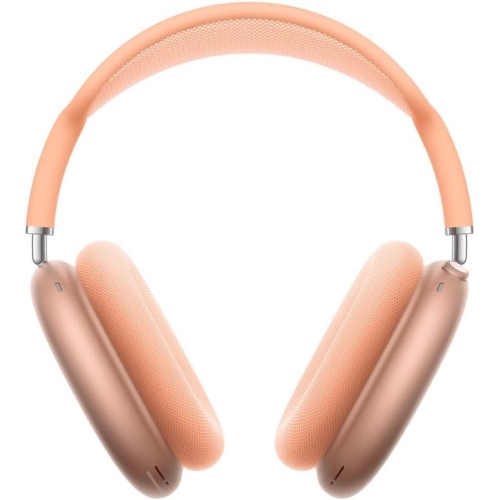
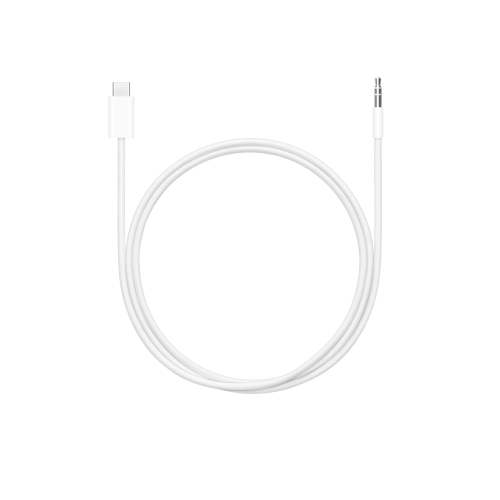
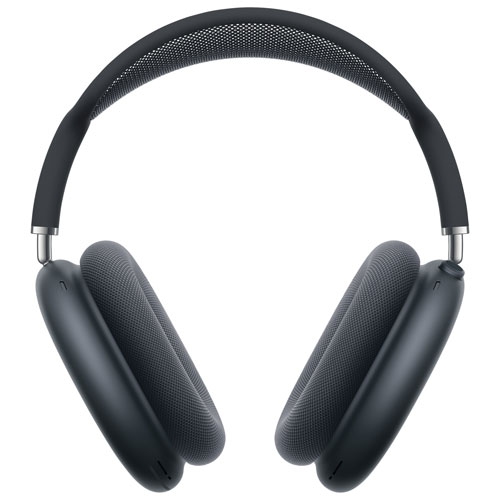
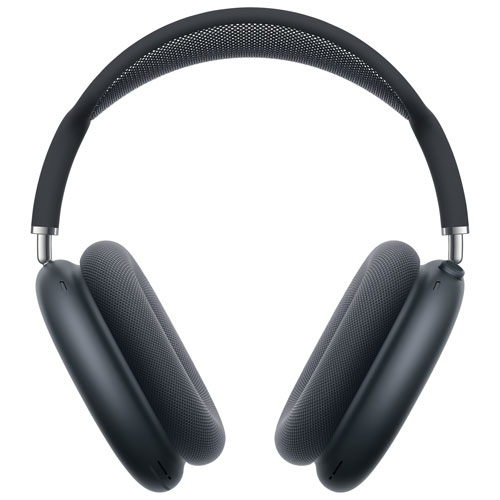

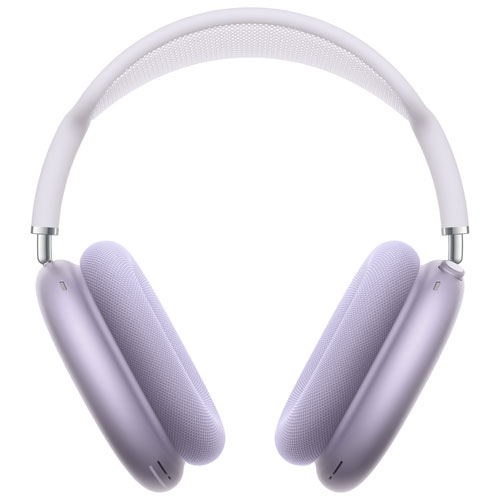
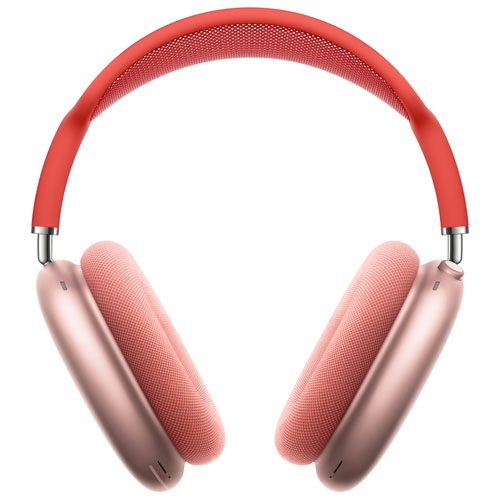
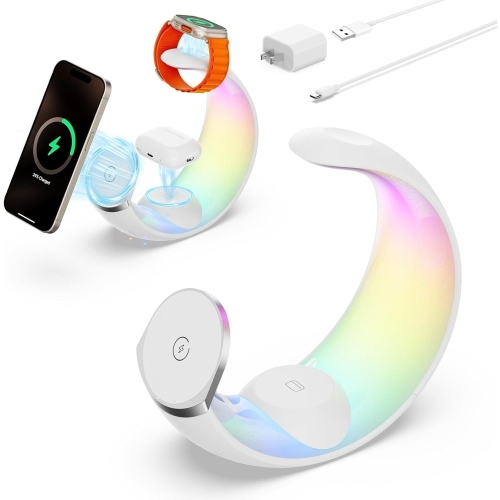
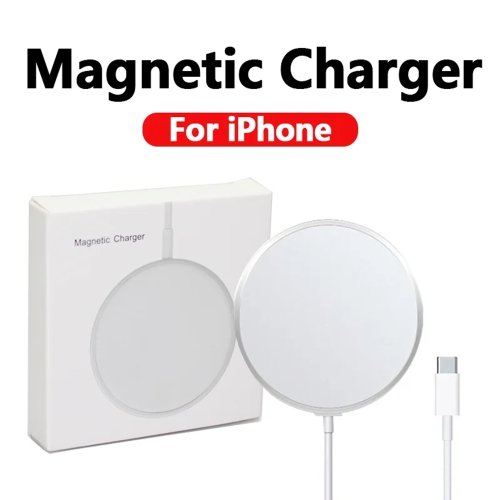
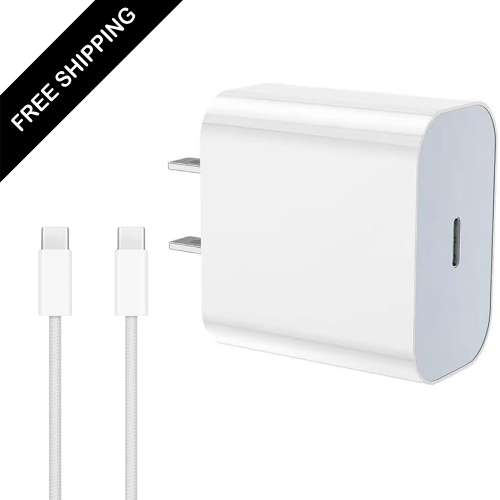
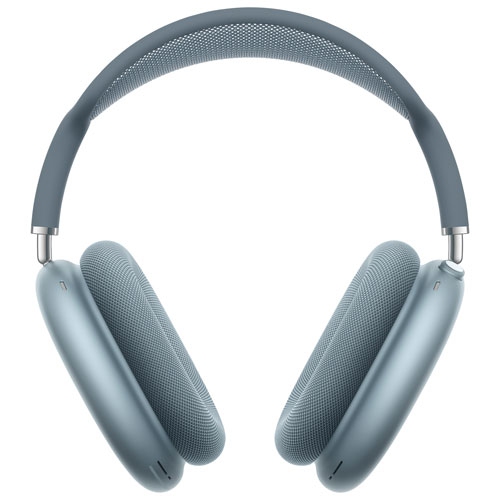
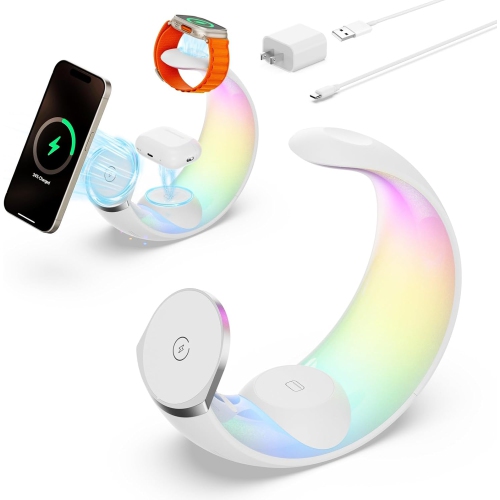
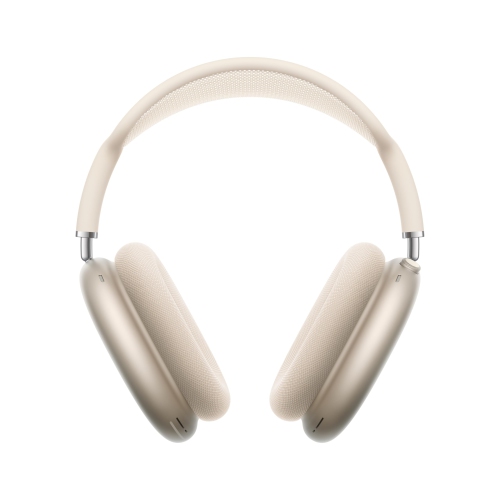
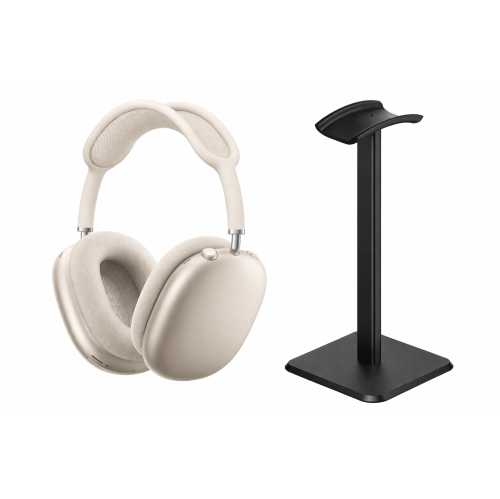
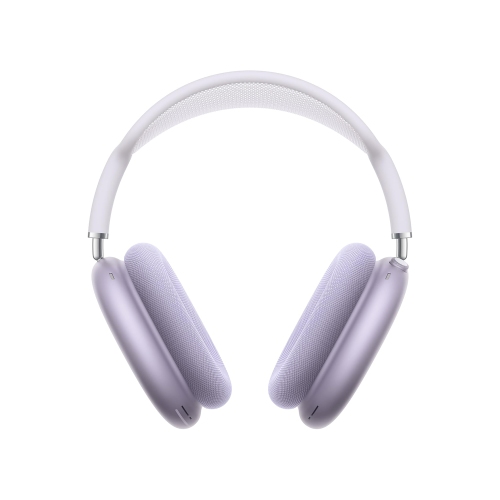
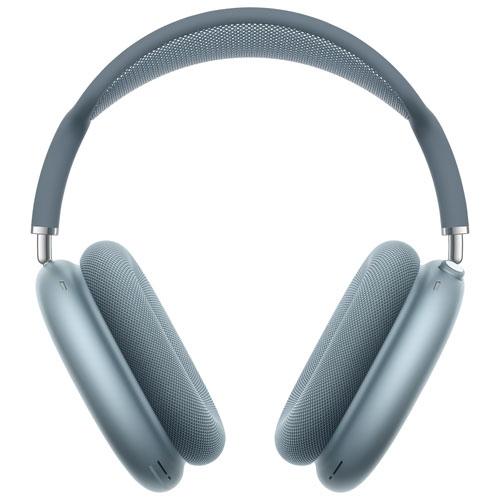
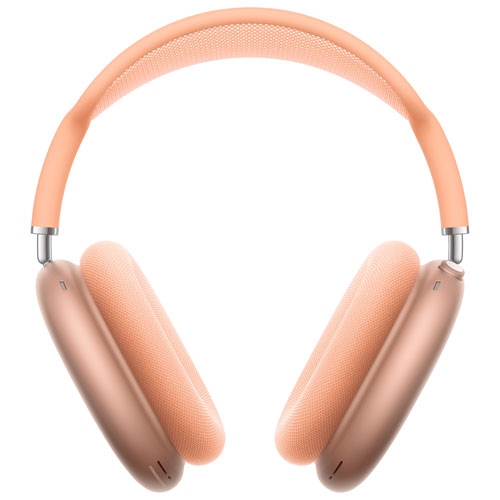
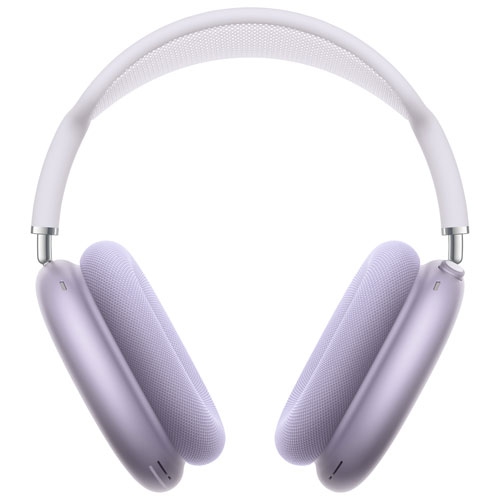
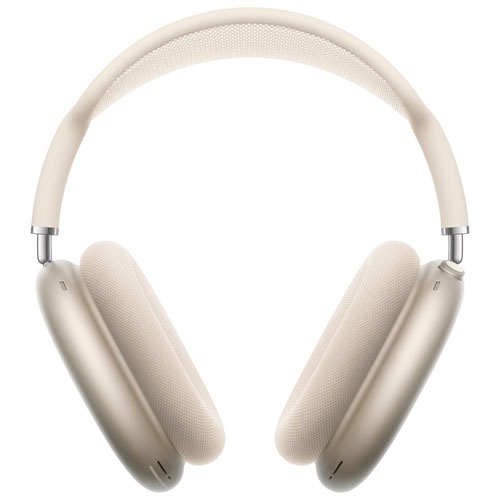
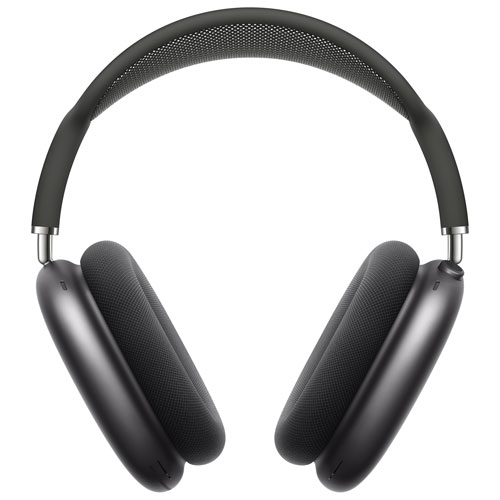
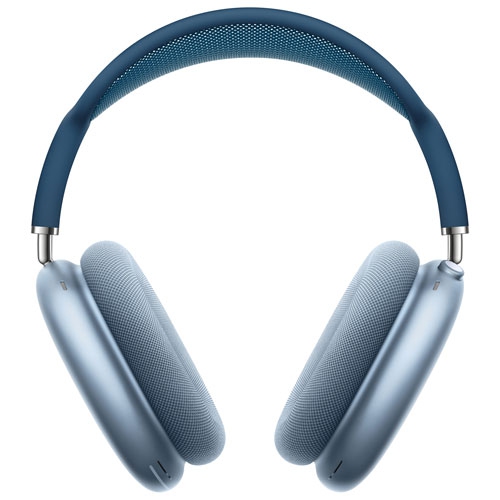
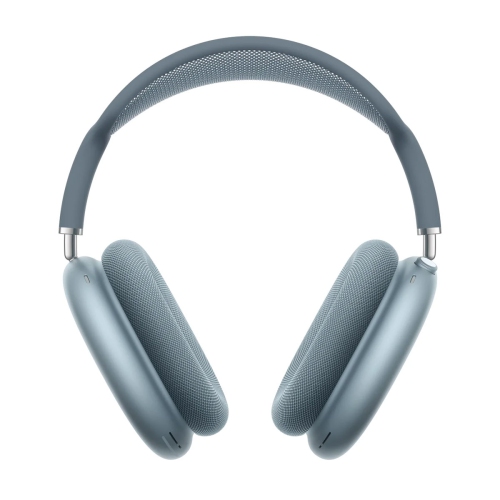
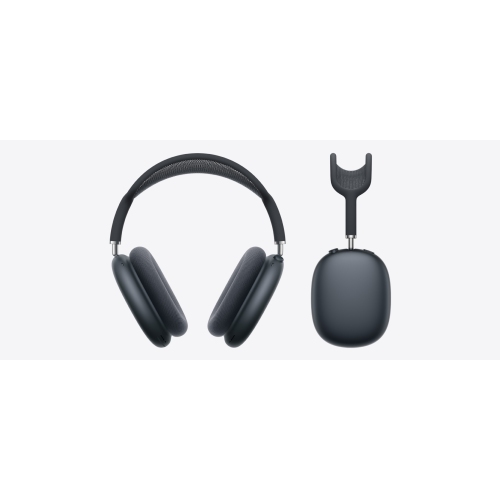
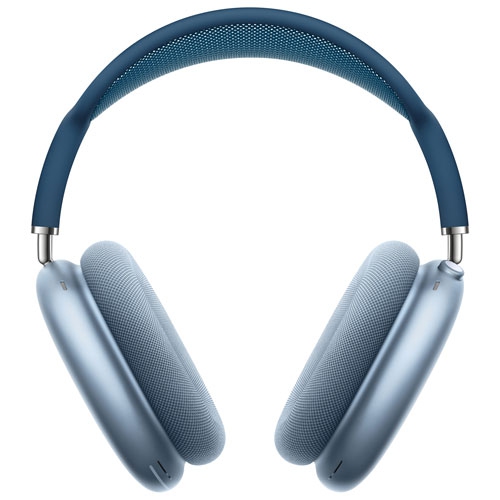
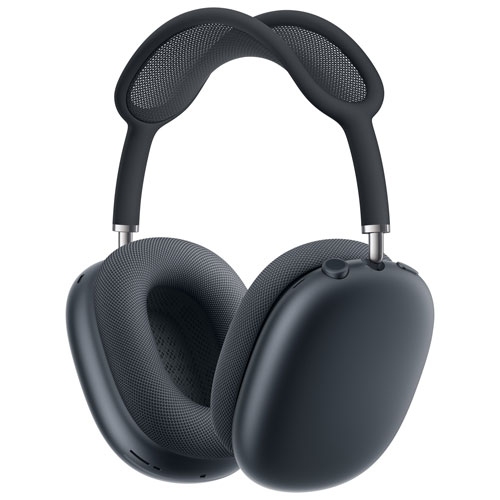
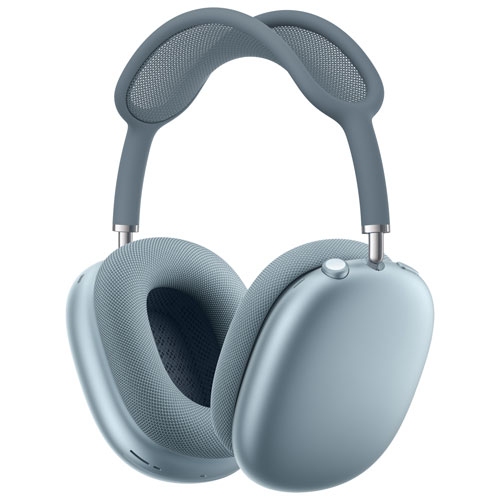
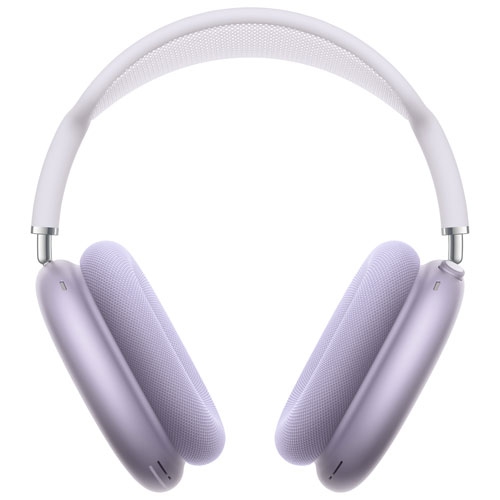
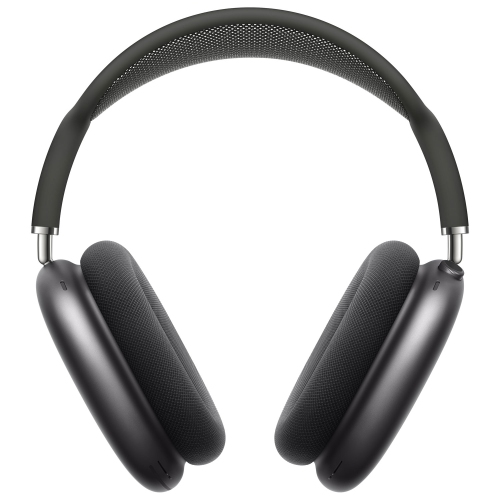
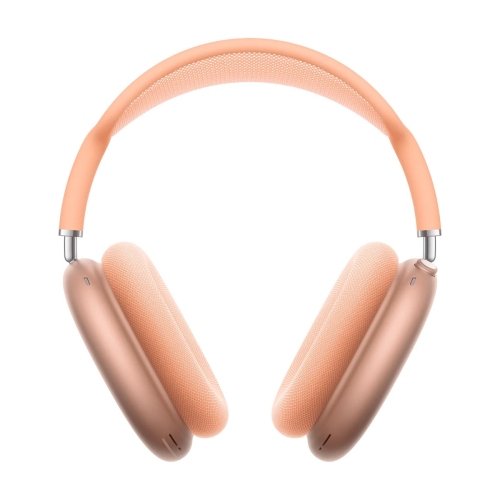
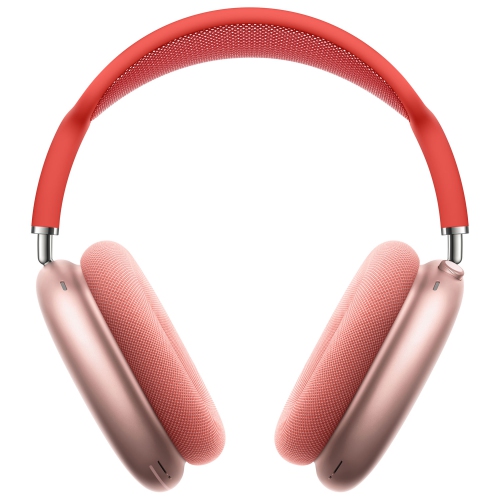
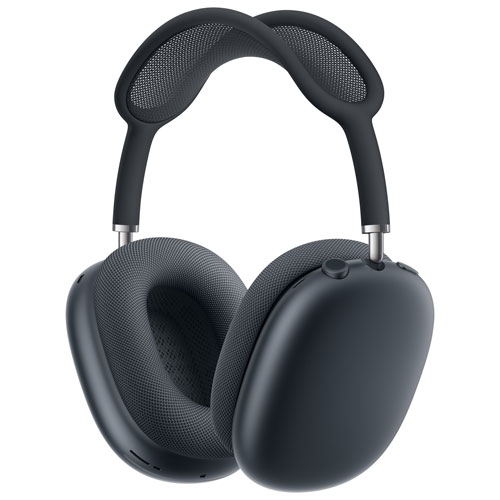
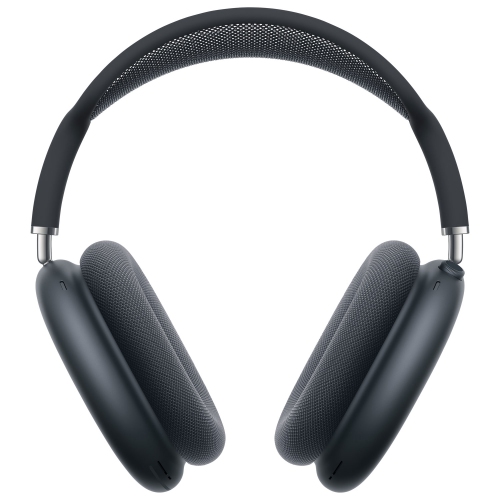
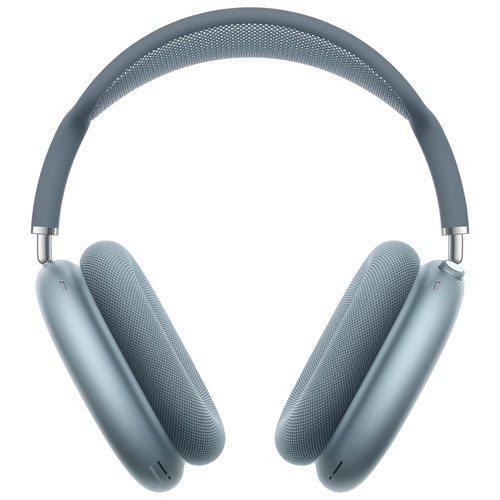
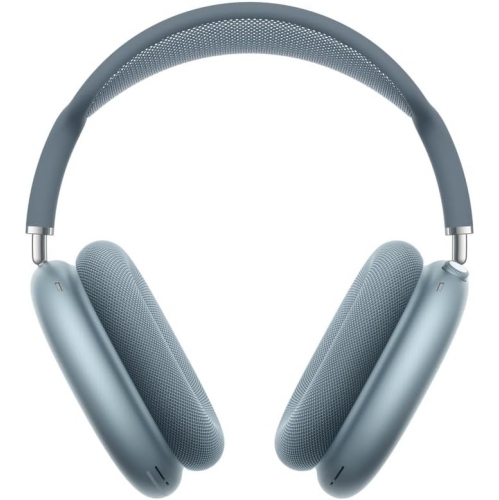
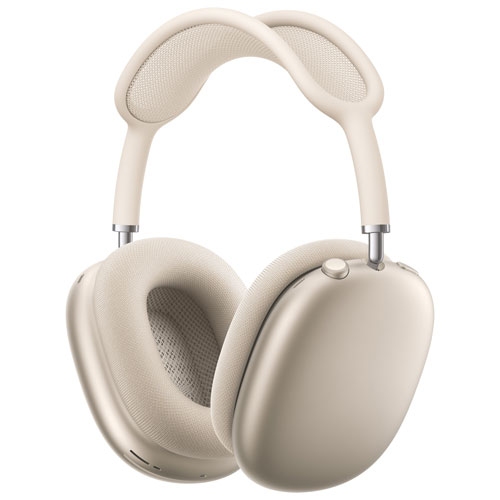
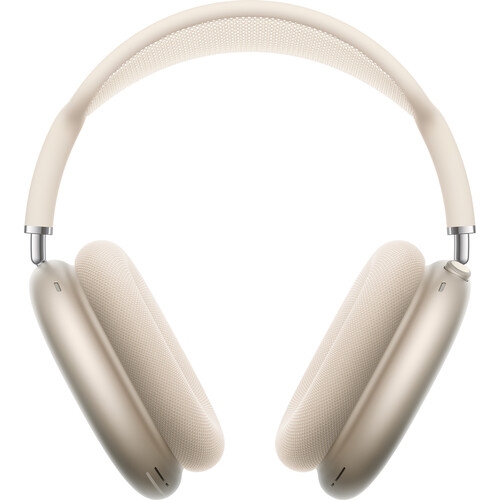
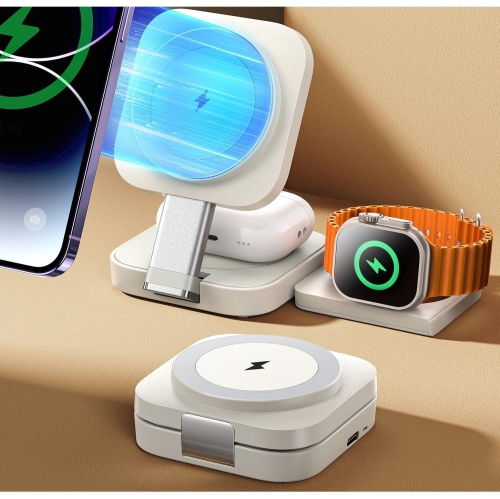
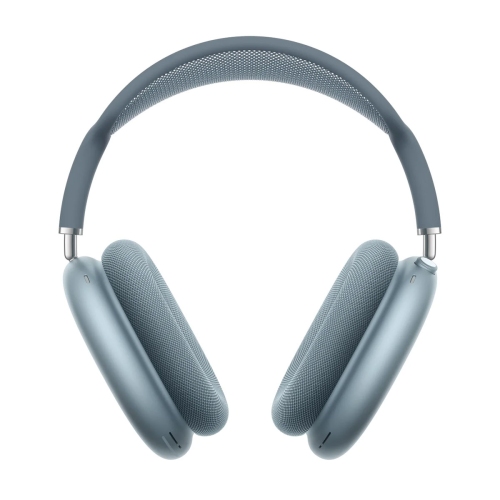
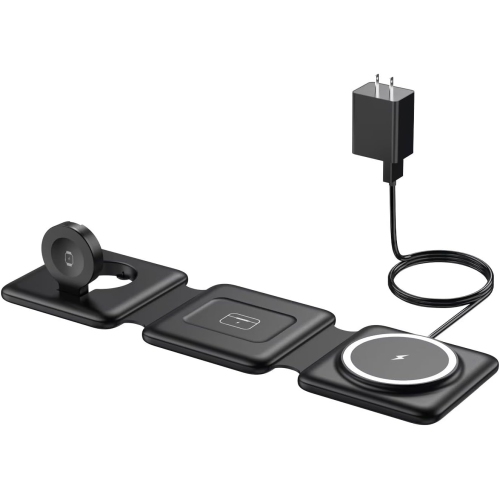
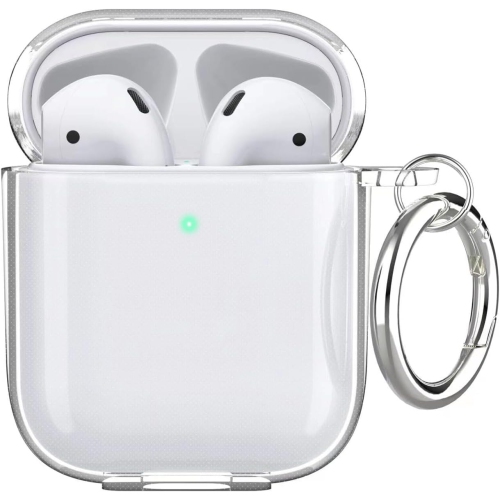
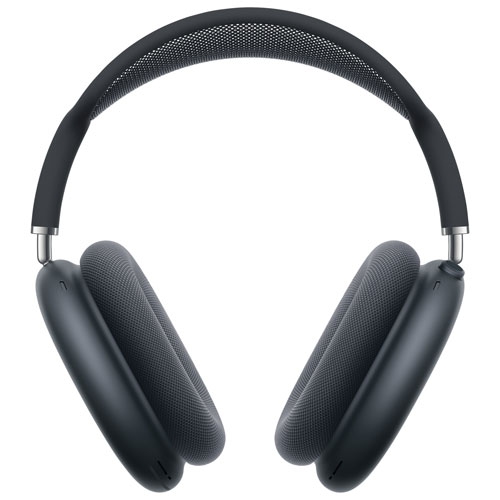
Headphone comfort and protection shaped around your daily routine
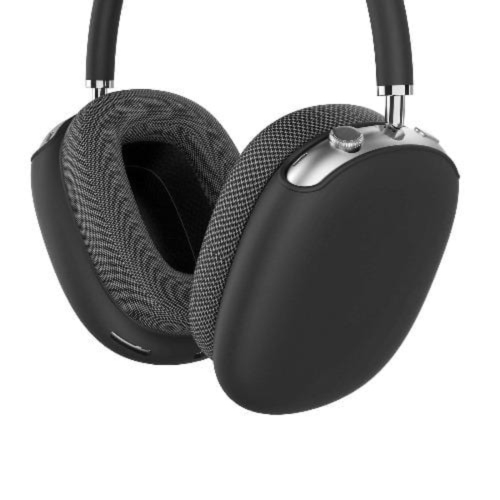
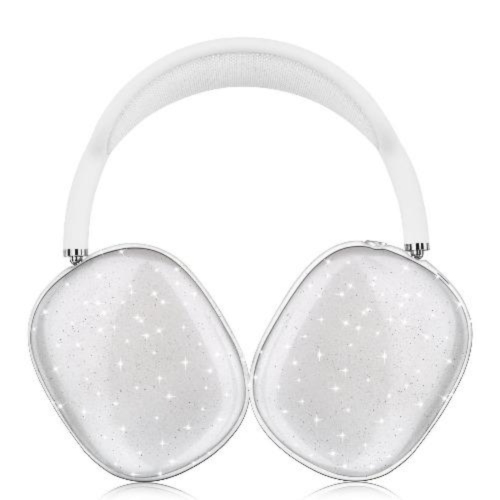
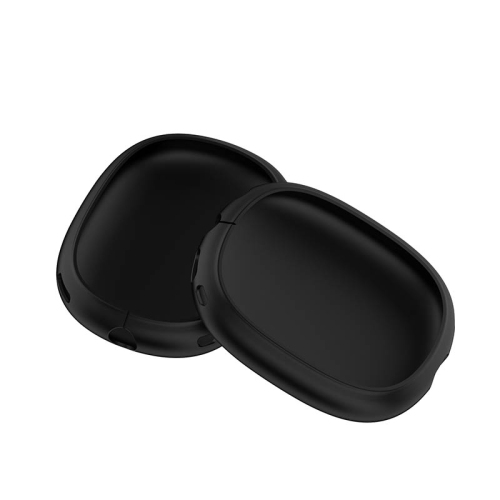
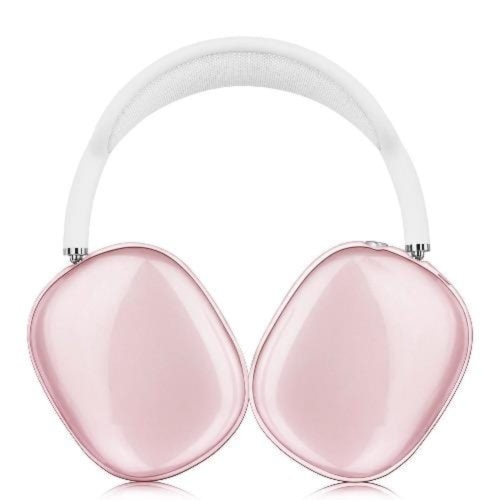
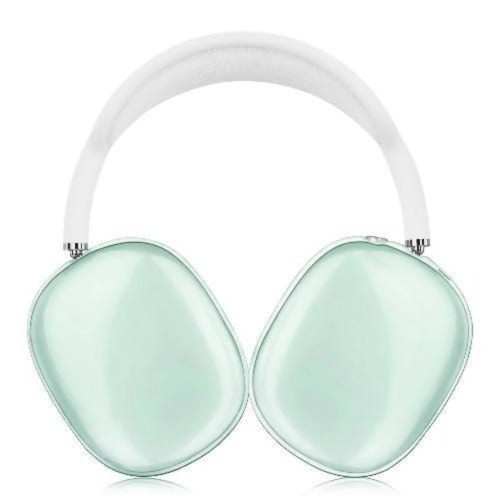
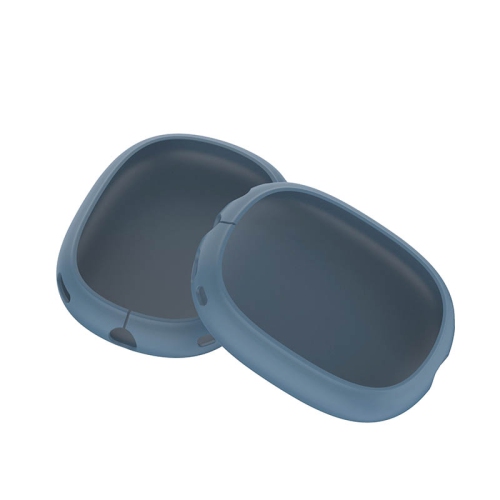
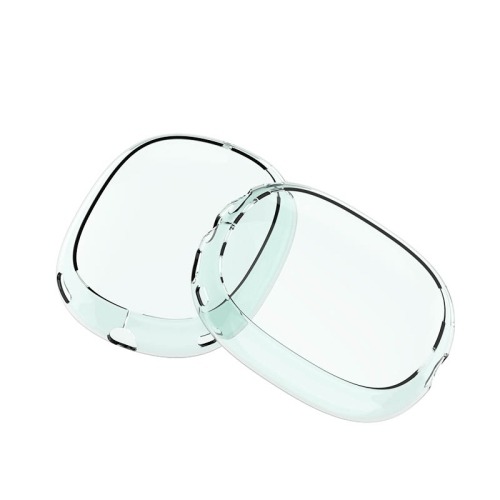
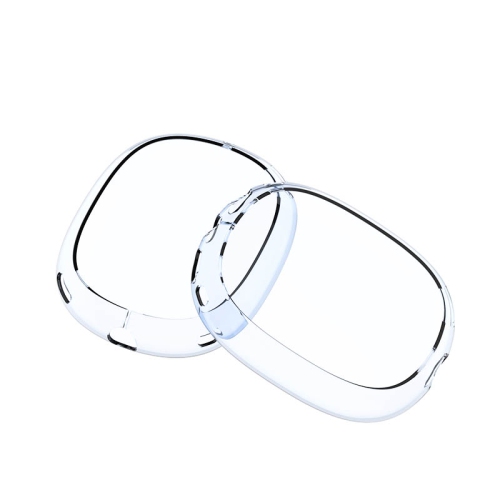
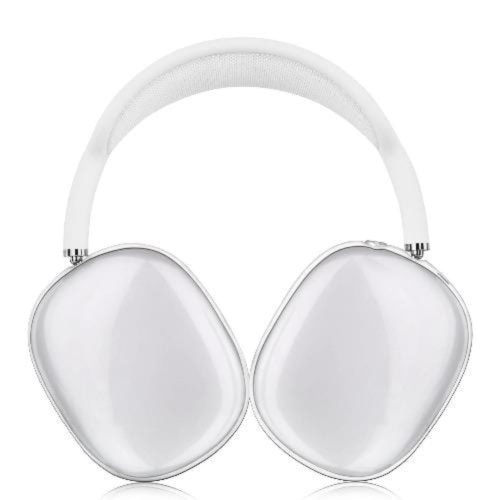
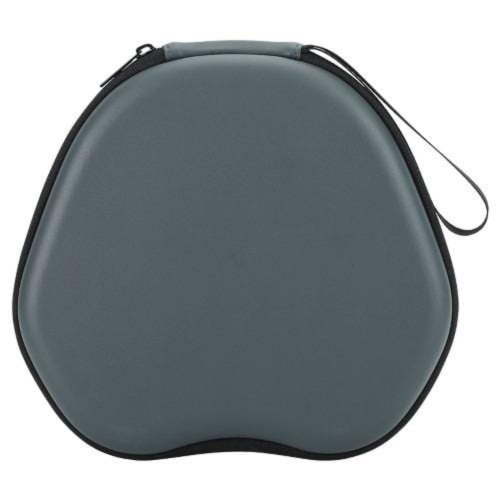
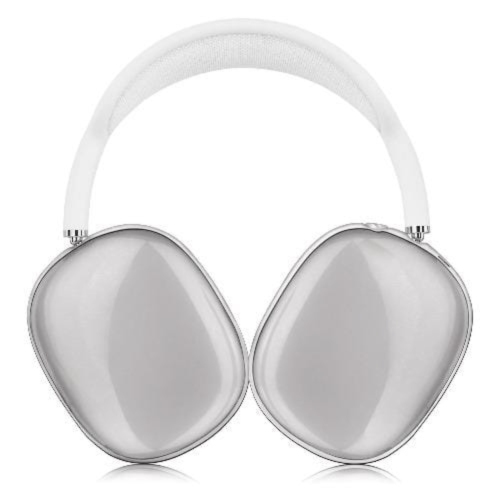
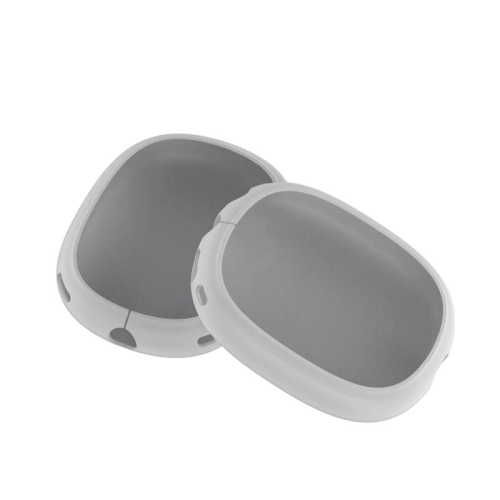
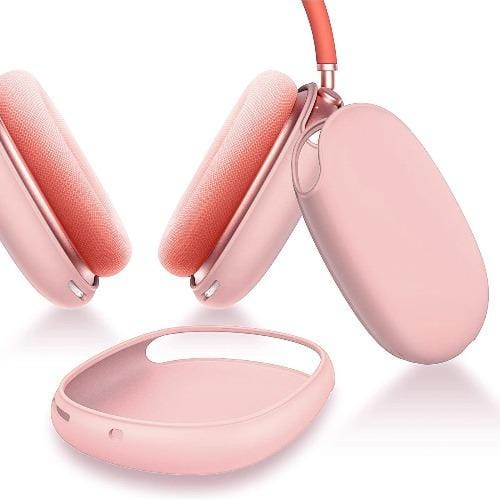
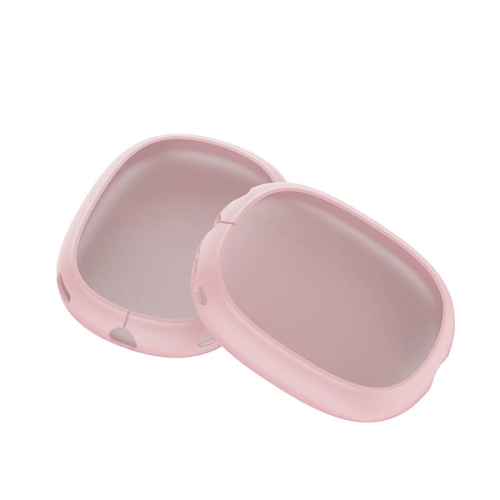
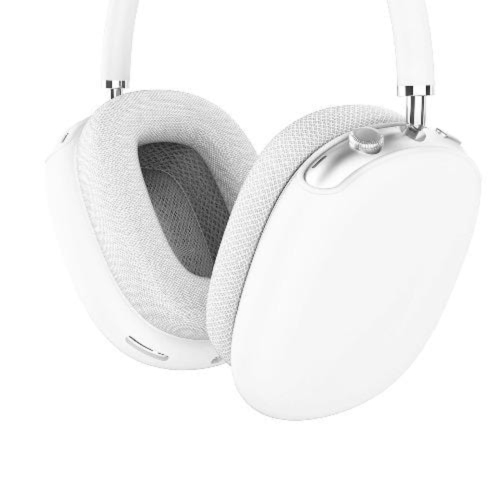
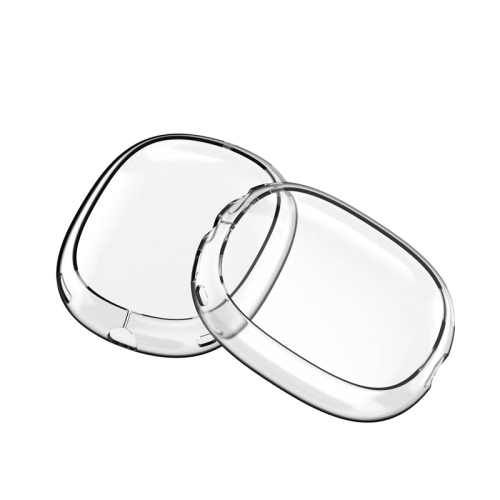
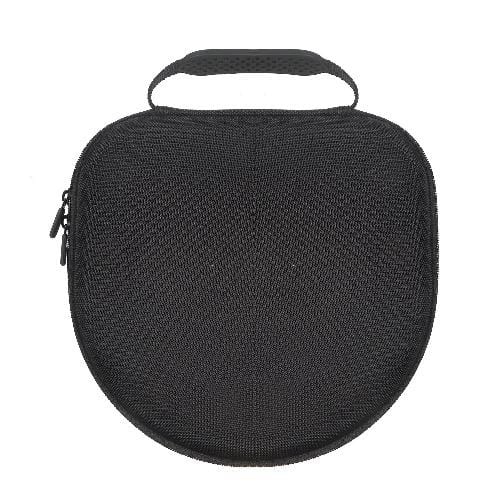
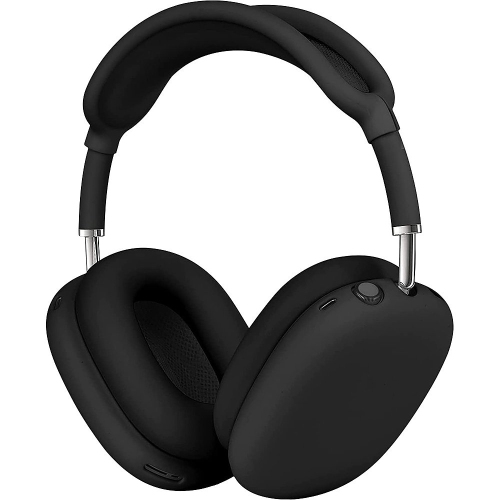
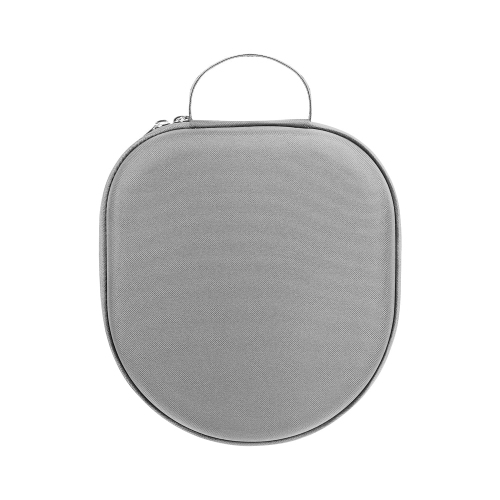
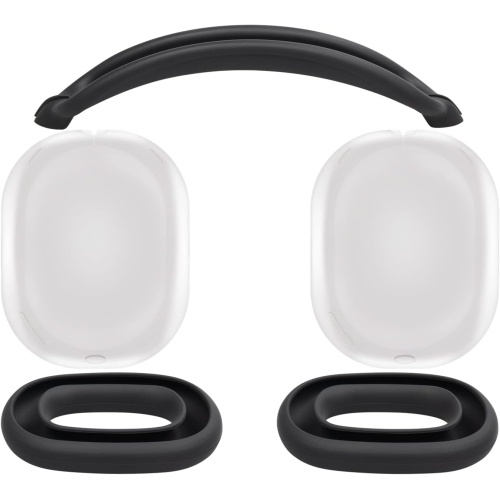
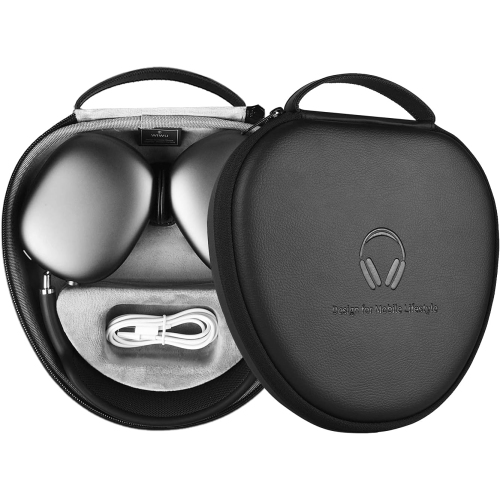
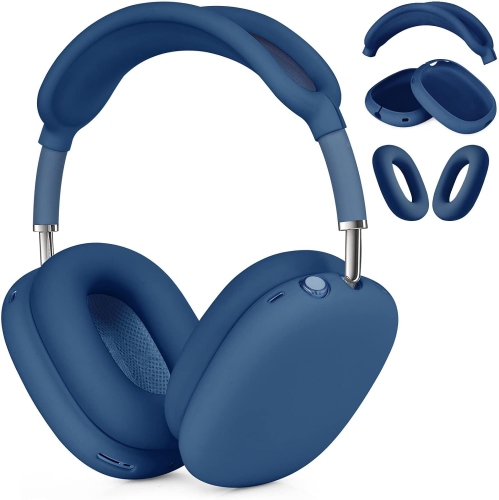
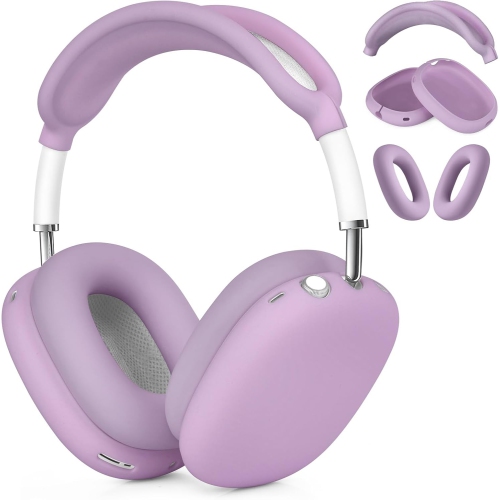
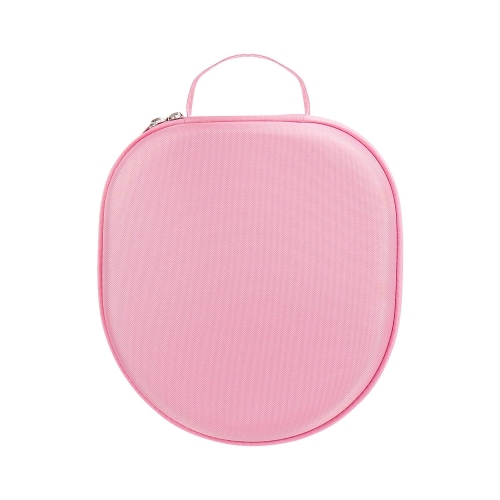
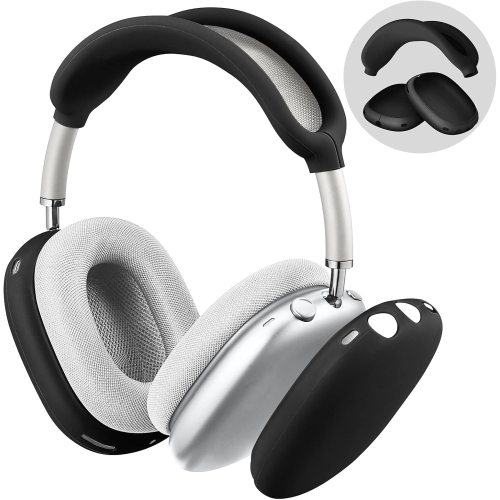
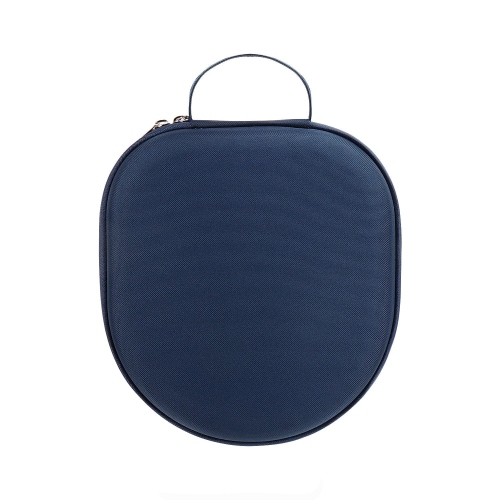
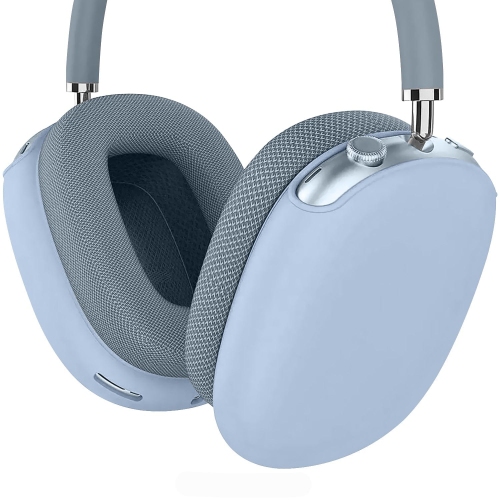
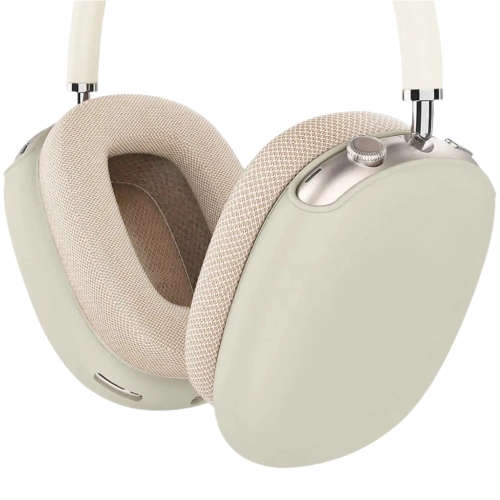
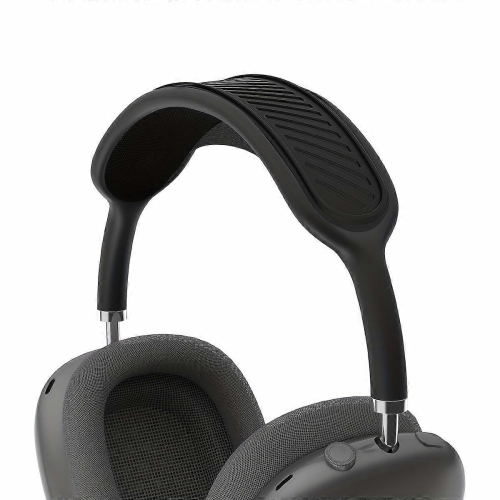
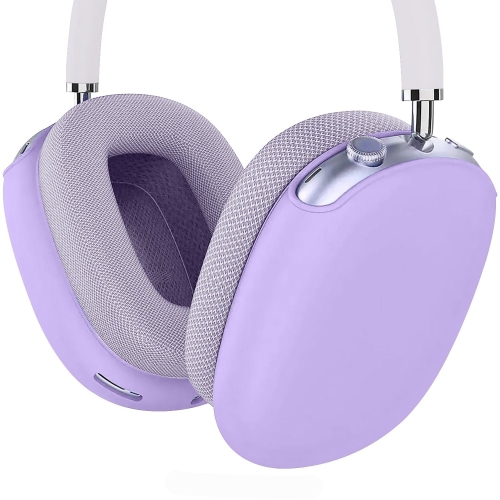
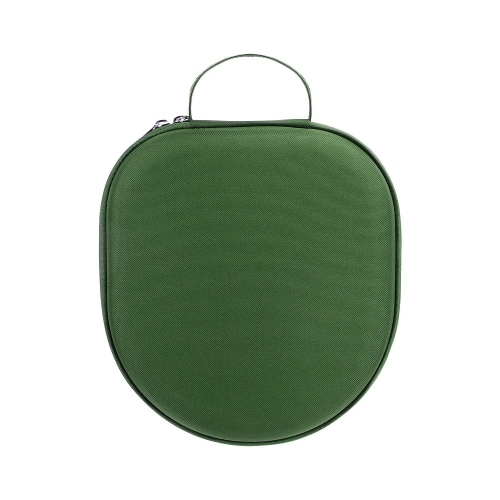
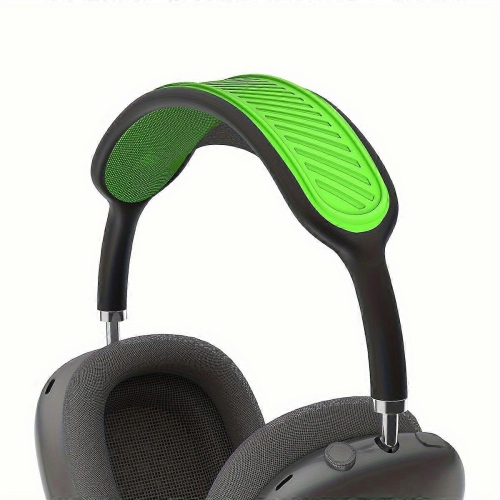
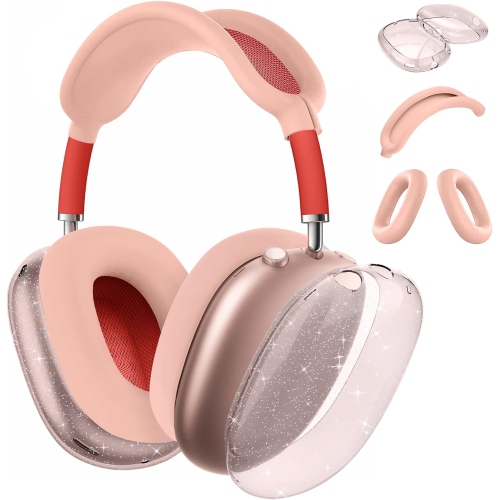
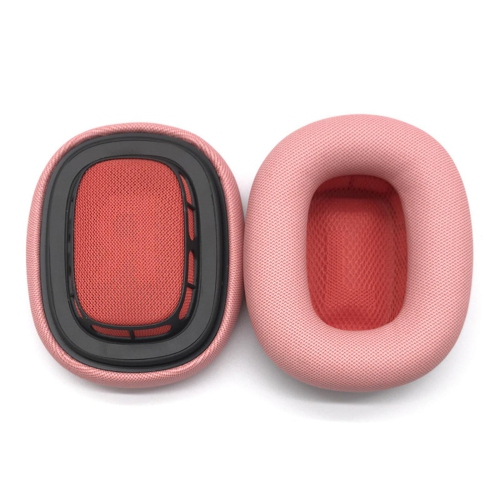
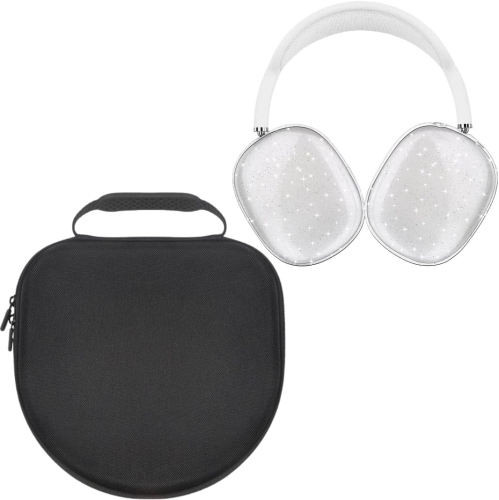
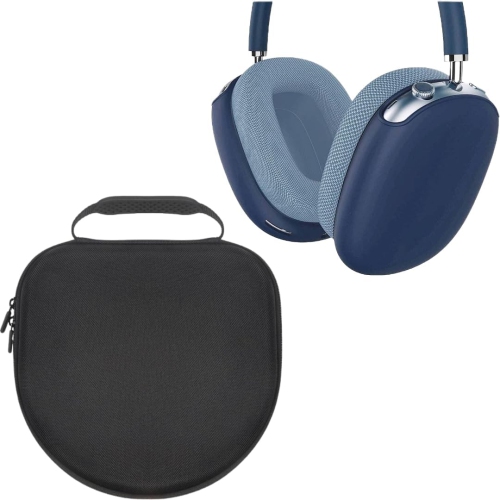
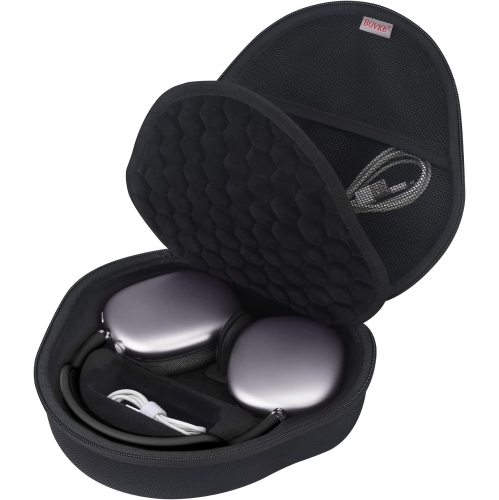
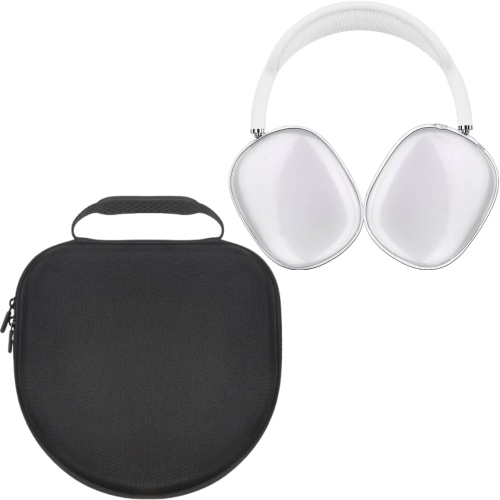
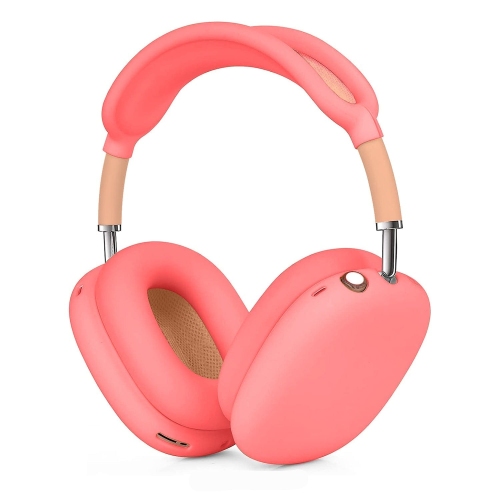
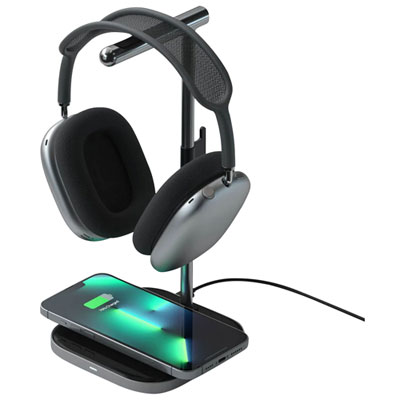
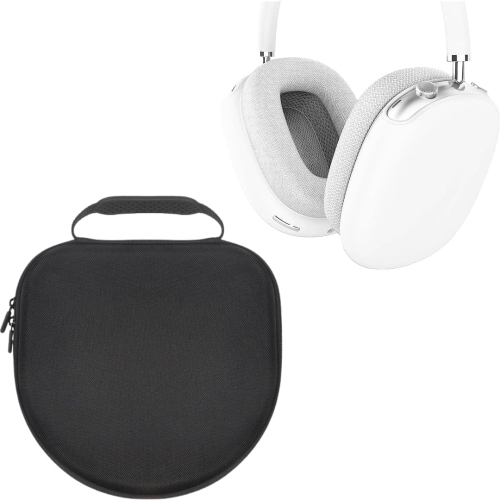
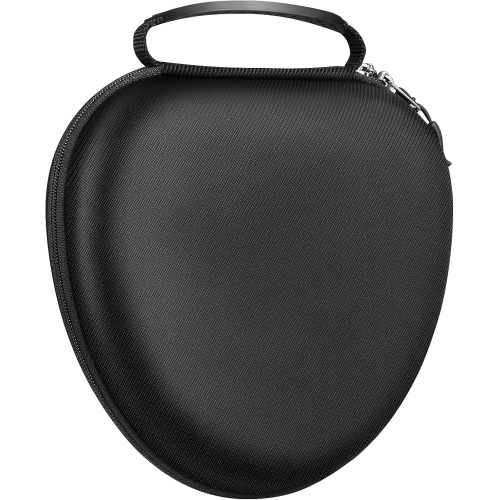
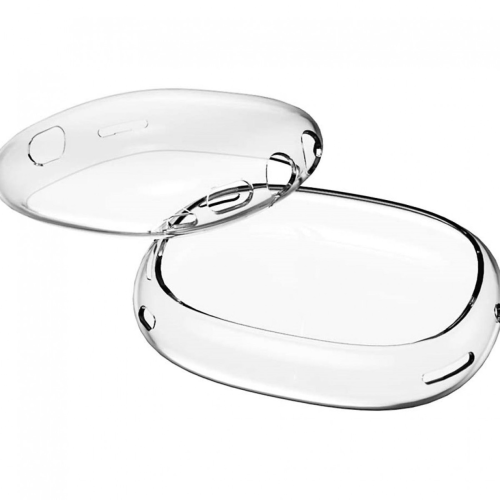
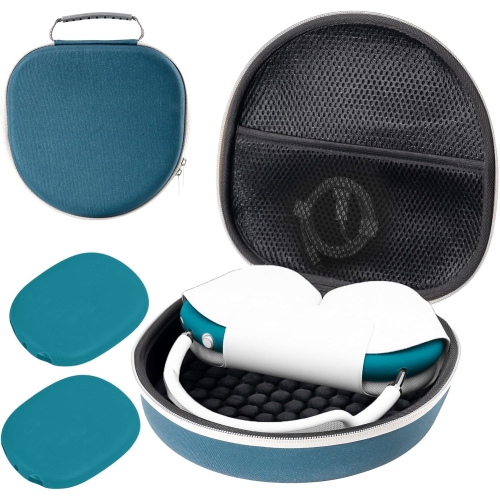
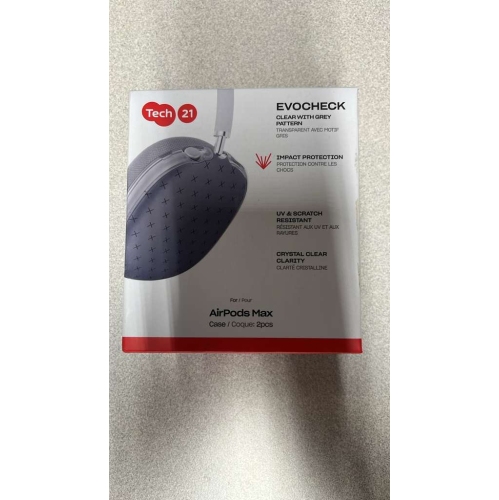
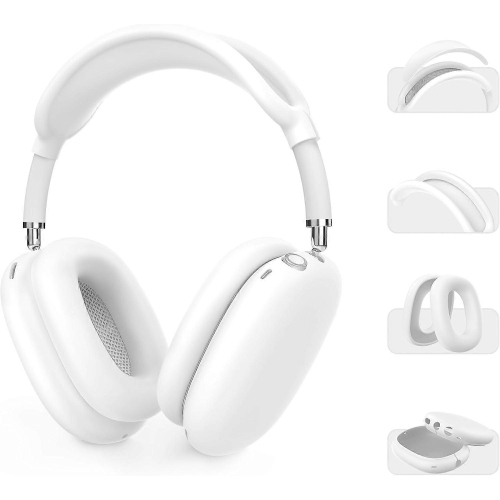
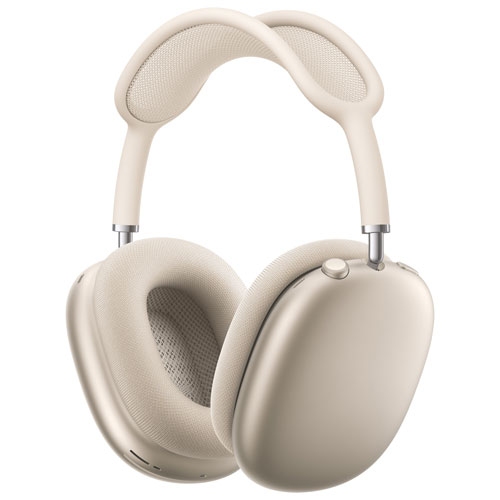
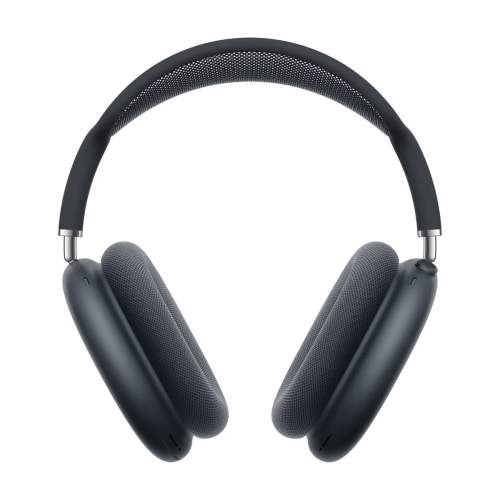
Accessories for premium over-ear headphones help protect their finish, keep everyday essentials together, and make listening more comfortable at home or on the move. The most useful choices usually fall into a few groups: fitted covers, travel cases, replacement ear cushions, desktop stands, and compatible charging or audio connections. Each serves a different purpose, so it helps to start with how you carry and use your headphones rather than appearance alone. A pair that spends most of its time beside a laptop needs different support from one that gets tucked into a backpack for a crowded commute. For daily carrying, look for a case with a shaped interior that holds the headphones securely without pressing against the mesh headband or forcing the ear cups into an awkward position. A rigid outer shell can help shield against bumps and pressure from neighbouring belongings, while a soft lining helps limit rubbing against the finish. Browse Apple AirPods Max Cases with particular attention to interior dimensions, closure design, and space for the accessories you actually carry. A separate cable pocket is handy, but it should not leave a plug resting against an ear cup when the case closes. For someone who regularly packs a laptop, lunch container, and headphones into the same bag, that small separation makes practical sense. Water-resistant materials may help with light splashes, but they are not the same as waterproof construction; zippers, seams, and care instructions matter just as much as the outer fabric. Fitted silicone or flexible plastic covers offer another approach, helping reduce surface scuffs without requiring the headphones to be packed away between uses. Check that openings leave microphones, controls, and charging ports clear, and that the added thickness will still fit inside your chosen case. Covers can change the feel and appearance of the headphones, but they do not make them suitable for wet conditions or replace a structured carrying case.
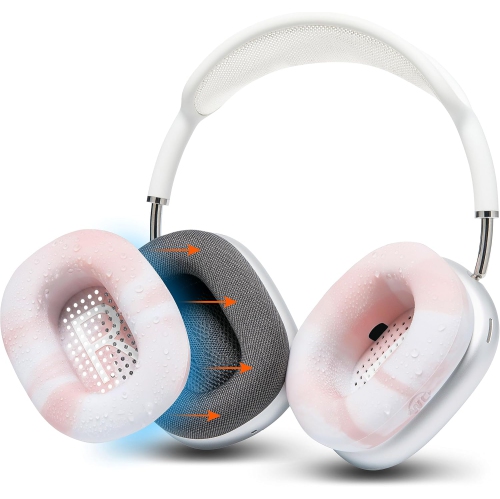
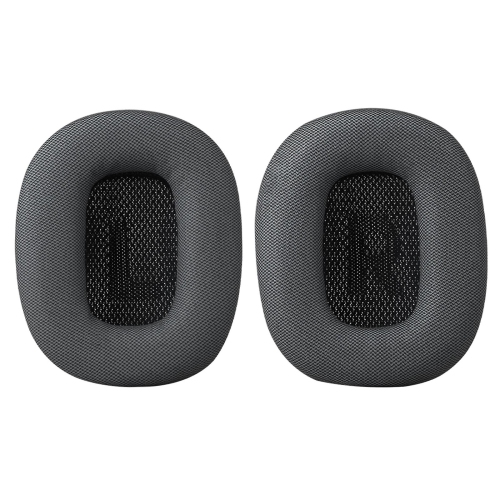
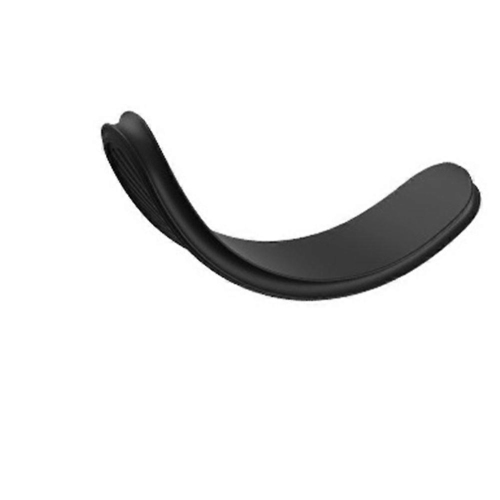
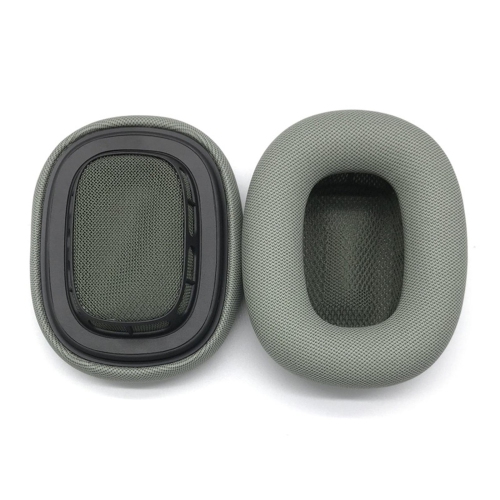
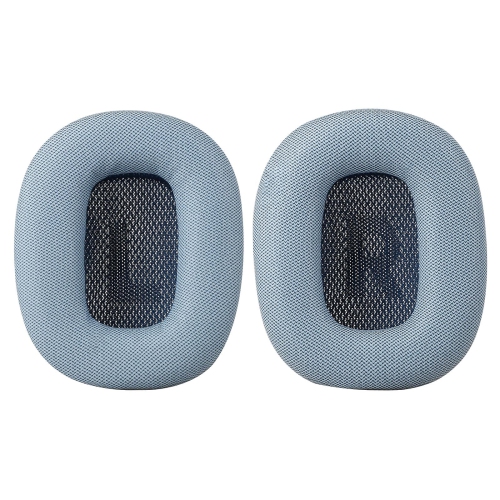
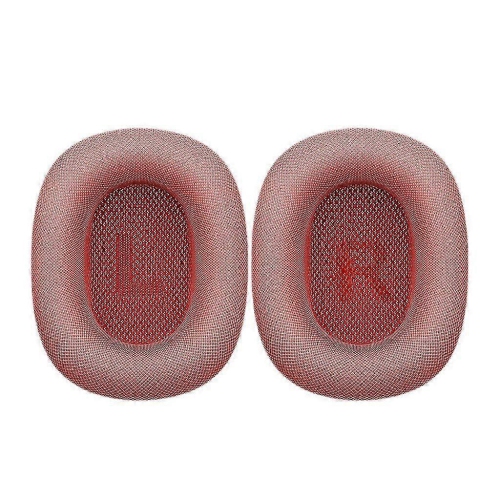
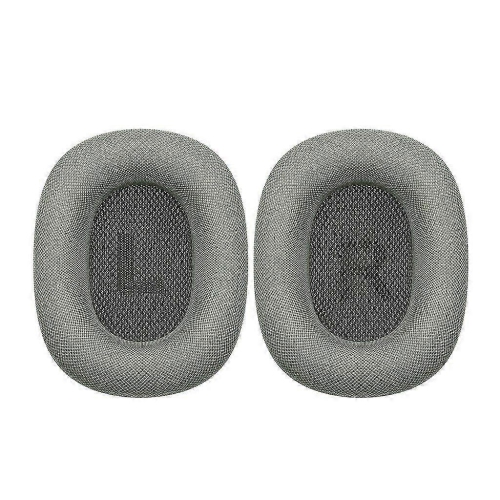
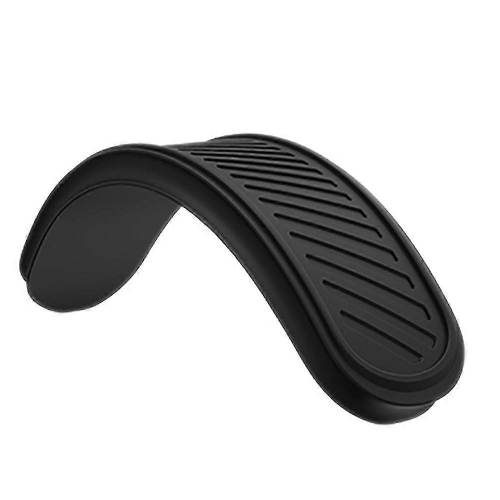
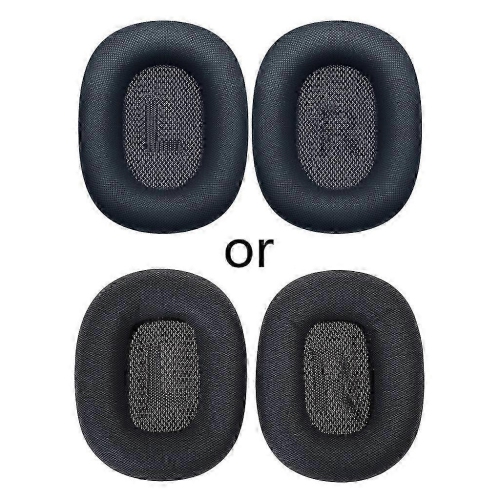
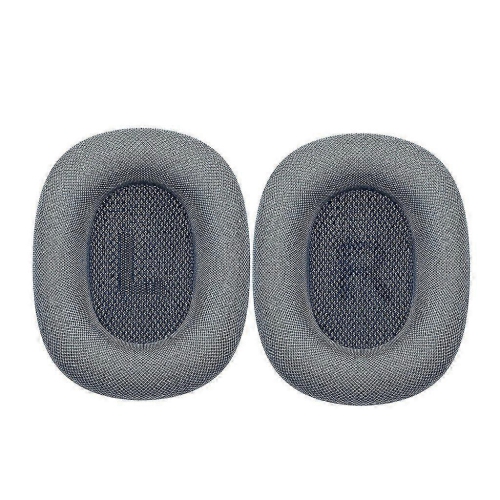
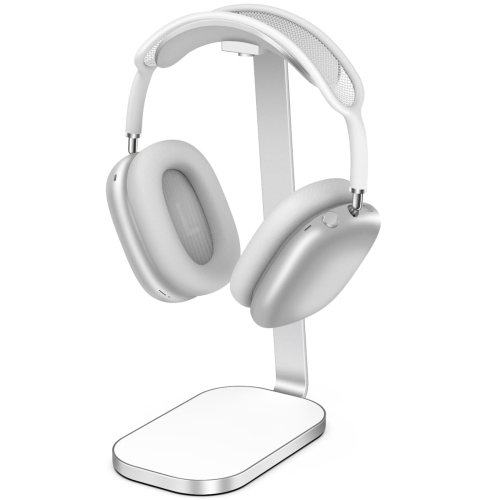
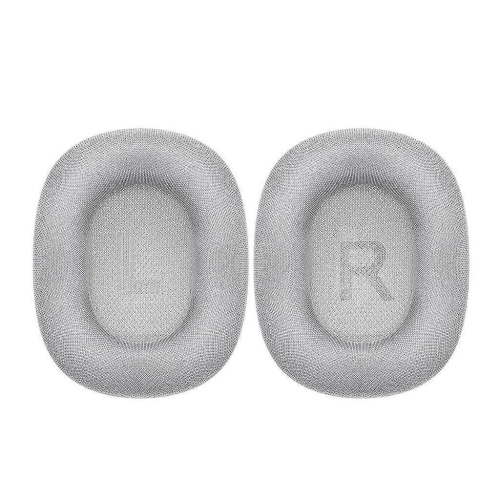
Comfort and storage accessories are especially useful when headphones are part of a long workday, a study routine, or an evening spent listening to music. Replacement ear cushions can refresh worn contact surfaces, although fit is about more than whether a cushion attaches. Its shape, depth, fabric, and firmness affect how the headphones sit around your ears, and a different seal can change perceived bass, sound isolation, and noise-cancelling performance. Look for compatibility with the exact headphone model, a clearly described attachment method, and materials you will find comfortable against your skin. If you wear glasses, cushion softness and pressure around the arms of the frames deserve extra attention. Breathable-feeling fabric may be pleasant for extended sessions, while smoother surfaces may be easier to wipe down when their care instructions allow it. Neither description alone guarantees comfort, and replacement cushions should not be assumed to match the original acoustic performance. Headband covers can add a different texture or help protect a frequently handled surface, but extra padding also changes fit and may add warmth. At a desk, a well-proportioned stand gives the headphones a dedicated place between calls instead of leaving them beside a mug or tangled among charging leads. A broad, smooth support surface helps spread contact across the headband rather than concentrating it on a narrow hook. Consider base stability, clearance beneath the ear cups, and whether the stand fits comfortably under a shelf or monitor. Wall-mounted holders can free up desk space, provided their mounting method suits the surface and their stated weight capacity is sufficient. During the cooler months, when coats and scarves gather near the door, keeping headphones on a separate holder or inside a case can make a busy entryway less cluttered. For cleaning accessories, favour soft, non-abrasive materials and follow the headphone maker’s care directions. Avoid assuming that a cleaning liquid is suitable for mesh, cushion fabric, and metal simply because it is sold for electronics.
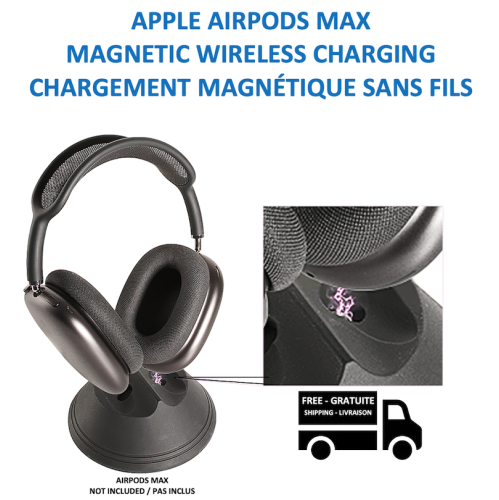
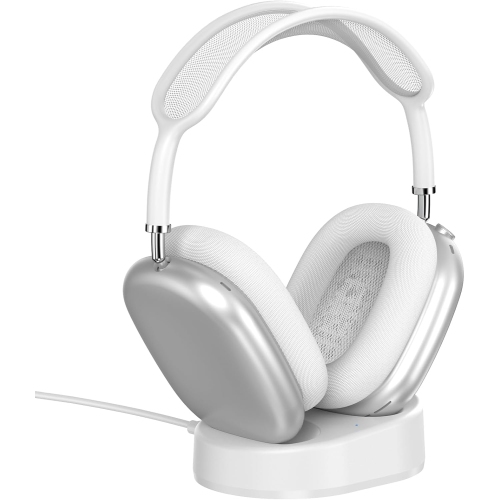
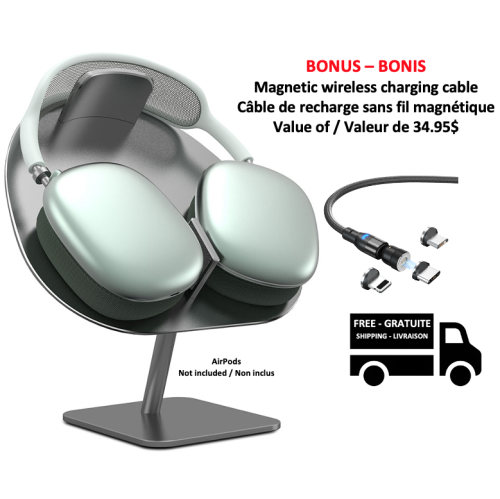
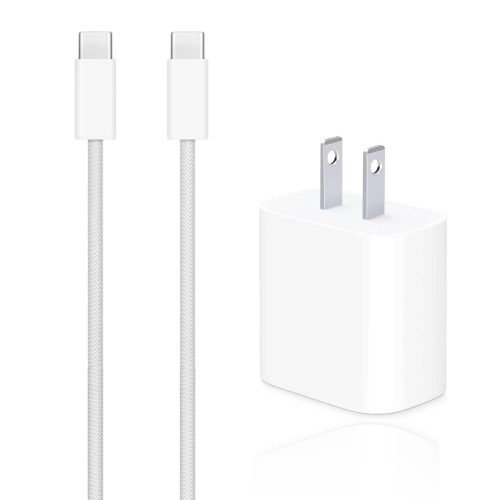
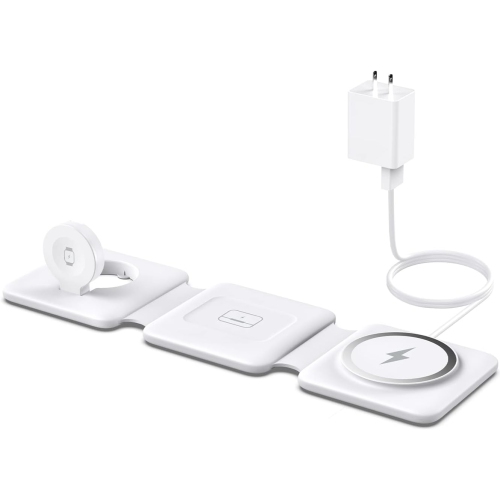
Charging, wired listening, and cable storage call for careful compatibility checks, particularly when visually similar headphones have different ports or connection capabilities. Confirm the charging connector on your own pair before choosing a cable, and check that its length suits the route from the power source to your usual storage spot. A short lead keeps a bedside table tidy; a longer one can be more practical when an outlet sits behind a desk. Charging compatibility does not automatically mean audio compatibility. A cable that supplies power may not carry sound, and a plug that physically fits does not establish support for a wired listening connection. For audio cables and adapters, look for an explicit match to the headphone version, the source device, and the intended connection direction. Some setups require particular signal conversion, and supported features may depend on the headphones’ software. Microphone use, call controls, and volume adjustment may also differ from wireless operation. These details matter for anyone hoping to connect to an aircraft entertainment system, a game controller, or older audio equipment; check both ends of the connection before buying. With docks and stands, distinguish between products that simply hold the headphones, products that provide a charging connection, and designs that claim to activate a low-power state. These are separate functions, and none should be inferred from the shape of the holder or the presence of magnets alone. A small zipped pouch can keep adapters and spare leads together without letting them knock against the headphones during travel. As gifts, protective and storage accessories can be thoughtful choices for students, frequent travellers, commuters, and people who keep a carefully arranged workspace. The safest starting point is knowing the recipient’s exact headphone version and how they use it. Someone who carries headphones everywhere may appreciate compact protection more than a large desktop display, while a home listener may value a stable stand and neatly routed charging cable. Neutral finishes blend easily into an existing setup, and brighter colours make accessories easier to spot in a shared household or a packed bag. Choosing around those everyday habits helps an accessory earn its place rather than becoming another object in a drawer.
Comfort and storage accessories are especially useful when headphones are part of a long workday, a study routine, or an evening spent listening to music. Replacement ear cushions can refresh worn contact surfaces, although fit is about more than whether a cushion attaches. Its shape, depth, fabric, and firmness affect how the headphones sit around your ears, and a different seal can change perceived bass, sound isolation, and noise-cancelling performance. Look for compatibility with the exact headphone model, a clearly described attachment method, and materials you will find comfortable against your skin. If you wear glasses, cushion softness and pressure around the arms of the frames deserve extra attention. Breathable-feeling fabric may be pleasant for extended sessions, while smoother surfaces may be easier to wipe down when their care instructions allow it. Neither description alone guarantees comfort, and replacement cushions should not be assumed to match the original acoustic performance. Headband covers can add a different texture or help protect a frequently handled surface, but extra padding also changes fit and may add warmth. At a desk, a well-proportioned stand gives the headphones a dedicated place between calls instead of leaving them beside a mug or tangled among charging leads. A broad, smooth support surface helps spread contact across the headband rather than concentrating it on a narrow hook. Consider base stability, clearance beneath the ear cups, and whether the stand fits comfortably under a shelf or monitor. Wall-mounted holders can free up desk space, provided their mounting method suits the surface and their stated weight capacity is sufficient. During the cooler months, when coats and scarves gather near the door, keeping headphones on a separate holder or inside a case can make a busy entryway less cluttered. For cleaning accessories, favour soft, non-abrasive materials and follow the headphone maker’s care directions. Avoid assuming that a cleaning liquid is suitable for mesh, cushion fabric, and metal simply because it is sold for electronics.
Charging, wired listening, and cable storage call for careful compatibility checks, particularly when visually similar headphones have different ports or connection capabilities. Confirm the charging connector on your own pair before choosing a cable, and check that its length suits the route from the power source to your usual storage spot. A short lead keeps a bedside table tidy; a longer one can be more practical when an outlet sits behind a desk. Charging compatibility does not automatically mean audio compatibility. A cable that supplies power may not carry sound, and a plug that physically fits does not establish support for a wired listening connection. For audio cables and adapters, look for an explicit match to the headphone version, the source device, and the intended connection direction. Some setups require particular signal conversion, and supported features may depend on the headphones’ software. Microphone use, call controls, and volume adjustment may also differ from wireless operation. These details matter for anyone hoping to connect to an aircraft entertainment system, a game controller, or older audio equipment; check both ends of the connection before buying. With docks and stands, distinguish between products that simply hold the headphones, products that provide a charging connection, and designs that claim to activate a low-power state. These are separate functions, and none should be inferred from the shape of the holder or the presence of magnets alone. A small zipped pouch can keep adapters and spare leads together without letting them knock against the headphones during travel. As gifts, protective and storage accessories can be thoughtful choices for students, frequent travellers, commuters, and people who keep a carefully arranged workspace. The safest starting point is knowing the recipient’s exact headphone version and how they use it. Someone who carries headphones everywhere may appreciate compact protection more than a large desktop display, while a home listener may value a stable stand and neatly routed charging cable. Neutral finishes blend easily into an existing setup, and brighter colours make accessories easier to spot in a shared household or a packed bag. Choosing around those everyday habits helps an accessory earn its place rather than becoming another object in a drawer.
Top selling and popular products
-
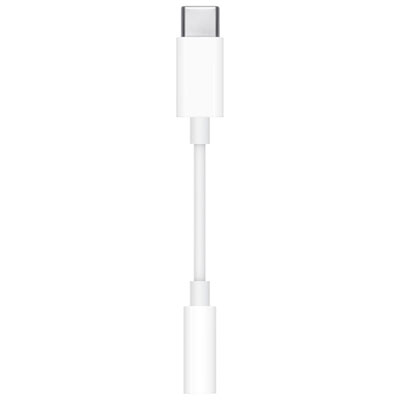 Your price for this item is $10
 -
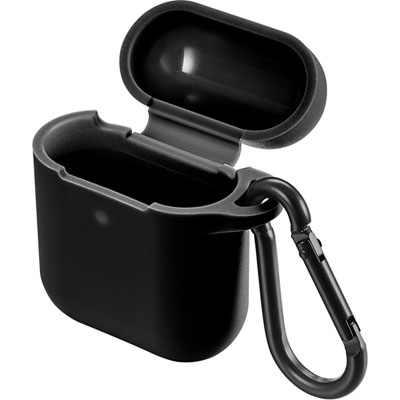 Your price for this item is $19.97
 -
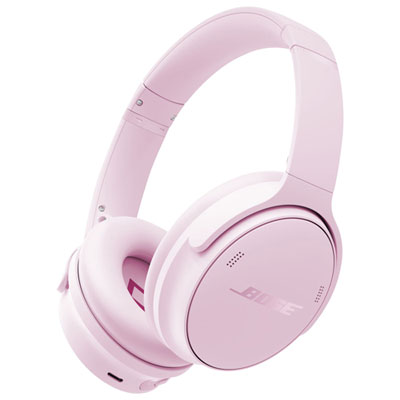 Your price for this item is $479.99
 -
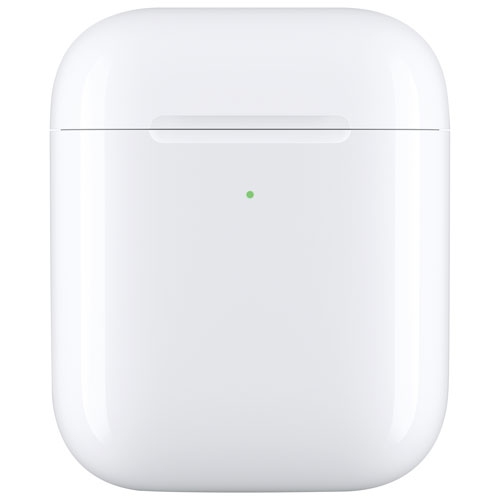 Your price for this item is $69.99
 -
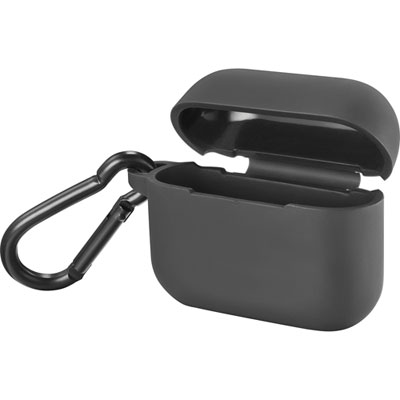 Your price for this item is $4.99
 -
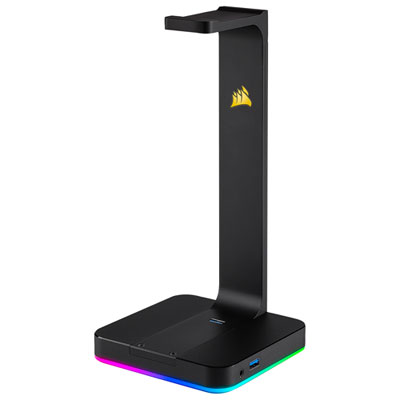 Your price for this item is $124.95
 -
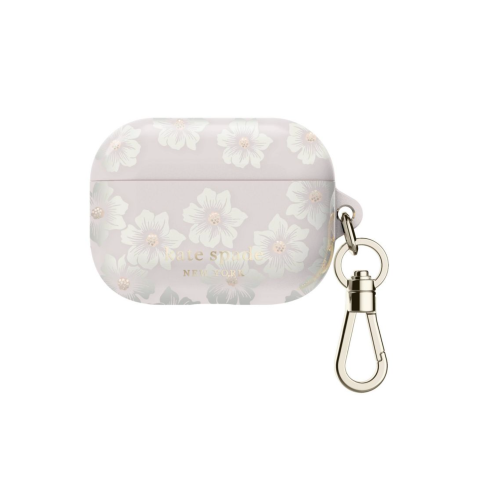 Your price for this item is $107.9
 -
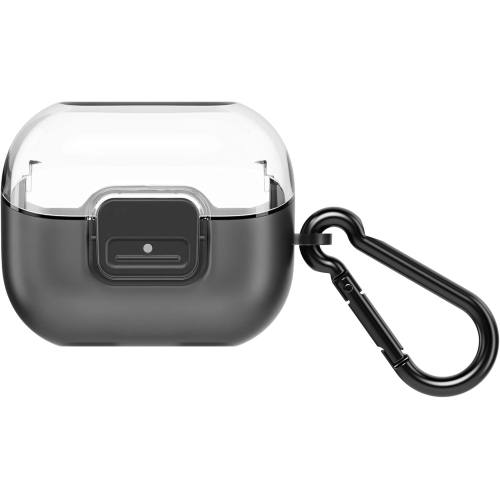 Your price for this item is $49.99
Discover more categories related to AirPods Max Accessories
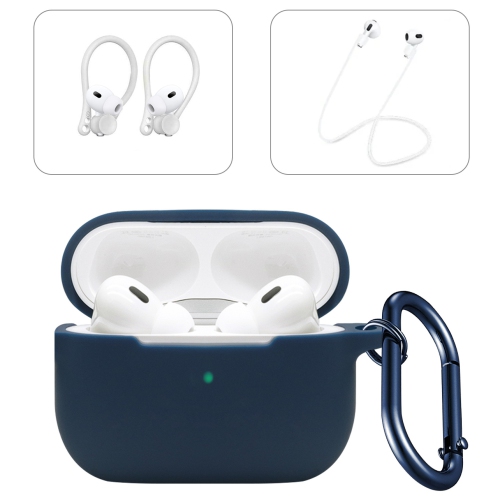
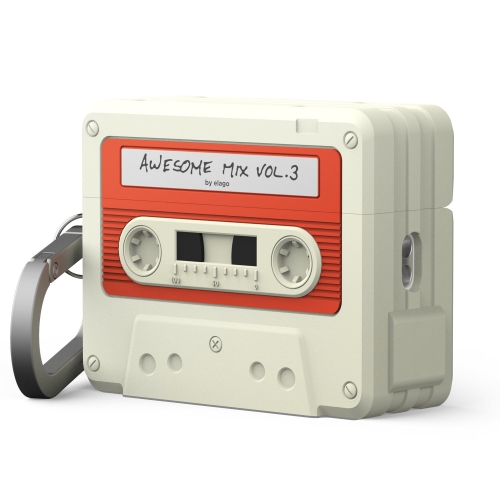
Top Collections:
Pokemon Centers, Kindle Devices, Best Cameras for Sports Photography, Best Budget Office Chairs, Pokémon 30th Celebration Cards, Apple iPhones 16, Canon G7X Cameras, iPhone 15 Apple, Flip Phones, Samsung Galaxy Phones
Some products may be subject to Environmental Handling Fees
(EHF) depending on your province.
Learn more about EHFs.