Apple MacBooks for College Students
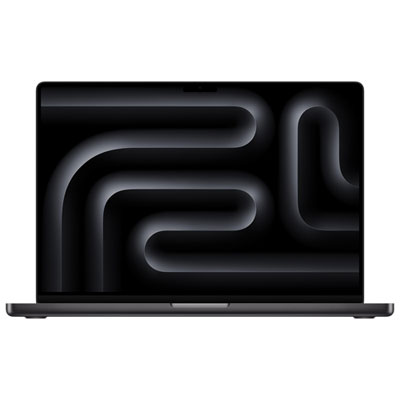
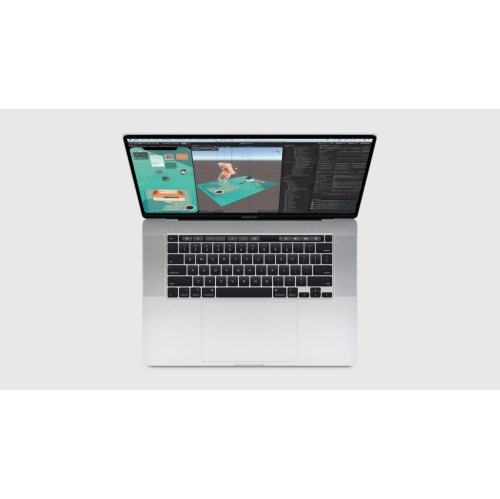
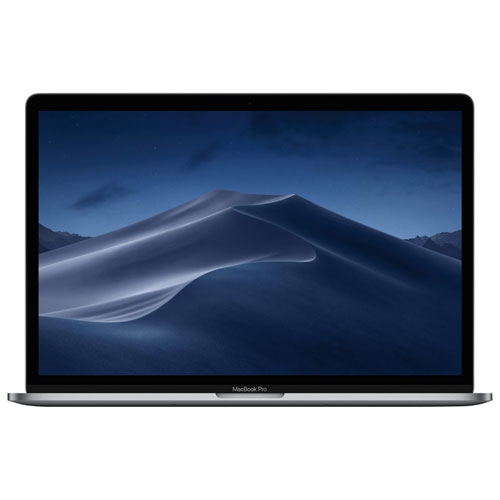
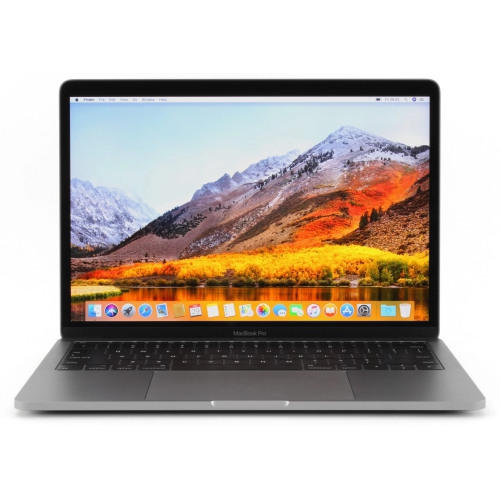
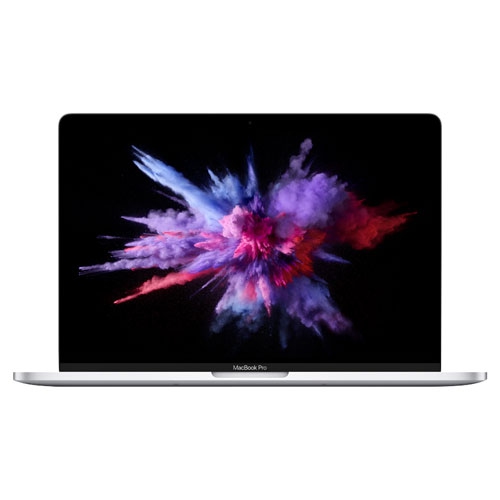
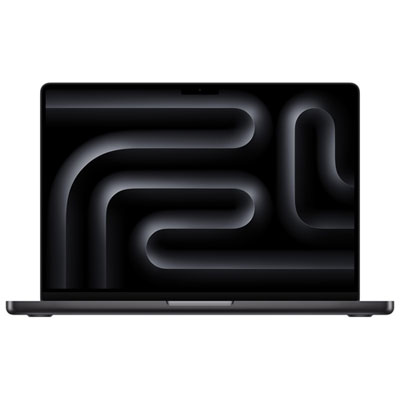
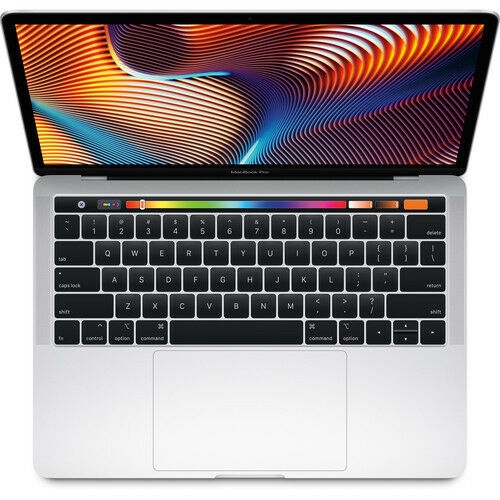
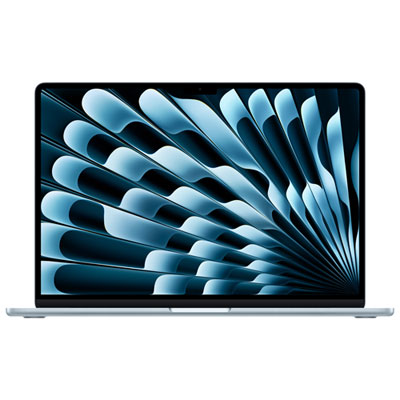
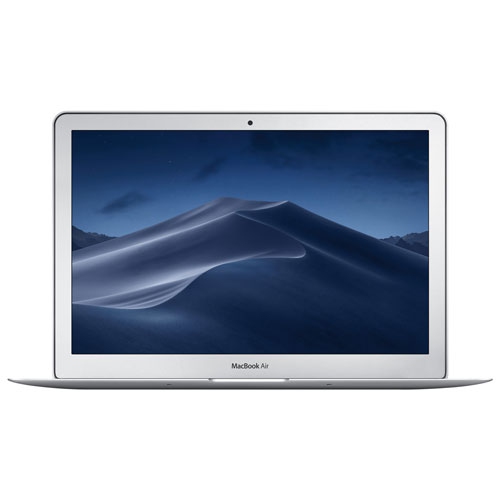
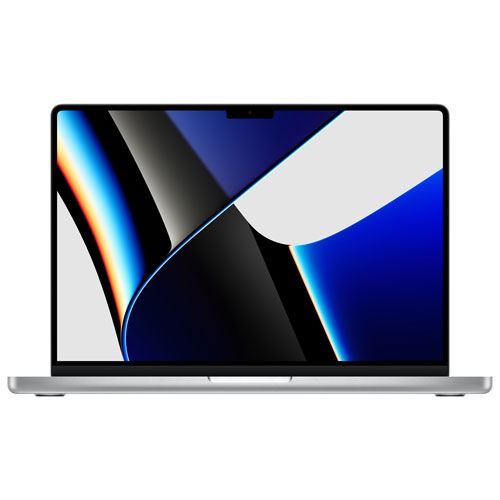
Apple MacBooks for college students offer a combination of performance, portability, and style to help manage coursework, projects, and everyday tasks. Whether you’re heading to lectures or working from your dorm room, these laptops are designed to fit the demands of student life. Explore a range of Apple MacBooks for college students to find the perfect match for your academic needs and personal preferences.







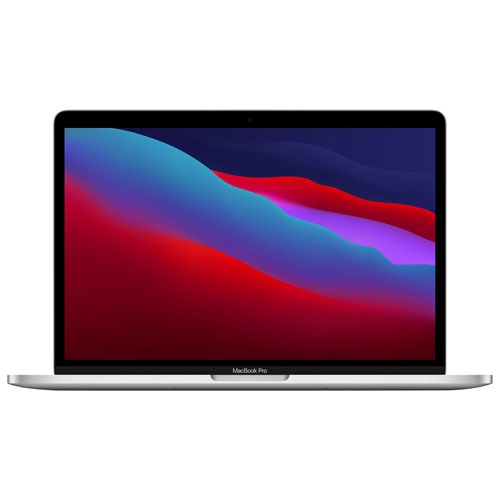
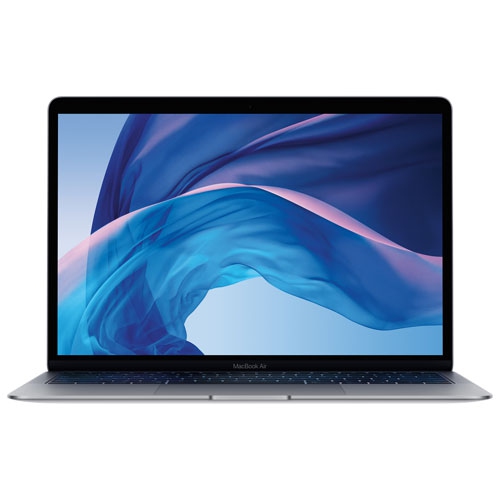
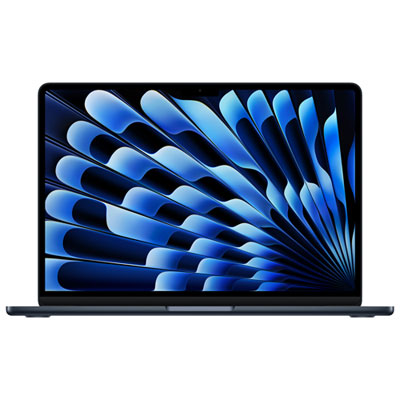

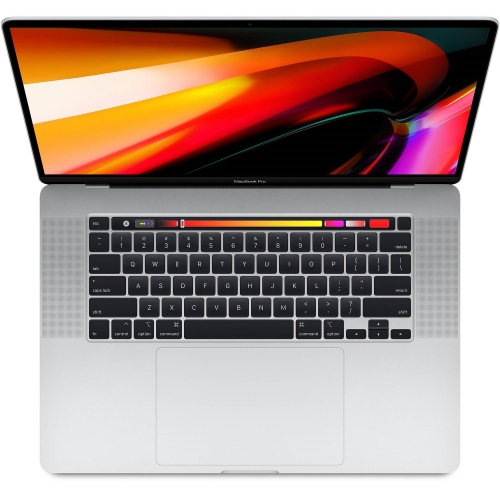
What to consider for campus work and study
When comparing configurations, start with the tasks that are likely to remain part of the student’s routine throughout a degree. Memory affects how smoothly a computer handles multiple browser tabs, video calls, documents and applications at the same time, while storage determines how much room is available for lecture recordings, photographs, downloaded readings, creative projects and personal files. A student who regularly works with high-resolution media or large datasets may appreciate more of both, whereas someone focused on writing, web research and cloud-based coursework may be comfortable with a more modest configuration. Processor performance matters as well, although the right level is the one that matches the workload: everyday schoolwork should feel quick and responsive, while demanding editing, development or technical applications may call for a more capable chip. Screen size involves a similar trade-off. A compact display is easier to carry and fits neatly on a small library table, while a larger screen can make spreadsheets, timelines, design canvases and split-screen research more comfortable. Port selection should not be overlooked. Students who connect an external display, projector, wired network, camera, storage drive or other accessories may need adapters or a hub, particularly in shared study spaces and presentation rooms. A good sleeve or protective case, a dependable charger and a backup plan for important files can also make campus life less stressful. Cloud storage, an external drive or an institution’s approved backup service helps protect assignments when a computer is misplaced, damaged or unexpectedly needs service.
Mac laptops can be thoughtful gifts for a student leaving home, beginning a first semester or returning to school after time away, particularly when the gift supports both academic work and daily life. A parent or family member may want to consider the student’s commute, living arrangements and study habits before choosing a size or configuration. A student who carries a computer across campus in a backpack may value low weight and long battery life, while one who works primarily in a residence or apartment may prefer a larger display and additional storage. It is also useful to account for the length of the program, since a computer purchased for a multi-year degree should have enough capability for the student’s expected coursework as it becomes more advanced. Accessories can round out the setup without replacing the importance of the computer itself: a compact mouse can help with detailed work, a stand can improve desk comfort, headphones can make shared spaces easier to manage, and a USB-C hub can simplify connections during presentations. Students often move between bright outdoor paths, dim lecture halls and quiet library tables, so display readability, keyboard comfort and dependable wireless connectivity can matter just as much as headline performance. During the cooler months, when more time may be spent indoors studying, a capable computer can serve as a central workspace for assignments, entertainment, communication and planning. Reviewing the student’s course software, preferred working style, storage needs and available budget together makes it easier to choose a Mac laptop that feels practical on the first day of class and remains useful through exams, placements, projects and graduation.
FAQ
MacBooks are often worth it for college students because they offer strong performance, long battery life, and a smooth, reliable user experience for studying, research, and creative work. The best MacBooks for students also have excellent build quality and software longevity, making them a solid long-term investment despite the higher upfront cost.
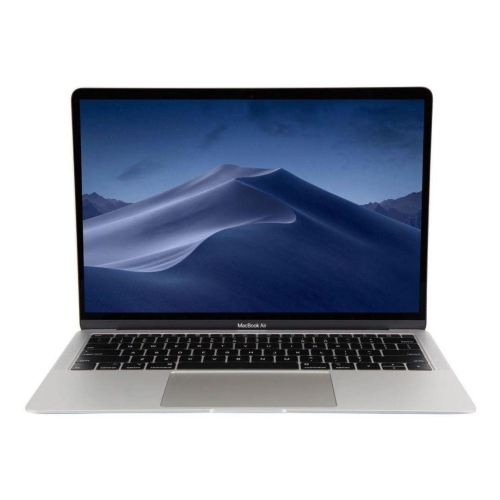
The best MacBook for students is often the MacBook Air, as it offers excellent performance, long battery life, and a lightweight design that’s ideal for carrying around campus. The MacBook Air provides enough power for studying, writing, browsing, and light creative work, making it a top choice for most college students.
MacBooks often last longer than many other laptops due to their strong build quality, efficient hardware, and long-term software support from Apple. The best MacBooks for students can typically stay reliable for 5–7 years or more with proper care, making them a durable choice for long-term use.
MacBooks are compatible with most school and productivity software, including Microsoft Office, Google Workspace, and many learning platforms. However, some specialized programs used in engineering, IT, or business courses may be Windows-only, so it’s important for students to check their course requirements before choosing a MacBook.
Most students should choose at least 256GB of storage for a MacBook to comfortably handle documents, apps, and school projects. The best MacBooks for students with 512GB or more are ideal for those working with large files, creative software, or long-term storage needs.