Computers for University Students
Computers for university students are designed to support academic success, from taking notes in lectures to completing assignments and collaborating on group projects. Explore a wide range of options that fit different study needs, whether you’re looking for something lightweight for portability between classes or a model with ample storage for research and multimedia tasks. Find the right computers for university students to help make your college experience more productive and efficient.
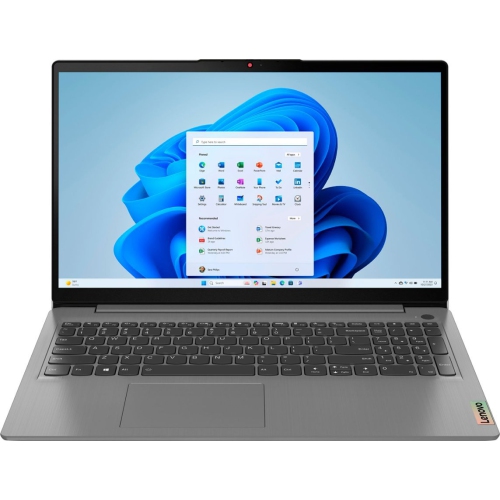
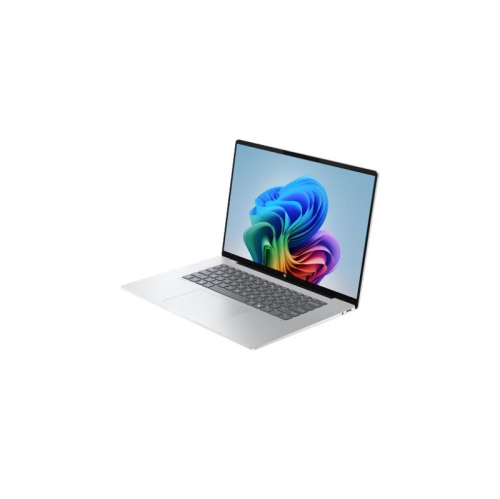
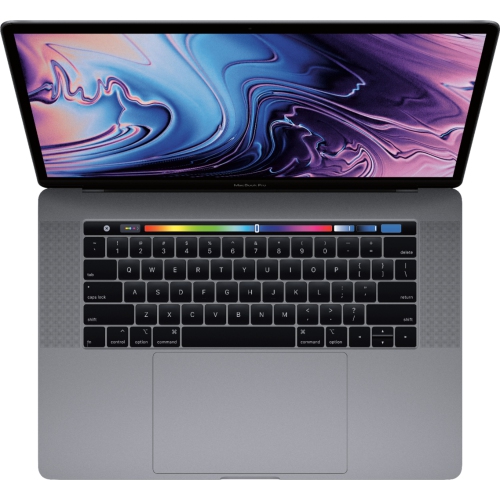

For most university students, a laptop is the best choice because it offers the portability needed to carry to lectures, group study sessions, and libraries. However, a desktop can be a powerful, cost-effective alternative for students in resource-heavy fields like engineering, video editing, or gaming who require high performance and easy upgradability. Ultimately, your choice should balance your course requirements, study habits, and budget.
For the average student, an Intel i5/Ryzen 5 processor, 16GB of RAM, and a 512GB SSD offers the perfect balance of speed and multitasking. Specialized majors like engineering or design should bump those specs up to an i7/Ryzen 7 and a dedicated graphics card. Before buying, always check your specific university department's website for exact software requirements.
All-in-one (AIO) computers are excellent for students who prefer a large screen and a sleek, clutter-free setup for a dedicated home study space, but it ultimately depends on what your specific course requires. They offer a powerful, streamlined desktop experience right out of the box, making them perfect for handling assignments, research, and virtual classes comfortably from a fixed desk. If your curriculum doesn't demand on-the-go computing for lectures or labs, an AIO provides a fantastic, all-inclusive workstation for your degree.
For the vast majority of university students, 16GB of RAM is the ideal sweet spot to ensure smooth multitasking, seamless web research with dozens of open tabs, and a laptop that lasts through graduation. While 8GB can get you by for basic note-taking and essays on a budget, it may struggle with heavier workloads down the road. Ultimately, the right amount depends on what your course requires, as specialized majors like engineering, video production, or data analytics will often need 16GB to 32GB to run demanding software efficiently.
When choosing a university computer, the choice between performance and portability ultimately depends on what your specific course requires. If your curriculum involves heavy-duty software for engineering, 3D modeling, or video editing, investing in performance ensures your system won't lag or crash during demanding assignments. However, if your daily routine involves hopping between lecture halls, coffee shops, and group study sessions, prioritizing a lightweight, highly portable laptop with great battery life will be much more practical for your student lifestyle.