Best Computers for University Students
Find the best computers for university students to help you tackle assignments, research projects, and study sessions. Ranked by user review ratings, this list makes it easier to compare highly rated options and find a computer that fits your coursework, budget, and campus routine.
What to look for in computers for university students
1. Performance and Software Compatibility
2. Portability and Battery Life
3. Display and Everyday Comfort
4. Storage and Connectivity
-
1
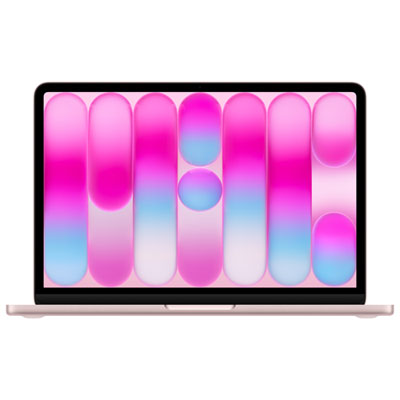
Apple MacBook Neo 13" (2026) - Blush (Apple A18 Pro / 8GB RAM / 256GB SSD) - English
About this product
A blush-coloured laptop featuring an A18 Pro chip, 8GB RAM, 256GB SSD, and Liquid Retina display.
What customers like
(451)$939.99 Your price for this item is $939.99 -
2
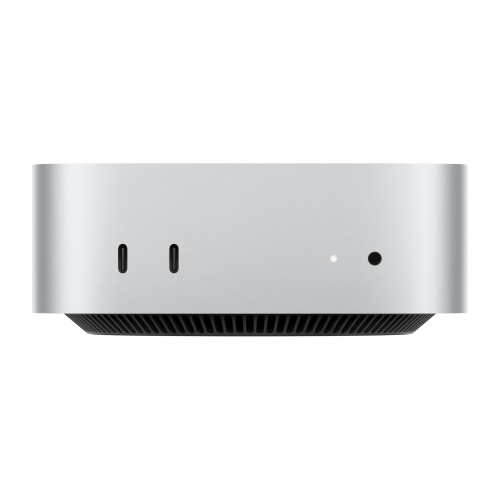
APPLE 2024 Mac Mini Desktop Computer With M4 Chip With 10‑Core Cpu And 10‑Core Gpu, 16GB Unified Memory, 256GB SSD Storage
About this product
A refurbished desktop featuring an M4 chip, 16GB unified memory, and 256GB SSD for powerful performance.
What customers like
(1,508)$1,499.99Your price for this item is $1499.99SAVE $100 -
3
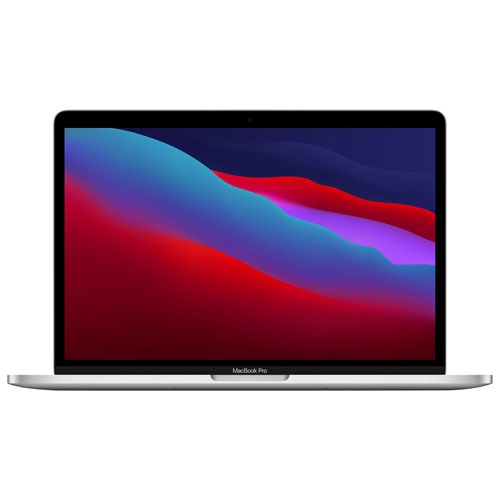
APPLE Refurbished (Good) - Macbook Pro (Fall 2020) 13.3" W/ Touch Bar - ( M1 Chip / 512GB SSD / 8GB Ram) - En In Silver
About this product
A refurbished silver laptop featuring an M1 chip, 512GB SSD, 8GB RAM, and Touch Bar.
What customers like
(693)$897.77Your price for this item is $897.77SAVE $501 -
4
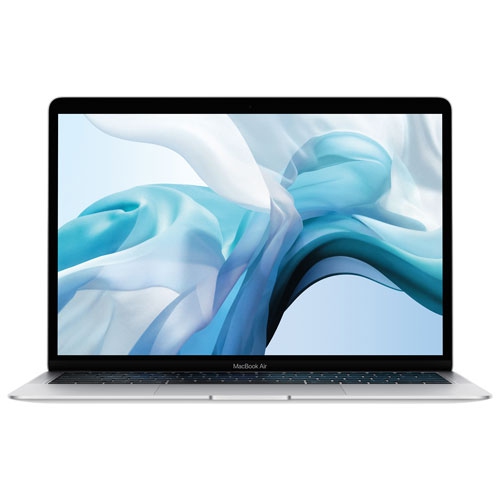
APPLE Refurbished (Good) - Macbook Air 13.3" - (Intel Core I5 1.6Ghz / 128GB SSD / 8GB Ram) - English (2019 Model) In Silver
About this product
A refurbished silver laptop featuring an Intel Core i5 processor, 128GB SSD, and 8GB RAM.
What customers like
(629)$599.77Your price for this item is $599.77SAVE $399 -
5

APPLE Refurbished (Good) - Macbook Pro With Touch Bar 13.3" - Space (Intel Core I5 2.4Ghz/256GB/8GB Ram) - En (2019 Model) In Grey
About this product
A refurbished grey laptop featuring an Intel Core i5 processor, 256GB storage, 8GB RAM, and Touch Bar.
What customers like
(880)$649.77Your price for this item is $649.77SAVE $1050 -
6

Samsung Galaxy Tab S10 FE+ (Plus) 13.1-inch 256GB, Exynos 1580 with S Pen - Blue
About this product
A blue tablet with S Pen, Galaxy AI tools, IP68 protection, and front and rear cameras.
What customers like
(356)$979.99Your price for this item is $979.99SAVE $120 -
7

APPLE Refurbished (Good) - Macbook Pro With Touch Bar 15.4" - Space (Intel Core I9 2.3 Ghz/512GB/16Bg Ram) - (2019 Model) Eng In Grey
About this product
A grey laptop with Intel Core i9, 512GB storage, 16GB RAM, Retina display, and Touch Bar.
What customers like
(626)$699.77Your price for this item is $699.77SAVE $600 -
8
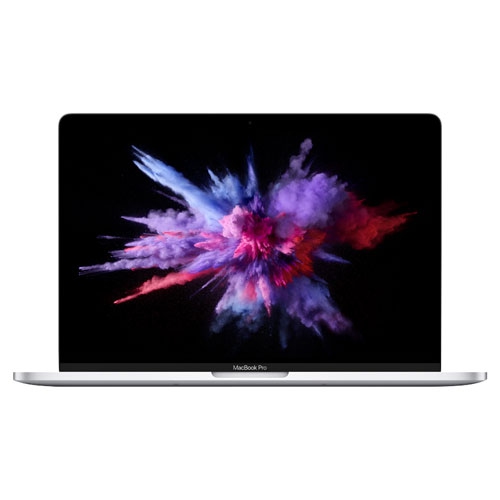
APPLE Refurbished (Good) - Macbook Pro W/ Touch Bar 13.3" - (Intel Core I5 1.4Ghz/256GB SSD/8GB Ram) - En (2019 Model) In Silver
About this product
A refurbished silver laptop featuring a 13.3" display, Intel Core i5, 256GB SSD, and 8GB RAM.
What customers like
(418)$649.77Your price for this item is $649.77SAVE $849 -
9
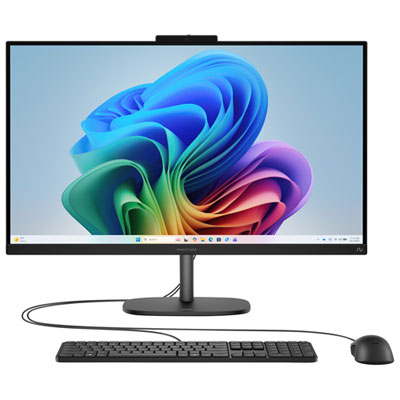
HP OmniStudio All-in-One Desktop 27" FHD - Jet Black - AMD Ryzen AI 5 330, 16GB Memory, 512GB SSD, Win 11, Copilot+ PC
About this product
A sleek jet black all-in-one PC featuring AMD Ryzen AI 5, 16GB RAM, and 512GB SSD.
What customers like
(130)$1,969.99 Your price for this item is $1969.99
FAQ
Consider your program’s software requirements, multitasking needs, portability, and battery life. A comfortable keyboard, a built-in webcam, Wi-Fi connectivity, and ports for your accessories are useful for coursework. Check your university’s computer requirements before choosing an operating system.
A laptop lets you take notes in lectures and work in libraries or study groups. A desktop suits a dedicated workspace and often offers more options for upgrading components. Your choice depends on whether you need to bring your computer to class or mainly study in one place.
The right operating system depends on the applications your courses require. Windows supports many engineering and business applications, while macOS is another option for programs whose software supports it. ChromeOS centres on browser-based tools but may not support required desktop applications. Confirm compatibility with your department before choosing.
For writing papers, browsing, and video calls, 8 GB of RAM can cover basic tasks, while 16 GB provides more room for multitasking. Demanding work such as video editing, data analysis, or running virtual machines may call for more memory. An SSD offers quick access to files and applications; choose storage capacity based on your software, course files, and offline access needs.
Look for a built-in webcam, a microphone, speakers or a headset connection, and reliable Wi-Fi connectivity. Bluetooth can connect wireless accessories, while USB and display ports let you add a keyboard, mouse, or monitor. Check that the computer supports your university’s video conferencing and learning platforms.
Top selling and popular products
Discover more categories related to Best Computers for University Students

Some products may be subject to Environmental Handling Fees (EHF) depending on your province. Learn more about EHFs.