HP Laptops for School
If you're a student, a parent, or a teacher looking for a laptop computer for school, there are lots of things to consider. You want something that's lightweight and portable, but also powerful enough to handle the workload. You want something that will last through the years, but also something that's affordable. And you want something that's safe, secure and easy to use. Here are some of our favorite laptops for school.
Sort
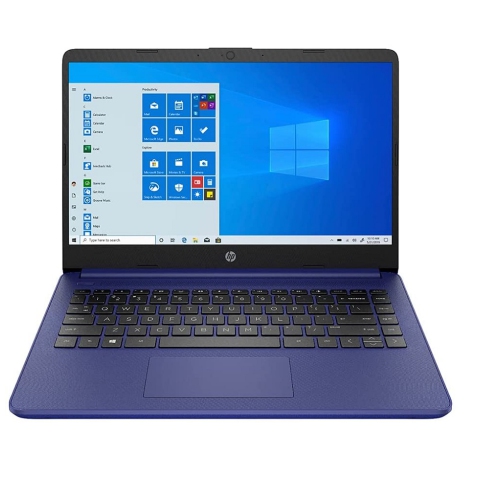
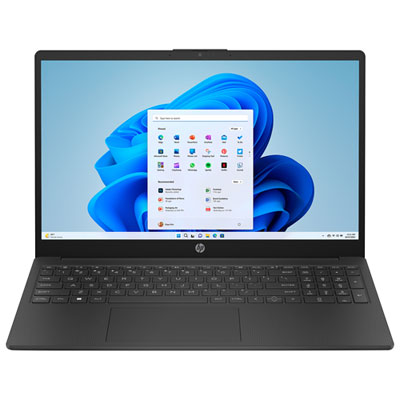
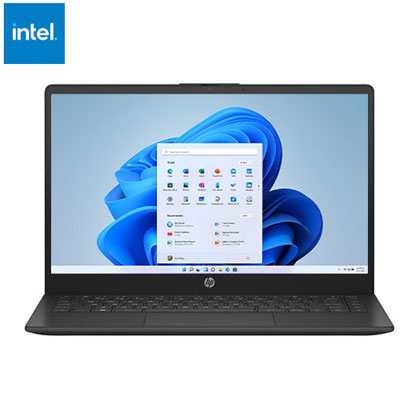
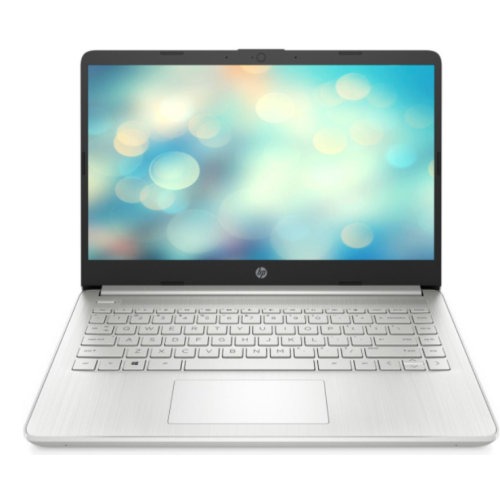
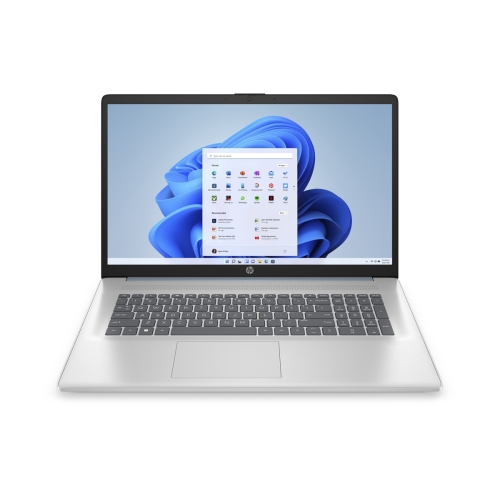

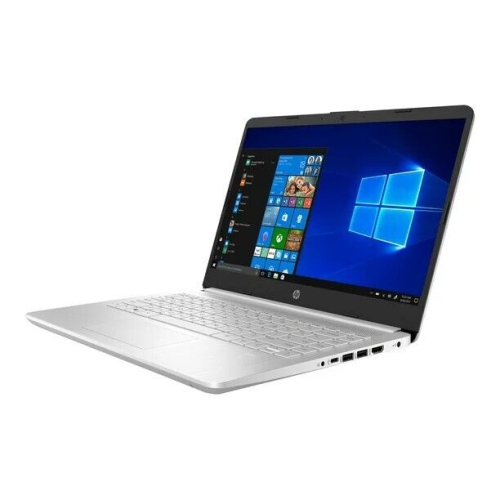
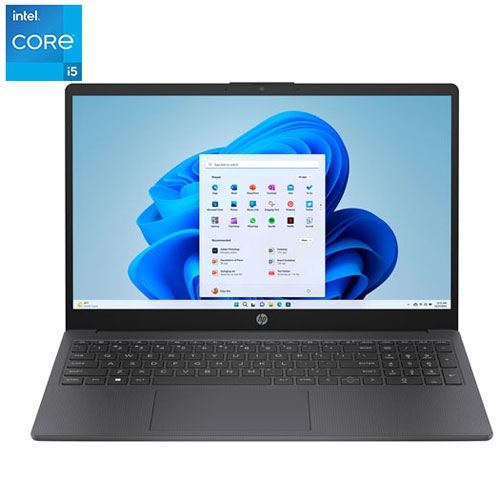
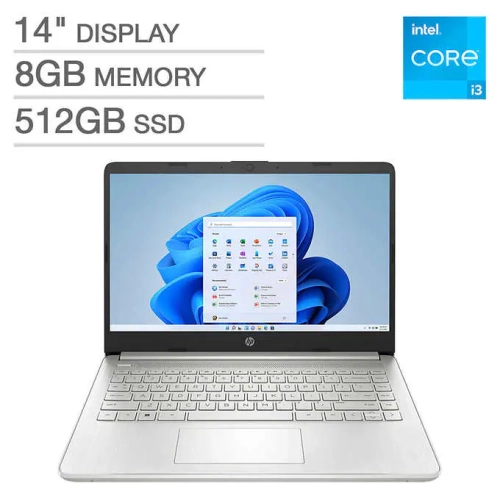
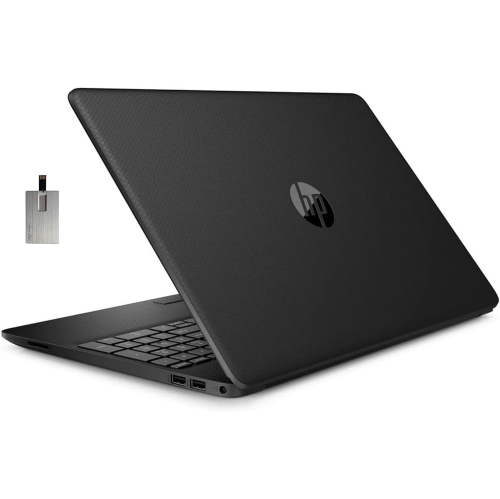
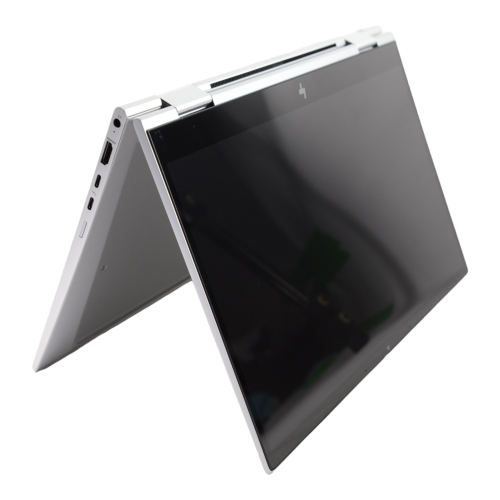
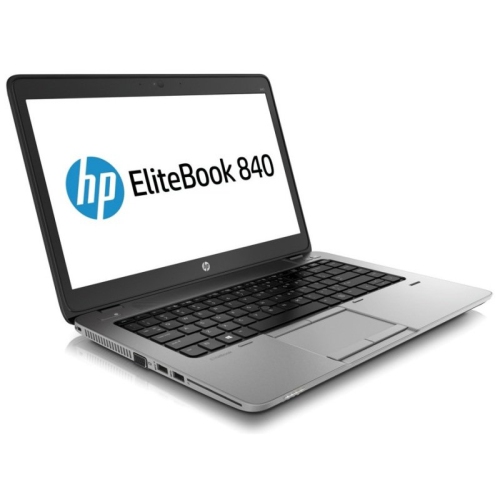
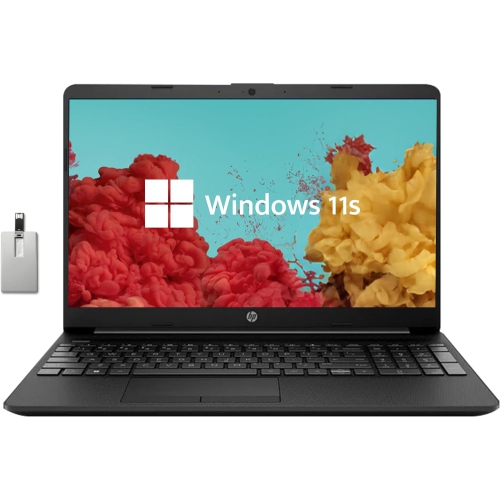
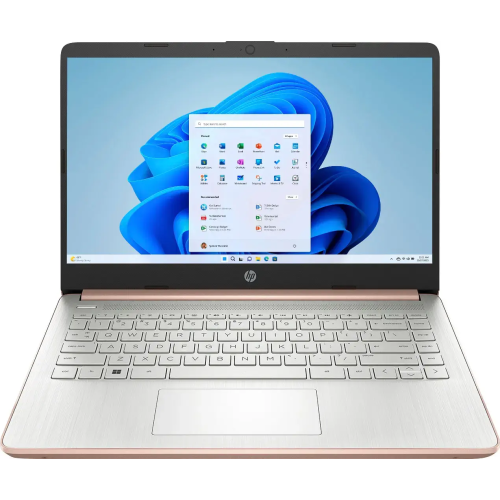
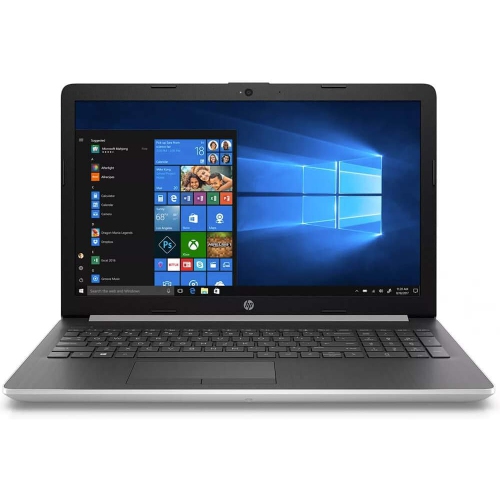
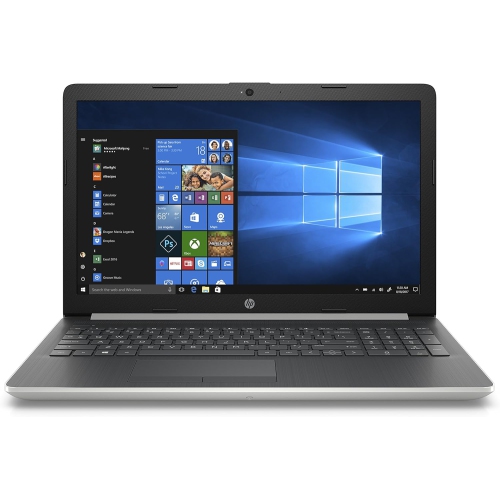
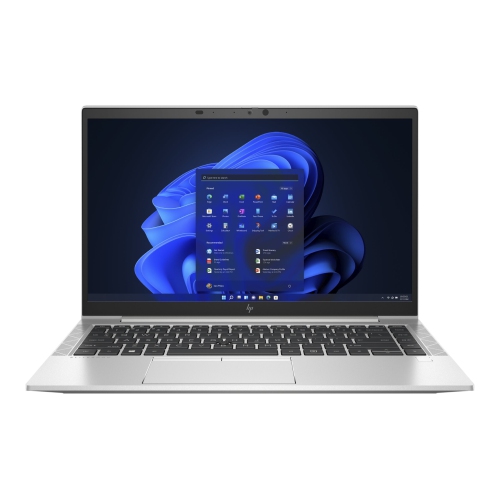
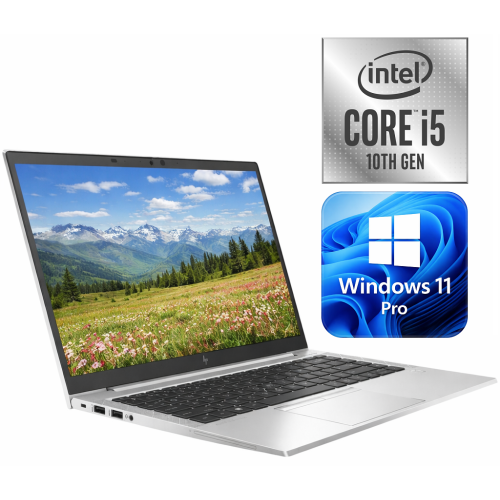
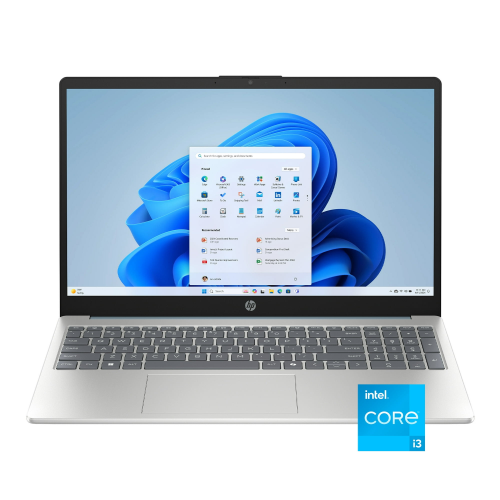
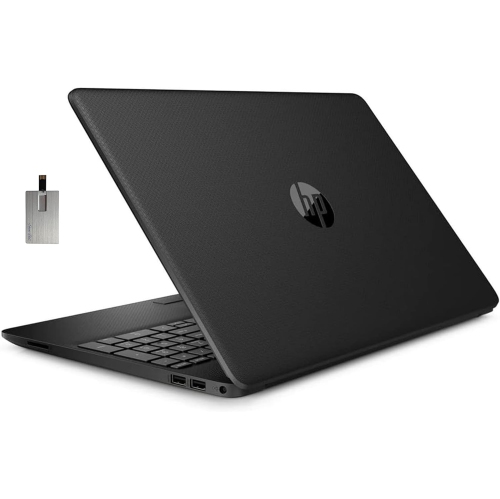

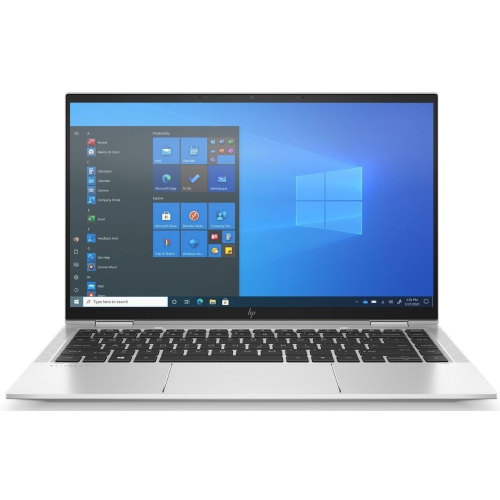
Why coursework matters more than one standout laptop specification
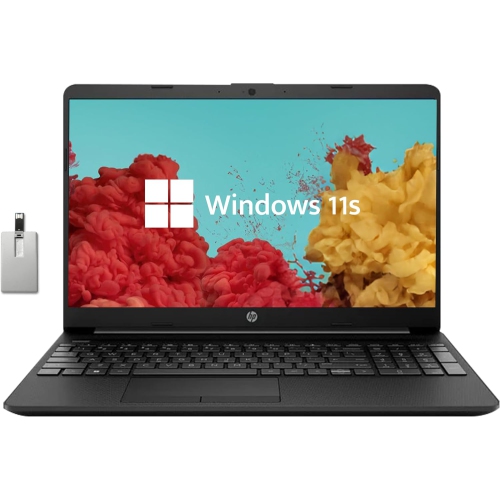
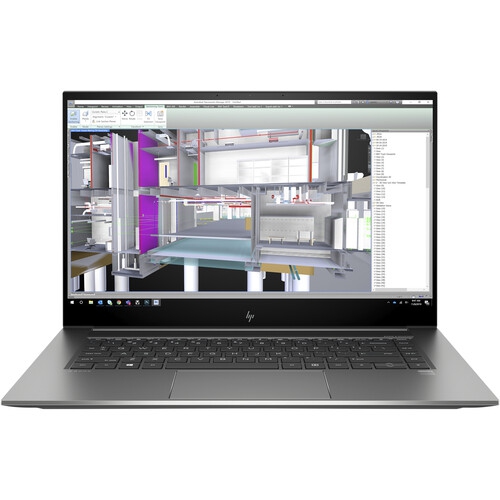
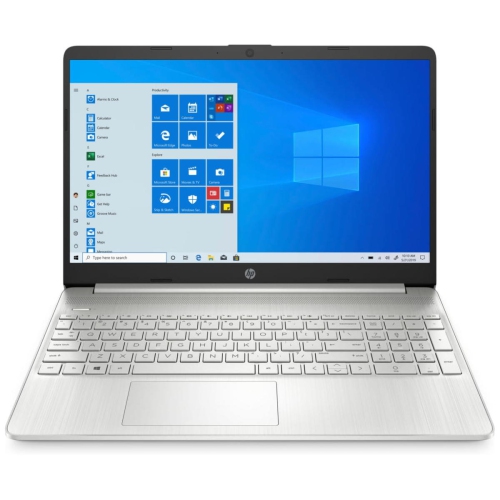
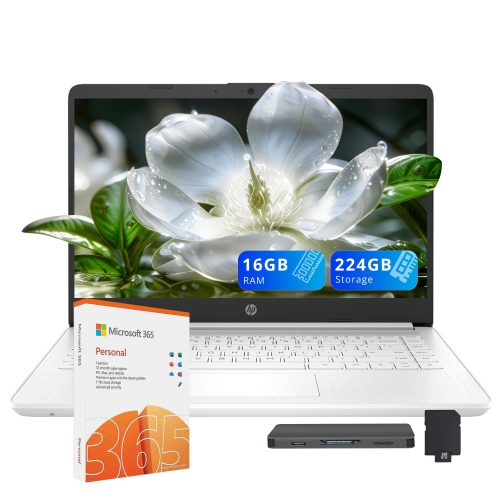
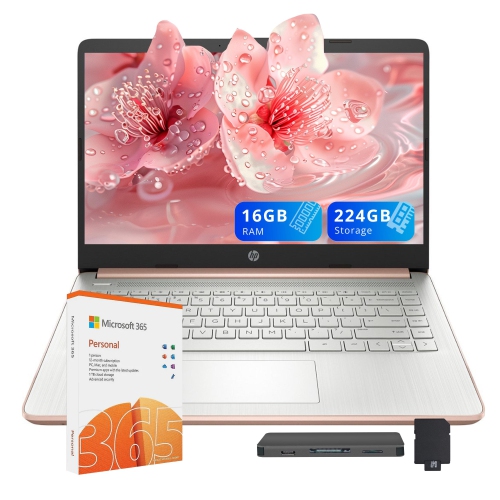
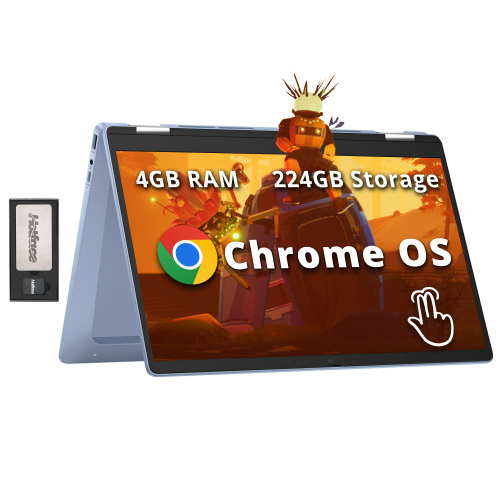
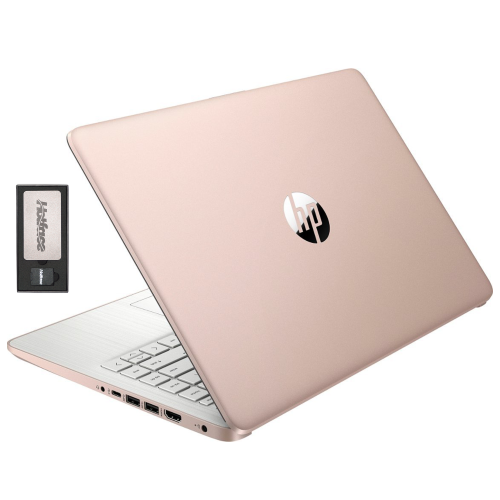
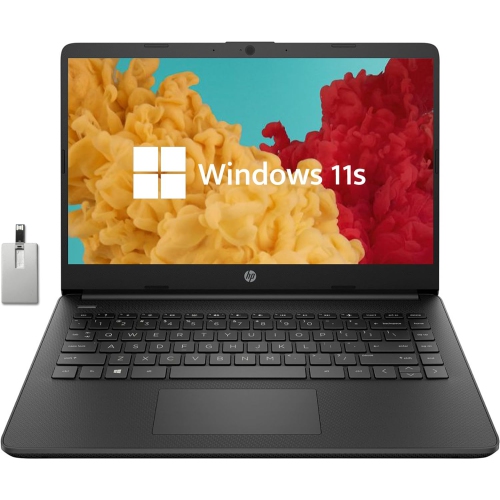
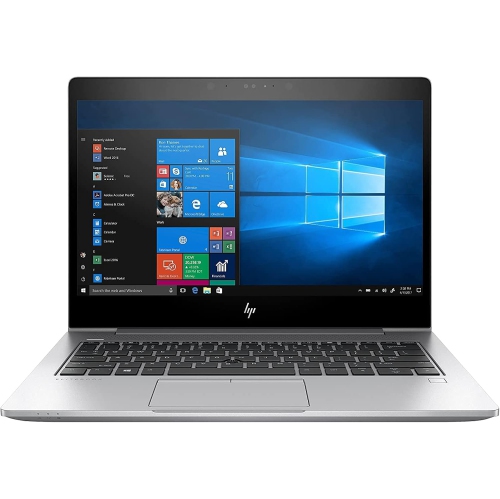
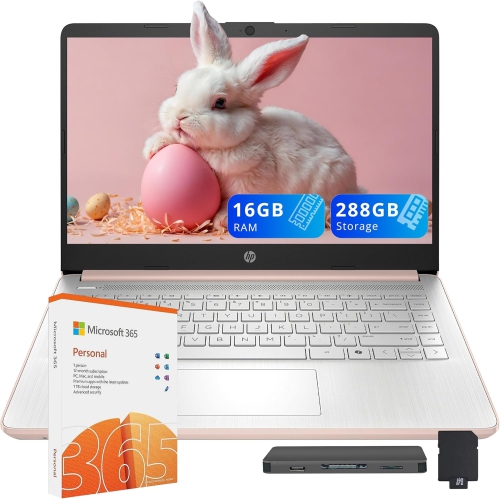
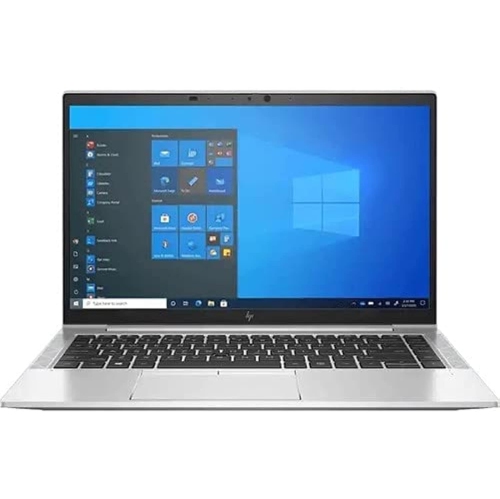
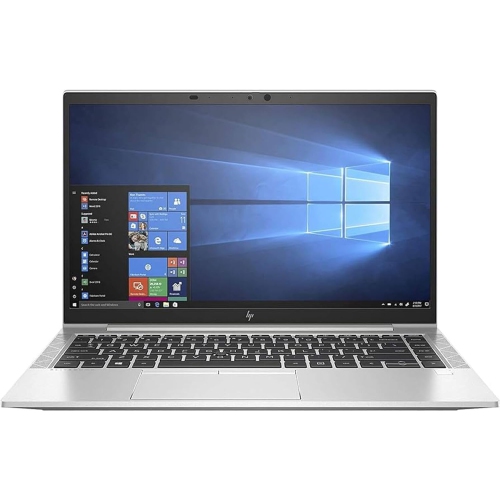
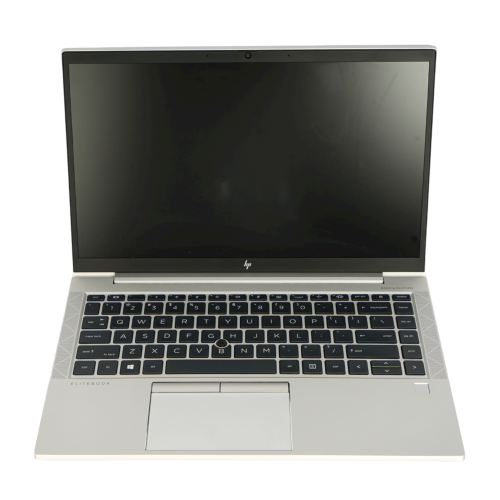
School laptops support the everyday rhythm of learning, from opening a classroom assignment portal to writing a research paper at the kitchen table. Their usefulness depends on how well the hardware and software match a student’s coursework, rather than on a single headline specification. For younger learners, that may mean a straightforward setup for reading activities, browser-based lessons, and video calls with a teacher. Secondary school students often need more room to work across documents, presentation slides, spreadsheets, and several research tabs. College and university coursework can add specialist applications for coding, statistics, drafting, or media production, making programme requirements especially important. A laptop that handles essays comfortably may not meet the graphics or processing requirements of an architecture or animation course. The operating system also matters: some school tools run in a browser, while others require a particular desktop platform or restrict which devices can access assessment software. Memory helps keep applications responsive when several tasks are open at once. For many students, 8 GB of RAM supports everyday document work and browsing, while 16 GB provides more breathing room for heavier multitasking and some creative applications; individual course requirements still take priority. Storage serves a different purpose, holding applications, downloaded readings, photos, and assignment files. A solid-state drive can help applications open promptly, and enough local space makes it easier to keep working when an internet connection is unreliable. Cloud storage can complement local storage, but offline access depends on the application and its settings. Students working mainly with text documents have different needs from those saving large video projects or technical datasets. Across the broader Laptops for School selection, the most useful distinctions are often these practical ones: the software a student must run, the amount of work kept on the device, and whether the laptop spends most of its day on a desk or travelling between classrooms. Those details shape how comfortably a device fits into school life.
Physical design becomes noticeable over a full day of classes. A compact laptop can fit more easily beside a notebook on a small lecture-hall desk, while a larger display offers extra space for comparing a source article with an essay draft. Screen size alone does not determine readability; resolution, brightness, scaling settings, and reflections all affect how text looks during extended study sessions. An anti-glare finish can reduce distracting reflections near a window, although it cannot eliminate every lighting challenge. Touch input may be useful for moving through interactive lessons, and a convertible design can support reading or handwritten notes when the device includes the necessary features. Active pen support varies, so a touchscreen does not automatically mean that every digital pen will work. For long written assignments, keyboard comfort and a dependable touchpad often matter more than features used only occasionally. Clearly spaced keys, an easy-to-read layout, and a backlit keyboard can make evening work more comfortable in a shared room. Students who regularly enter figures may appreciate a number pad, though it usually requires a wider chassis. Portability includes the charger as well as the laptop itself, particularly when a backpack already holds textbooks, lunch, and a water bottle. The fit inside a bag should leave space for a padded sleeve without pressing tightly against the lid or catching on the zipper. Chassis materials commonly include plastic, metal, or combinations of both, but material alone does not establish durability. Hinge construction, lid rigidity, and careful handling also influence how well a laptop holds up to daily travel. Reinforced designs and documented spill or drop testing can be relevant for younger students, but any protection applies only within the stated limits. No ordinary laptop should be treated as waterproof or immune to damage. At a regular study desk, a raised display with a separate keyboard and mouse can help position the screen more comfortably, while a clear surface leaves room for textbooks and handwritten work.
Battery life, connections, and routine care help determine how smoothly a school laptop moves through the day. Published battery estimates are based on particular test conditions, so actual runtime changes with screen brightness, video calls, wireless activity, and demanding software. A student moving between classrooms may value enough charge for several lessons, while someone working mainly at a desk may place greater emphasis on display space or performance. Charging compatibility deserves attention, since a USB-C port does not necessarily support charging or external video, and adapters must meet the device’s requirements. Wi-Fi capability is important for online assignments and shared documents, but connection quality also depends on the school or home network. A built-in webcam, clear microphone, and headphone connection can make remote lessons and group projects easier, especially when siblings or roommates are studying nearby. External display support is useful for spreading out research at home, while suitable ports can reduce the need for adapters when connecting classroom equipment or removable storage. Keeping the laptop dependable involves simple habits rather than elaborate maintenance. Carrying it in a padded compartment, keeping drinks away from the keyboard, and opening the lid gently from the centre can help limit avoidable wear. Vents need clear space, so a firm desk or table is preferable to a duvet during a long study session. Cleaning should follow the manufacturer’s directions, with the device powered off and liquid never sprayed directly onto its surfaces. During the cooler months, a laptop brought indoors from the cold should reach room temperature and be free of condensation before use. Regular software updates, a strong sign-in method, and a separate backup of important assignments add protection beyond physical care. For families sharing a device, individual user accounts help keep school files and personal settings organised. A laptop can also be a thoughtful gift for a student starting a new stage of education, particularly when its software compatibility, carrying weight, and input options reflect that student’s actual needs. From short reading exercises to a final presentation, a well-matched school laptop provides a practical place to learn, create, and keep coursework organised.
Physical design becomes noticeable over a full day of classes. A compact laptop can fit more easily beside a notebook on a small lecture-hall desk, while a larger display offers extra space for comparing a source article with an essay draft. Screen size alone does not determine readability; resolution, brightness, scaling settings, and reflections all affect how text looks during extended study sessions. An anti-glare finish can reduce distracting reflections near a window, although it cannot eliminate every lighting challenge. Touch input may be useful for moving through interactive lessons, and a convertible design can support reading or handwritten notes when the device includes the necessary features. Active pen support varies, so a touchscreen does not automatically mean that every digital pen will work. For long written assignments, keyboard comfort and a dependable touchpad often matter more than features used only occasionally. Clearly spaced keys, an easy-to-read layout, and a backlit keyboard can make evening work more comfortable in a shared room. Students who regularly enter figures may appreciate a number pad, though it usually requires a wider chassis. Portability includes the charger as well as the laptop itself, particularly when a backpack already holds textbooks, lunch, and a water bottle. The fit inside a bag should leave space for a padded sleeve without pressing tightly against the lid or catching on the zipper. Chassis materials commonly include plastic, metal, or combinations of both, but material alone does not establish durability. Hinge construction, lid rigidity, and careful handling also influence how well a laptop holds up to daily travel. Reinforced designs and documented spill or drop testing can be relevant for younger students, but any protection applies only within the stated limits. No ordinary laptop should be treated as waterproof or immune to damage. At a regular study desk, a raised display with a separate keyboard and mouse can help position the screen more comfortably, while a clear surface leaves room for textbooks and handwritten work.
Battery life, connections, and routine care help determine how smoothly a school laptop moves through the day. Published battery estimates are based on particular test conditions, so actual runtime changes with screen brightness, video calls, wireless activity, and demanding software. A student moving between classrooms may value enough charge for several lessons, while someone working mainly at a desk may place greater emphasis on display space or performance. Charging compatibility deserves attention, since a USB-C port does not necessarily support charging or external video, and adapters must meet the device’s requirements. Wi-Fi capability is important for online assignments and shared documents, but connection quality also depends on the school or home network. A built-in webcam, clear microphone, and headphone connection can make remote lessons and group projects easier, especially when siblings or roommates are studying nearby. External display support is useful for spreading out research at home, while suitable ports can reduce the need for adapters when connecting classroom equipment or removable storage. Keeping the laptop dependable involves simple habits rather than elaborate maintenance. Carrying it in a padded compartment, keeping drinks away from the keyboard, and opening the lid gently from the centre can help limit avoidable wear. Vents need clear space, so a firm desk or table is preferable to a duvet during a long study session. Cleaning should follow the manufacturer’s directions, with the device powered off and liquid never sprayed directly onto its surfaces. During the cooler months, a laptop brought indoors from the cold should reach room temperature and be free of condensation before use. Regular software updates, a strong sign-in method, and a separate backup of important assignments add protection beyond physical care. For families sharing a device, individual user accounts help keep school files and personal settings organised. A laptop can also be a thoughtful gift for a student starting a new stage of education, particularly when its software compatibility, carrying weight, and input options reflect that student’s actual needs. From short reading exercises to a final presentation, a well-matched school laptop provides a practical place to learn, create, and keep coursework organised.
Top selling and popular products
-
 Your price for this item is $449
 -
 Your price for this item is $3099
 -
 Your price for this item is $664.05
 -
 Your price for this item is $599.68
 -
 Your price for this item is $259
 -
 Your price for this item is $418.98
 -
 Your price for this item is $999.95
 -
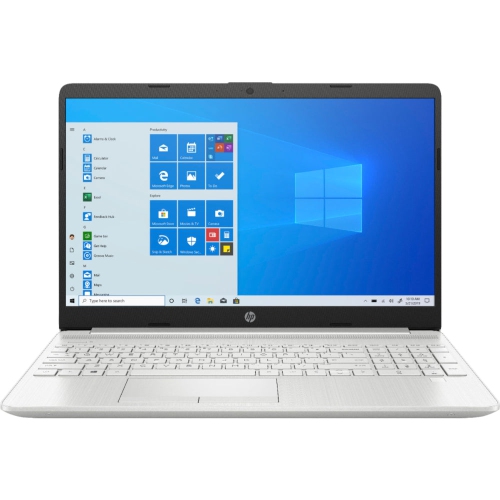 Your price for this item is $489
Discover more categories related to HP Laptops for School

Top Collections:
Pokemon Centers, Budget 4K TVs, Best Budget Office Chairs, Kindle Devices, Canon G7X Cameras, Apple iPhones 16, iPhone 15 Apple, Laptops for Business Work, Xiaomi Phones, Flip Phones
Some products may be subject to Environmental Handling Fees
(EHF) depending on your province.
Learn more about EHFs.