Budget 4K TVs
If you're looking for a TV that's big enough to watch the latest movies and shows in their full glory, but don't have the budget for a top-of-the-line model, we've got you covered. 4K Ultra HD TVs offer a stunning visual experience but they also provide an immersive cinematic experience. The picture quality is so good that you can almost feel like you're in the movie theater watching a film on the big screen. Here are our picks for the best budget 4K TVs.
Sort
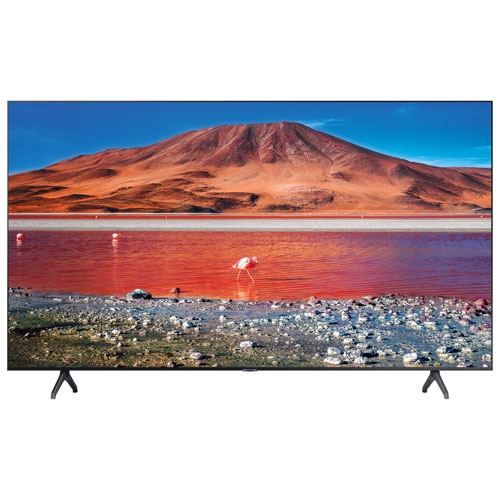

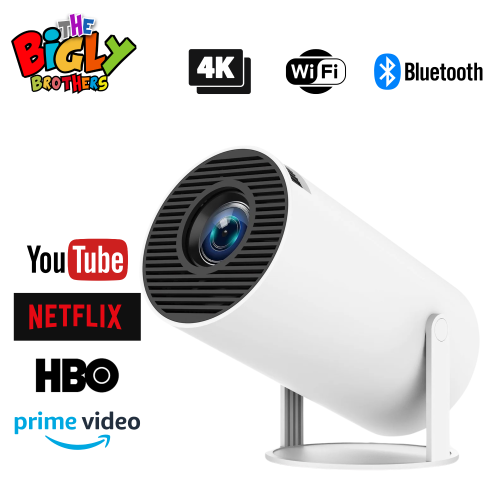
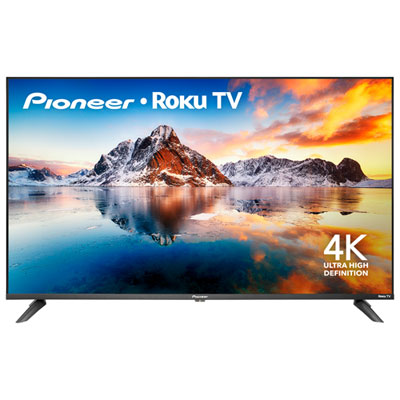
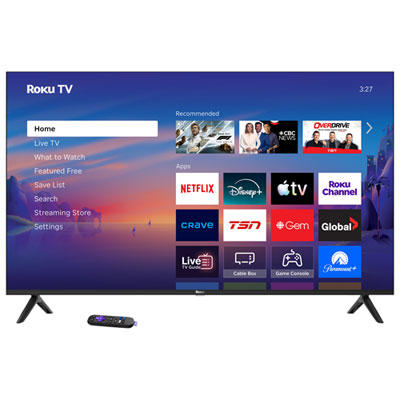


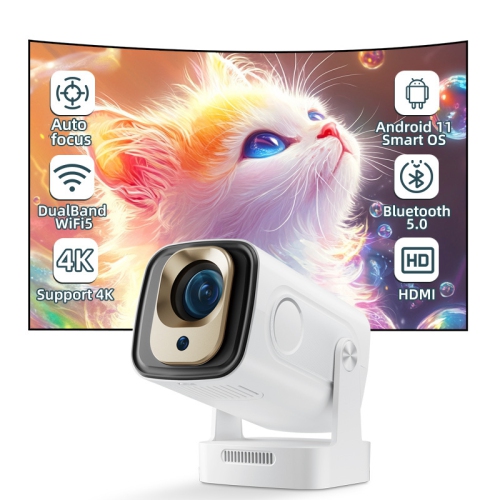
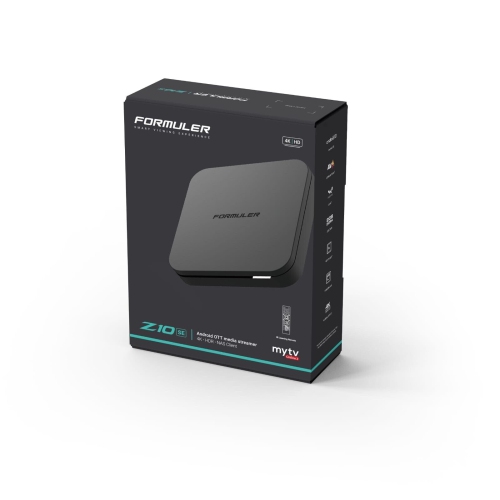

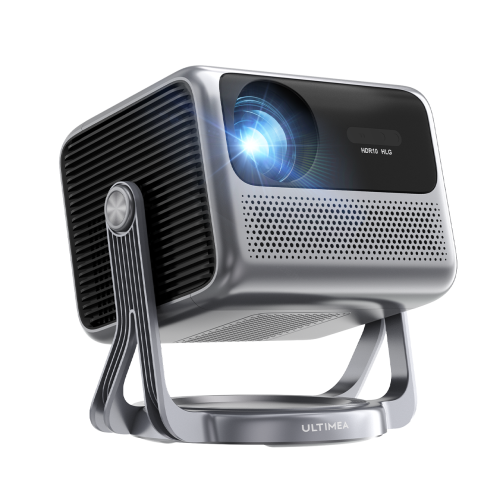
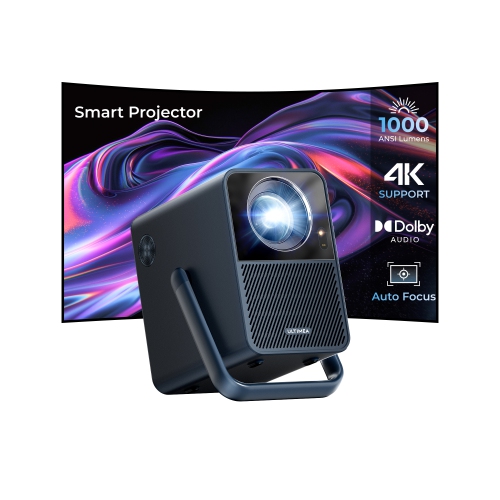
![ULTIMEA [1300 Ansi/android Tv] 4K Projector w Wifi 6, Native 1080P Smart Projector w Auto Focus, Auto Keystone & Dolby Audio, Voice Control The Poseidon E40 is an impressive addition to the home cinema, offering a great balance of sound quality](https://multimedia.bbycastatic.ca/multimedia/products/500x500/181/18196/18196916.jpeg)
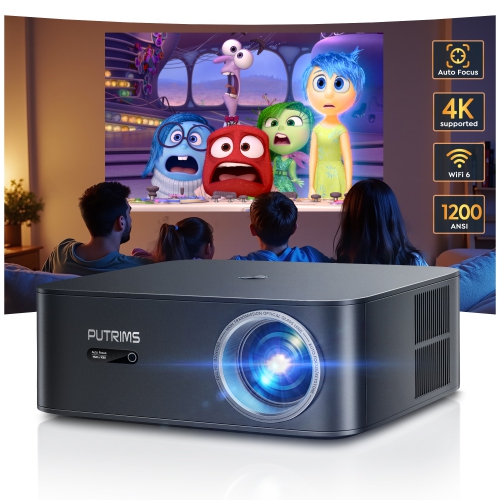
![ULTIMEA [1300 Ansi/android Tv] 4K Projector w Wifi 6, Native 1080P Smart Projector w Auto Focus, Auto Keystone & Dolby Audio, Voice Control](https://multimedia.bbycastatic.ca/multimedia/products/500x500/181/18142/18142088.jpeg)


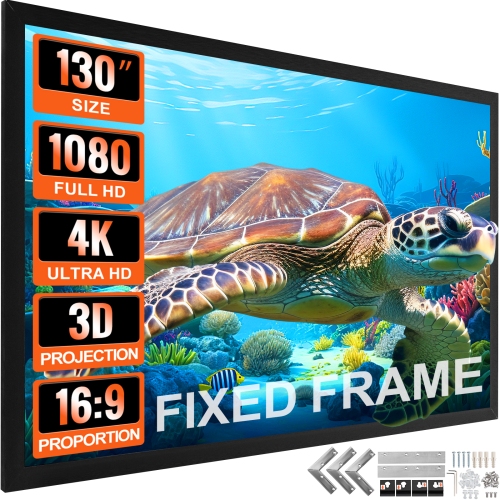
![LDAS ELECTRONICS Smart 4K Projector [Built-In Google Tv/360°Stand] 30W Hi-Fi Speakers, Competible w Netflix, HDr10 Outdoor Projector w Auto Focus &](https://multimedia.bbycastatic.ca/multimedia/products/500x500/199/19931/19931902.png)
Picture quality goes beyond the 4K pixel count
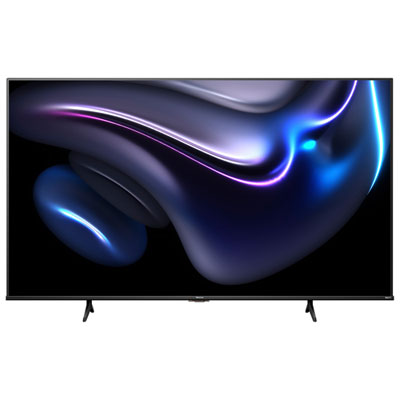
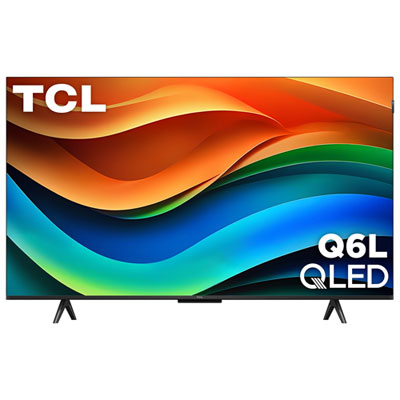
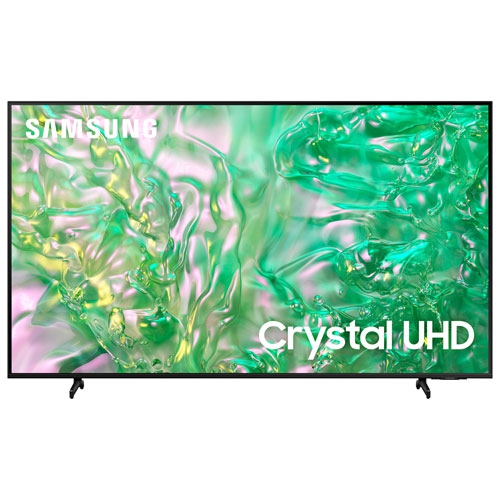
Budget 4K TVs bring detailed pictures to everyday viewing, from streaming a favourite series to watching live sports or sharing a movie with family. A 4K Ultra HD screen has 3840 × 2160 pixels, four times the pixel count of Full HD, giving compatible content room to show finer textures, clearer scenery, and more detail in wide shots. That resolution is useful across a range of screen sizes, but it is only one part of picture quality: brightness, contrast, colour reproduction, and motion handling all influence what appears on screen. Many TVs in this category combine 4K resolution with built-in streaming apps, HDR support, and HDMI connections for entertainment devices, though features vary by model. For shoppers browsing a defined collection, Below $1000 4K TVs brings together another selection of 4K screens to explore. These televisions suit living rooms, bedrooms, apartments, and shared spaces where straightforward access to shows, films, and games matters more than an extensive set of advanced adjustments. A compact screen can fit comfortably on a bedroom dresser, while a larger display can make subtitles and on-screen menus easier to see from a sofa across the room. The best physical fit depends on both viewing distance and the furniture around the television. Screen size is measured diagonally, so a 55-inch TV is not 55 inches wide; the listed cabinet dimensions and stand footprint provide the measurements needed for a proper fit. Some televisions have feet positioned near the outer edges, while others use a central stand. That difference matters on a narrow media unit, where both feet need full support rather than sitting close to an edge. Space for a soundbar, access to nearby outlets, and a clear path for cables also help a television settle neatly into a room without crowding the surface beneath it.
Picture features become more meaningful when connected to the way a television will be used. For films with dark scenes, stronger contrast can help separate a character’s jacket from the shadow behind it, while greater screen brightness can make viewing more comfortable in a room with plenty of daylight. Reflections still matter, so placing the screen opposite a large window may make darker programmes harder to follow. HDR, or high dynamic range, allows compatible televisions and content to display a wider range of brightness and colour than standard dynamic range content. Support for formats such as HDR10 does not mean every screen will deliver the same result: panel brightness, colour capability, and backlight control determine how much impact those highlights and shadows have. Some LED TVs use a quantum dot layer to broaden colour reproduction, but that feature alone does not establish overall picture quality. Viewing angles are another practical consideration for households with seats spread across a room, since contrast and colour can look different from the side. For sports and gaming, a panel’s native refresh rate is more informative than a branded motion label. A native 60 Hz screen refreshes its image 60 times per second and suits many everyday viewing needs; higher native refresh rates can support smoother motion when paired with a compatible source. Motion processing may soften judder in some material, although its effect on films is a matter of preference. Gamers may also appreciate a dedicated game mode that reduces input lag, helping a button press feel more closely connected to the action. Automatic low latency mode and variable refresh rate support are separate features, not standard characteristics of every 4K television. Older broadcasts and videos can be upscaled to fill a 4K screen, but upscaling cannot fully recreate detail absent from the original source. Native 4K content, a suitable streaming plan where required, and a reliable internet connection help make the most of the display.
Daily convenience often comes down to the smart TV interface, connections, and controls. Built-in apps can keep a streaming setup simple, while an external streaming device may suit someone who already prefers a particular interface. App support, account requirements, and subscription requirements differ, so the services a household actually uses deserve attention alongside the screen specifications. Wi-Fi provides a wireless connection, and an Ethernet port, where included, offers a wired alternative when the television sits close to a router. HDMI port count matters when a game console, streaming device, and soundbar all need to stay connected. An HDMI connection with ARC or eARC can carry TV audio to compatible sound equipment, although supported audio formats depend on both devices. Built-in speakers may be sufficient for casual viewing, while a soundbar can make dialogue easier to follow or give films a fuller sound. Remote layout, caption controls, voice functions, and accessibility settings also shape the experience, particularly for a shared television or a gift for someone who values familiar, simple controls. Physical construction deserves the same attention as software. Slim cabinets commonly use plastic housings and lightweight trim, with stand materials varying by model; a narrow bezel alone is not a measure of durability. A stable support surface, clear ventilation openings, and careful handling help protect the television during everyday use. Wall mounting requires a compatible mounting pattern, suitable hardware, and support appropriate to the wall and the television’s weight. Cables should have enough clearance to connect without sharp bends, especially behind a closely mounted screen. For care, follow the manufacturer’s cleaning instructions, switch the television off, and use a clean, soft microfibre cloth without pressing on the panel or spraying liquid directly onto it. Keeping the remote easy to reach and the screen free of fingerprints makes routine viewing more pleasant. Whether the television anchors a first apartment’s living room or adds a dedicated place for games and streaming, the most useful combination is a comfortable screen size, suitable picture features, and connections that work with the household’s existing devices.
Picture features become more meaningful when connected to the way a television will be used. For films with dark scenes, stronger contrast can help separate a character’s jacket from the shadow behind it, while greater screen brightness can make viewing more comfortable in a room with plenty of daylight. Reflections still matter, so placing the screen opposite a large window may make darker programmes harder to follow. HDR, or high dynamic range, allows compatible televisions and content to display a wider range of brightness and colour than standard dynamic range content. Support for formats such as HDR10 does not mean every screen will deliver the same result: panel brightness, colour capability, and backlight control determine how much impact those highlights and shadows have. Some LED TVs use a quantum dot layer to broaden colour reproduction, but that feature alone does not establish overall picture quality. Viewing angles are another practical consideration for households with seats spread across a room, since contrast and colour can look different from the side. For sports and gaming, a panel’s native refresh rate is more informative than a branded motion label. A native 60 Hz screen refreshes its image 60 times per second and suits many everyday viewing needs; higher native refresh rates can support smoother motion when paired with a compatible source. Motion processing may soften judder in some material, although its effect on films is a matter of preference. Gamers may also appreciate a dedicated game mode that reduces input lag, helping a button press feel more closely connected to the action. Automatic low latency mode and variable refresh rate support are separate features, not standard characteristics of every 4K television. Older broadcasts and videos can be upscaled to fill a 4K screen, but upscaling cannot fully recreate detail absent from the original source. Native 4K content, a suitable streaming plan where required, and a reliable internet connection help make the most of the display.
Daily convenience often comes down to the smart TV interface, connections, and controls. Built-in apps can keep a streaming setup simple, while an external streaming device may suit someone who already prefers a particular interface. App support, account requirements, and subscription requirements differ, so the services a household actually uses deserve attention alongside the screen specifications. Wi-Fi provides a wireless connection, and an Ethernet port, where included, offers a wired alternative when the television sits close to a router. HDMI port count matters when a game console, streaming device, and soundbar all need to stay connected. An HDMI connection with ARC or eARC can carry TV audio to compatible sound equipment, although supported audio formats depend on both devices. Built-in speakers may be sufficient for casual viewing, while a soundbar can make dialogue easier to follow or give films a fuller sound. Remote layout, caption controls, voice functions, and accessibility settings also shape the experience, particularly for a shared television or a gift for someone who values familiar, simple controls. Physical construction deserves the same attention as software. Slim cabinets commonly use plastic housings and lightweight trim, with stand materials varying by model; a narrow bezel alone is not a measure of durability. A stable support surface, clear ventilation openings, and careful handling help protect the television during everyday use. Wall mounting requires a compatible mounting pattern, suitable hardware, and support appropriate to the wall and the television’s weight. Cables should have enough clearance to connect without sharp bends, especially behind a closely mounted screen. For care, follow the manufacturer’s cleaning instructions, switch the television off, and use a clean, soft microfibre cloth without pressing on the panel or spraying liquid directly onto it. Keeping the remote easy to reach and the screen free of fingerprints makes routine viewing more pleasant. Whether the television anchors a first apartment’s living room or adds a dedicated place for games and streaming, the most useful combination is a comfortable screen size, suitable picture features, and connections that work with the household’s existing devices.
Top selling and popular products
-
 Your price for this item is $899.97
 -
 Your price for this item is $999.99
 -
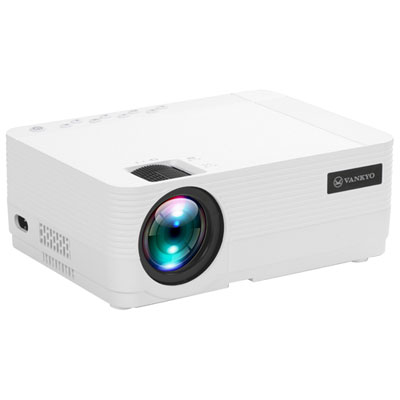 Your price for this item is $229.99
 -
 Your price for this item is $1699.99
 -
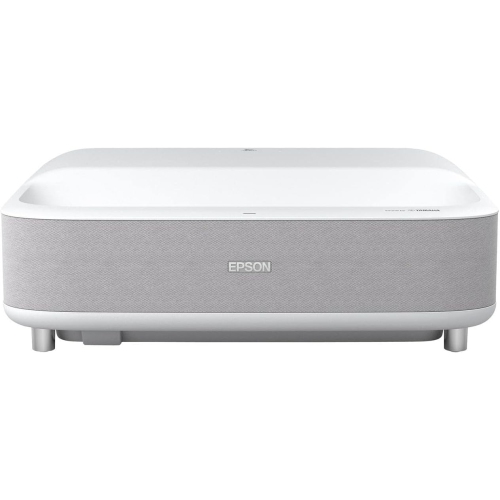 Your price for this item is $2279.05
 -
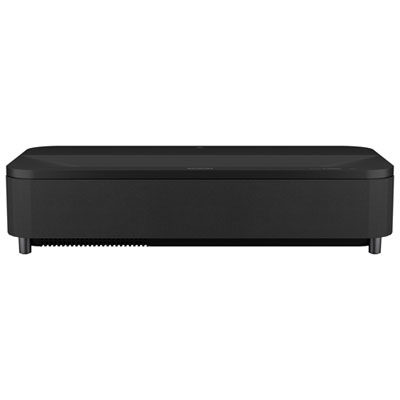 Your price for this item is $4799.99
 -
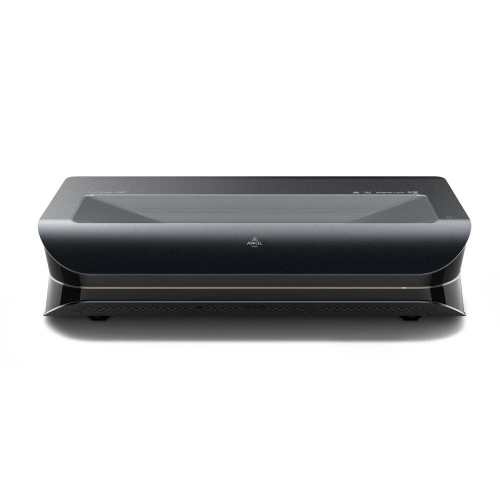 Your price for this item is $2294.15
 -
 Your price for this item is $799
Discover more categories related to Budget 4K TVs
Top Collections:
Pokemon Centers, Kindle Devices, Budget 4K TVs, Canon G7X Cameras, Apple iPhones 16, iPhone 15 Apple, Refurbished Apple Laptops, Motorola Razr Phones, Flip Phones, Needoh Sale
Some products may be subject to Environmental Handling Fees
(EHF) depending on your province.
Learn more about EHFs.