Rack Solutions
Discover a wide range of innovative Rack Solutions designed to optimize your storage and organization needs. Whether you're looking to declutter your home or streamline your workspace, these versatile solutions provide efficient ways to store and display your items. From sleek and modern designs to sturdy and practical options, our collection offers something for every space and style. Explore our selection of Rack Solutions today and transform the way you organize your belongings.
Sort
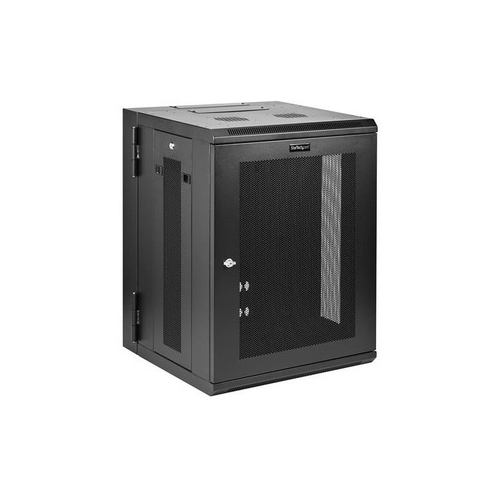
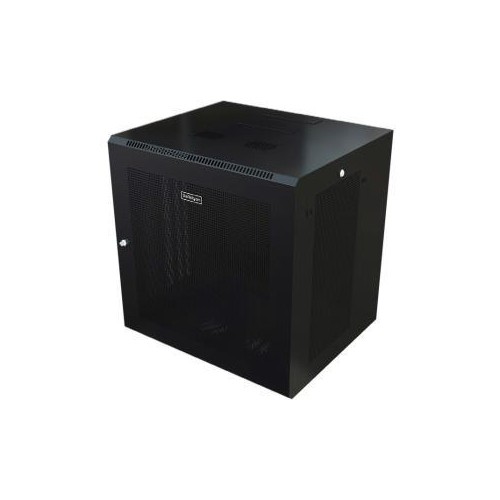
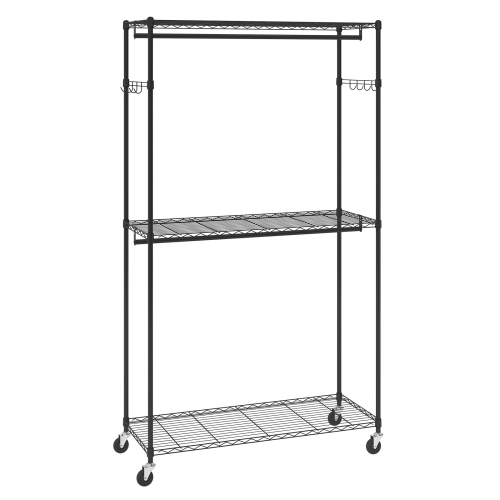
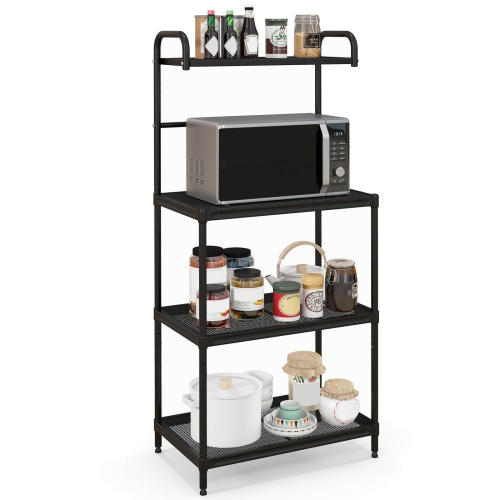
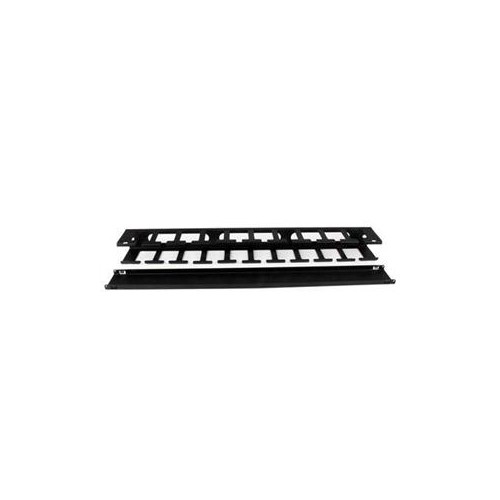
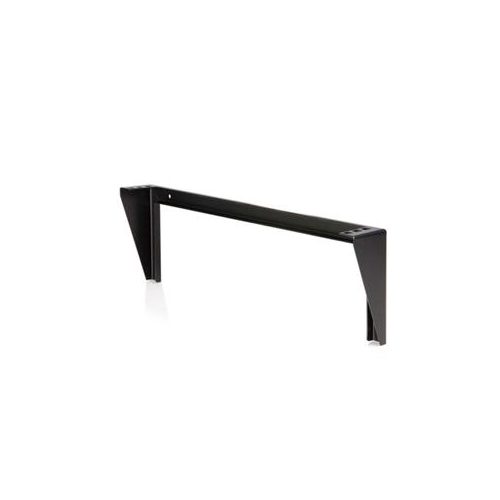

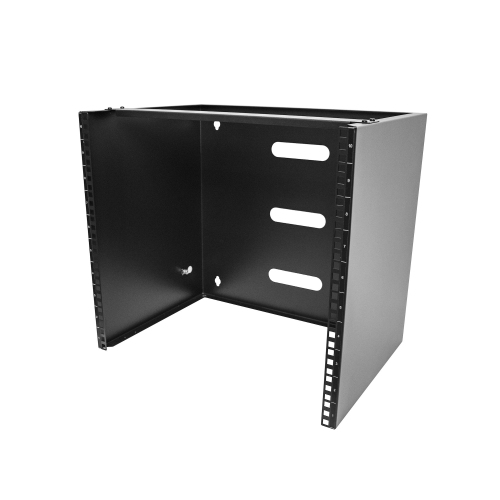
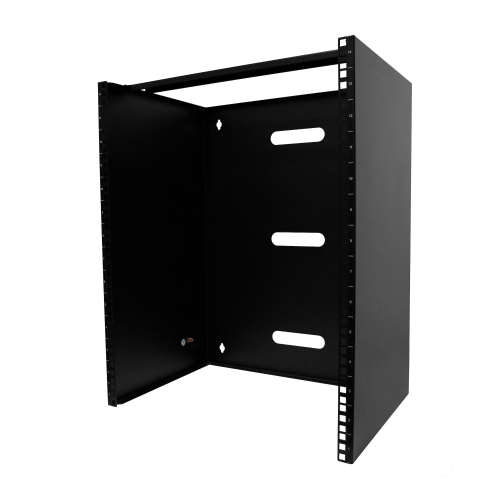




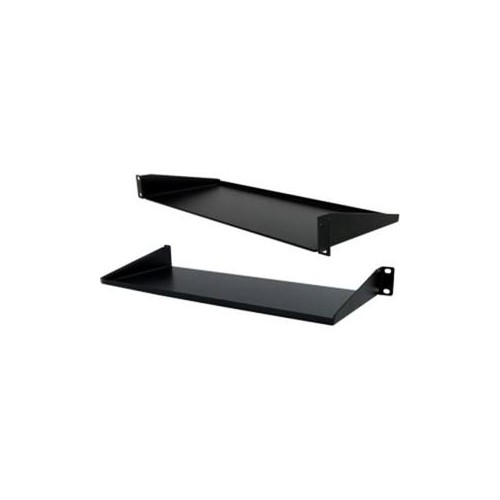
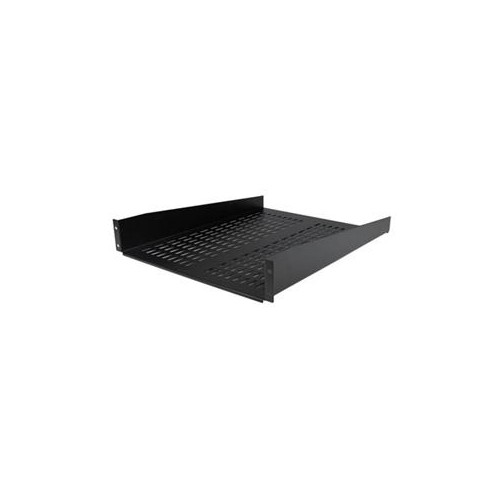
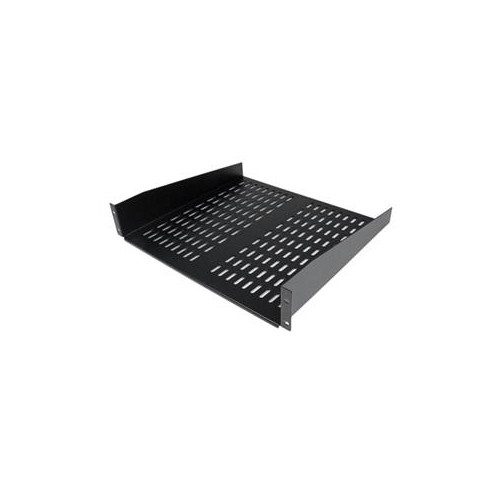
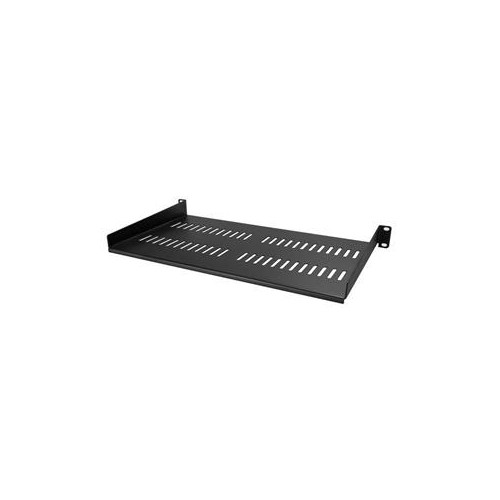
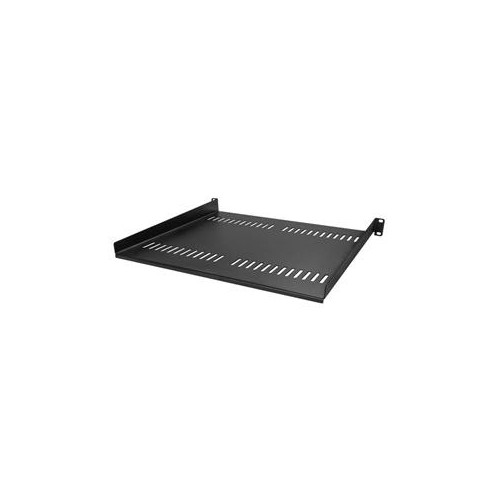
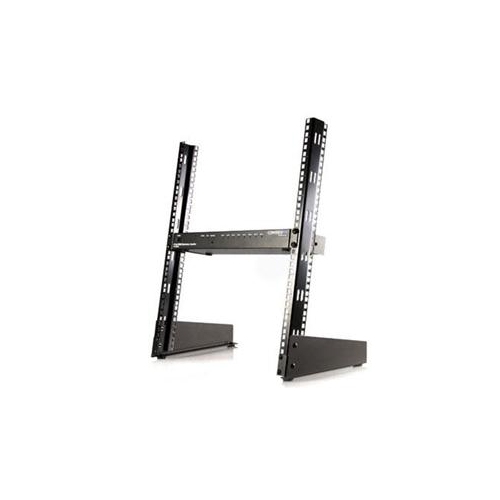
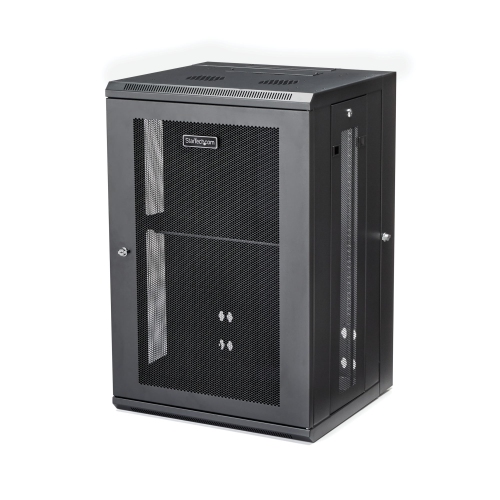
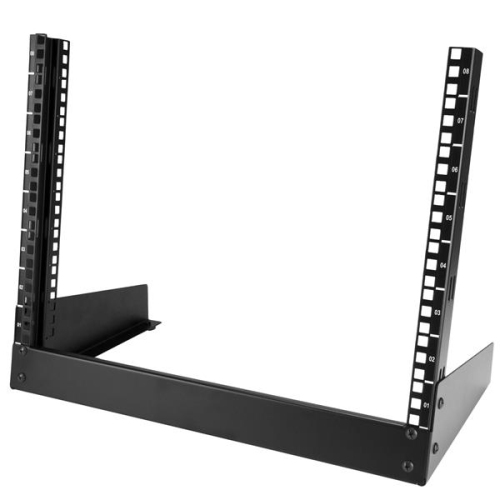
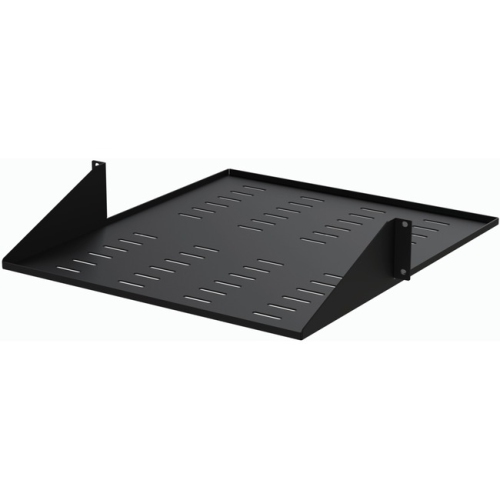
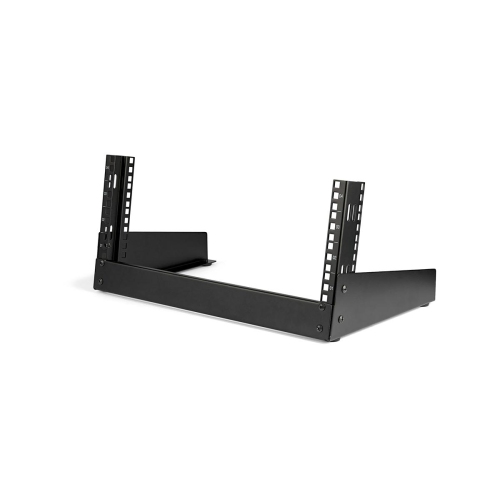
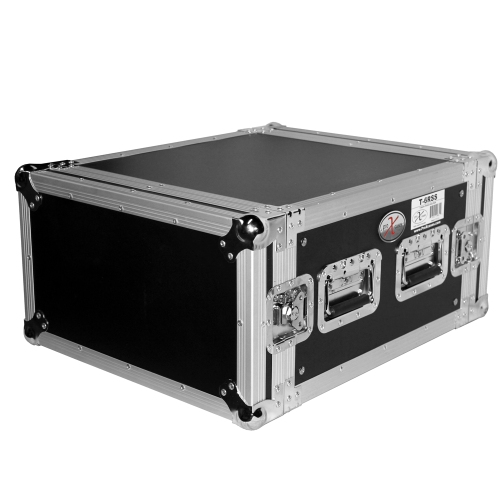
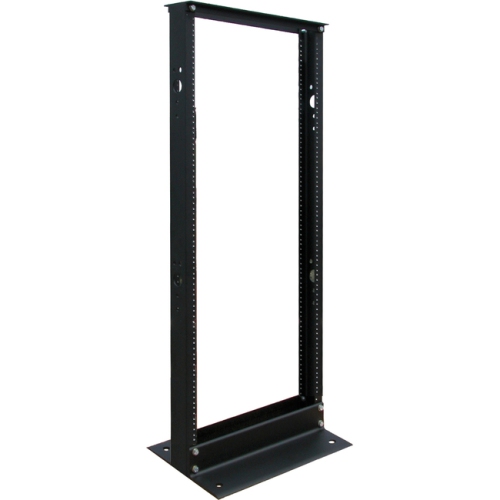
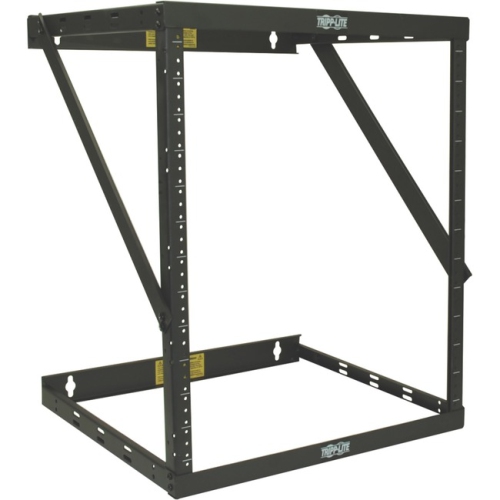
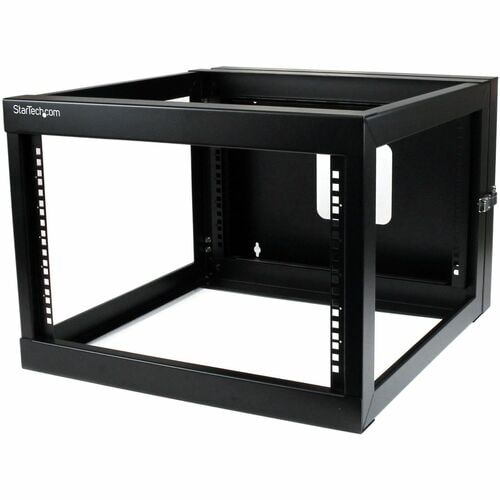
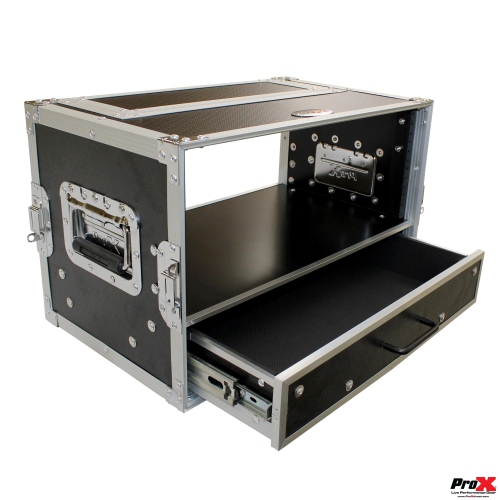
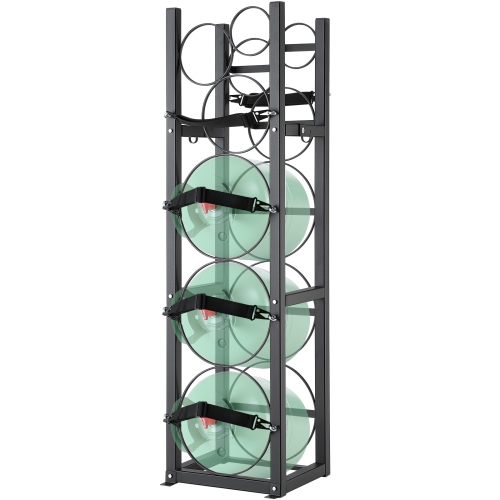
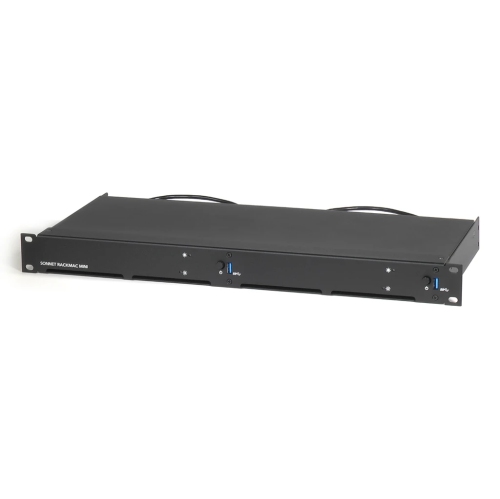
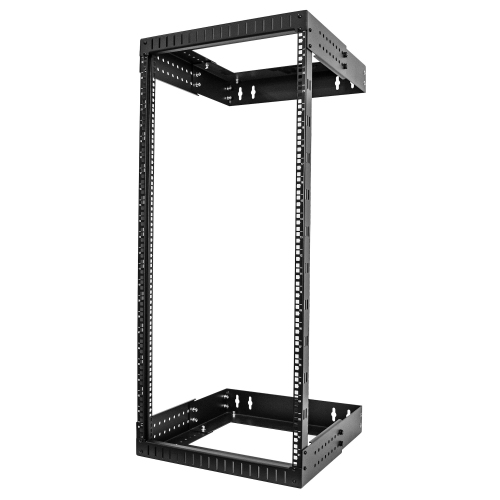
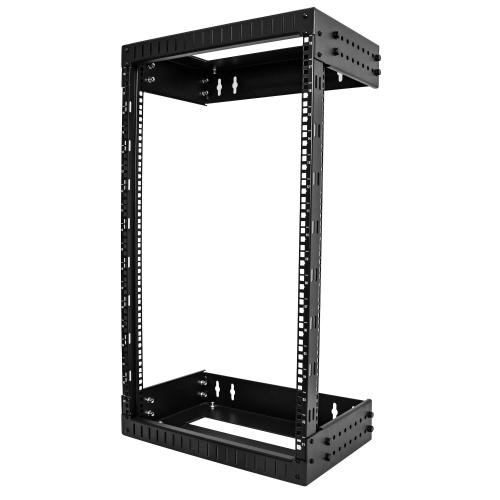









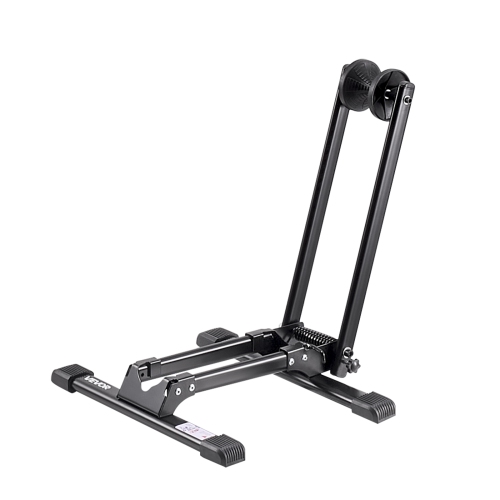
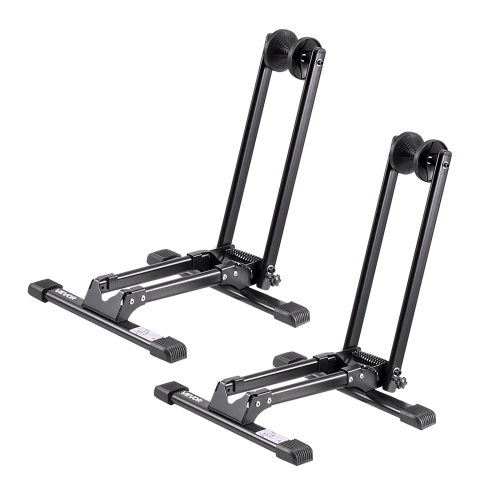
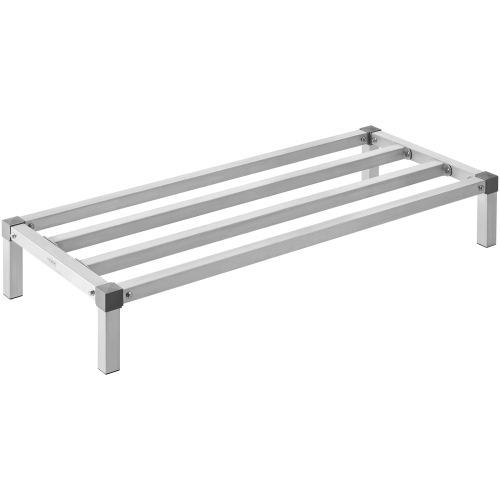
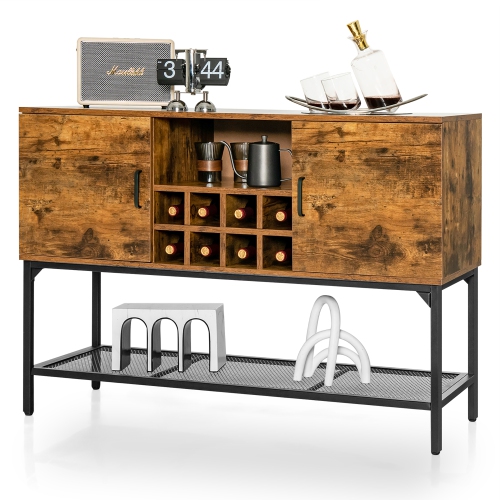
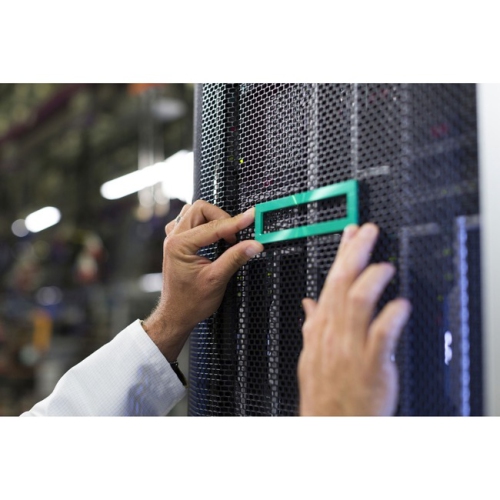

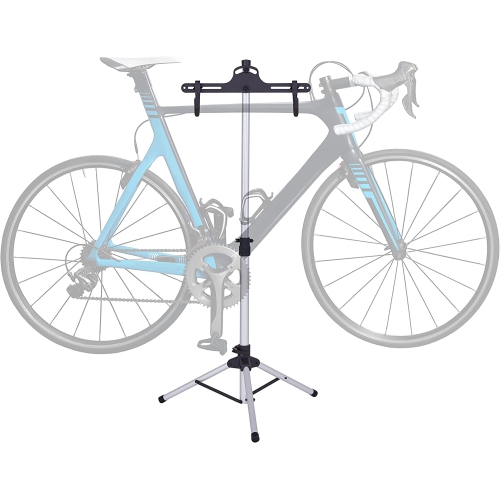
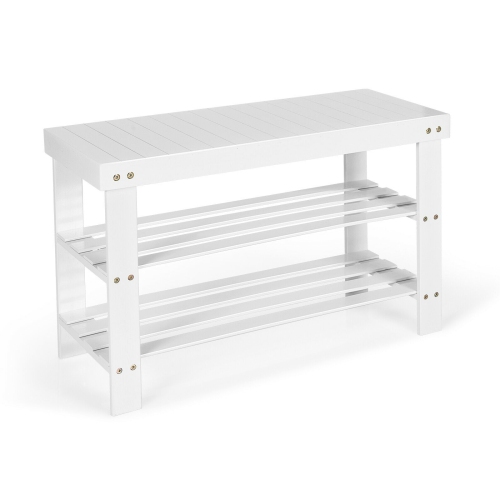
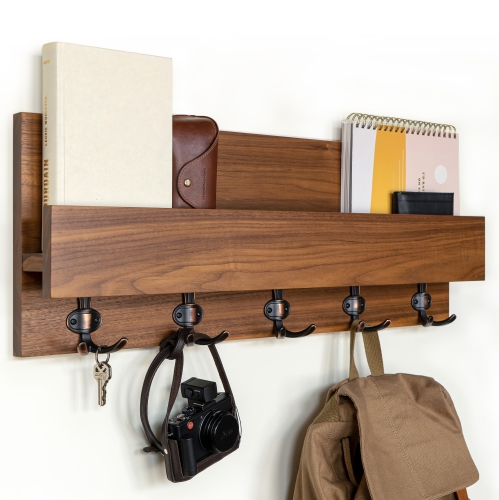
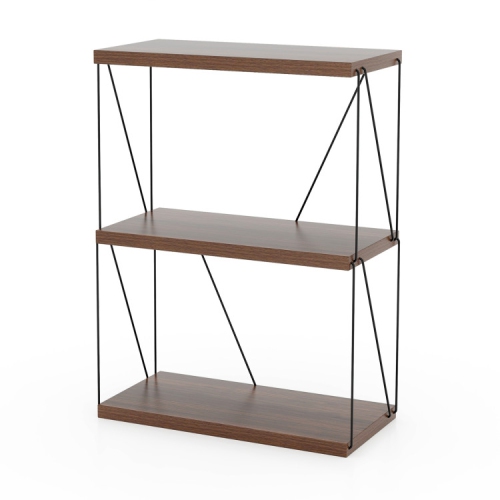
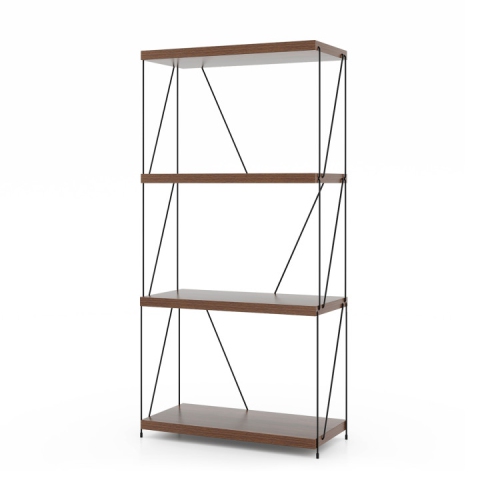
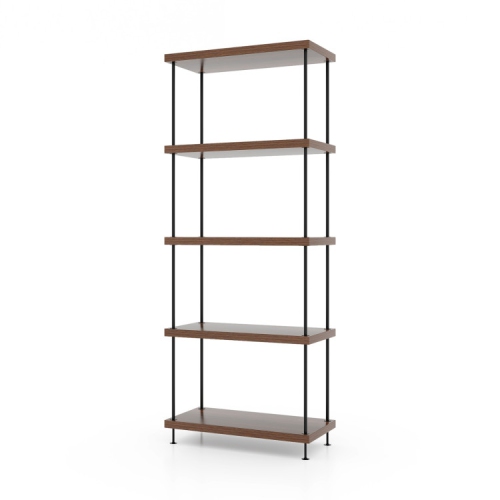
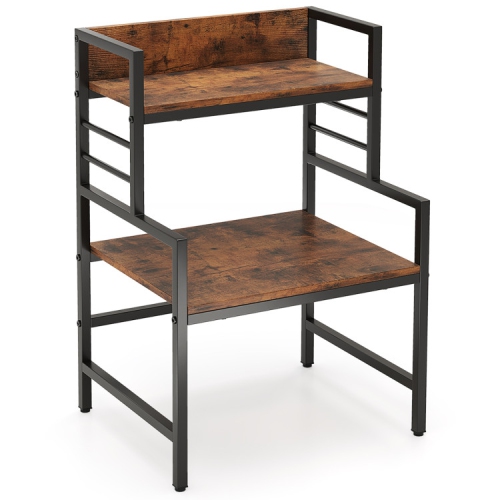


Organized equipment setups with room to expand
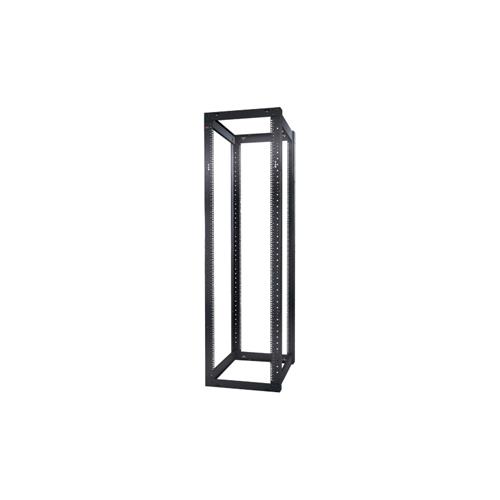
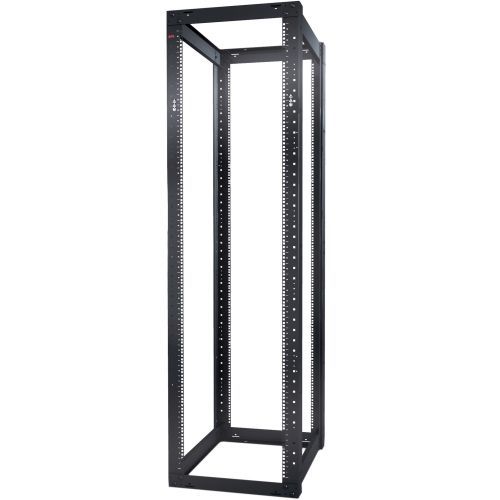
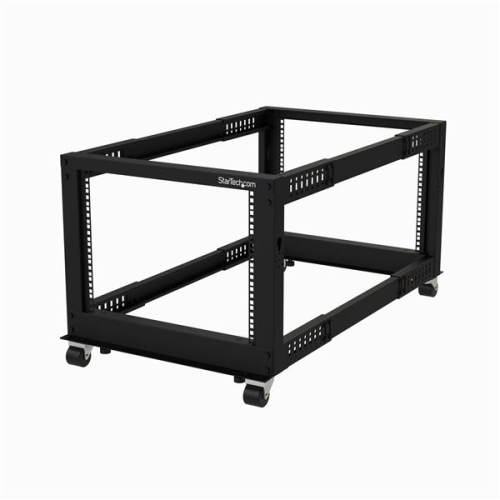
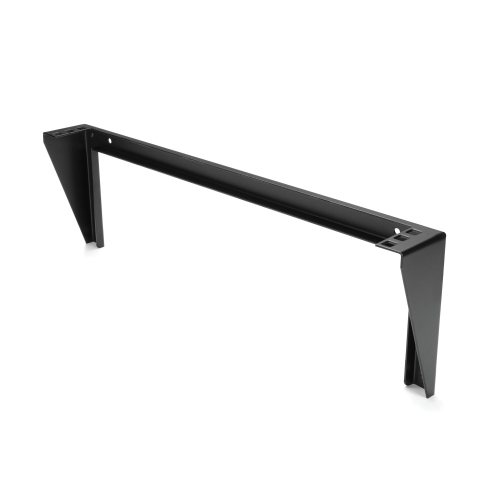
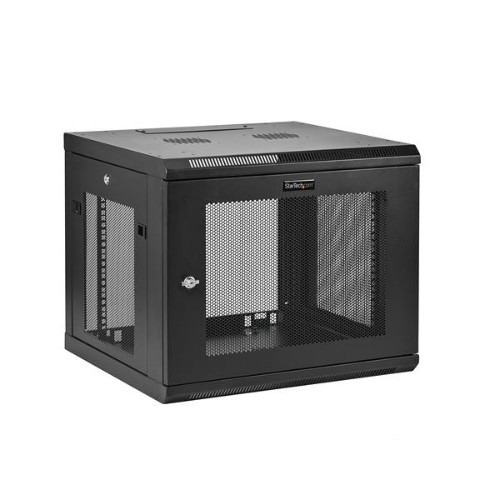
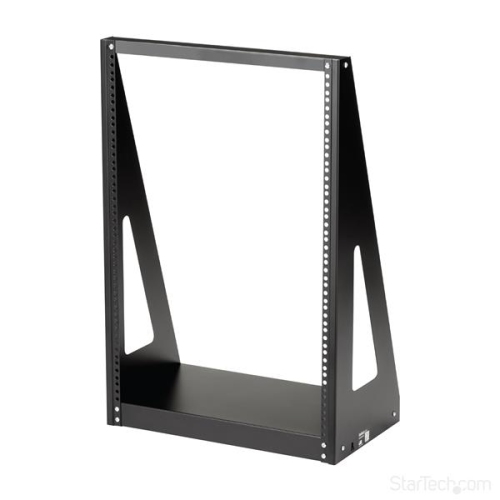
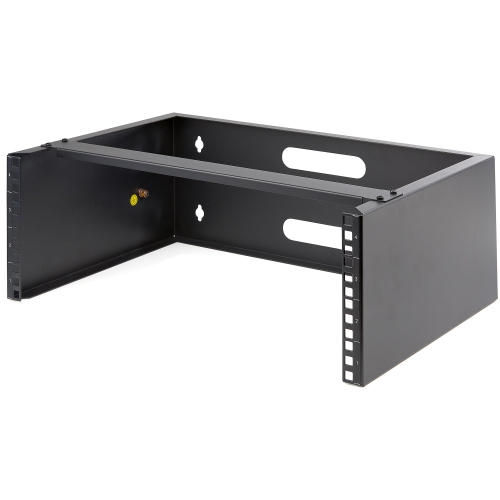
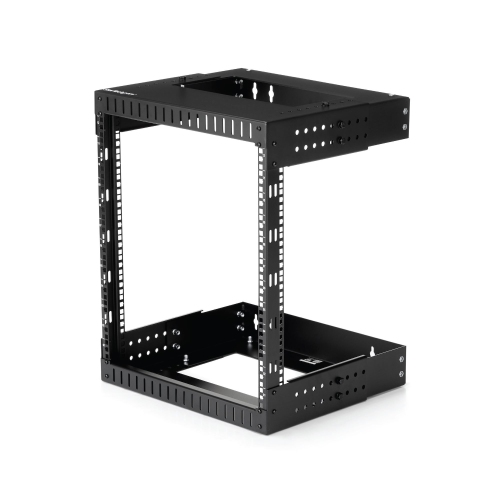
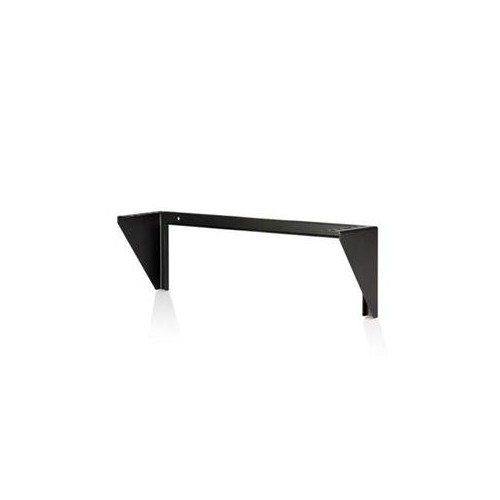
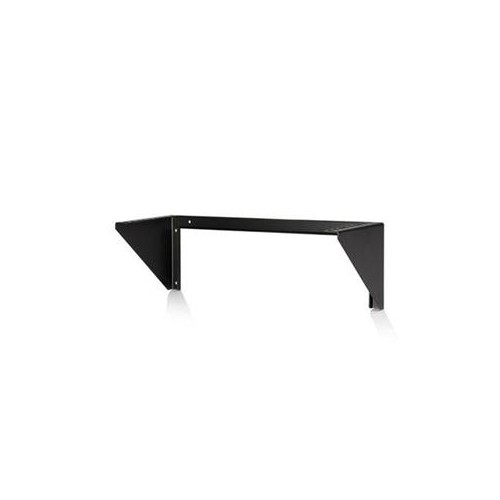
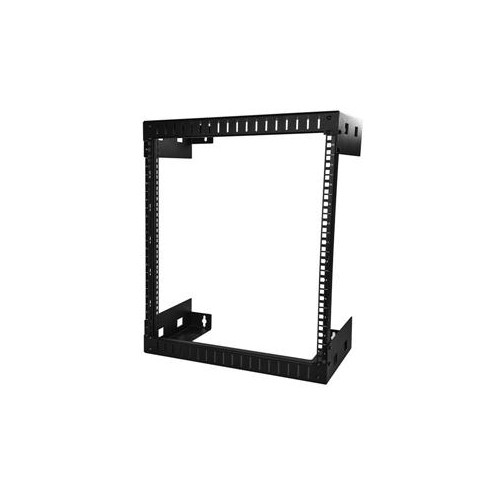
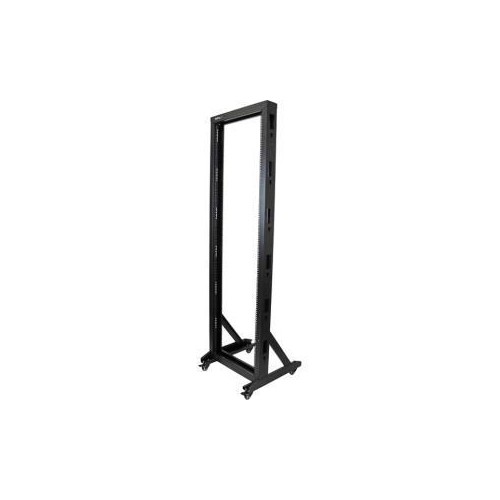
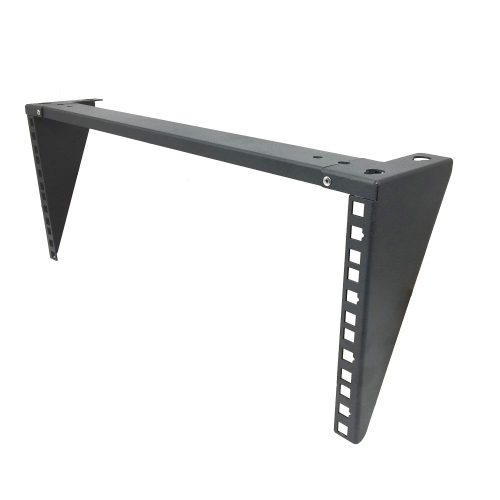
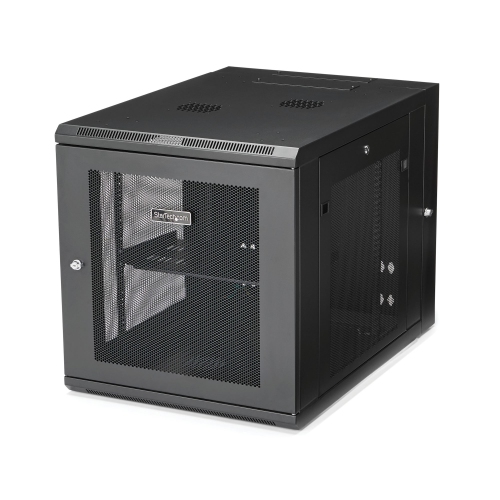
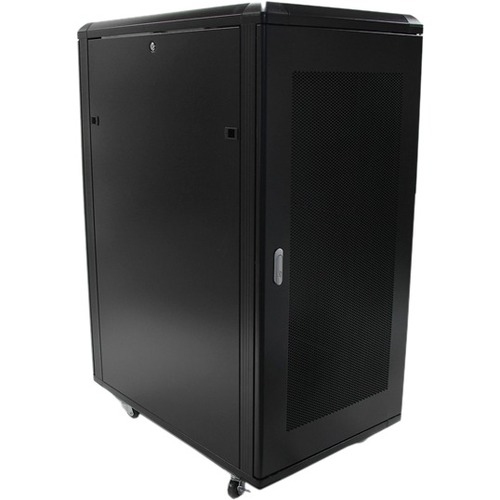
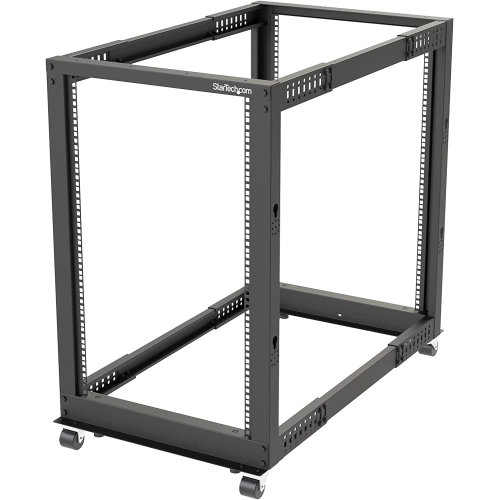
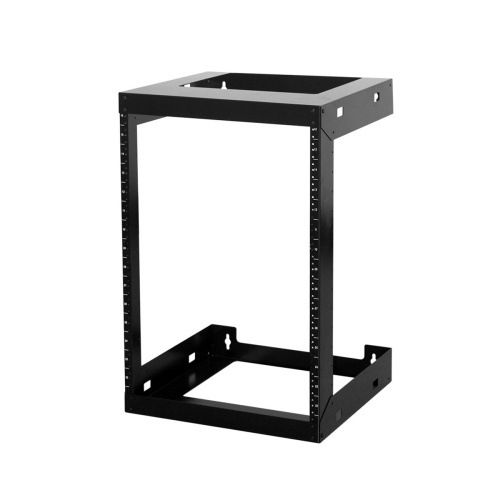
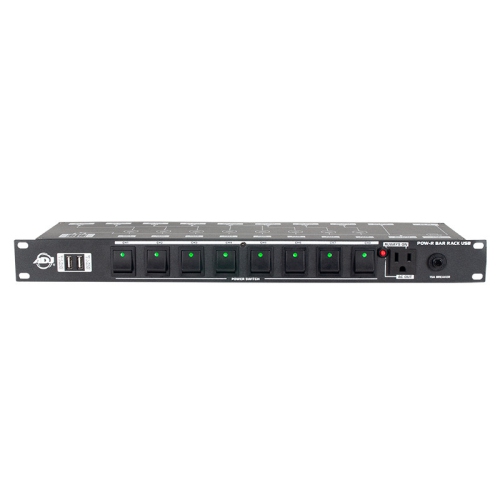
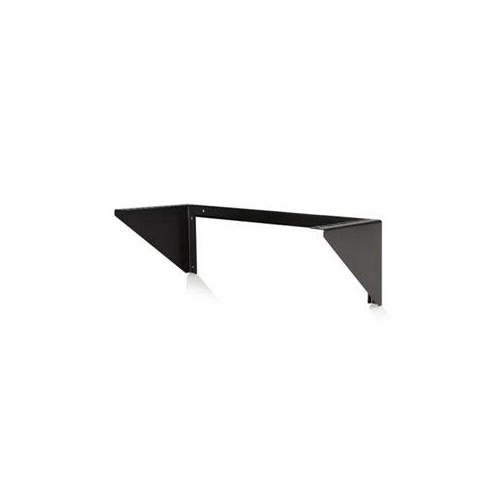
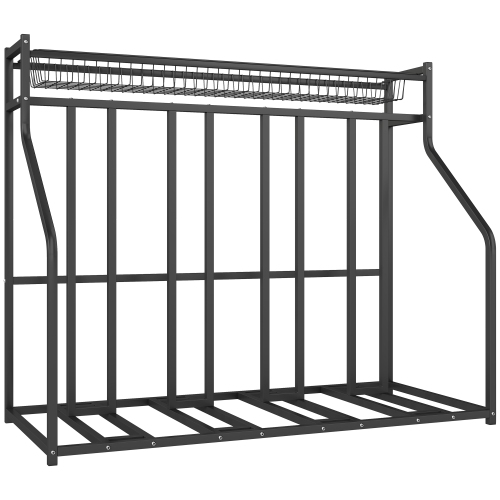
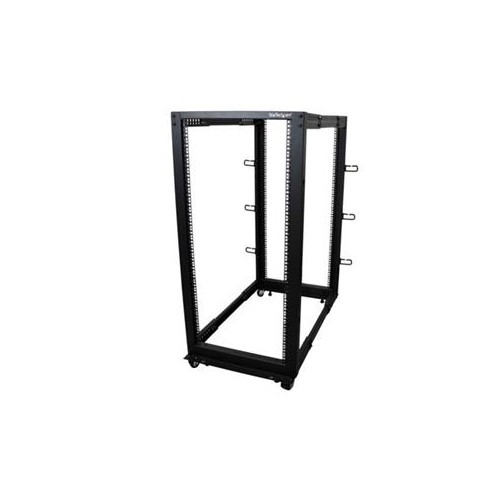
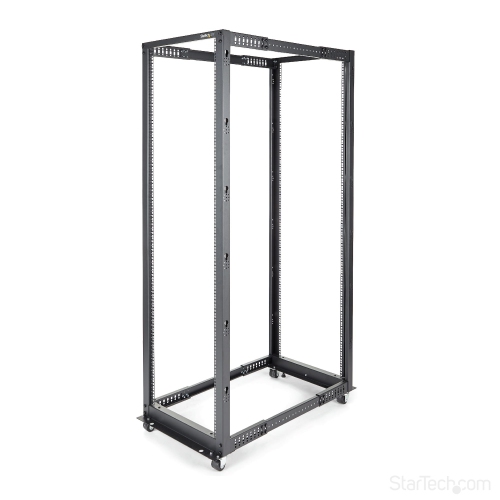
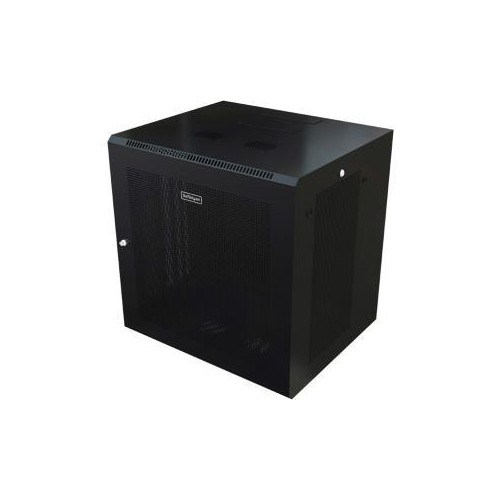
Rack solutions help turn a collection of IT equipment into an organized, serviceable setup that is easier to manage today and easier to expand later. They are used in offices, retail locations, classrooms, studios, workshops, small businesses, and dedicated data rooms, as well as in homes where networking, storage, security, or media equipment needs a dependable central location. A well-planned rack can keep hardware elevated, protect it from accidental knocks, and make better use of limited floor or wall space. Open-frame racks offer convenient access from multiple sides and can work well in equipment rooms with controlled access, while enclosed cabinets add doors and panels for a more contained installation. Wall-mounted options are useful in compact offices, utility rooms, and reception areas where a full floor-standing enclosure would take up too much room. When browsing Rack Equipment, begin by considering the equipment you already own, the room where it will be installed, and the equipment you may add in the future. Rack size is commonly described by mounting height and width, so check the dimensions of every device, including its rails, handles, power connections, and cable clearance. A little extra capacity can make a meaningful difference when new networking hardware, storage equipment, power protection, or audiovisual components are added later. Weight capacity matters as well, particularly for heavier equipment or installations that may be moved, adjusted, or serviced frequently. Ventilation should be part of the planning process, since closely installed electronics need room for air to circulate and heat to escape. Consider where fans, vents, doors, and cable openings are positioned, and leave enough space for technicians to reach connections without pulling equipment out unnecessarily. The right solution should support the equipment securely while keeping the layout practical for everyday use.
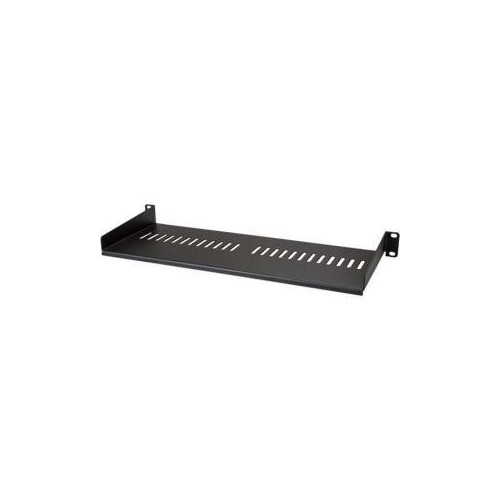
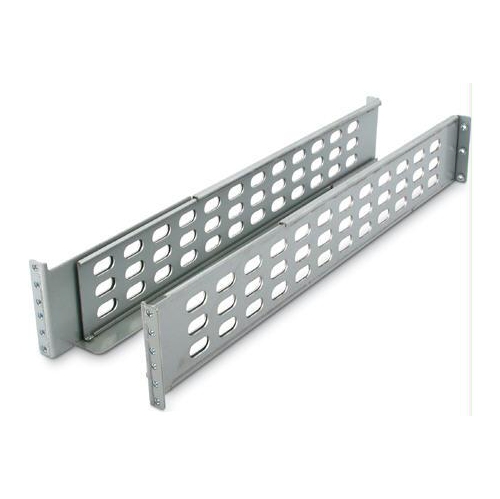
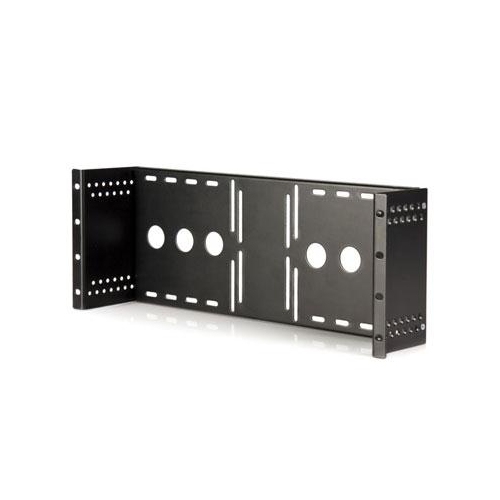
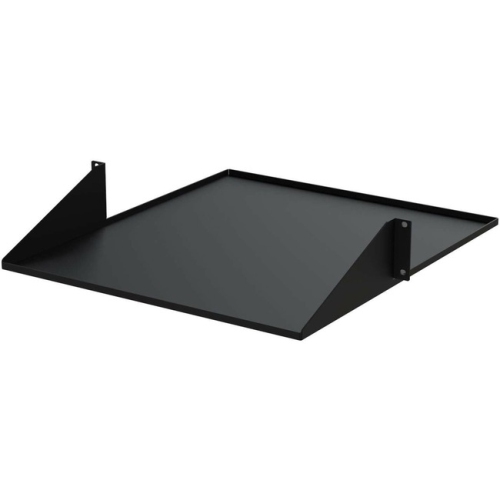
Rack accessories can make an otherwise basic installation feel considerably more polished and manageable. Shelves provide a stable surface for equipment that does not attach directly to mounting rails, while sliding shelves and trays can make it easier to reach devices during setup, troubleshooting, or routine maintenance. Drawers can hold small tools, spare cables, adapters, manuals, and other essentials close to the equipment they support. Keyboard trays are useful in monitoring stations and service areas where a screen and input device need to remain near the rack without taking up a separate desk. Cable management components help route power and data lines into cleaner paths, reducing tangles and making individual connections easier to identify. Brackets, rails, mounting hardware, and adapter kits can help accommodate equipment with different shapes or mounting requirements, but compatibility should always be confirmed before purchasing. Check the number of mounting posts, the spacing between rails, the required screw type, the depth of the equipment, and whether the accessory supports the equipment’s weight. For installations in narrow rooms or busy work areas, look for features that improve access without compromising stability, such as removable panels, reversible doors, adjustable rails, or sliding hardware. A rack may be used by an IT administrator maintaining a business network, an audio professional organizing studio equipment, a teacher managing classroom technology, or a homeowner bringing internet and smart-home connections together in one place. It can also be a thoughtful gift for someone setting up a home office, gaming room, recording space, or workshop, especially when the recipient values tidy cable routing and equipment that is easy to maintain. During the cooler months, indoor projects often make it appealing to reorganize a utility room or work area, but a rack remains a practical choice throughout the year because it supports clearer maintenance routines and leaves surrounding surfaces less cluttered. Whether the installation is a compact wall-mounted arrangement or a larger enclosed cabinet, focus on secure mounting, accessible connections, adequate ventilation, and enough room for future additions. That combination helps create a dependable setup that looks orderly, performs reliably, and can adapt as technology and workspace needs change.
Rack accessories can make an otherwise basic installation feel considerably more polished and manageable. Shelves provide a stable surface for equipment that does not attach directly to mounting rails, while sliding shelves and trays can make it easier to reach devices during setup, troubleshooting, or routine maintenance. Drawers can hold small tools, spare cables, adapters, manuals, and other essentials close to the equipment they support. Keyboard trays are useful in monitoring stations and service areas where a screen and input device need to remain near the rack without taking up a separate desk. Cable management components help route power and data lines into cleaner paths, reducing tangles and making individual connections easier to identify. Brackets, rails, mounting hardware, and adapter kits can help accommodate equipment with different shapes or mounting requirements, but compatibility should always be confirmed before purchasing. Check the number of mounting posts, the spacing between rails, the required screw type, the depth of the equipment, and whether the accessory supports the equipment’s weight. For installations in narrow rooms or busy work areas, look for features that improve access without compromising stability, such as removable panels, reversible doors, adjustable rails, or sliding hardware. A rack may be used by an IT administrator maintaining a business network, an audio professional organizing studio equipment, a teacher managing classroom technology, or a homeowner bringing internet and smart-home connections together in one place. It can also be a thoughtful gift for someone setting up a home office, gaming room, recording space, or workshop, especially when the recipient values tidy cable routing and equipment that is easy to maintain. During the cooler months, indoor projects often make it appealing to reorganize a utility room or work area, but a rack remains a practical choice throughout the year because it supports clearer maintenance routines and leaves surrounding surfaces less cluttered. Whether the installation is a compact wall-mounted arrangement or a larger enclosed cabinet, focus on secure mounting, accessible connections, adequate ventilation, and enough room for future additions. That combination helps create a dependable setup that looks orderly, performs reliably, and can adapt as technology and workspace needs change.
Top selling and popular products
-
 Your price for this item is $1303.99
 -
 Your price for this item is $581.68
 -
 Your price for this item is $748.99
 -
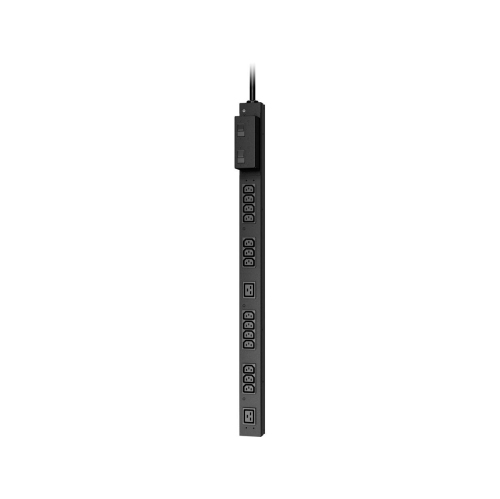 Your price for this item is $407.99
 -
 Your price for this item is $250.68
 -
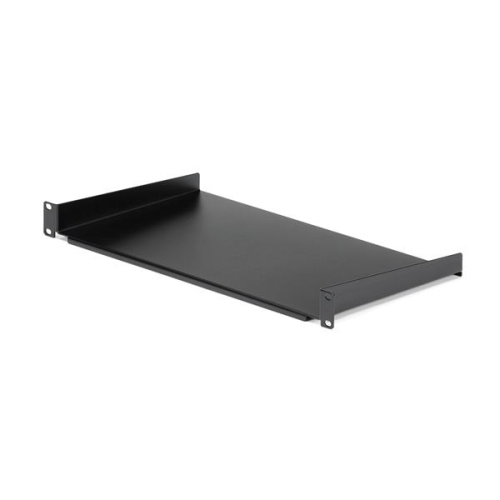 Your price for this item is $54.99
 -
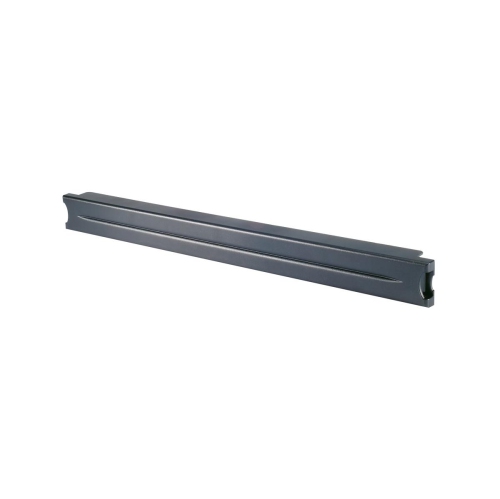 Your price for this item is $102.99
 -
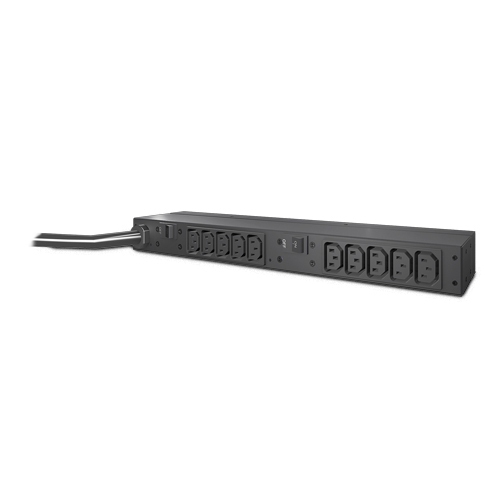 Your price for this item is $517.42
Discover more categories related to Rack Solutions
Top Collections:
Pokemon Centers, Kindle Devices, Best Budget Office Chairs, Apple iPhones 16, Samsung Galaxy Phones, Canon G7X Cameras, iPhone 15 Apple, Flip Phones, Best Laptops for Writers, Alarm Clock
Some products may be subject to Environmental Handling Fees
(EHF) depending on your province.
Learn more about EHFs.