Best Color Inkjet Printers for Creators
Bring your creative projects to life with the best colour inkjet printers for creators, ranked by customer review ratings. Whether you’re printing vibrant illustrations, detailed photos, or polished portfolio pieces, explore options that suit your creative workflow and budget, with feedback from other shoppers to help guide your choice.
What to look for in colour inkjet printers for creators
1. Print Quality and Colour Accuracy
2. Paper Sizes and Media Support
3. Ink System and Running Costs
4. Connectivity and Workflow
-
1
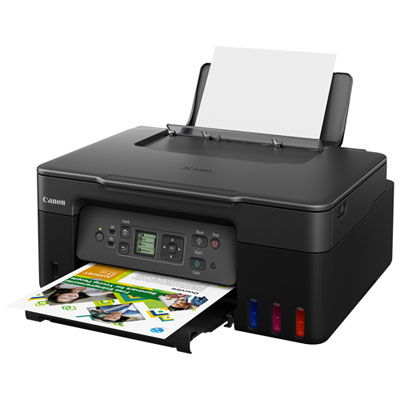
Canon PIXMA G3270 Wireless Multi-Function Supertank Inkjet Printer
About this product
A wireless multi-function inkjet printer in black with high-yield megatanks for printing, copying, and scanning.
What customers like
(436)$329.99 Your price for this item is $329.99 -
2
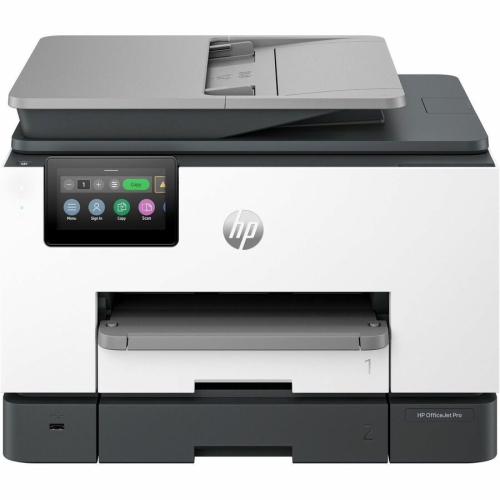
HP Officejet Pro 9130B Wired & Wireless All-In-One Inkjet Printer - (4U555A#b1H)
About this product
An all-in-one inkjet printer offering wired and wireless connectivity for efficient, professional-quality color printing.
What customers like
(298)$534.99 Your price for this item is $534.99 -
3
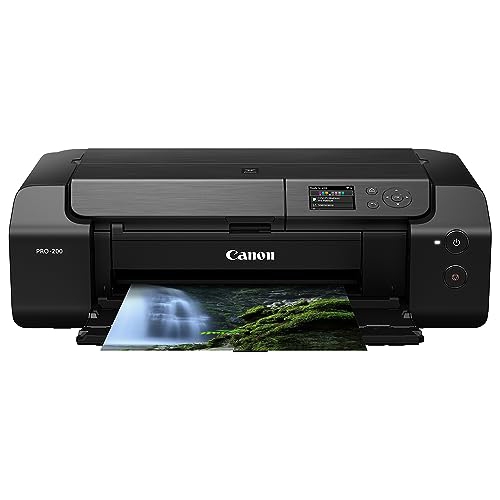
CANON Pixma Pro-200 Wireless Professional Inkjet Photo Printer
About this product
A wireless professional inkjet photo printer delivering vibrant, high-quality prints for photography enthusiasts.
What customers like
(176)$709.99Your price for this item is $709.99SAVE $90 -
4
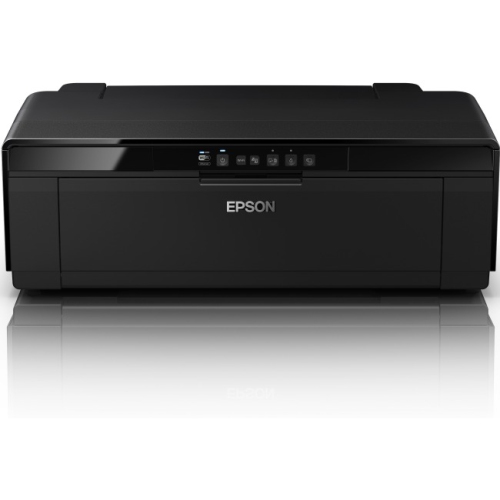
EPSON AMERICA Epson Surecolor P400 Inkjet Printer - Color
About this product
A high-quality colour inkjet printer designed for vibrant photo and document printing.
What customers like
(116)$1,199.99 Your price for this item is $1199.99 -
5
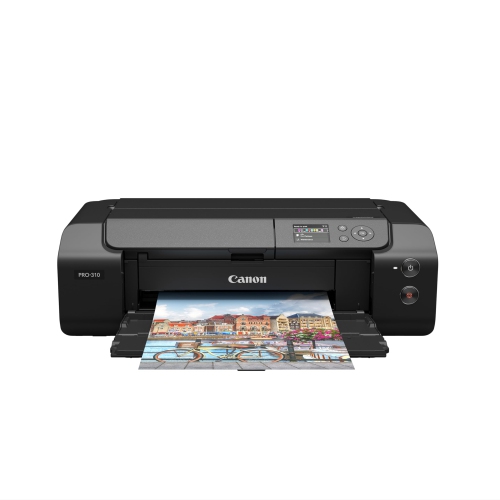
CANON Imageprograf Professional 13" Pro-310 Wireless Inkjet Photo Printer With 3.0-Inch Color Lcd Monitor, 9 Color Pigment-Based Ink System In Black
About this product
A wireless inkjet photo printer in black featuring a 3.0-inch color LCD and 9-color pigment inks.
(12)$1,522.99 Your price for this item is $1522.99 -
6

Canon PIXMA TR4720 Wireless All-In-One Inkjet Printer - White
About this product
A versatile white wireless inkjet printer offering fast, high-quality printing and easy operation for any task.
What customers like
(127)$59.99Your price for this item is $59.99SAVE $20 -
7
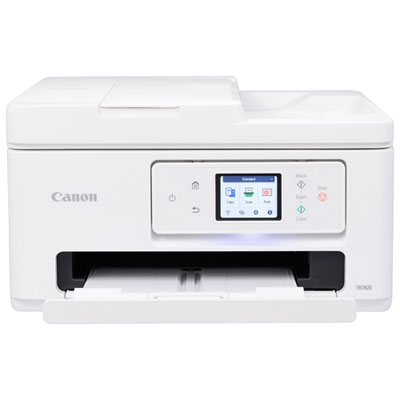
Canon PIXMA TR7820 Wireless All-In-One Inkjet Printer
About this product
An all-in-one wireless inkjet printer with a 2.7" touch LCD and easy two-cartridge system.
What customers like
(115)$259.99 Your price for this item is $259.99 -
8
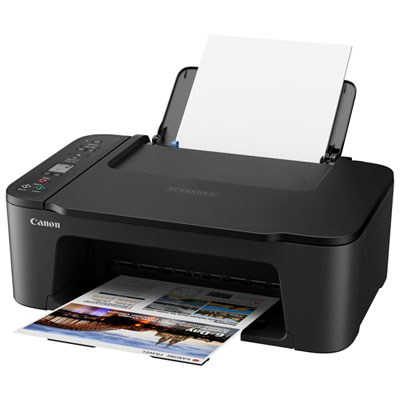
Canon PIXMA TS3729 Wireless All-In-One Inkjet Printer - Only at Best Buy
About this product
An easy-to-use wireless inkjet printer with mobile printing, flatbed scanner, and quick rear paper tray reloading.
What customers like
(106)$49.99Your price for this item is $49.99SAVE $10 -
9
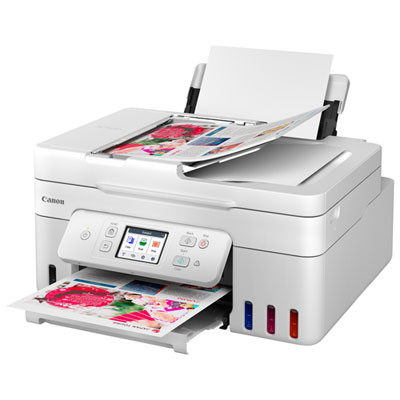
Canon PIXMA MegaTank G4280 All-In-One Inkjet Printer
About this product
An all-in-one white inkjet printer with wireless printing, touch LCD, and integrated ink tanks for efficiency.
What customers like
(39)$299.99Your price for this item is $299.99SAVE $80 -
10
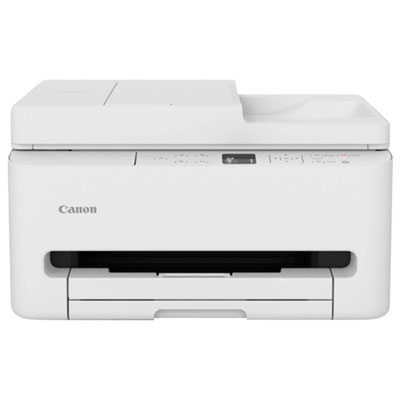
Canon PIXMA TR7120 All-In-One Inkjet Printer
About this product
An all-in-one white inkjet printer with wireless connectivity, OLED display, and automatic document feeder.
(2)$219.99 Your price for this item is $219.99
FAQ
Consider support for your preferred paper types, individual ink cartridges or refillable ink tanks, borderless printing, and compatibility with your design software. Manual paper feeds and adjustable print settings can also be useful for creative projects.
Dye-based ink contains colourants dissolved in liquid, while pigment-based ink contains suspended colour particles. Colour inkjet printers may use either type or a combination of both. Use the ink specified for your printer, and check that your chosen paper supports that ink type.
Depending on the printer, options may include glossy photo paper, matte presentation paper, fine art paper, cardstock, and printable sticker sheets. Check the printer’s supported media specifications and choose materials labelled for inkjet printing. Select the matching paper setting when preparing your print job.
An ICC profile describes how a device or a particular printer, ink, and paper combination represents colour. Compatible design and photo-editing software can use these profiles to manage colour during printing. Some paper manufacturers provide downloadable profiles for specific printer and paper combinations.
Common connection options include USB, Wi-Fi, and Ethernet, though availability varies by printer. Some models also support mobile printing through compatible apps or built-in device services. Check compatibility with your computer’s operating system and any phones or tablets you plan to print from.
Top selling and popular products
Discover more categories related to Best Color Inkjet Printers for Creators


Some products may be subject to Environmental Handling Fees (EHF) depending on your province. Learn more about EHFs.