Best External Hard Drives for Business
Keep your business files organized and accessible with the best external hard drives for business, ranked by user review ratings. Whether you’re backing up important documents, storing large project files, or transferring data between workstations, explore options to find the storage capacity, transfer speeds, and portability that suit your workflow.
What to look for in external hard drives for business
1. Storage Capacity
2. Transfer Speed and Compatibility
3. Security and Access
4. Portability and Backup Reliability
-
1
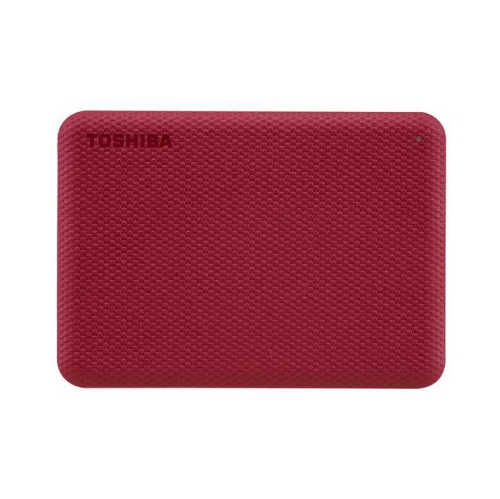
TOSHIBA Canvio Advance 4Tb USB 3.0 External Hard Drive (HDtca40Xr3Ca) - In Red
About this product
A portable red external hard drive offering 4TB storage capacity with fast USB 3.0 connectivity.
(10)$287.37Your price for this item is $287.37SAVE $28 -
2
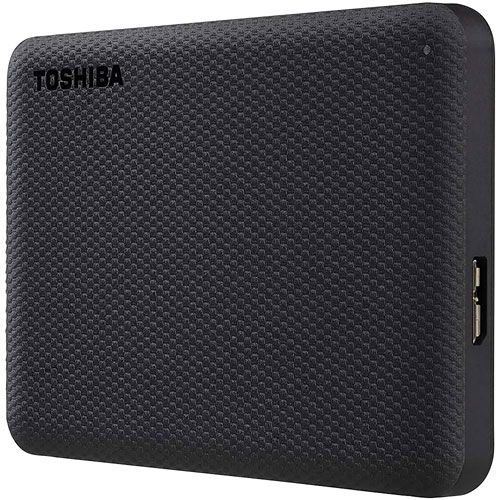
TOSHIBA Canvio Advance 2Tb USB 3.0 External Hard Drive (HDtca20Xk3Aa) - In Black
About this product
A sleek black external hard drive offering 2TB storage, USB 3.0 connectivity, and password protection.
(4)$246.68Your price for this item is $246.68SAVE $10 -
3
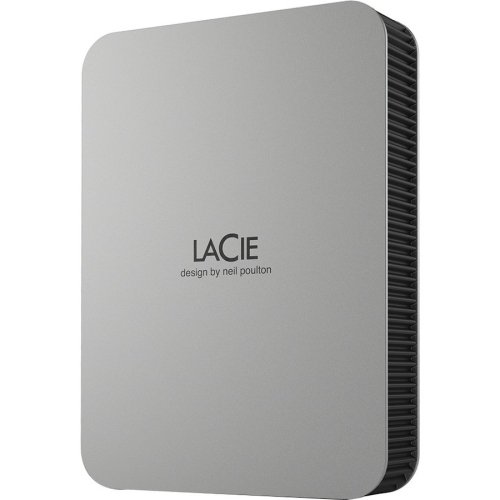
LACIE Mobile Drive 5Tb 2.5" USB 3.2 Gen 1 Desktop External Hard Drive - Moon - (Stlp5000400) In Silver
About this product
A portable silver external hard drive with 5TB capacity and fast USB 3.2 Gen 1 connectivity.
(3)$519.68Your price for this item is $519.68SAVE $10 -
4
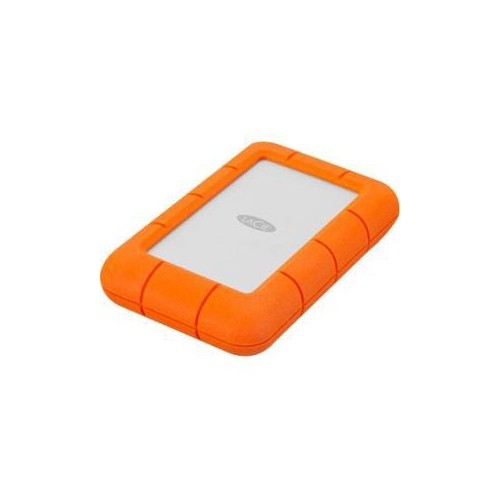
LACIE 4Tb Rugged Mini External Hard Drive USB 3.0 Model Lac9000633 In Orange
About this product
An orange external hard drive offering 4TB storage capacity with USB 3.0 connectivity and rugged durability.
(2)$511.68Your price for this item is $511.68SAVE $10 -
5
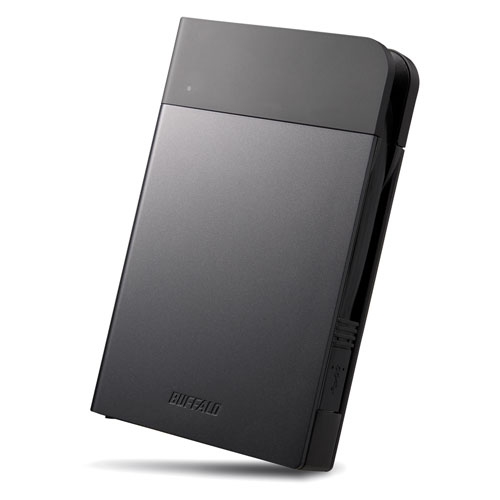
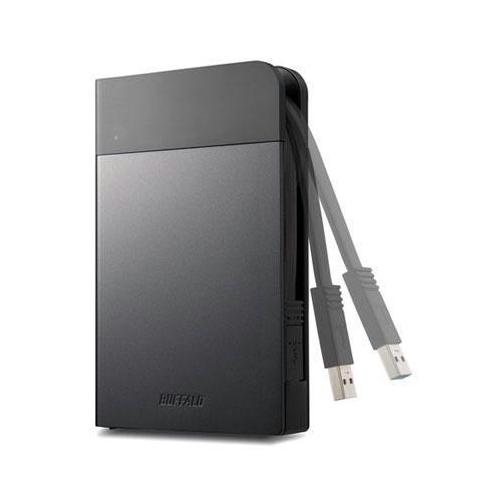
BUFFALO Ministation Extreme Nfc 2Tb SATA Portable External Hard Drive - (HD-Pzn2.0U3B)
About this product
A rugged portable hard drive with 2TB storage, NFC security, hardware encryption, and a wrap-around USB cable.
(2)$254.99Your price for this item is $254.99SAVE $16 -
6
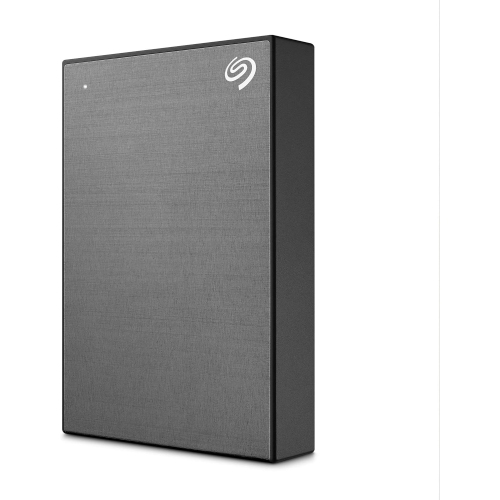
SEAGATE One Touch, 5Tb, Portable External Hard Drive (Stkz5000404)
About this product
A 5TB portable external hard drive with one-touch backup and a sleek design by Seagate.
(1)$369.99Your price for this item is $369.99SAVE $100 -
7

TOSHIBA Canvio Advance 1Tb USB 3.0 External Hard Drive (HDtca10Xr3Aa) - In Red
About this product
A sleek red external hard drive offering 1TB storage and fast USB 3.0 connectivity.
(1)$177.92Your price for this item is $177.92SAVE $17 -
8
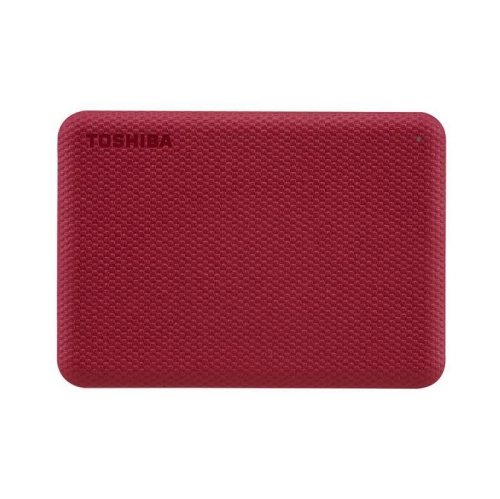
TOSHIBA Canvio Advance 2Tb USB 3.0 External Hard Drive (HDtca20Xr3Aa) - In Red
About this product
A portable red external hard drive offering 2TB storage capacity and fast USB 3.0 connectivity.
(7)$244.68Your price for this item is $244.68SAVE $10 -
9
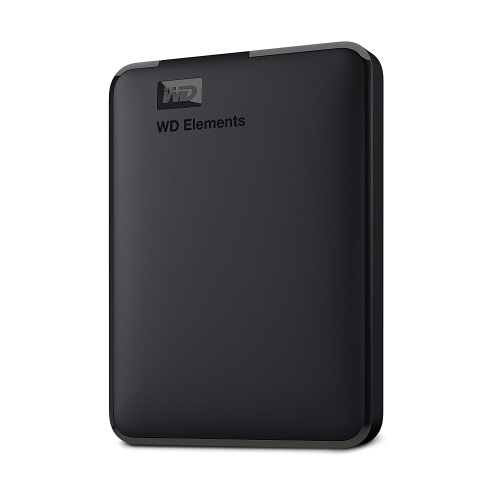
WD RETAIL CANADA Wd Elements 2Tb Portable External Hard Drive - USB 3.0 - In Black
About this product
A portable black external hard drive offering 2TB storage and fast USB 3.0 connectivity for easy transfers.
What customers like
(0)$283.68Your price for this item is $283.68SAVE $10 -
10

TOSHIBA Canvio Flex 1Tb USB 3.0 External Hard Drive (HDtx110Xscaa) -Silver
About this product
A sleek silver external hard drive offering 1TB storage and USB 3.0 connectivity for versatile compatibility.
(1)$185.37Your price for this item is $185.37SAVE $18
FAQ
External hard disk drives (HDDs) store data on spinning magnetic platters, while external solid-state drives (SSDs) use flash memory with no moving parts. Both connect to a computer as external storage and can hold business documents, project files, and media.
Yes, provided its file system is compatible with both operating systems. Windows and macOS support exFAT for transferring files between platforms. NTFS is commonly used with Windows, while APFS is designed for Apple devices. Check the drive’s formatting before use, as reformatting erases existing files.
USB is common, with cables that connect through USB-A or USB-C ports. Some external storage devices use Thunderbolt. USB-C describes the connector shape, not the supported connection standard, so check the drive, cable, and computer specifications for compatibility.
Create a consistent folder structure by department, client, project, or year. Use descriptive file names with dates and version numbers, and separate active work from completed projects. Give the drive a clear volume name so staff can identify it when connecting it to a computer.
An external hard drive typically connects directly to one computer through a cable. Network-attached storage (NAS) connects to a network and provides shared folders that multiple authorised users can access. A directly connected drive can also be shared through a computer, but that computer generally needs to remain on and connected.
Top selling and popular products
Discover more categories related to Best External Hard Drives for Business

Some products may be subject to Environmental Handling Fees (EHF) depending on your province. Learn more about EHFs.