Best Graphics Cards for Video Editing
The best graphics cards for video editing can help speed up rendering, support smoother playback, and handle demanding visual effects. Whether you’re editing 4K footage or creating motion graphics, look for a card with enough video memory and compatibility with your editing software. Explore the options below, ranked by user review ratings, to find a graphics card that fits your workflow and budget.
What to look for in graphics cards for video editing
1. Editing Software Compatibility
2. Video Memory
3. Hardware Encoding and Decoding
4. System Fit and Power Requirements
-
1
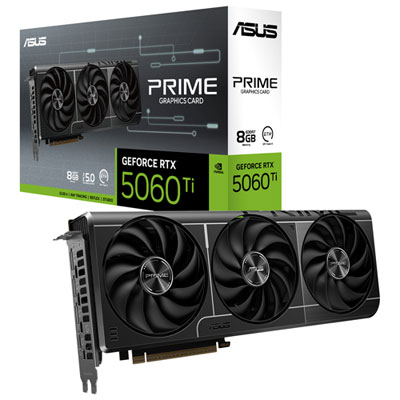
ASUS Prime GeForce RTX 5060 Ti 8GB GDDR7 Video Card
About this product
A high-performance video card with 8GB GDDR7 memory, DLSS 4, and advanced triple-fan cooling.
(6)$779.98 Your price for this item is $779.98 -
2
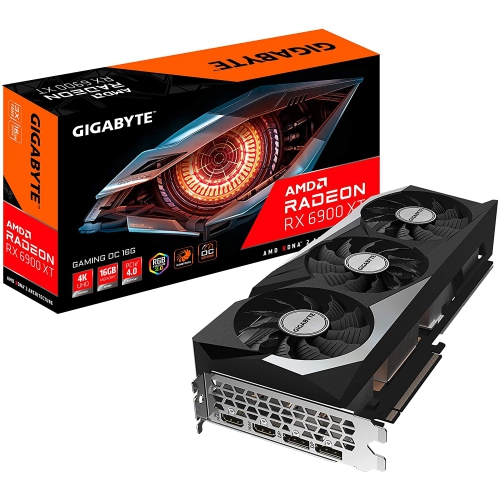
GIGABYTE Radeon Rx 6900 Xt Gaming Oc 16G Graphics Card, Windforce 3X Cooling System, 16GB 256-Bit Gddr6, Gv-R69Xtgaming Oc-16Gd Video Card
About this product
A high-performance graphics card featuring 16GB GDDR6 memory and WINDFORCE 3X cooling for smooth gaming.
(5)$2,999.99 Your price for this item is $2999.99 -
3
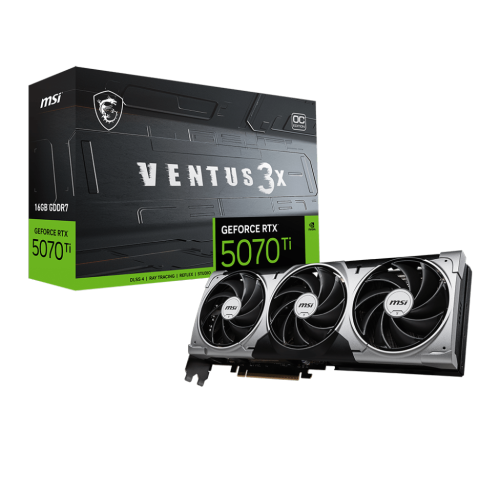
MSI Geforce Rtx 5070 Ti 16G Ventus 3X Oc Graphics Card, Gddr7 16G, PCi-E 5, 28GBps, 256 Bits, 16-Pin X 1, HDMI 1 (2.1B), Dp 3 (2.1A)
About this product
A high-performance graphics card with GDDR7 memory, PCIe 5.0 support, and advanced cooling for smooth gaming.
(5)$1,699.99 Your price for this item is $1699.99 -
4
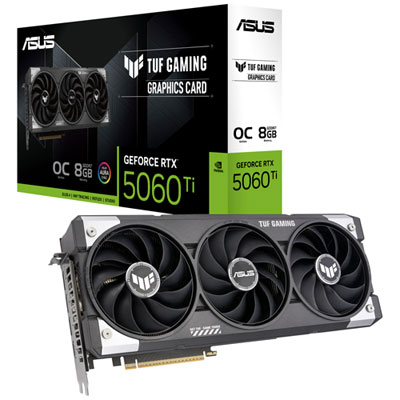
ASUS TUF Gaming GeForce RTX 5060 Ti OC 8GB GDDR7 Video Card
About this product
A high-performance graphics card featuring 8GB GDDR7 memory, boosted clock speed, and advanced cooling technology.
(4)$949.98 Your price for this item is $949.98 -
5
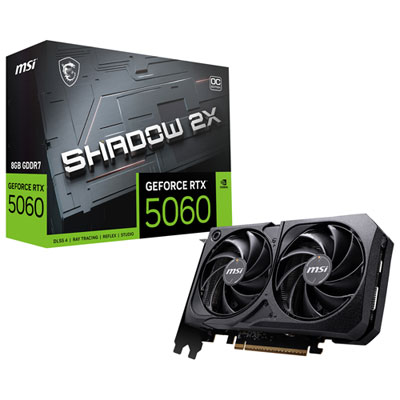
MSI GeForce RTX 5060 Shadow 2X OC 8GB GDDR7 Video Card
About this product
A high-performance graphics card with 8GB GDDR7 memory, DLSS 4 support, and advanced cooling technology.
(3)$689.98 Your price for this item is $689.98 -
6
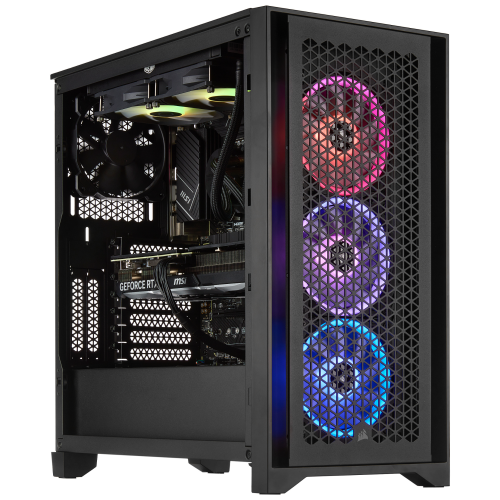
TECHNOID Ultimate Gaming PC - Rtx 5070 Ti, Amd Ryzen 7 7800X3D, 64GB Memory, 2Tb SSD, Win 11 Pro
About this product
A high-performance gaming desktop featuring an AMD Ryzen 7 processor, RTX 5070 Ti graphics, and 64GB DDR5 RAM.
(1)$4,199.99Your price for this item is $4199.99SAVE $400 -
7
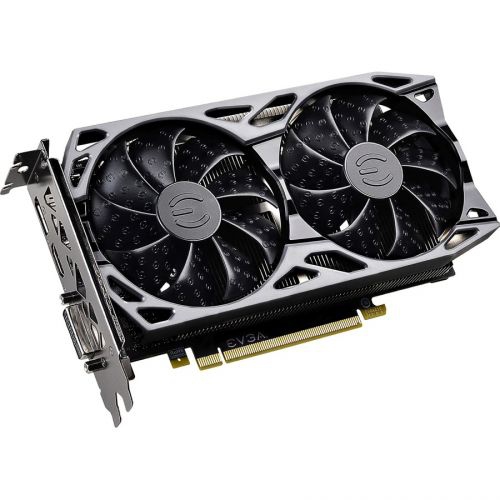
EVGA Geforce Gtx 1660 Super Graphic Card - 6 GB Gddr5
About this product
A powerful graphics card with 6GB GDDR5 memory, 192-bit bus, DisplayPort, HDMI, and DVI outputs.
(1)$1,150.00 Your price for this item is $1150 -
8
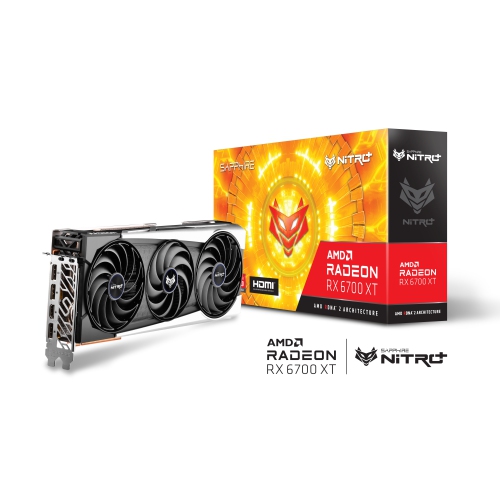
SAPPHIRE - Nitro+ Amd Radeon Rx 6700 Xt Graphic Card (11306-01-20G)
About this product
A high-performance graphics card with 12GB GDDR6 memory for smooth gaming and advanced computing tasks.
(1)$1,699.98 Your price for this item is $1699.98 -
9
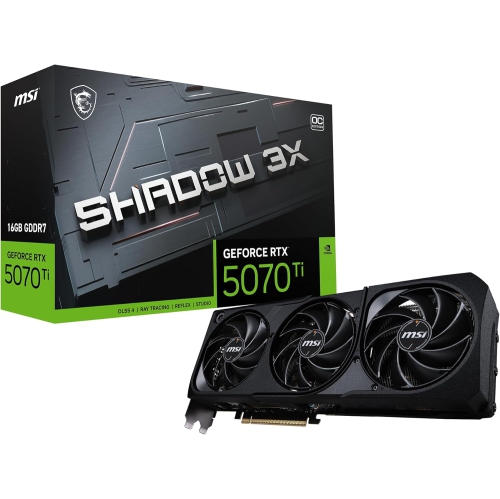
MSI Gaming Rtx 5070 Ti 16G Shadow 3X Oc Graphics Card (16GB Gddr7, 256-Bit, Extreme Performance: 2497 Mhz, Displayport X3 2.1A, HDMI 2.1B, Nvidia
About this product
An advanced graphics card with 16GB GDDR7 memory, 2497 MHz boost clock, and multiple display outputs.
What customers like
(31)$1,859.99Your price for this item is $1859.99SAVE $140 -
10
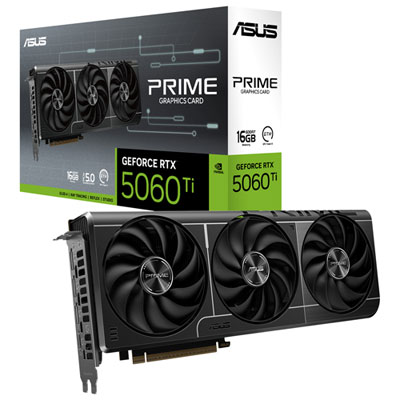
ASUS Prime GeForce RTX 5060 Ti 16GB GDDR7 Video Card
About this product
A high-performance graphics card with 16GB GDDR7, triple-fan cooling, and advanced NVIDIA Blackwell architecture.
What customers like
(82)$1,239.99 Your price for this item is $1239.99
FAQ
Check which graphics processors, driver versions and acceleration technologies your editing software supports. Applications may use technologies such as CUDA, OpenCL or Metal for supported tasks. Compatibility also depends on your operating system and the application version.
VRAM is dedicated memory that holds image data, textures and other assets used by the graphics processor. Video editing software can use it when working with footage, colour adjustments, transitions and GPU-based effects. Shared system memory and dedicated VRAM are different resources.
Decoding converts compressed video into frames that editing software can display, while encoding converts frames into a video file for export. Some graphics cards include dedicated hardware for these tasks. Support varies by codec, bit depth, chroma subsampling and editing application, so check compatibility with your footage and export formats.
HDMI and DisplayPort are common connections for editing monitors. Check that the graphics card and monitor support the resolution, refresh rate and colour settings you plan to use. Dedicated video output hardware may also be part of workflows that require a separate reference display.
Drivers let the operating system and editing software communicate with the graphics card. Some manufacturers offer driver branches aimed at creative applications, with application-specific testing and release notes. Consult your editing software’s compatibility documentation when choosing a driver version.
Top selling and popular products
Discover more categories related to Best Graphics Cards for Video Editing
Some products may be subject to Environmental Handling Fees (EHF) depending on your province. Learn more about EHFs.