Best High Resolution Inkjet Printers
Bring photos, documents, and creative projects to life with the best high resolution inkjet printers, ranked by customer review ratings. Whether you’re printing vivid images or crisp text, explore options that deliver fine detail and rich colour, and compare features to find the right fit for your home or office.
What to look for in high-resolution inkjet printers
1. Print Resolution and Detail
2. Ink System and Colour Quality
3. Paper Compatibility and Print Size
4. Connectivity and Printing Speed
-
1
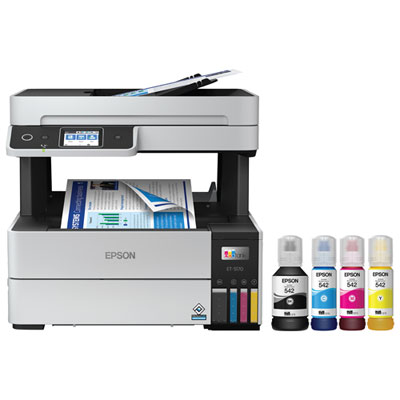
Epson EcoTank Pro ET-5170 Wireless All-In-One Supertank Inkjet Printer
About this product
A high-speed, professional-quality wireless printer with cartridge-free printing and low-cost, high-yield ink bottles.
What customers like
(192)$789.99 Your price for this item is $789.99 -
2
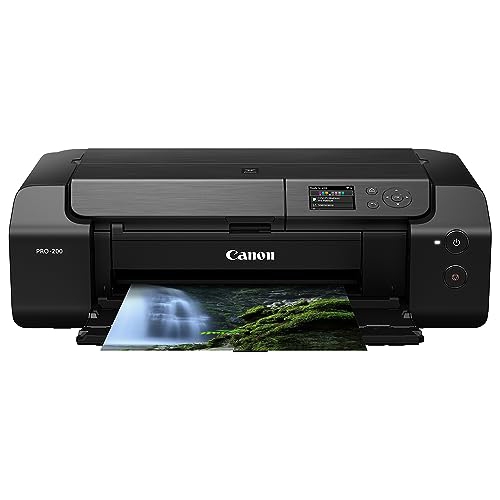
CANON Pixma Pro-200 Wireless Professional Inkjet Photo Printer
About this product
A wireless professional inkjet photo printer delivering vibrant, high-quality prints for photography enthusiasts.
What customers like
(176)$709.99Your price for this item is $709.99SAVE $90 -
3
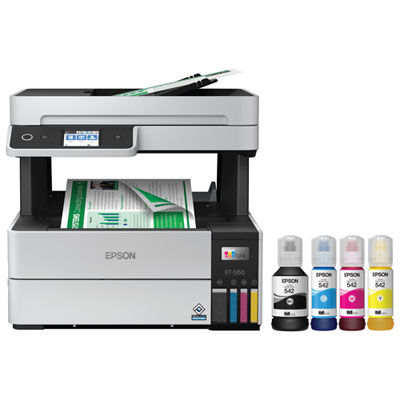
Epson EcoTank Pro ET-5150 Wireless All-In-One Supertank Inkjet Printer
About this product
A wireless all-in-one inkjet printer offering high-speed, cartridge-free printing with low-cost, high-yield ink bottles.
What customers like
(101)$739.99 Your price for this item is $739.99 -
4
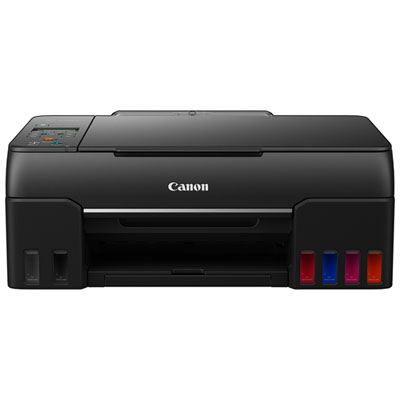
Canon PIXMA G620 MegaTank Wireless All-In-One Inkjet Printer
About this product
A highly-detailed all-in-one inkjet printer with a 6-tank colour system for deep, rich photo results.
What customers like
(98)$439.99 Your price for this item is $439.99 -
5
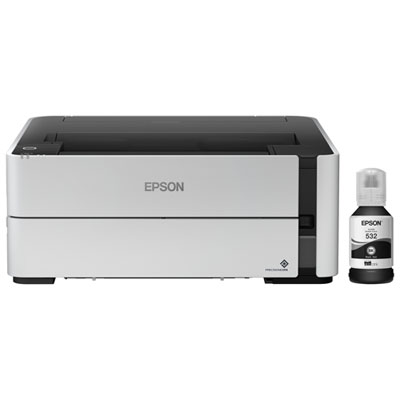
Epson EcoTank ET-M1170 Monochrome Wireless All-In-One Supertank Inkjet Printer
About this product
A wireless inkjet printer that produces high-resolution monochrome prints without the need to heat up.
What customers like
(90)$379.99 Your price for this item is $379.99 -
6
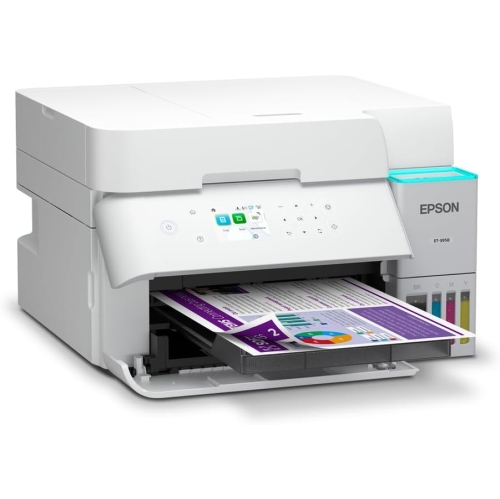
EPSON - Ecotank Et-3958 Wireless All-In-One Supertank Colour Inkjet Printer
About this product
An all-in-one wireless inkjet printer with refillable ink tanks, duplex printing, and automatic document feeder.
What customers like
(78)$649.99Your price for this item is $649.99SAVE $50 -
7
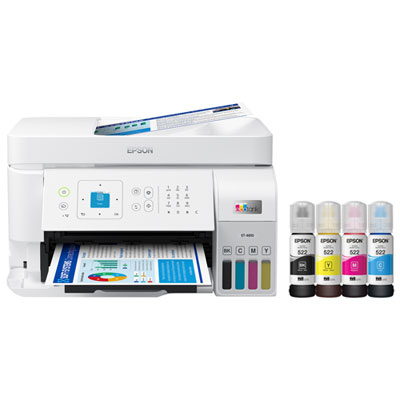
Epson EcoTank ET-4810 Wireless All-In-One Inkjet Printer - Only at Best Buy
About this product
An all-in-one wireless inkjet printer with cartridge-free, high-capacity ink tanks and vibrant colour output.
(14)$369.99Your price for this item is $369.99SAVE $60 -
8
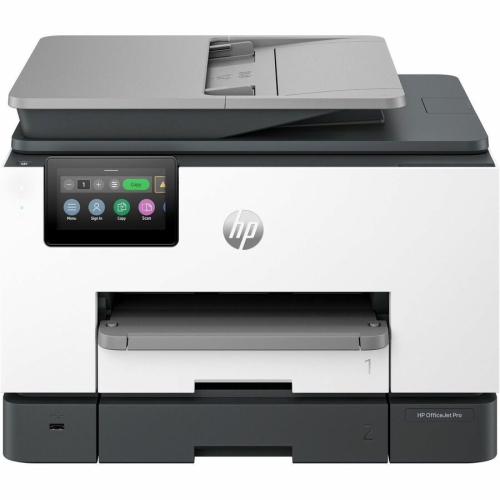
HP Officejet Pro 9130B Wired & Wireless All-In-One Inkjet Printer - (4U555A#b1H)
About this product
An all-in-one inkjet printer offering wired and wireless connectivity for efficient, professional-quality color printing.
What customers like
(298)$534.99 Your price for this item is $534.99 -
9
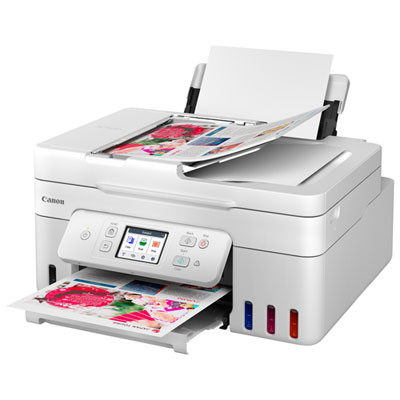
Canon PIXMA MegaTank G4280 All-In-One Inkjet Printer
About this product
An all-in-one white inkjet printer with wireless printing, touch LCD, and integrated ink tanks for efficiency.
What customers like
(39)$299.99Your price for this item is $299.99SAVE $80 -
10
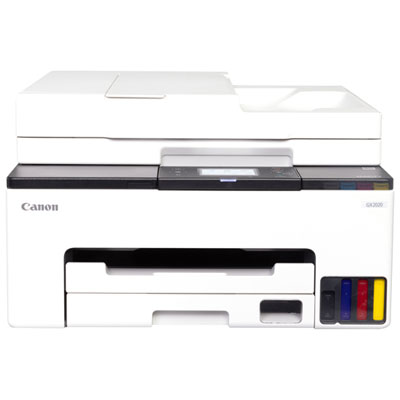
Canon MAXIFY GX2020 Wireless All-In-One Inkjet Printer
About this product
An all-in-one wireless inkjet printer with auto document feeder and fax for efficient home office tasks.
(6)$499.99 Your price for this item is $499.99
FAQ
DPI stands for dots per inch and describes the number of ink dots a printer can place within an inch. Specifications may list two values, such as 4800 × 1200 DPI, representing horizontal and vertical resolution. Print resolution is separate from the pixel resolution of your source image.
Dye-based ink contains colourants dissolved in liquid, while pigment-based ink contains tiny colourant particles suspended in liquid. Inkjet printers may use either type or combine pigment-based black ink with dye-based colour inks. Always choose ink formulated for your printer.
Inkjet-compatible paper comes in glossy, matte, satin and lustre finishes. Glossy paper has a shiny surface, matte paper has a non-reflective surface, and satin and lustre offer a finish between the two. Check your printer’s supported media types and select the matching paper setting when printing.
Connection options can include USB, Wi-Fi, Wi-Fi Direct and Ethernet, depending on the printer. Some models also support Apple AirPrint, Mopria or a manufacturer’s mobile app. Check compatibility with your operating system and preferred printing method.
Borderless printing places an image to the edges of supported paper without leaving a white margin. This setting may slightly enlarge and crop the image, so check the print preview before printing. Availability depends on the printer, paper type and selected print settings.
Top selling and popular products
Discover more categories related to Best High Resolution Inkjet Printers


Some products may be subject to Environmental Handling Fees (EHF) depending on your province. Learn more about EHFs.