Best Lenovo Laptops

Find the best laptops for work, study, and everyday use with a selection ranked by customer review ratings. Compare highly rated options for performance, portability, and features to help you choose a laptop that fits your needs and budget.

Read More

What to look for in the best Lenovo laptops

1. Performance and Everyday Use

Match the processor, memory, and storage to your workload, from browsing and schoolwork to gaming and video editing. Look for 16GB of RAM for comfortable multitasking, an SSD for responsive storage, and dedicated graphics if your games or creative software require them.

2. Portability and Battery Life

Compare laptop weight, dimensions, and battery estimates if you regularly work or study on the go. Actual battery life varies with screen brightness, applications, and power settings, so check reviews that reflect how you plan to use your laptop.

3. Display and Design

Choose a screen size and resolution that balance workspace with portability, and consider brightness for well-lit rooms. A higher refresh rate can make gaming look smoother, while a touchscreen and 2-in-1 design may suit note-taking or drawing; check whether a compatible pen is included.

4. Ports and Connectivity

Check for the USB-A, USB-C, HDMI, and audio connections you need for accessories and external displays. USB-C capabilities vary by model, so confirm support for charging and video output, along with Wi-Fi compatibility for your network.
Citrus catapult arrow
  1. 1

    Open Box - Lenovo IdeaPad 1i 14" Laptop - Cloud Grey (Intel Celeron N4500/4GB RAM/128GB SSD/Windows 11)

    About this product

    An efficient cloud grey laptop with Intel Celeron processor, 4GB RAM, 128GB SSD, and Windows 11.

    (3)
    $259.99 Your price for this item is $259.99
  2. 2

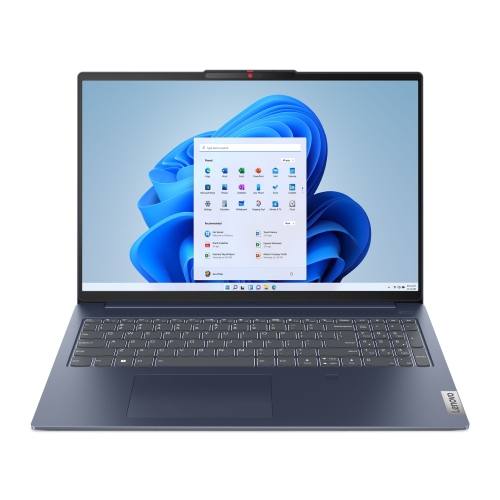
    LENOVO Ideapad Slim 5 Laptop, 16" Ips 60Hz, Ryzen 5 8645Hs, 16GB, 512GB SSD

    About this product

    A sleek laptop featuring a 16" IPS display, Ryzen 5 processor, 16GB RAM, and 512GB SSD.

    What customers like

    • Long battery life
    • Clear and vibrant display
    • Excellent build quality
    • Strong performance and speed
    • Great value for money
    (186)
    $1,739.99 Your price for this item is $1739.99
  3. 3

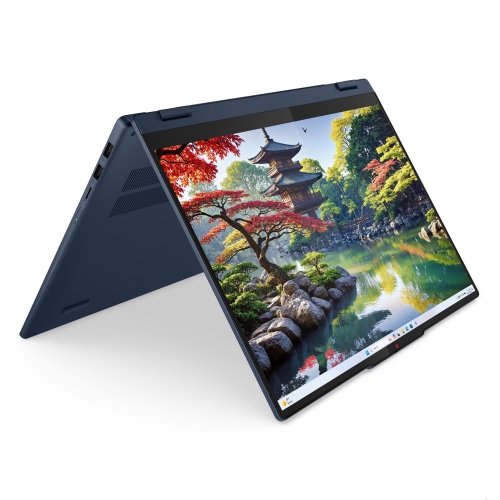
    LENOVO Ideapad 5I 2-In-1 16" Ips Glass Laptop - Intel Core Ultra 7 255U - 16GB - 1Tb SSD - Windows - Cosmic In Blue

    About this product

    A versatile 2-in-1 laptop featuring a 16" IPS glass display, Intel Core Ultra 7, 16GB RAM, and 1TB SSD.

    (15)
    $1,709.00
    SAVE $100
    Your price for this item is $1709
  4. 4

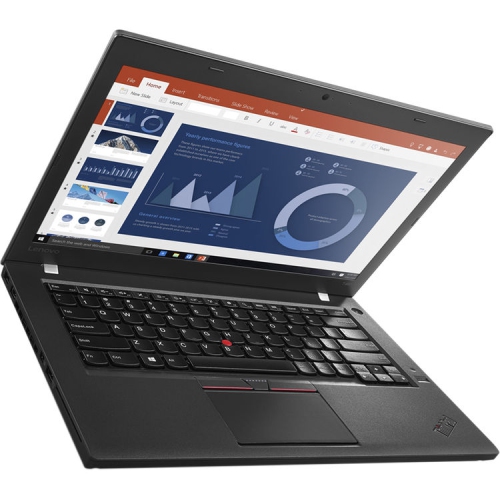
    LENOVO Refurbished (Excellent) - Thinkpad T460 14" Ultrabook Laptop - Intel Core I5-6300U - 8GB Ram - 512GB SSD - Windows 10 Pro

    About this product

    A lightweight ultrabook featuring an Intel Core i5 processor, 8GB RAM, 512GB SSD, and Windows 10 Pro.

    What customers like

    • Excellent like-new condition
    • Fast and reliable performance
    • Quick shipping and good packaging
    • Easy setup and use
    • Great value for money
    (22)
    $699.99 Your price for this item is $699.99
  5. 5

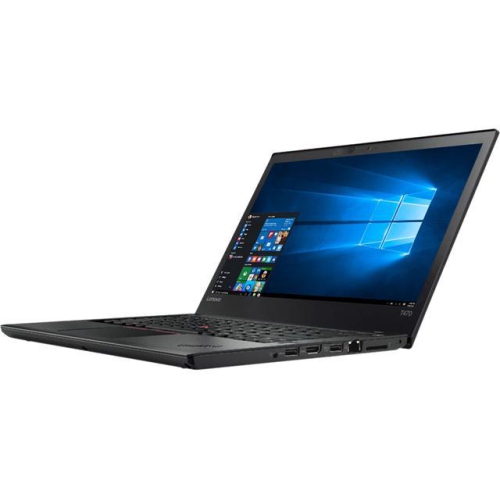
    LENOVO Refurbished (Good) - Thinkpad T470 14" Business Laptop - Intel Core I5-6300U - 8GB Ram - 256GB SSD - Windows 10 Pro

    About this product

    A refurbished laptop featuring an Intel Core i5 processor, 256GB SSD, 8GB RAM, and Windows 10 Pro.

    (2)
    $299.99
    SAVE $199
    Your price for this item is $299.99
  6. 6

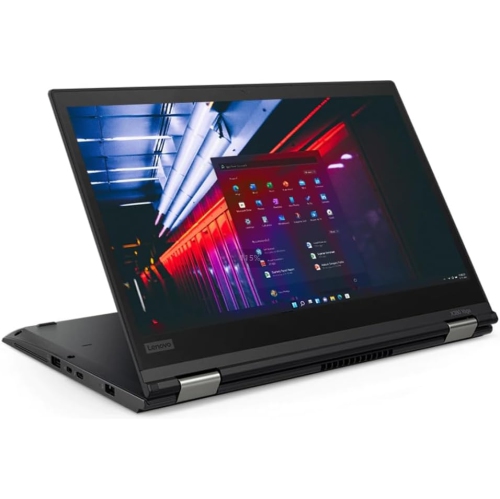
    LENOVO Refurbished (Good) Thinkpad X380 Yoga 2 In 1 I5 8350U 16GB Ram 256GB SSD 13.3" Fhd Touch Win 11 Pro

    About this product

    A versatile 2-in-1 laptop with 16GB RAM, 256GB SSD, FHD touchscreen, and Windows 11 Pro.

    (2)
    $389.99
    SAVE $110
    Your price for this item is $389.99
  7. 7

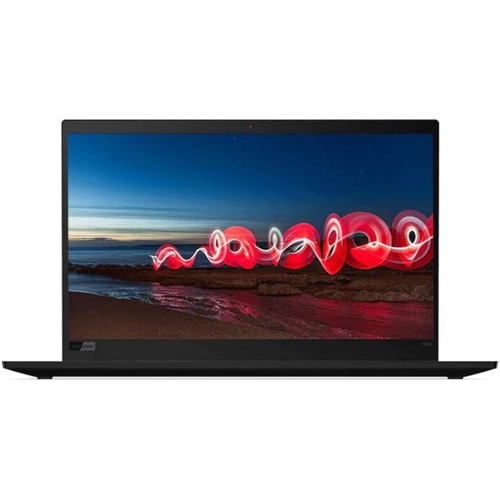
    LENOVO Refurbished (Excellent) - Thinkpad X1 Carbon 7Th Gen 14" Touchscreen Laptop - Intel Core I7-8650U (8Th Gen) - 512GB SSD - 16GB Ram - Windows

    About this product

    An ultralight touchscreen laptop featuring an Intel Core i7 processor, 512GB SSD, and 16GB RAM.

    (2)
    $849.00
    SAVE $150
    Your price for this item is $849
  8. 8

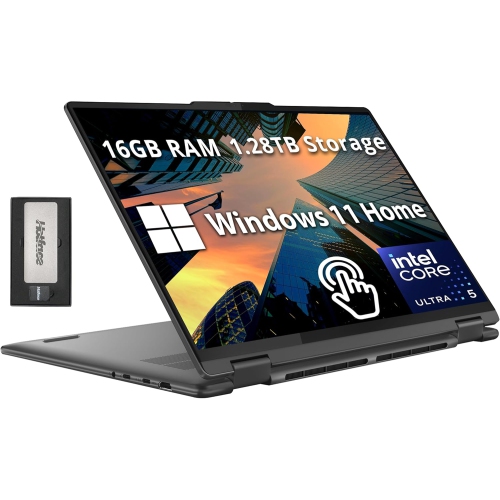
    LENOVO Yoga 7I 2-In-1 16" 2K Touchscreen Laptop - Intel Core Ultra 7 155U - 16GB Lpddr5X - 1Tb SSD - Windows 11 Pro - In Grey

    About this product

    A versatile 2-in-1 laptop with a 16" 2K touchscreen, Intel Ultra 7, and 1.28TB storage.

    (2)
    $1,779.00
    SAVE $770
    Your price for this item is $1779
  9. 9

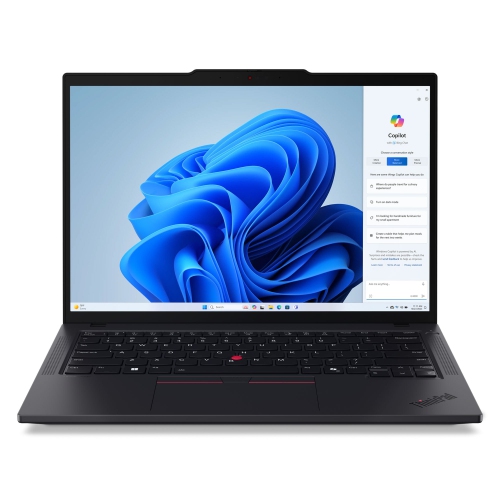
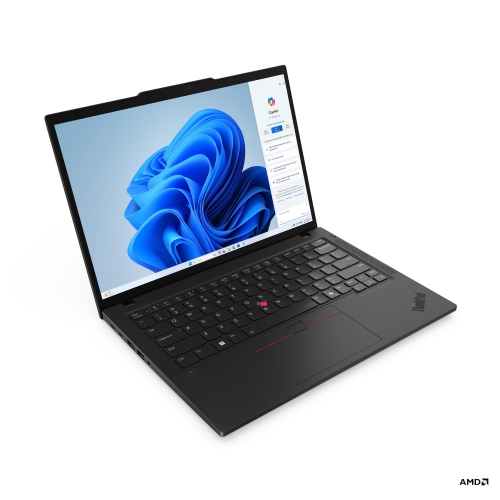
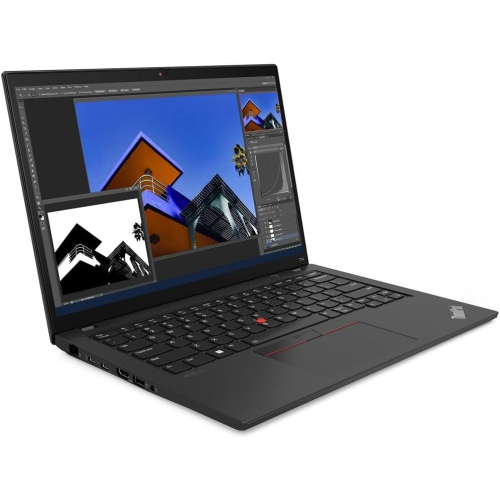
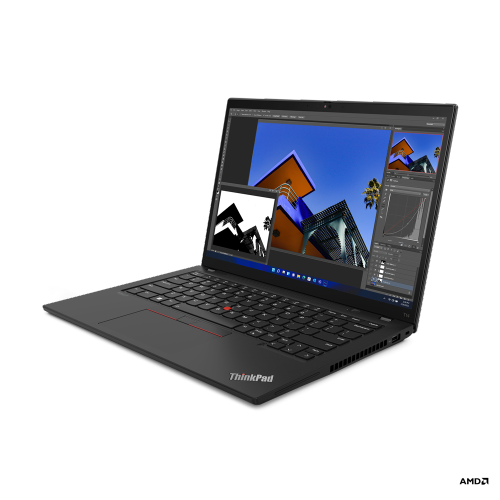
    LENOVO Thinkpad T14 Gen 5 14" Ips Laptop - Intel Core Ultra 7 155U - 32GB - 1Tb SSD - In Black

    About this product

    A powerful laptop featuring an Intel Core Ultra 7 processor, 32GB RAM, and 1TB SSD storage.

    What customers like

    • Easy upgradability and repairability
    • Long battery life
    • Lightweight and portable design
    • Outstanding keyboard and typing experience
    • Excellent performance and speed
    (104)
    $5,059.00 Your price for this item is $5059
  10. 10

    LENOVO Thinkpad E16 Gen 2 Business Laptop 16" Ips - Intel Core Ultra 7 155U - 16GB - 512GB SSD - Graphite In Black

    About this product

    A powerful Lenovo laptop with a 16" IPS display, Intel processor, 16GB RAM, and 512GB SSD.

    What customers like

    • Powerful processing
    • Long battery life
    • User-friendly design
    • High build quality
    • Reliable performance
    (264)
    $1,445.00
    SAVE $354
    Your price for this item is $1445

The laptop features that matter for your daily workload

The best laptops combine performance, portability, and everyday comfort in a way that suits the person using them. For work and study, that often means a responsive computer with a comfortable keyboard, clear display, and enough battery capacity to move between desks without constantly reaching for a charger. For gaming or creative projects, graphics performance, cooling, and screen quality take on greater importance. Everyday laptops suit web browsing, streaming, household paperwork, and video calls, while business-focused designs often put greater emphasis on security features, connectivity, and typing comfort. Convertible laptops add a touchscreen and a flexible hinge, allowing the screen to fold into different positions for reading, presentations, or handwritten notes with a compatible pen. Gaming laptops typically pair dedicated graphics with more substantial cooling systems, making them useful for both entertainment and demanding visual tasks. Within these categories, processor capability and memory help determine how comfortably a laptop handles a busy day. A system with 16 GB of memory is a practical starting point for many people juggling documents, browser tabs, and meetings, while 32 GB can provide more room for large creative files, development tools, or heavier multitasking. Requirements vary by application, so the software used for work, coursework, or hobbies matters more than a specification viewed on its own. Solid-state storage helps applications open promptly and keeps file access responsive. A 512 GB drive can suit documents and a moderate collection of applications, while 1 TB provides additional space for games, photos, and video projects. Storage needs can grow quickly when assignments include recorded presentations or a hobby turns into a library of high-resolution images. Processor architecture also matters: compatibility with essential applications, peripherals, and games is worth checking, especially when specialist software is involved. A well-matched laptop feels capable during ordinary tasks as well as demanding ones, whether that means editing a presentation while a call runs in the background or opening a large spreadsheet without interrupting the flow of work.

Screen size and physical design shape how a laptop fits into daily life just as much as its internal components. A 13-inch or 14-inch laptop is often easier to carry between lectures, take on a train, or use at a small kitchen table. A 15-inch or 16-inch display provides more space for side-by-side documents, detailed timelines, and spreadsheets, although overall weight and dimensions vary by design. Slim borders can make a larger display surprisingly manageable, but the full footprint still needs to fit a backpack sleeve or desk setup. A taller screen format offers extra vertical room for reading articles and working through long documents. Higher resolution can make text and images look sharper, while brightness and glare control affect visibility near windows or under overhead lighting. OLED displays can deliver deep blacks and strong contrast for films and visual work; other display technologies may suit those who prioritize a matte finish or different battery characteristics. For photo editing and design, colour accuracy and coverage of the colour range required by the work are more useful considerations than vividness alone. Fast refresh rates can make supported games and on-screen movement look smoother, but actual gaming performance also depends on the graphics hardware, cooling, and chosen settings. Integrated graphics can handle many everyday visual tasks and lighter games, while dedicated graphics are generally better suited to demanding games, 3D work, and certain editing applications. Touchscreens offer direct navigation, and pen support can be helpful for annotating diagrams or writing equations, though compatibility and whether a pen is included vary. Keyboard spacing, key feel, and palm-rest comfort become noticeable during long writing sessions. A number pad can simplify frequent data entry, while a responsive touchpad makes navigation easier when there is no room for a mouse. Clear microphones, a useful webcam, and a physical camera shutter can also make a meaningful difference for people who regularly join remote meetings or online tutorials.

Construction, care, and connectivity help determine how well a laptop holds up to its intended routine. Depending on the design, chassis materials may include aluminium, magnesium alloy, reinforced composites, or plastic, each with different effects on weight, rigidity, and feel. Metal construction alone does not establish durability; hinge stability, chassis strength, and careful handling also matter. A padded sleeve with a close fit helps protect against scratches and minor knocks during travel, while a bag with a separate laptop compartment keeps the computer away from loose keys and bulky chargers. Using a laptop on a firm surface leaves ventilation openings unobstructed, which is particularly important during gaming, rendering, or other sustained workloads. Soft bedding and deep cushions can restrict airflow. Routine care includes shutting the computer down before cleaning, using a soft cloth suitable for its surfaces, and following the manufacturer's directions rather than spraying liquid directly onto the screen or keyboard. For people working away from a desk, battery expectations should reflect real tasks: screen brightness, video calls, games, and background applications all influence running time. Charger size and weight belong in the portability picture, too. At a permanent workspace, suitable ports can make it easier to connect a monitor, external storage, a headset, or a wired network adapter. USB-C capabilities differ, so charging, video output, and docking support need to match the intended accessories. Wi-Fi performance also depends on the wireless network and signal conditions, not just the laptop itself. Students moving between classrooms, shared study spaces, and home may place particular value on manageable weight, reliable application support, and a keyboard that stays comfortable through lengthy assignments. The Lenovo Student Laptops collection brings that study-focused use into closer view. For a laptop given as a gift, the recipient's course requirements, favourite activities, accessibility needs, and preferred screen size provide useful context. Whether the computer is headed for a home office, a residence room, or evenings spent creating and playing, the strongest fit comes from balancing everyday usability with the demands it will actually face.
Read More

FAQ

Some products may be subject to Environmental Handling Fees (EHF) depending on your province. Learn more about EHFs.